Step-by-step guides for running a Shopify store — written by the team behind the Nexora apps, with exact settings you can follow.
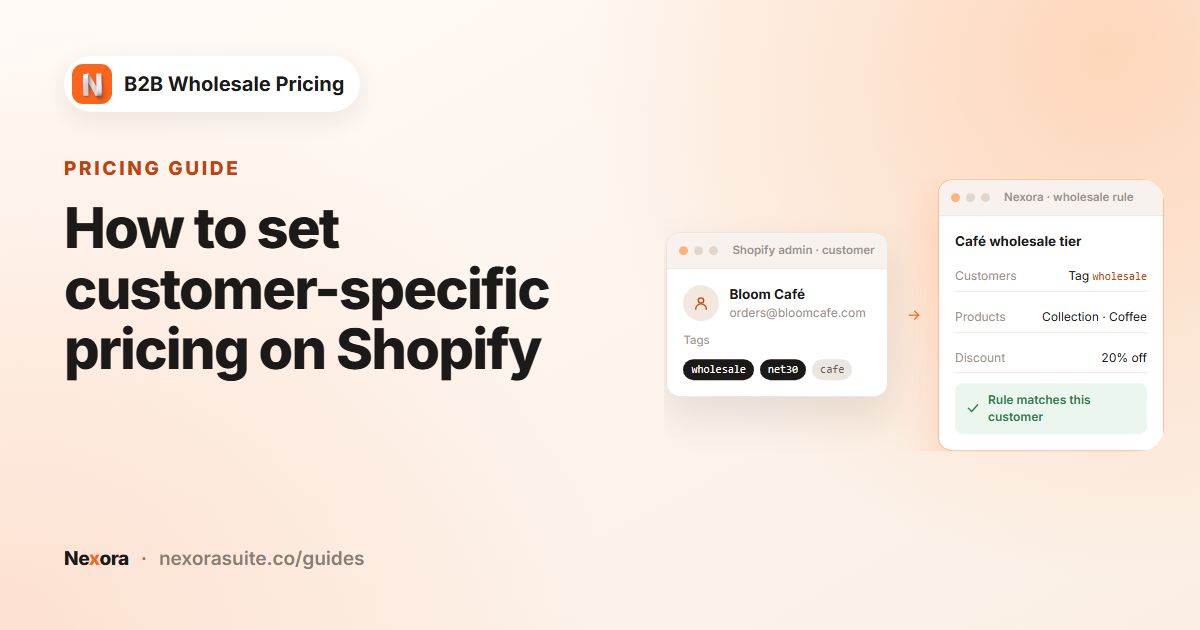 PricingHow to set customer-specific pricing on Shopify
Customer-specific pricing means different buyers see different prices for the same product. On Shopify you can do it with pricing…
Read guide →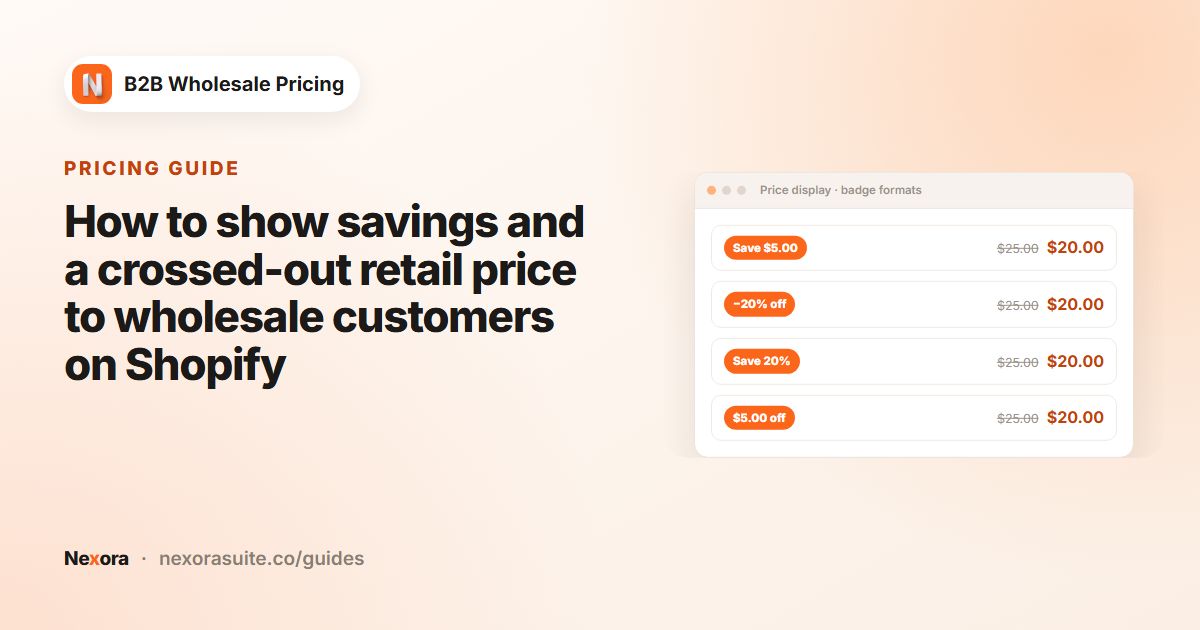 PricingHow to show savings and a crossed-out retail price to wholesale customers on Shopify
To show wholesale buyers what they save on Shopify, turn on Show original price with strikethrough so the retail price appears…
Read guide →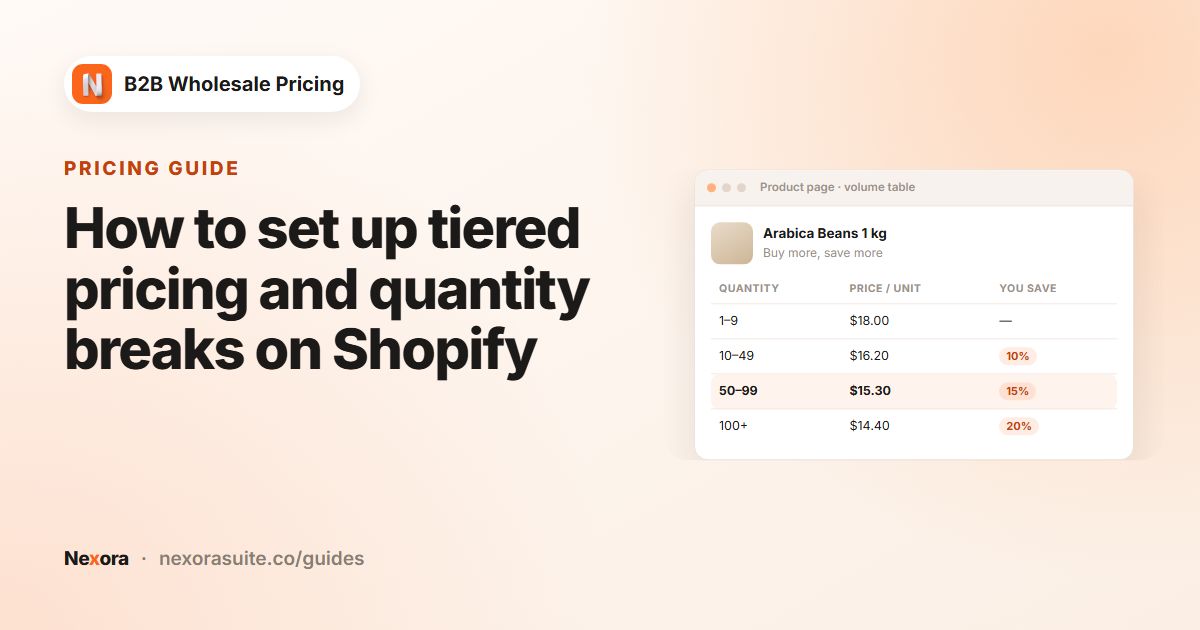 PricingHow to set up tiered pricing and quantity breaks on Shopify
Tiered pricing gives buyers a lower unit price as they order more, for example 5% off at 12 units and 12% off at 48. On Shopify…
Read guide →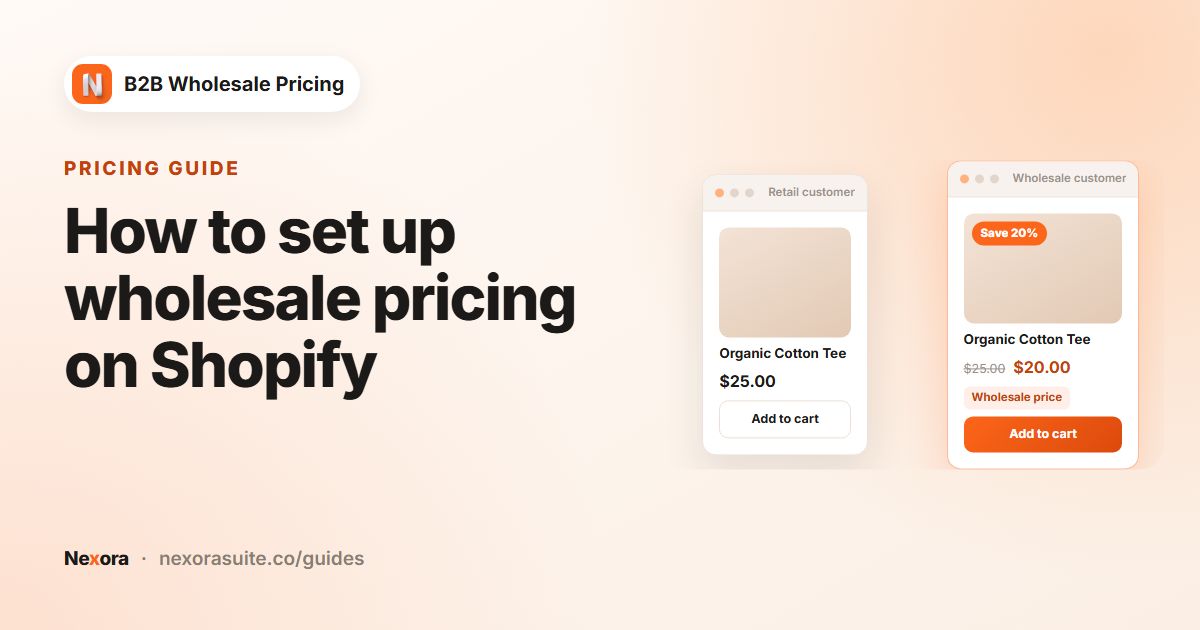 PricingHow to set up wholesale pricing on Shopify
To set up wholesale pricing on Shopify, tag your trade buyers (for example wholesale), then create a pricing rule that targets…
Read guide →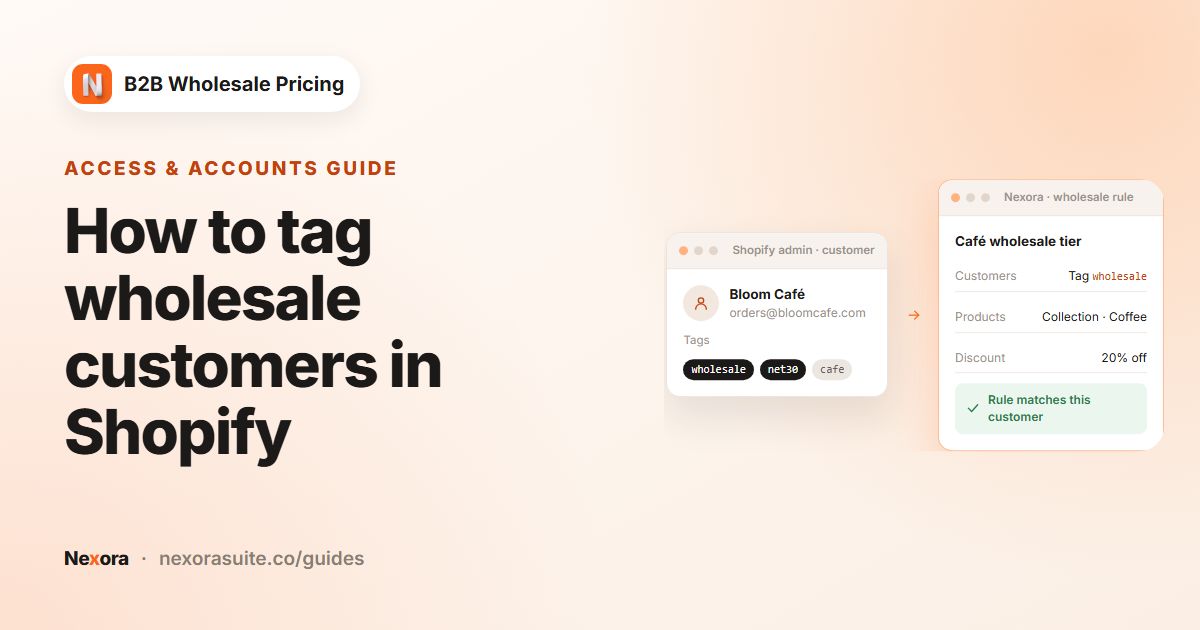 Access & accountsHow to tag wholesale customers in Shopify
To tag wholesale customers in Shopify, open the customer in your Shopify admin and add a tag such as wholesale in the Tags field,…
Read guide →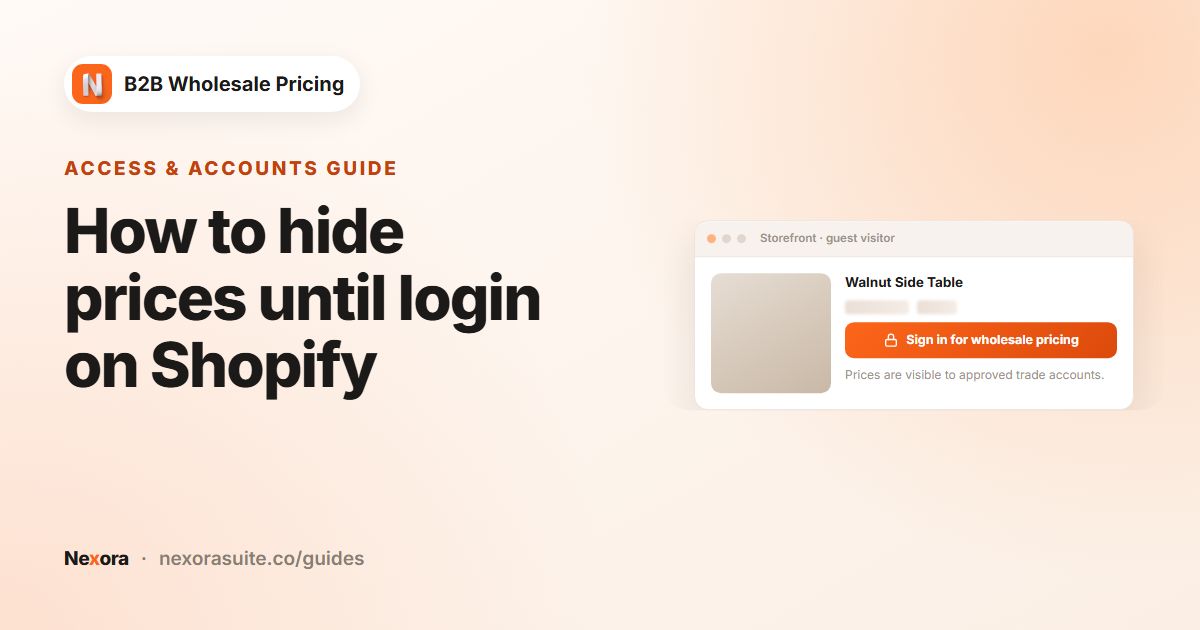 Access & accountsHow to hide prices until login on Shopify
To hide prices until login on Shopify, create a catalog lock with the Hide price mode, choose which products it covers, and set…
Read guide →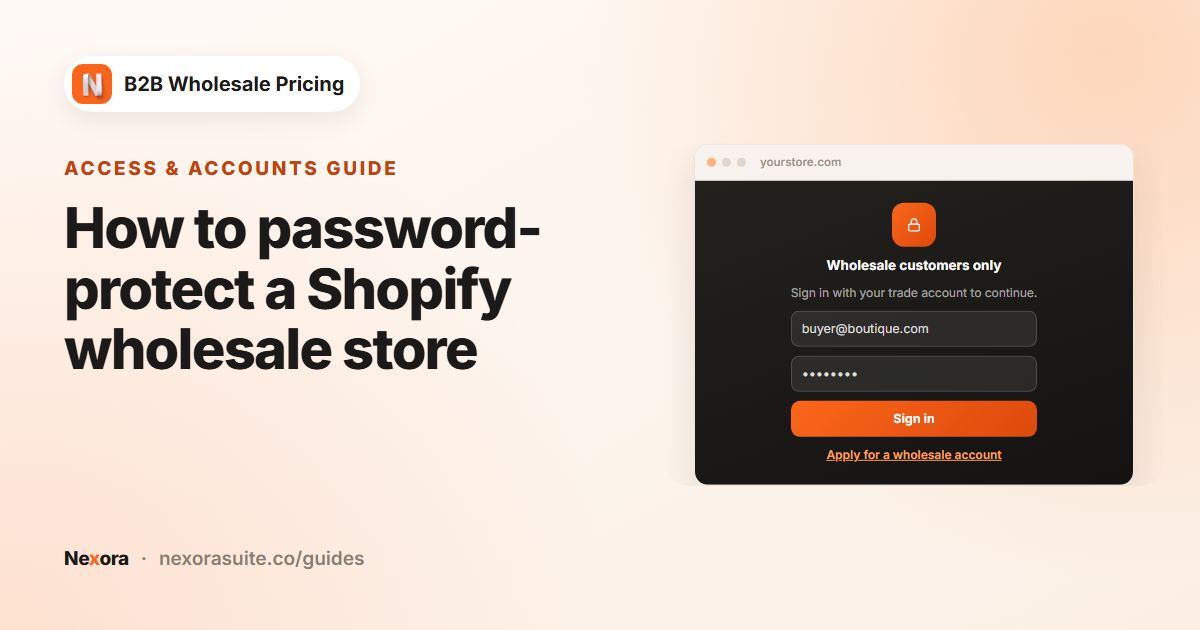 Access & accountsHow to password-protect a Shopify wholesale store
To password-protect a Shopify wholesale store, put the store behind a sign-in gate that only approved buyers can pass. With a…
Read guide →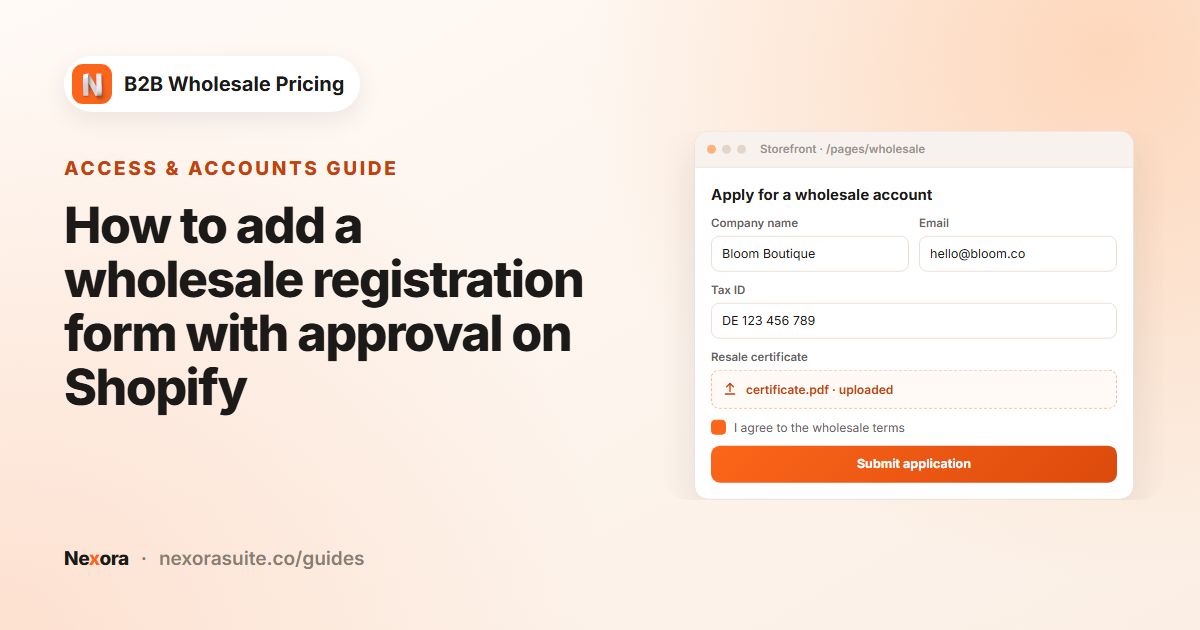 Access & accountsHow to add a wholesale registration form with approval on Shopify
A wholesale registration form lets businesses apply for a trade account on your Shopify store. Build the form with fields such as…
Read guide →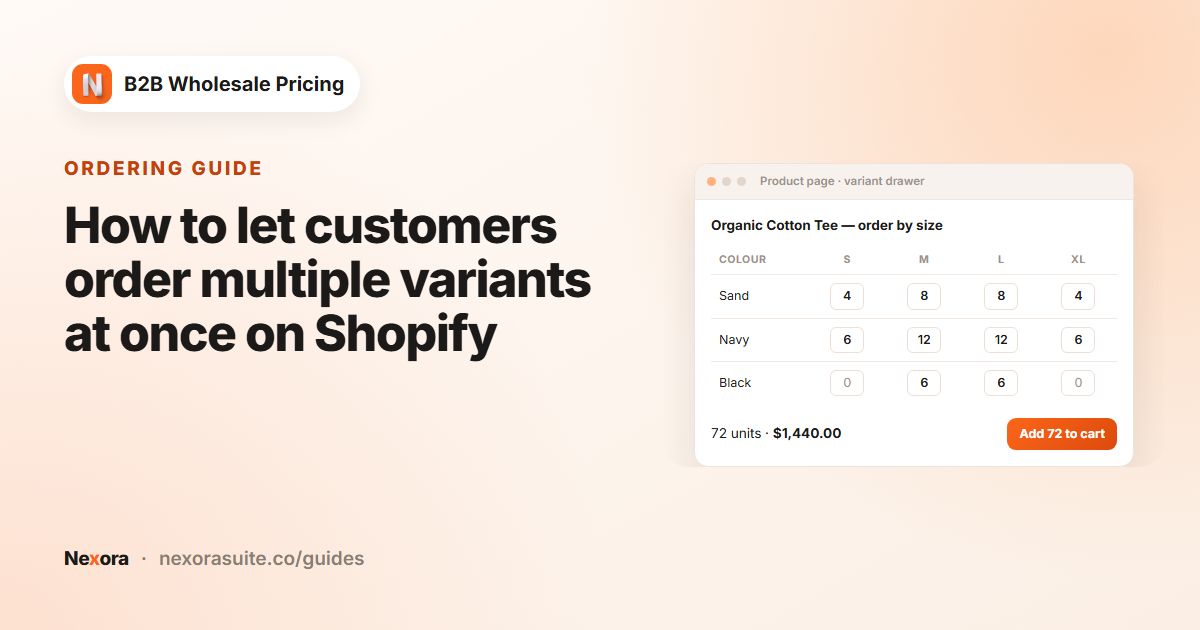 OrderingHow to let customers order multiple variants at once on Shopify
Shopify product pages normally add one variant at a time. To let buyers order many sizes or colours in one go, create a Variant…
Read guide →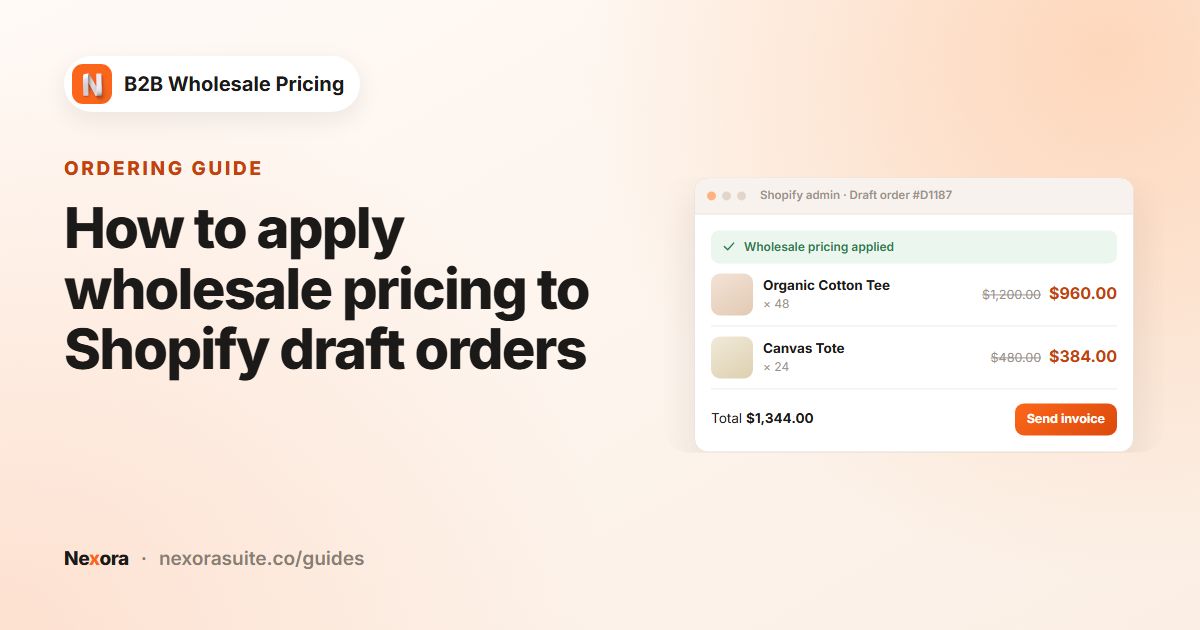 OrderingHow to apply wholesale pricing to Shopify draft orders
To apply wholesale pricing to a Shopify draft order, create the draft with the buyer's customer account attached, then open it in…
Read guide →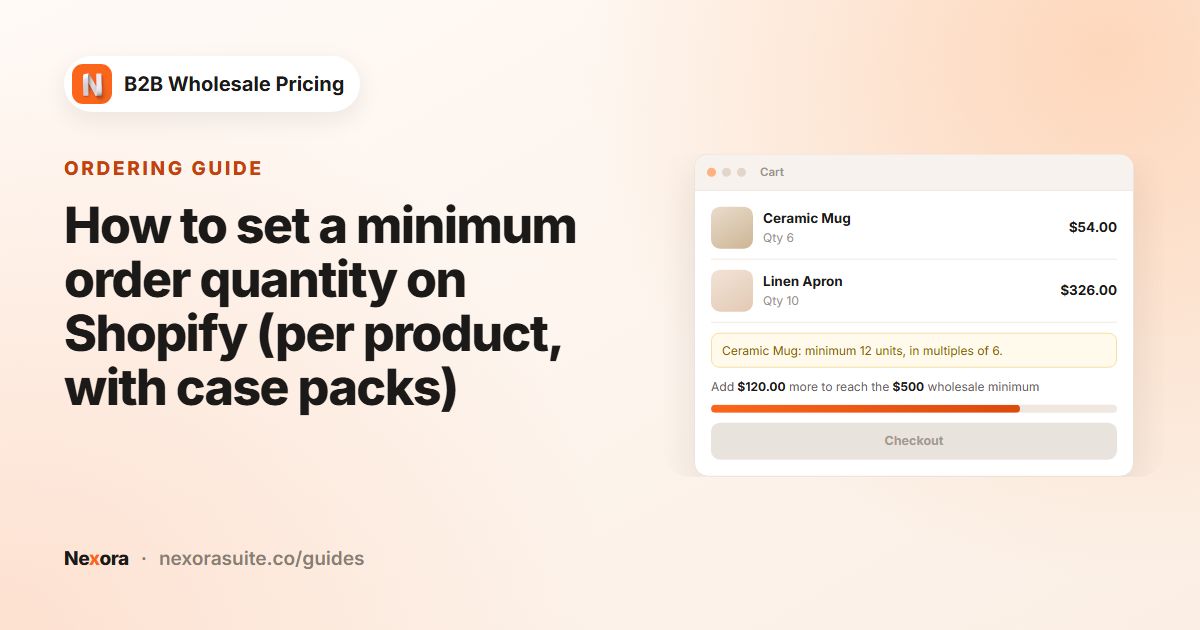 OrderingHow to set a minimum order quantity on Shopify (per product, with case packs)
To set a minimum order quantity on Shopify, create an MOQ — Order quantity (per product) limit in Nexora B2B Wholesale Pricing.…
Read guide →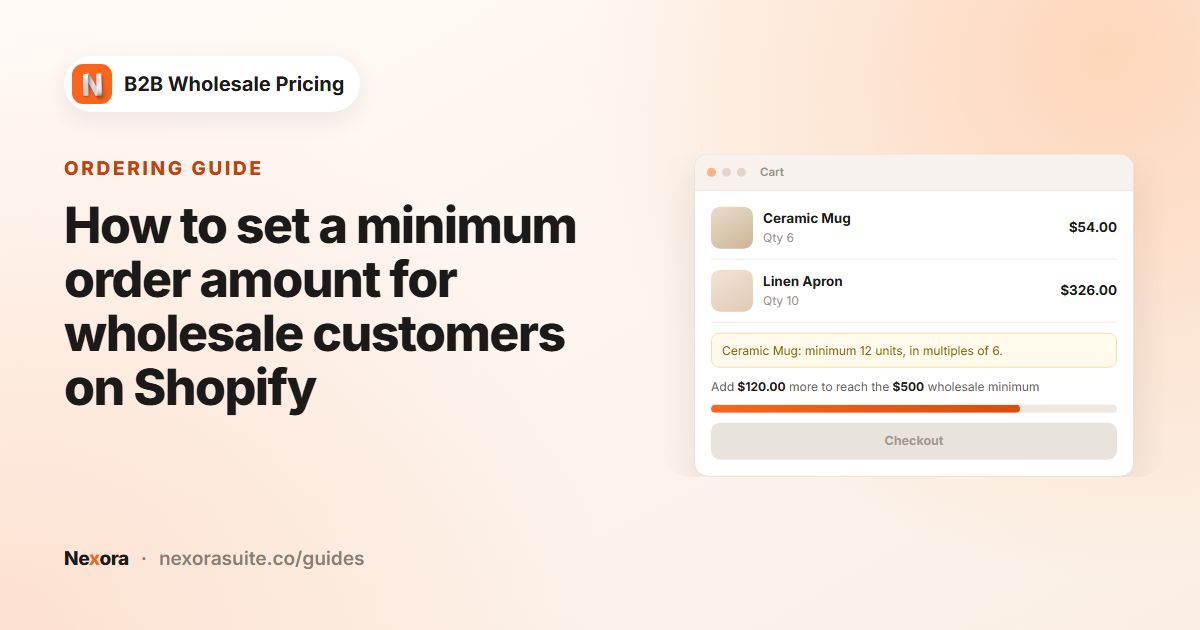 OrderingHow to set a minimum order amount for wholesale customers on Shopify
To require a minimum order amount for wholesale buyers on Shopify, create an MOV — Order value (cart total) limit in Nexora B2B…
Read guide →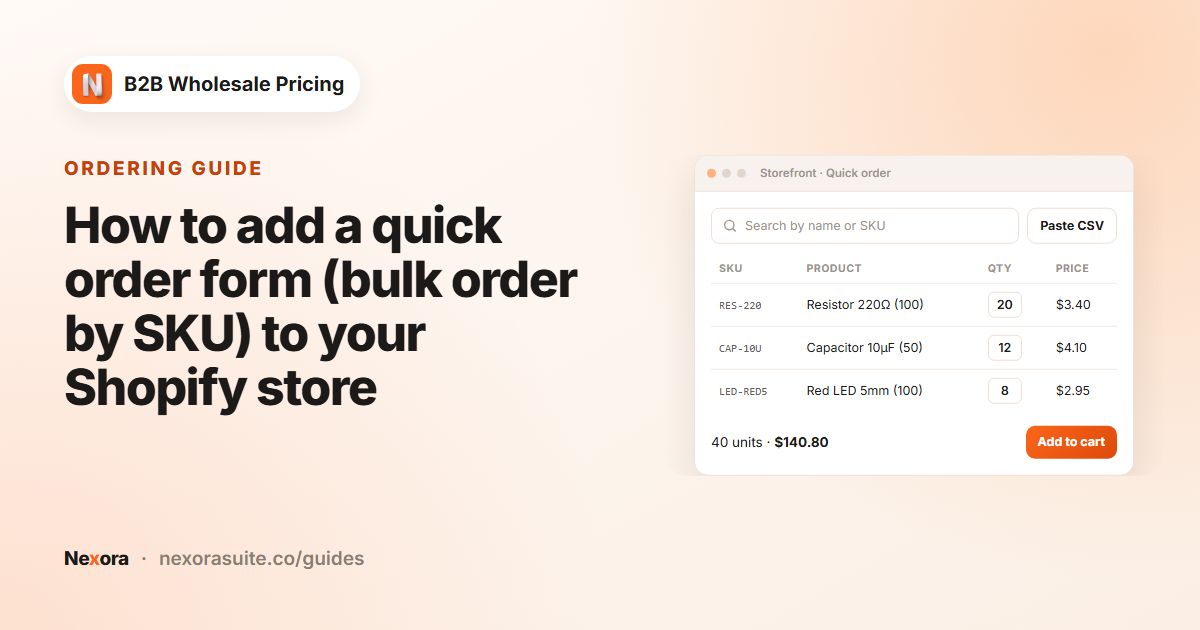 OrderingHow to add a quick order form (bulk order by SKU) to your Shopify store
A quick order form lets wholesale buyers order many products from one table instead of visiting each product page. In Nexora B2B…
Read guide →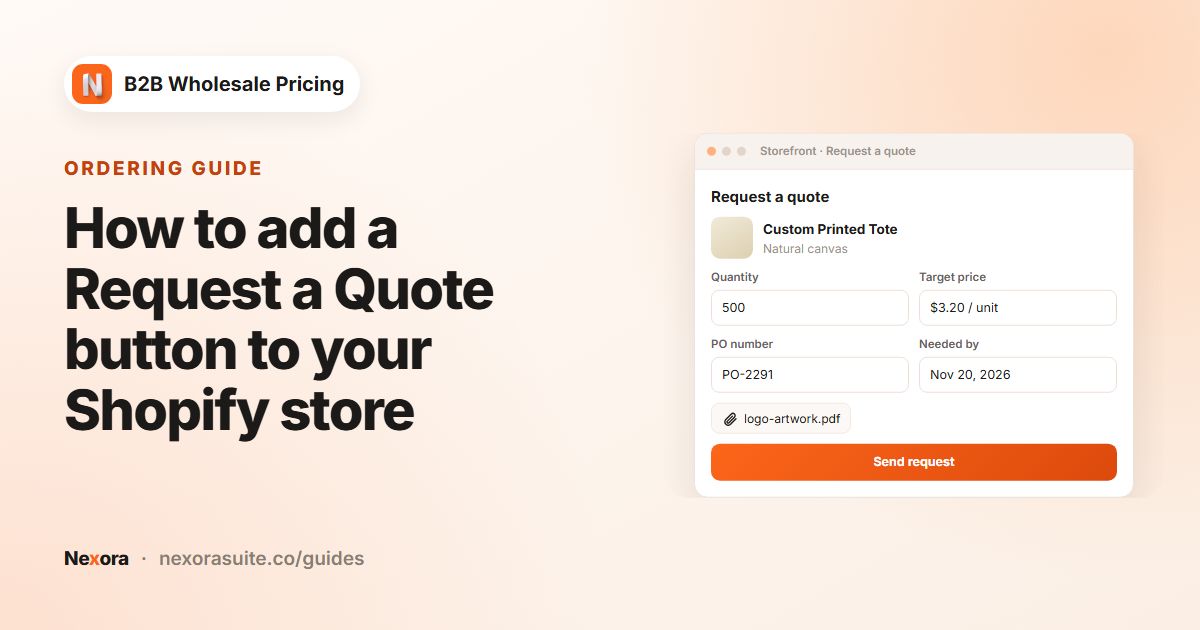 OrderingHow to add a Request a Quote button to your Shopify store
To add a Request a Quote button on Shopify, create a rule under Add-ons → Request a Quote in Nexora B2B Wholesale Pricing. Choose…
Read guide →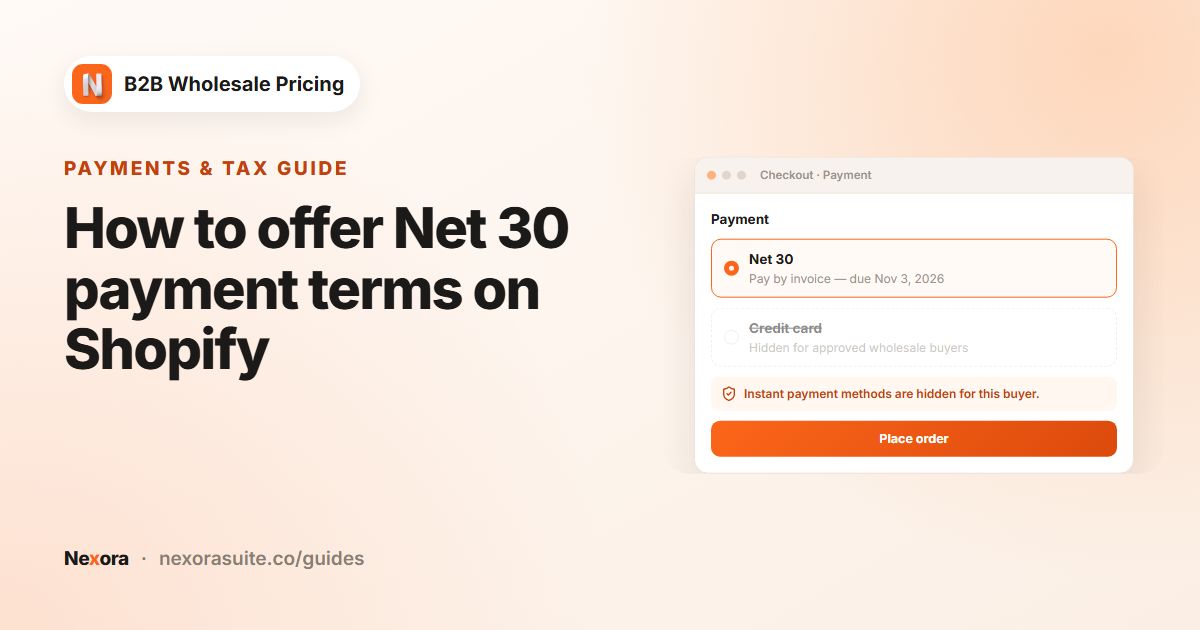 Payments & taxHow to offer Net 30 payment terms on Shopify
To offer Net 30 on Shopify with customer tags, create a manual payment method such as NET 30 — Pay later, then create a payment…
Read guide →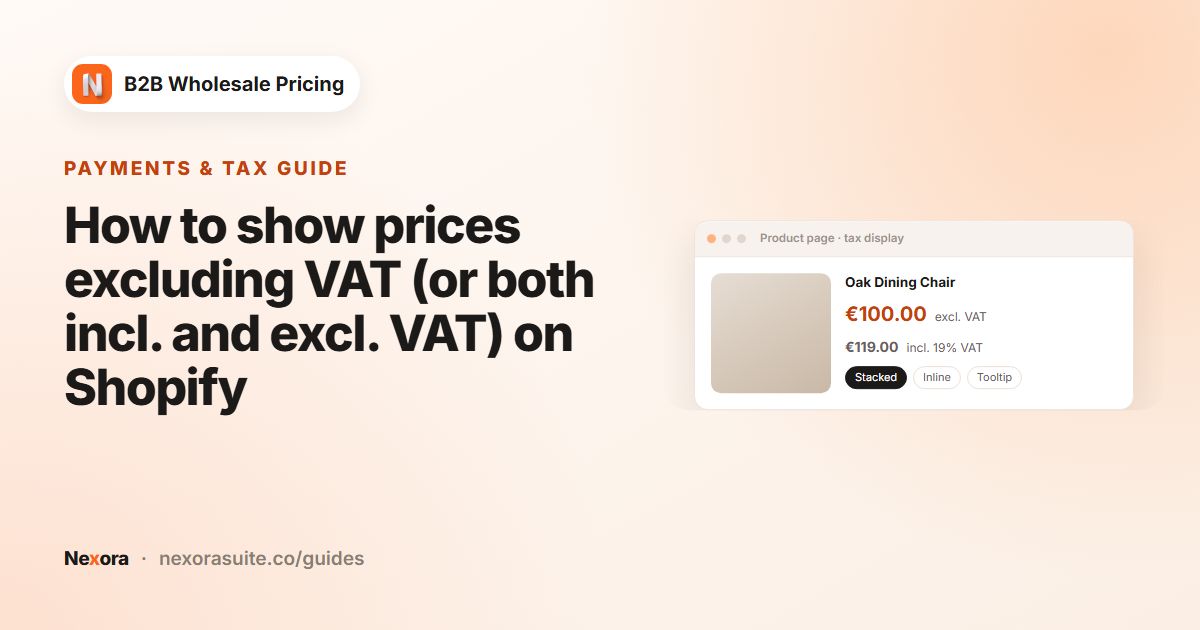 Payments & taxHow to show prices excluding VAT (or both incl. and excl. VAT) on Shopify
To show prices excluding VAT to business buyers on Shopify, create a rule under Add-ons → Tax display in Nexora B2B Wholesale…
Read guide →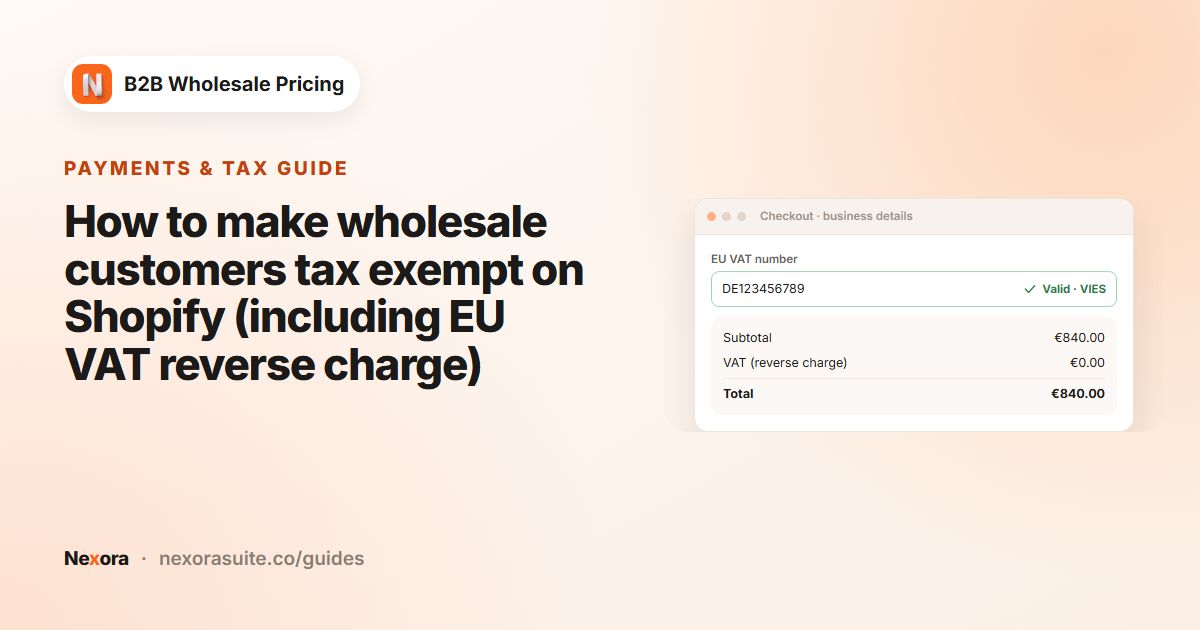 Payments & taxHow to make wholesale customers tax exempt on Shopify (including EU VAT reverse charge)
To make wholesale customers tax exempt on Shopify, create a rule under Add-ons → Tax exempt in Nexora B2B Wholesale Pricing.…
Read guide →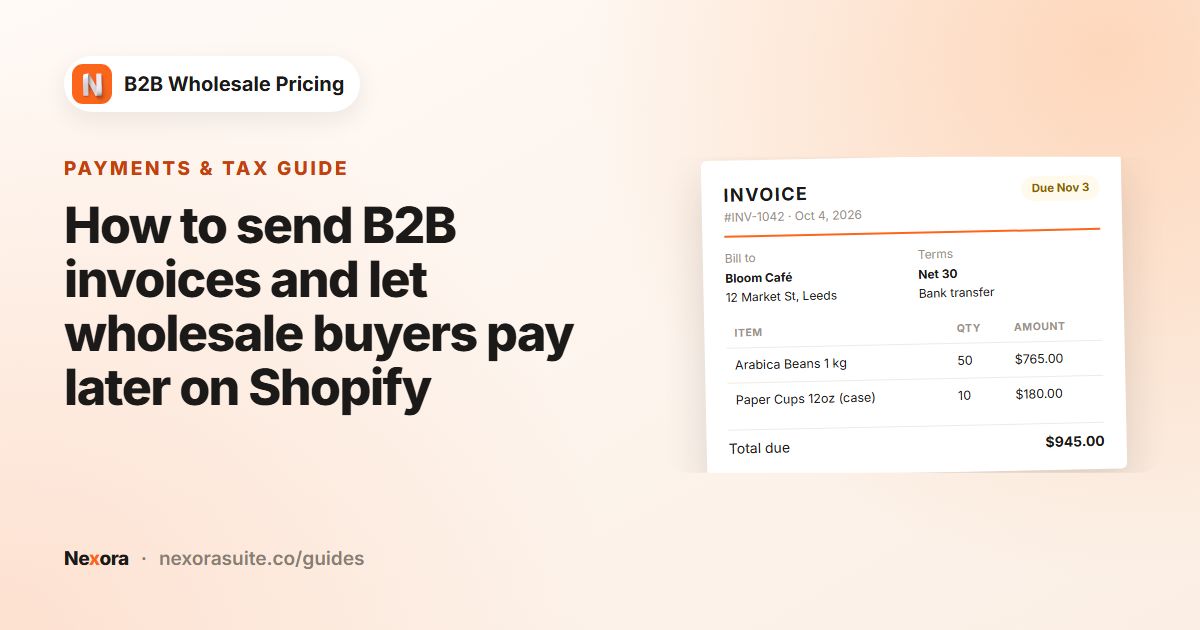 Payments & taxHow to send B2B invoices and let wholesale buyers pay later on Shopify
Nexora B2B Wholesale Pricing creates PDF invoices for pay-later wholesale orders on Shopify. Invoices are made automatically when…
Read guide →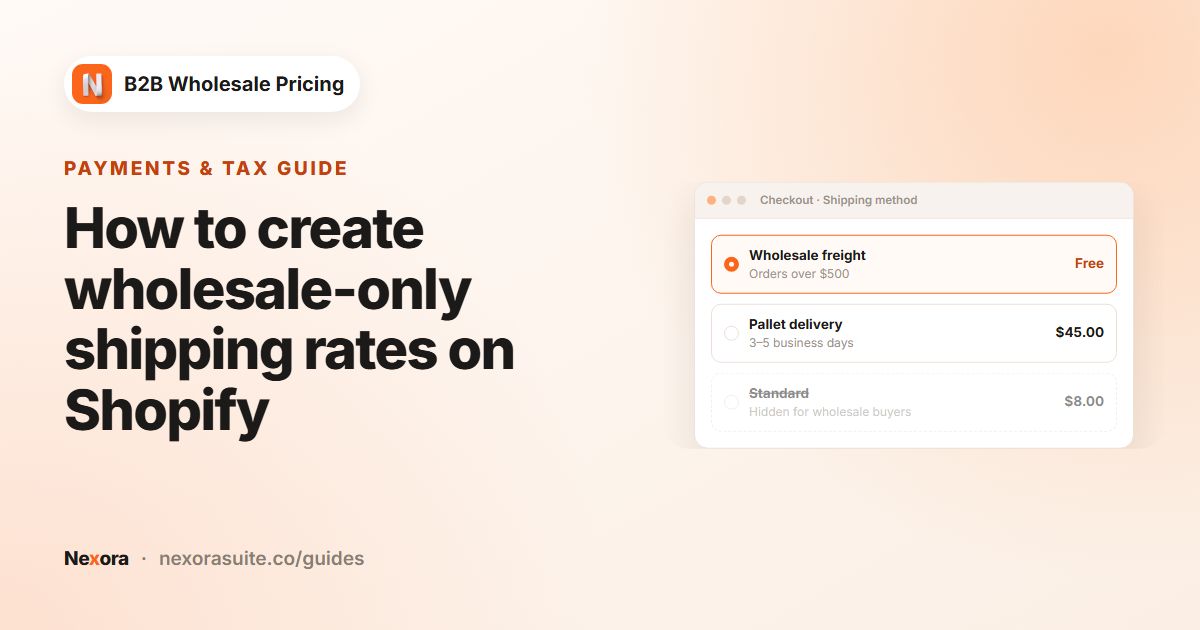 Payments & taxHow to create wholesale-only shipping rates on Shopify
Shopify shows the same shipping rates to every customer by default. To give wholesale buyers their own rates, create the rates in…
Read guide →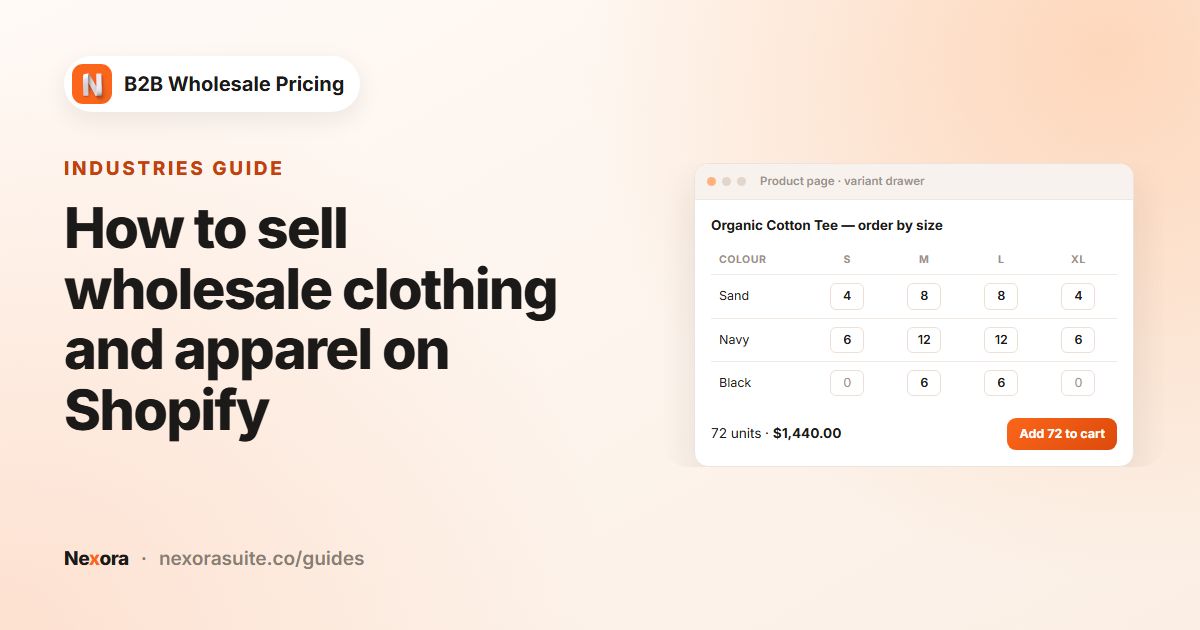 IndustriesHow to sell wholesale clothing and apparel on Shopify
To sell wholesale clothing on Shopify, tag approved boutiques (for example wholesale-apparel), give them a wholesale price rule,…
Read guide →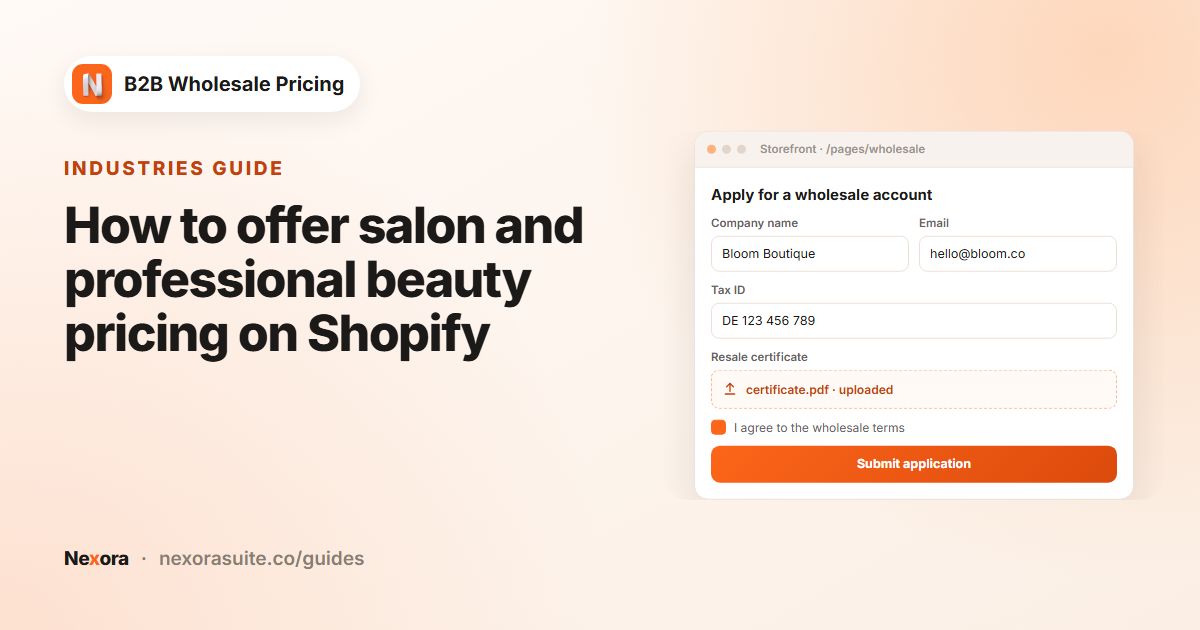 IndustriesHow to offer salon and professional beauty pricing on Shopify
To run professional beauty pricing on Shopify, collect a licence or salon ID through a registration form, review each application…
Read guide →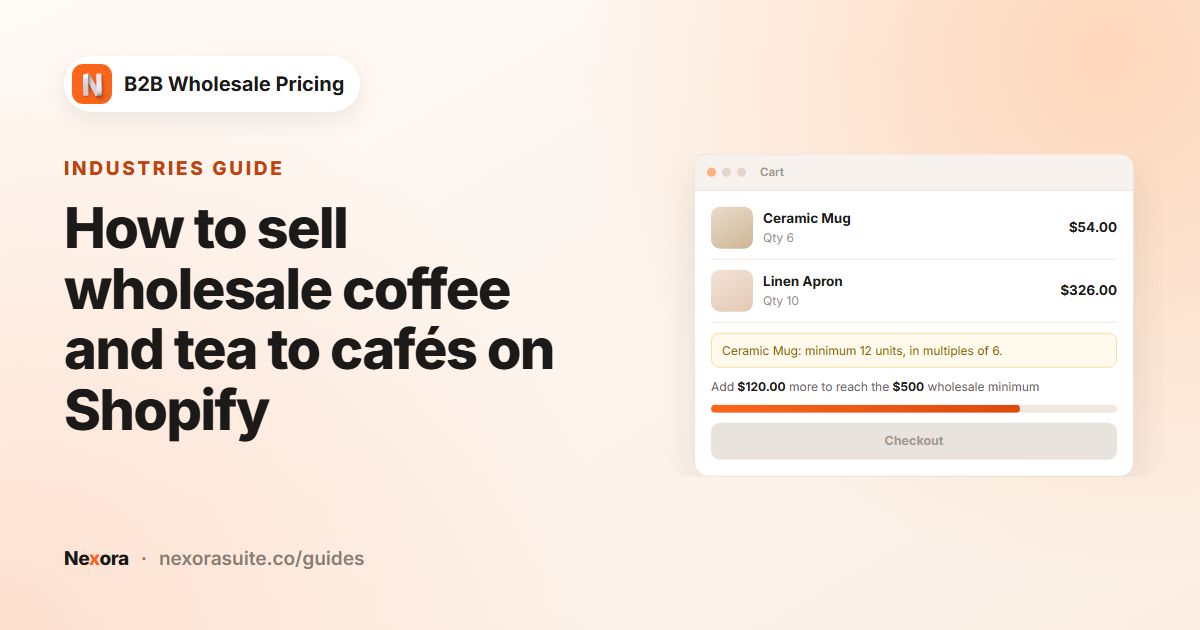 IndustriesHow to sell wholesale coffee and tea to cafés on Shopify
To sell wholesale coffee or tea to cafés on Shopify, tag café accounts (for example cafe), set a minimum order weight such as 5…
Read guide →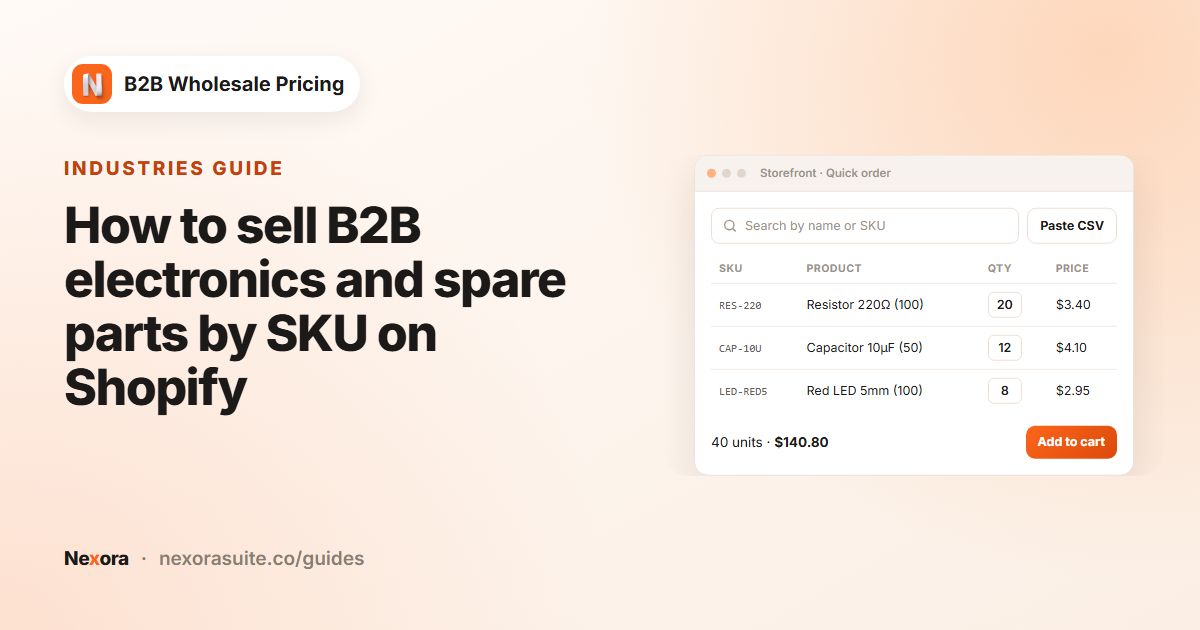 IndustriesHow to sell B2B electronics and spare parts by SKU on Shopify
To sell electronics or spare parts B2B on Shopify, give trade buyers a quick order form where they paste SKU,qty lines from their…
Read guide →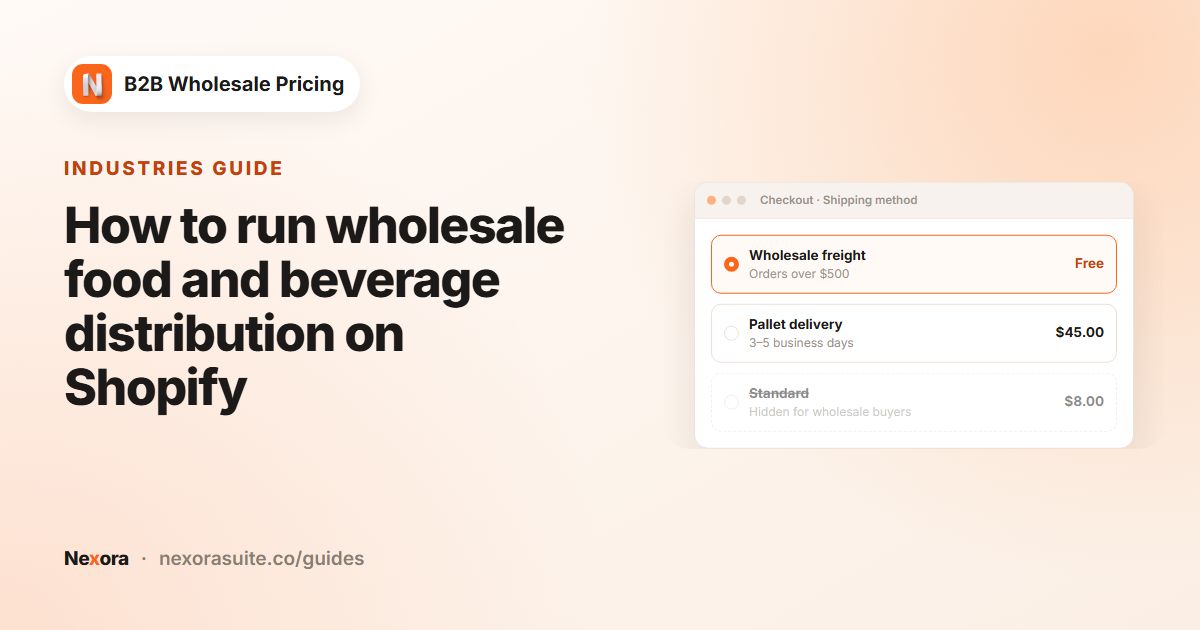 IndustriesHow to run wholesale food and beverage distribution on Shopify
To run food and beverage wholesale on Shopify, tag trade accounts (for example trade), set a minimum order value such as $400 with…
Read guide →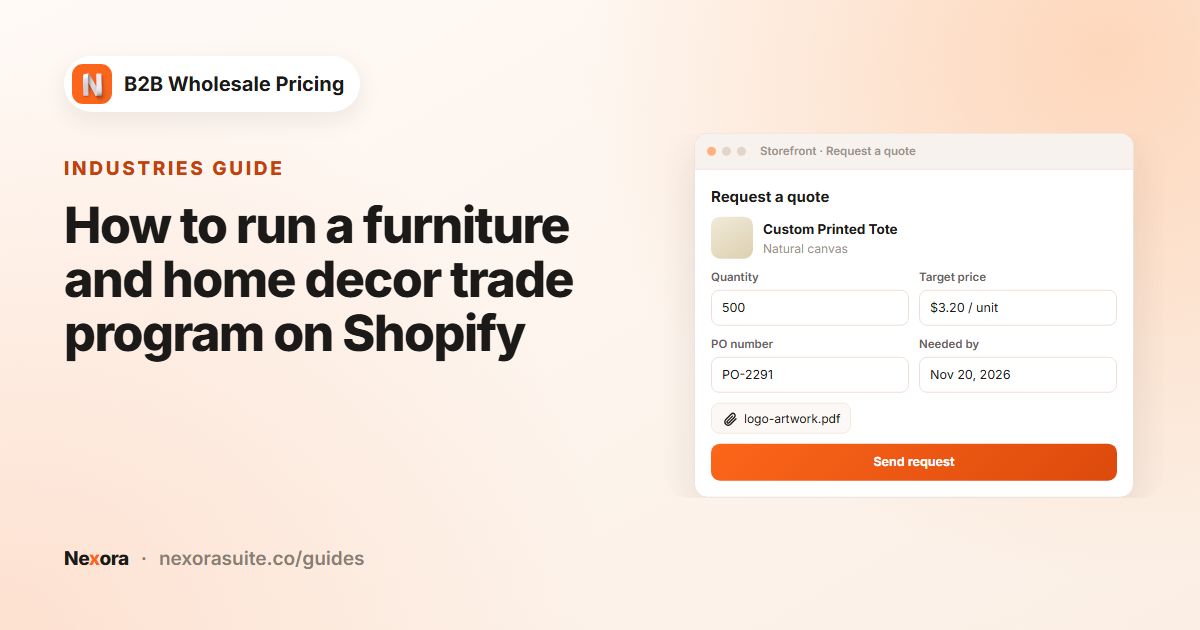 IndustriesHow to run a furniture and home decor trade program on Shopify
To run a furniture or home decor trade program on Shopify, let interior designers apply through a trade registration form, tag…
Read guide →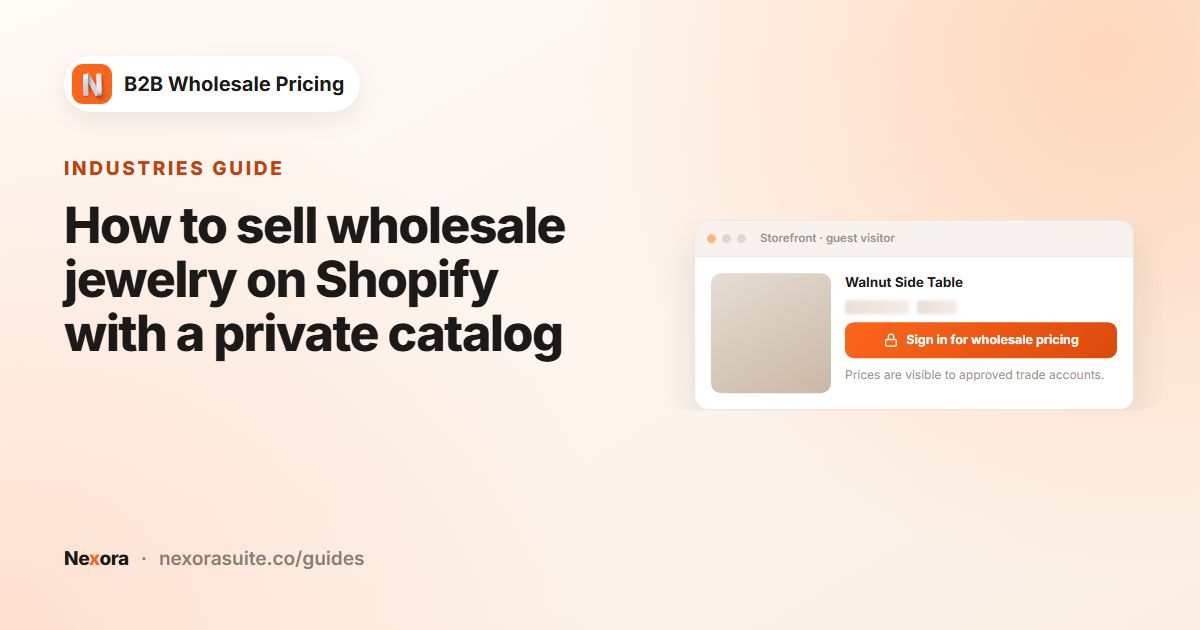 IndustriesHow to sell wholesale jewelry on Shopify with a private catalog
To sell jewelry wholesale on Shopify, keep wholesale prices hidden until a retailer is approved, and put your wholesale line…
Read guide →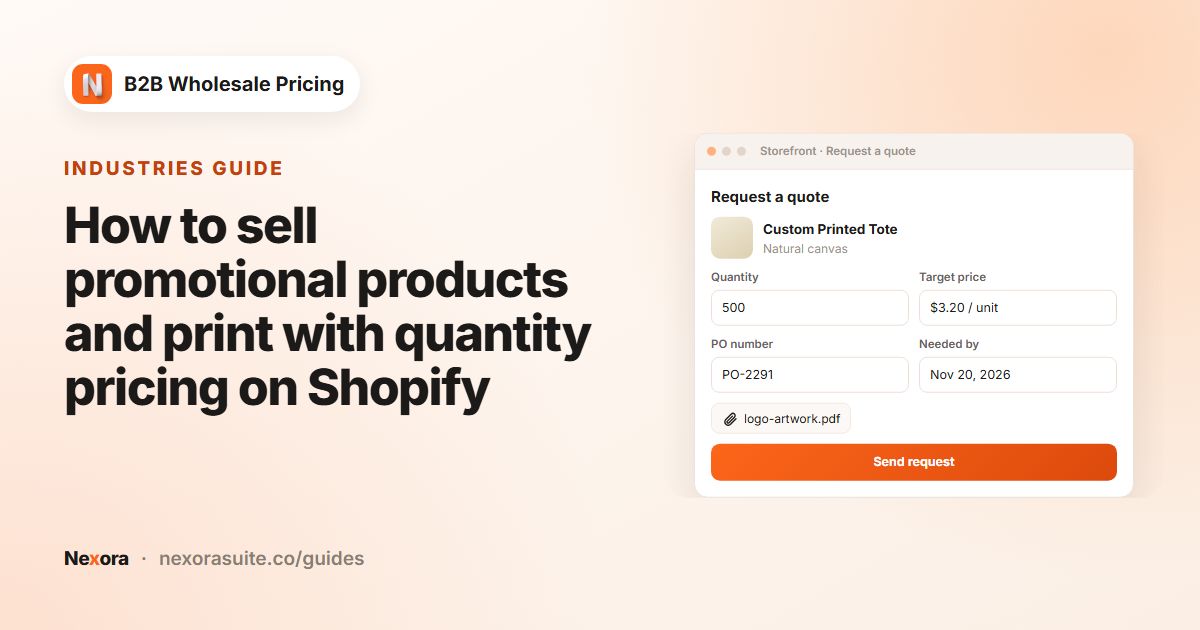 IndustriesHow to sell promotional products and print with quantity pricing on Shopify
To sell promotional products or print on Shopify, add quantity breaks with a per-unit price at each level (for example 50, 100,…
Read guide →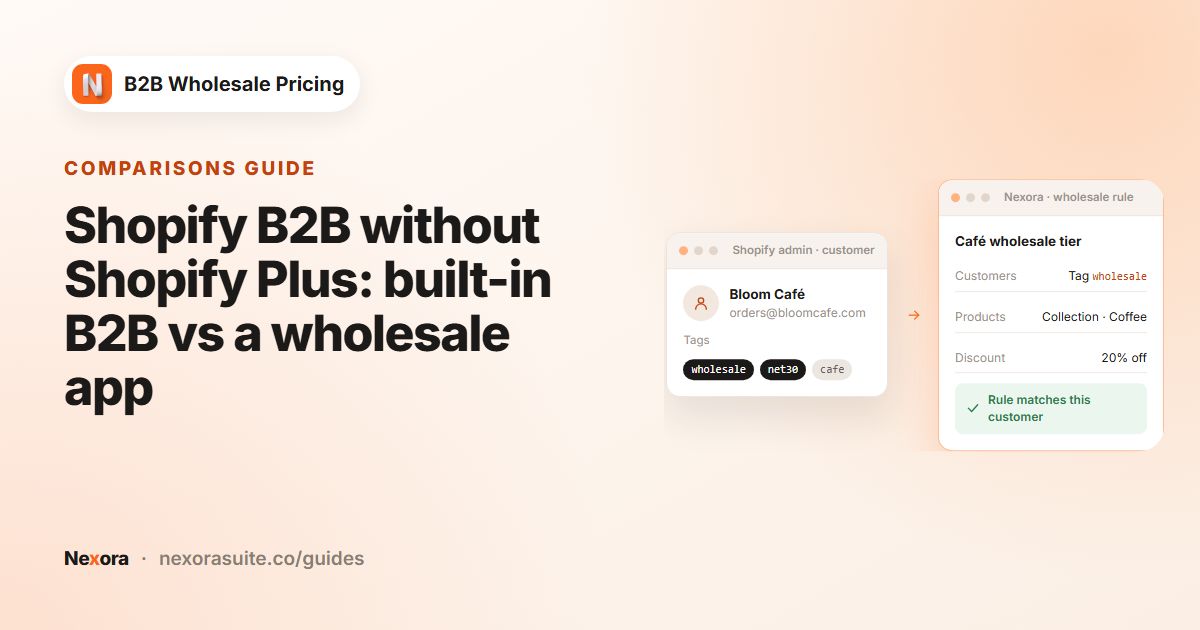 ComparisonsShopify B2B without Shopify Plus: built-in B2B vs a wholesale app
You don't need Shopify Plus for B2B any more. According to Shopify's Help Center, core B2B features such as companies, quantity…
Read guide →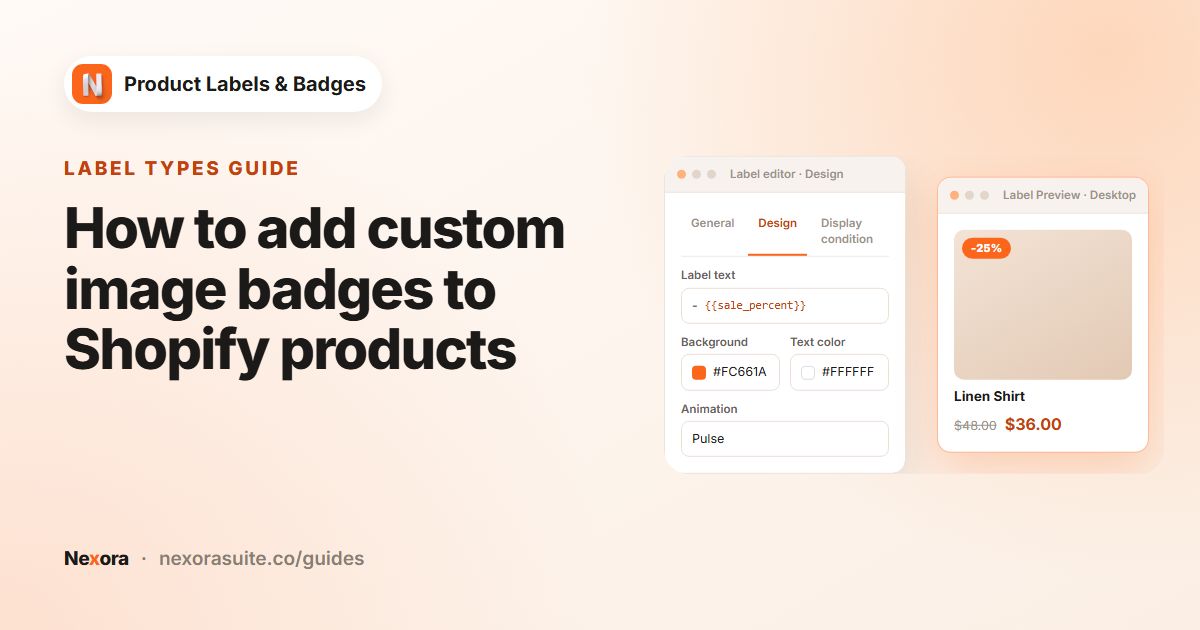 Label typesHow to add custom image badges to Shopify products
To add a custom image badge on Shopify, create a label and choose the Image type to pick a ready-made badge from the built-in…
Read guide →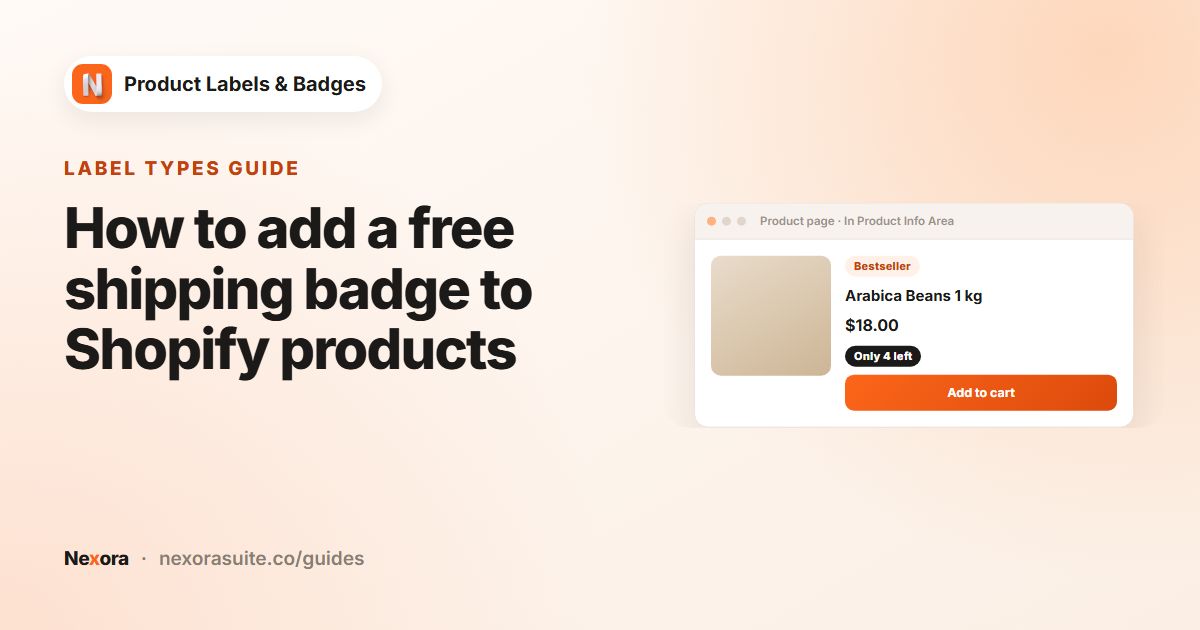 Label typesHow to add a free shipping badge to Shopify products
To add a free shipping badge on Shopify, first set up the free shipping rate itself in your Shopify shipping settings. Then create…
Read guide →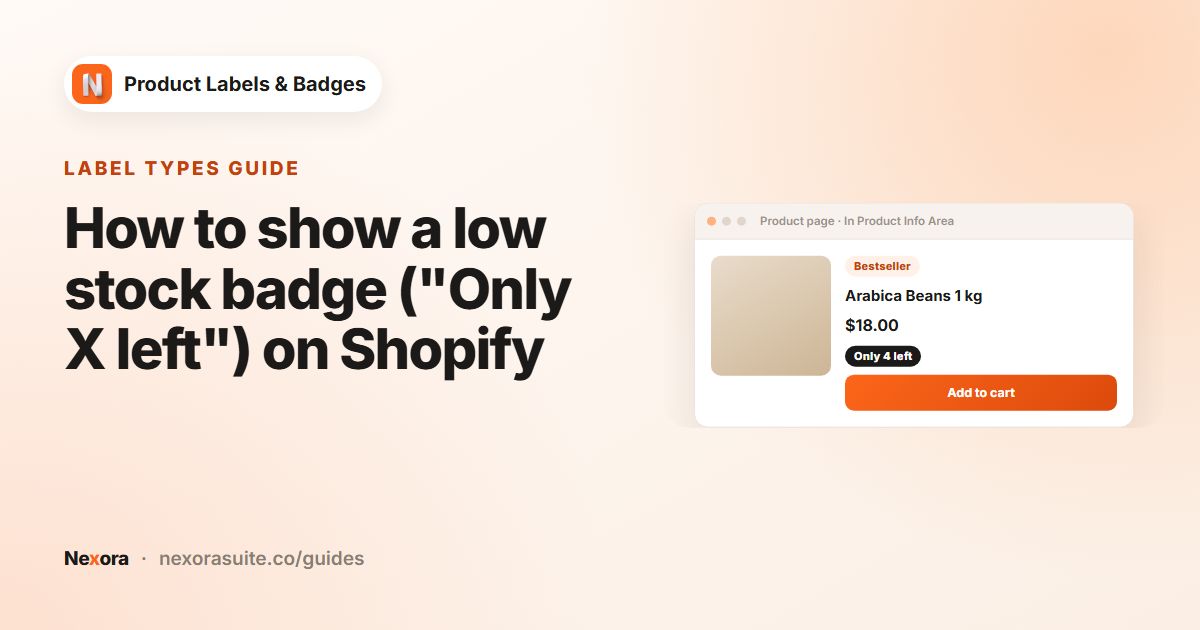 Label typesHow to show a low stock badge ("Only X left") on Shopify
To show an "Only X left" badge on Shopify, create an automation label with the Low stock condition and set When stock ≤ X (1–100,…
Read guide →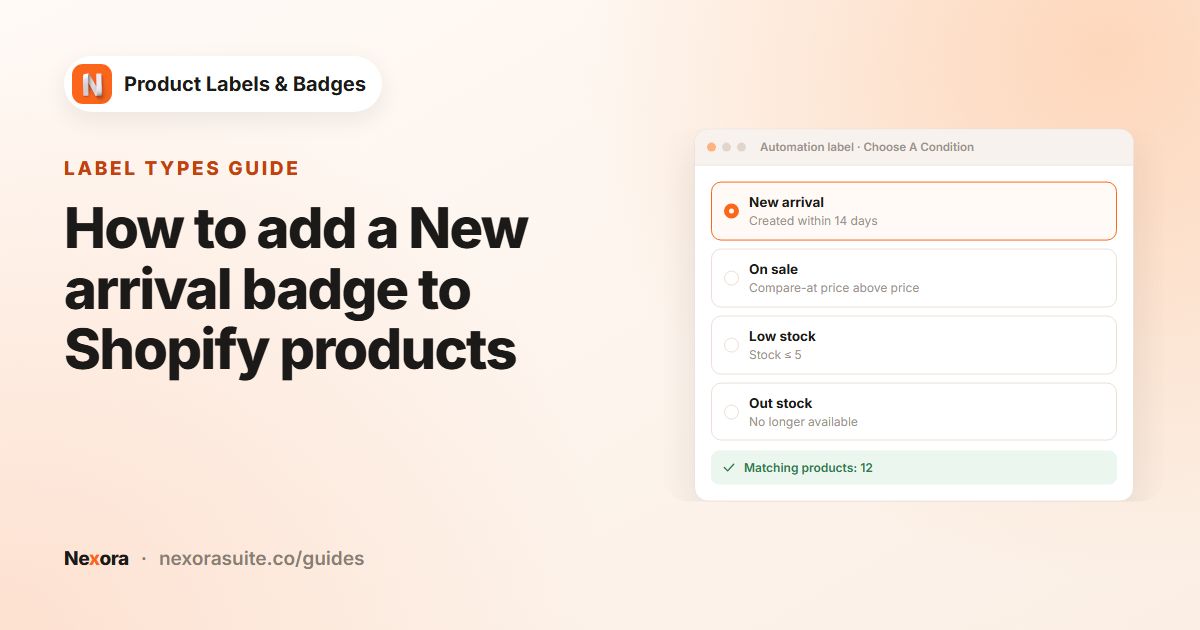 Label typesHow to add a New arrival badge to Shopify products
To add a new arrival badge on Shopify, create an automation label with the New arrival condition and enter how many days a product…
Read guide →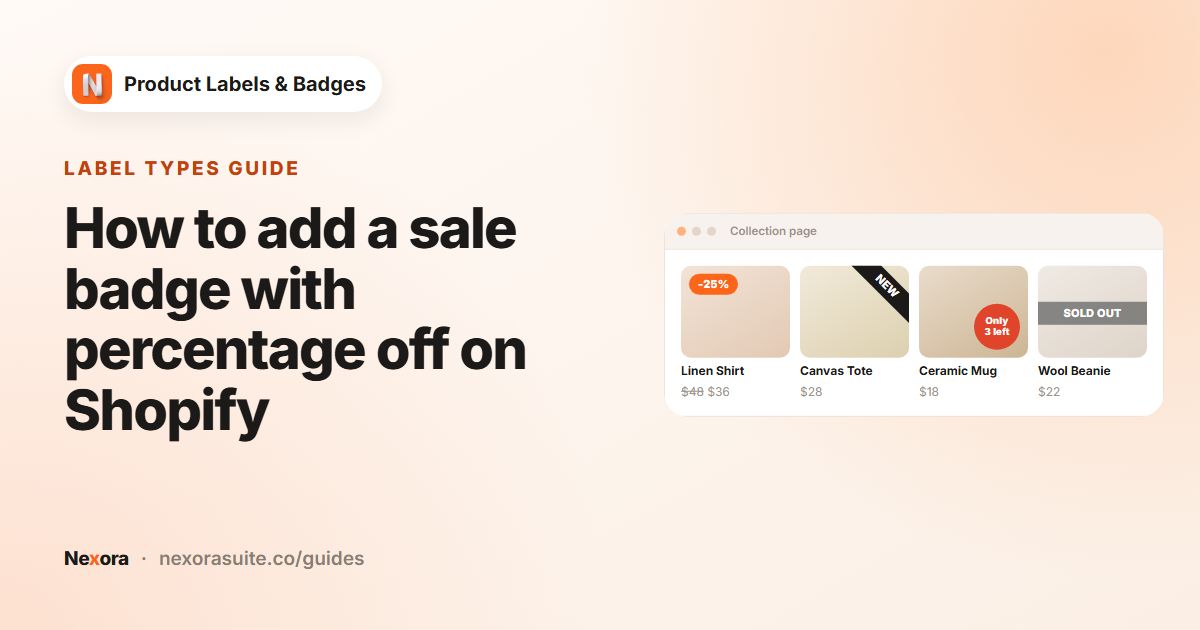 Label typesHow to add a sale badge with percentage off on Shopify
To show a percentage-off sale badge on Shopify, give products a Compare-at price higher than their Price, then create an…
Read guide →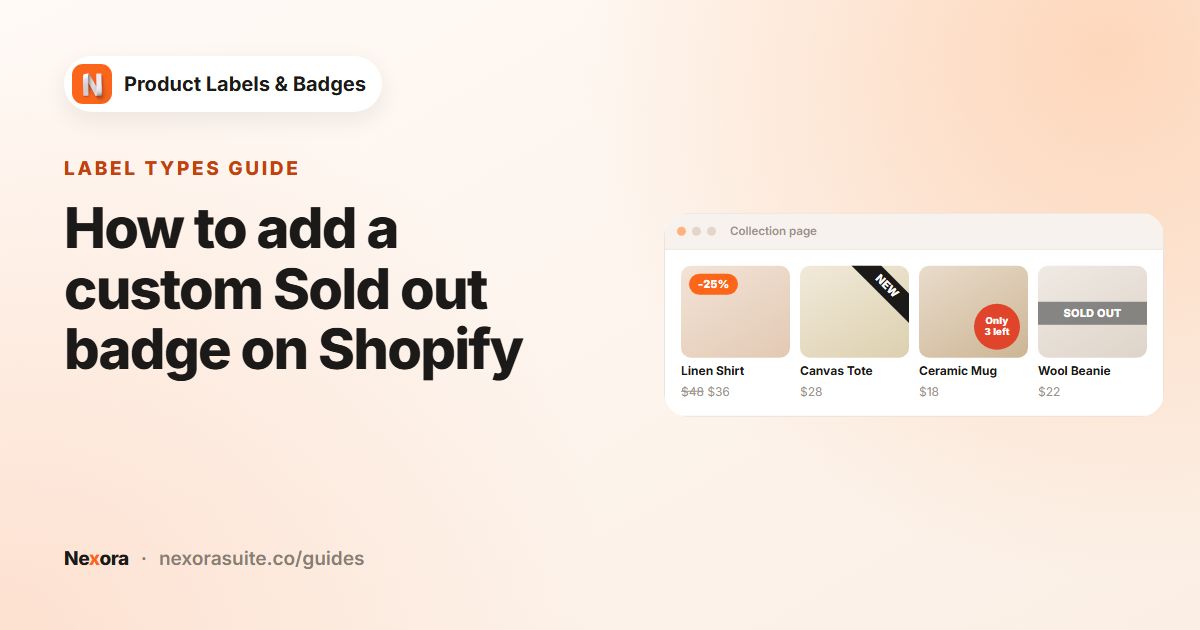 Label typesHow to add a custom Sold out badge on Shopify
To add a custom sold out badge on Shopify, create an automation label with the Out stock condition, then design it with your own…
Read guide →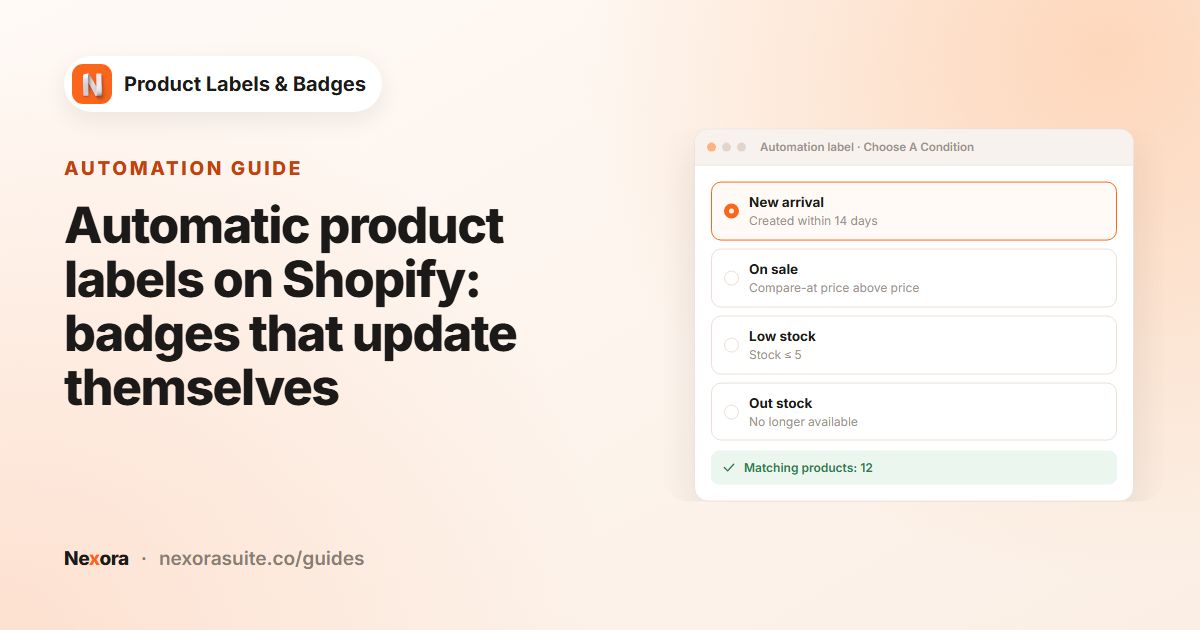 AutomationAutomatic product labels on Shopify: badges that update themselves
Automatic product labels show on any Shopify product that meets a rule, so you never add or remove badges by hand. Nexora Product…
Read guide →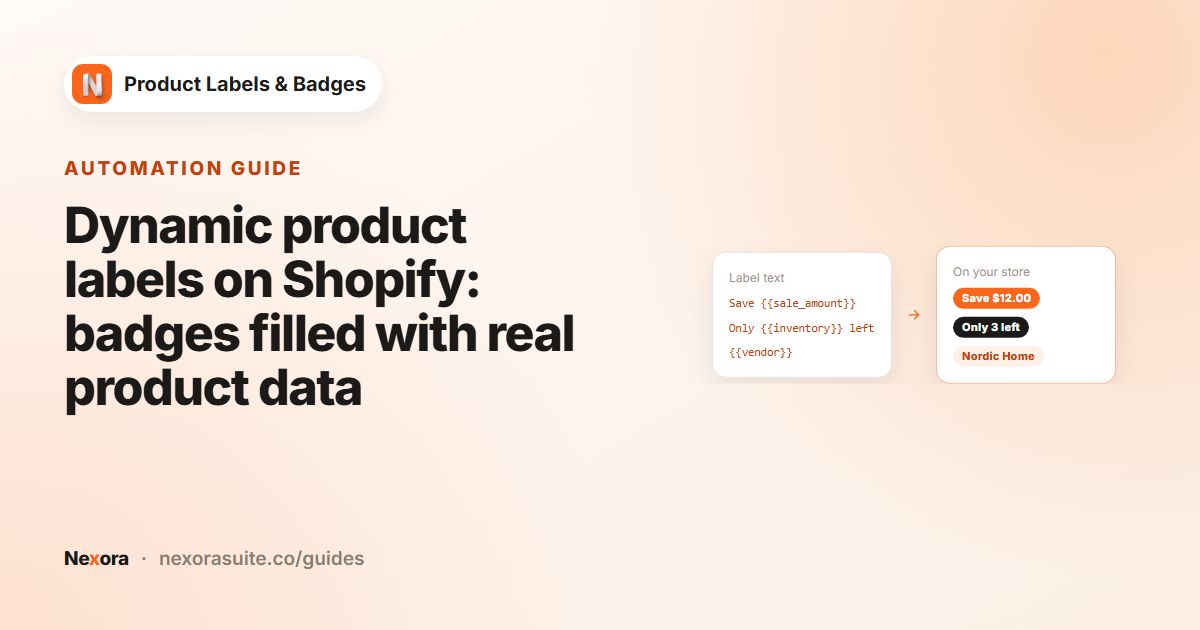 AutomationDynamic product labels on Shopify: badges filled with real product data
Dynamic product labels contain variables that are replaced with each product's real data on your storefront. In Nexora Product…
Read guide →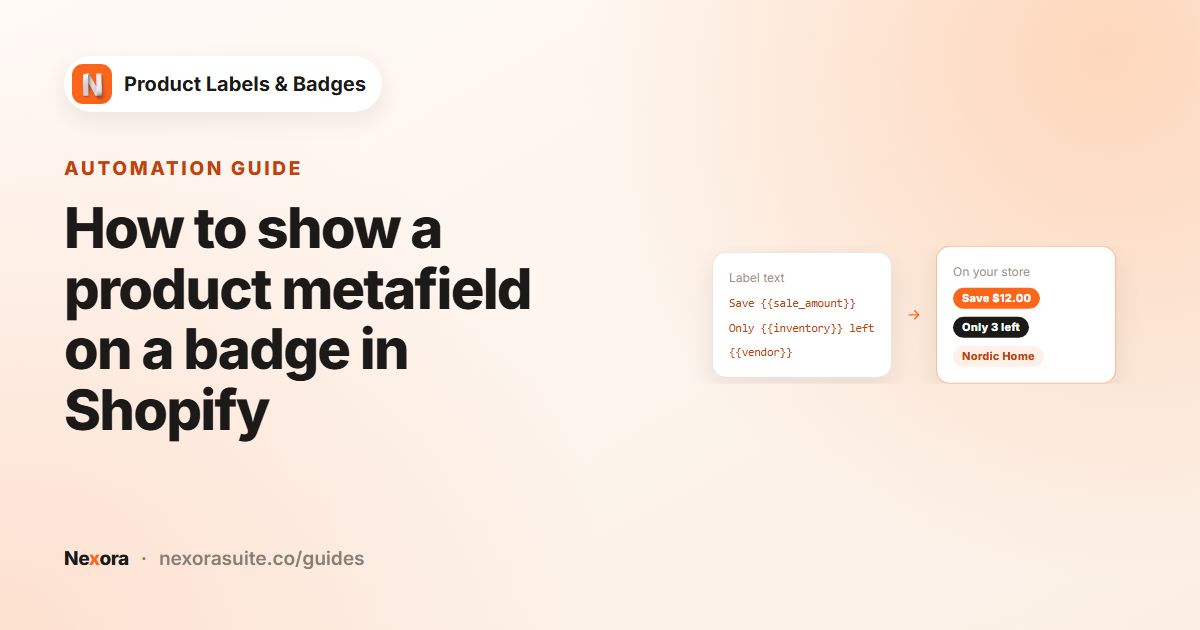 AutomationHow to show a product metafield on a badge in Shopify
To show a product metafield on a Shopify badge, create a product metafield in the custom namespace (for example custom.warranty),…
Read guide →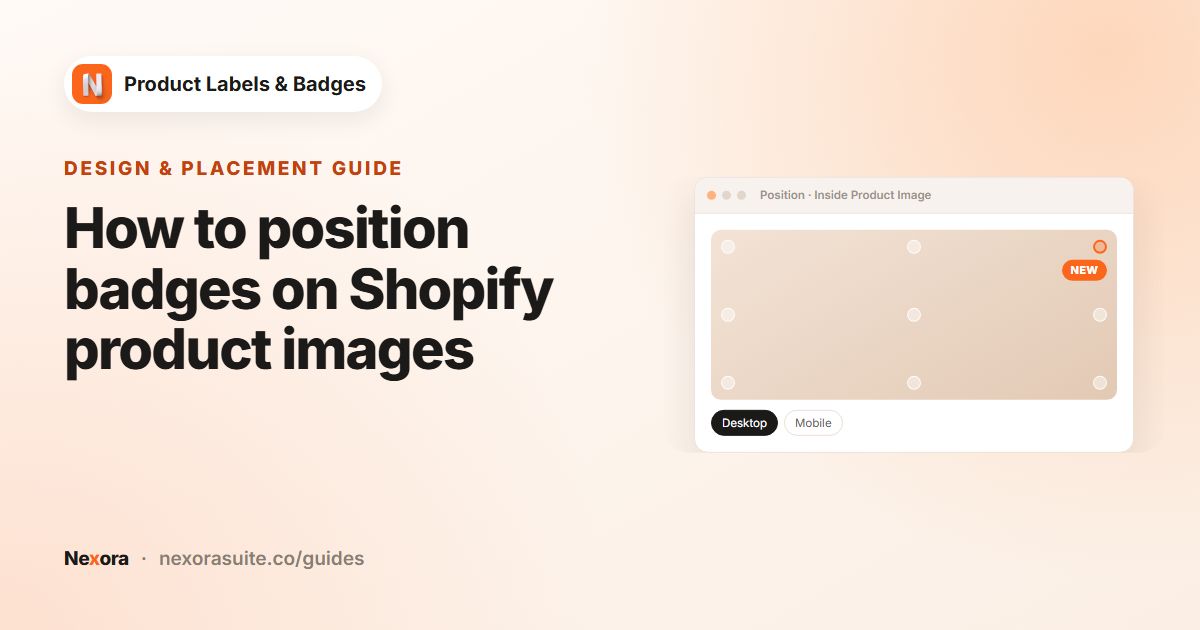 Design & placementHow to position badges on Shopify product images
To position a badge on Shopify product images, create a label with Display Position set to Inside Product Image, then on the…
Read guide →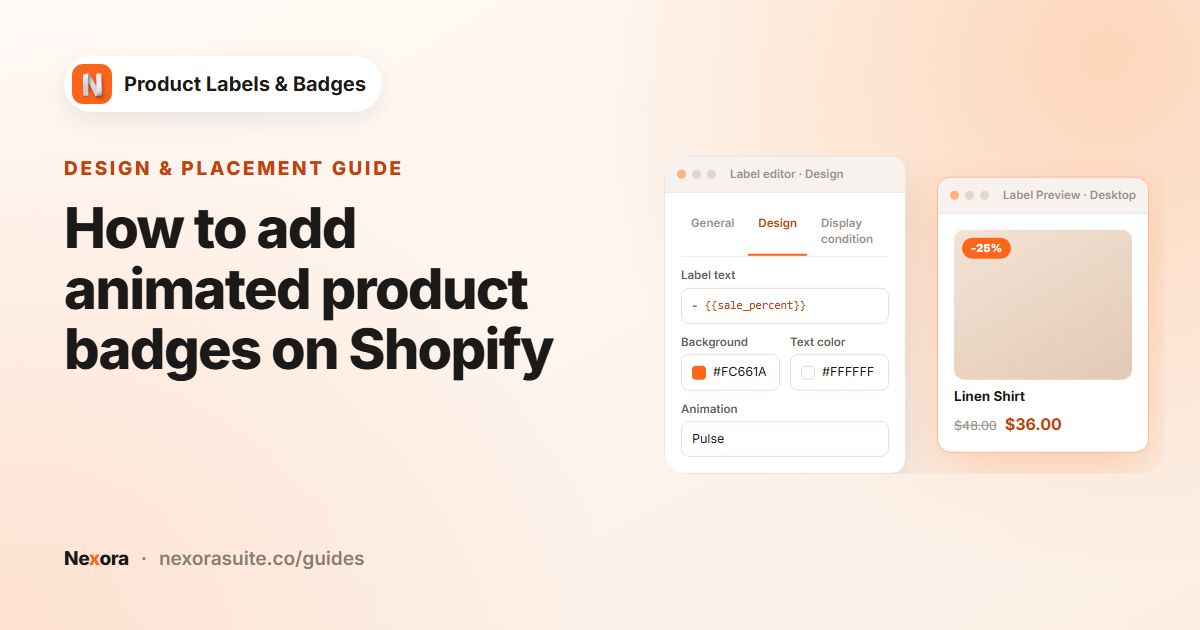 Design & placementHow to add animated product badges on Shopify
To animate a product badge on Shopify, open the label in Nexora Product Labels & Badges, go to the Design tab and choose an…
Read guide →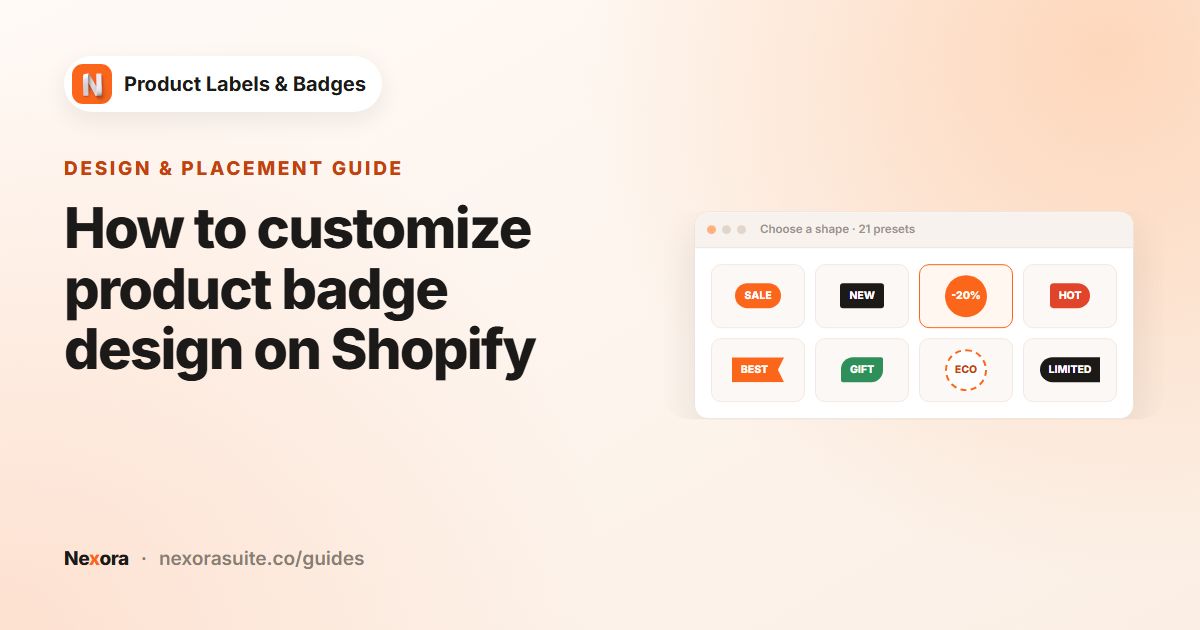 Design & placementHow to customize product badge design on Shopify
To customize a product badge on Shopify, create a label in Nexora Product Labels & Badges, choose one of 21 text shapes (or an…
Read guide →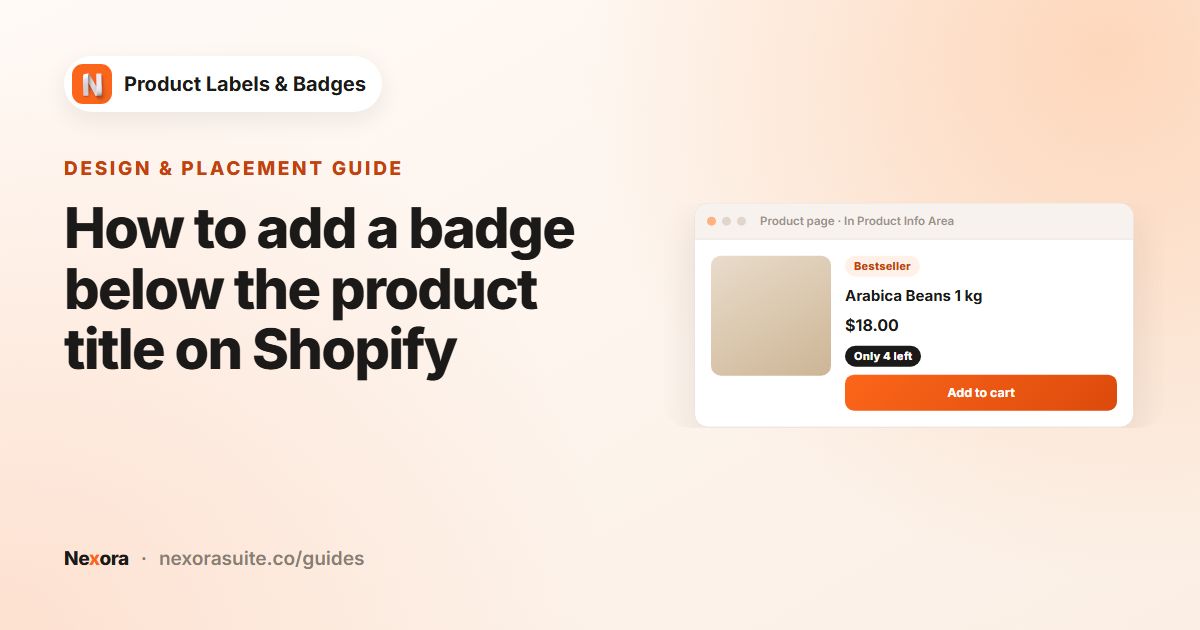 Design & placementHow to add a badge below the product title on Shopify
To add a badge below the product title on Shopify, create a label and set Display Position to In Product Info Area on the General…
Read guide →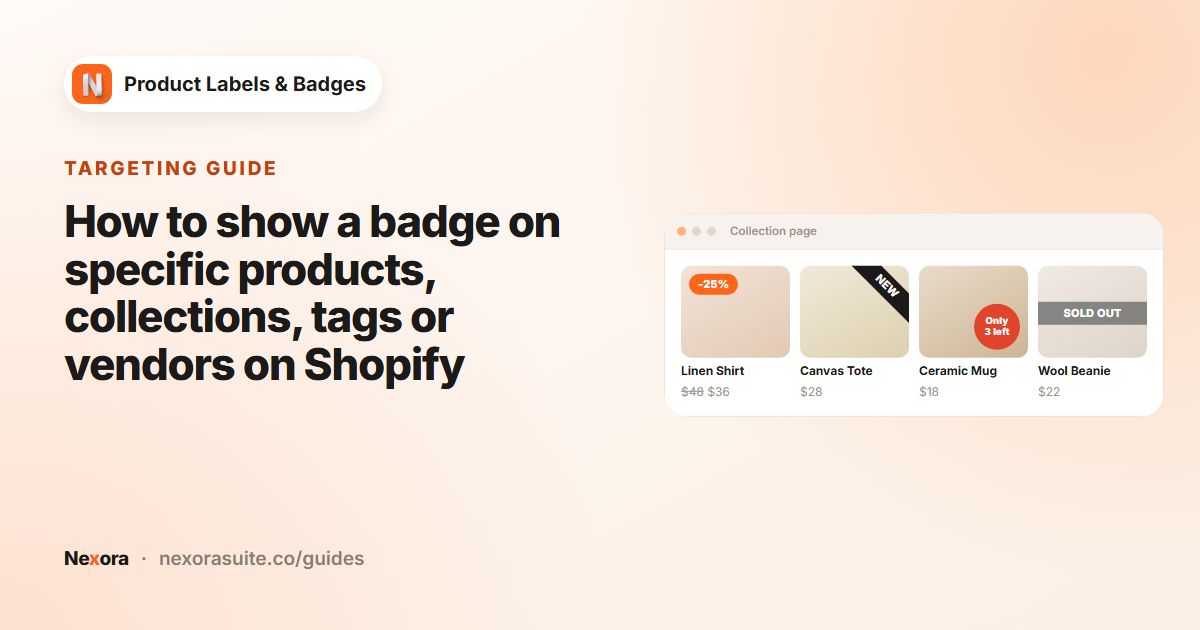 TargetingHow to show a badge on specific products, collections, tags or vendors on Shopify
To show a badge only on certain Shopify products, create a manual label, open the Display condition tab and change Products from…
Read guide →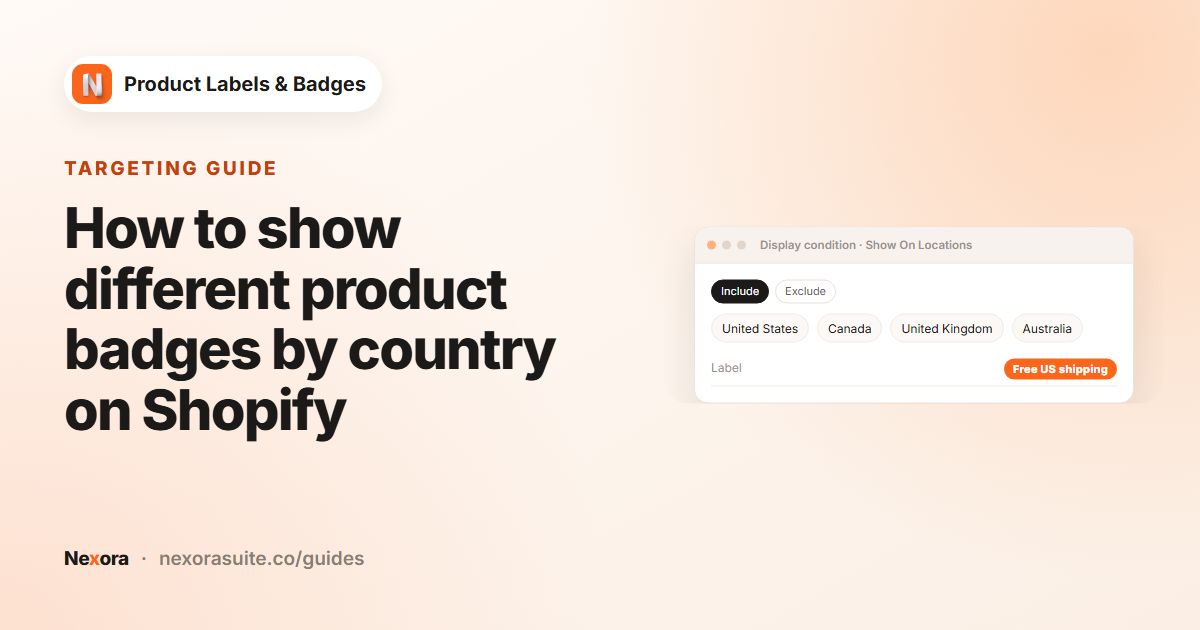 TargetingHow to show different product badges by country on Shopify
To show different badges by country on Shopify, open a label's Display condition tab and use Show On Locations. Choose Include to…
Read guide →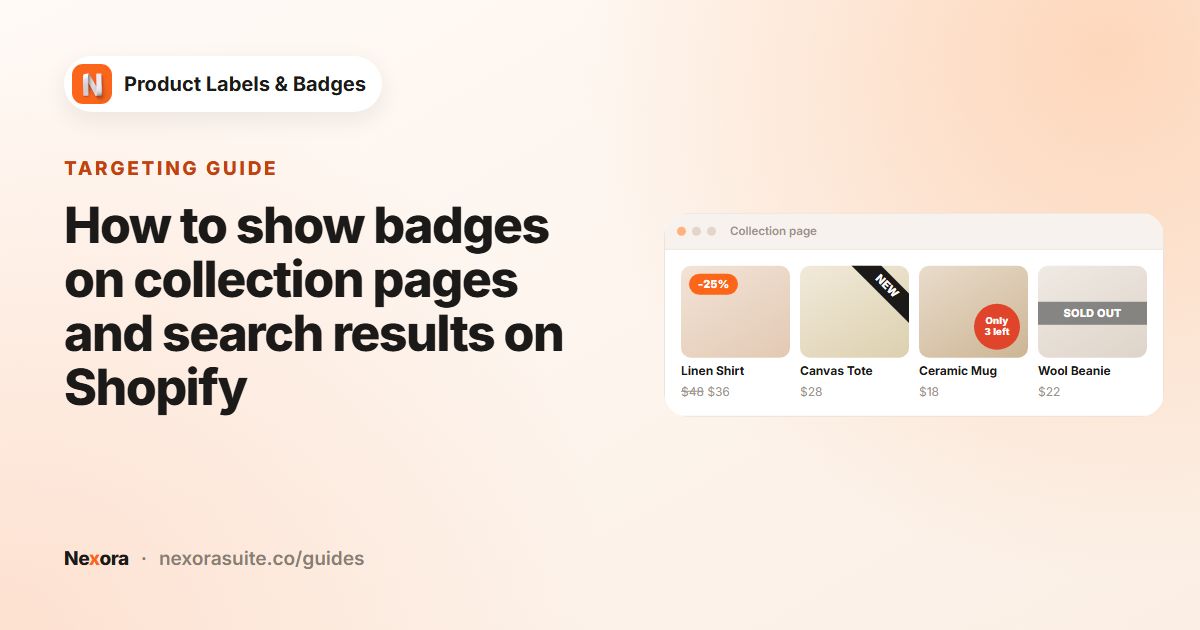 TargetingHow to show badges on collection pages and search results on Shopify
Once the Product Labels app embed is on and a label is Active, it appears on product cards on collection, search and home pages,…
Read guide →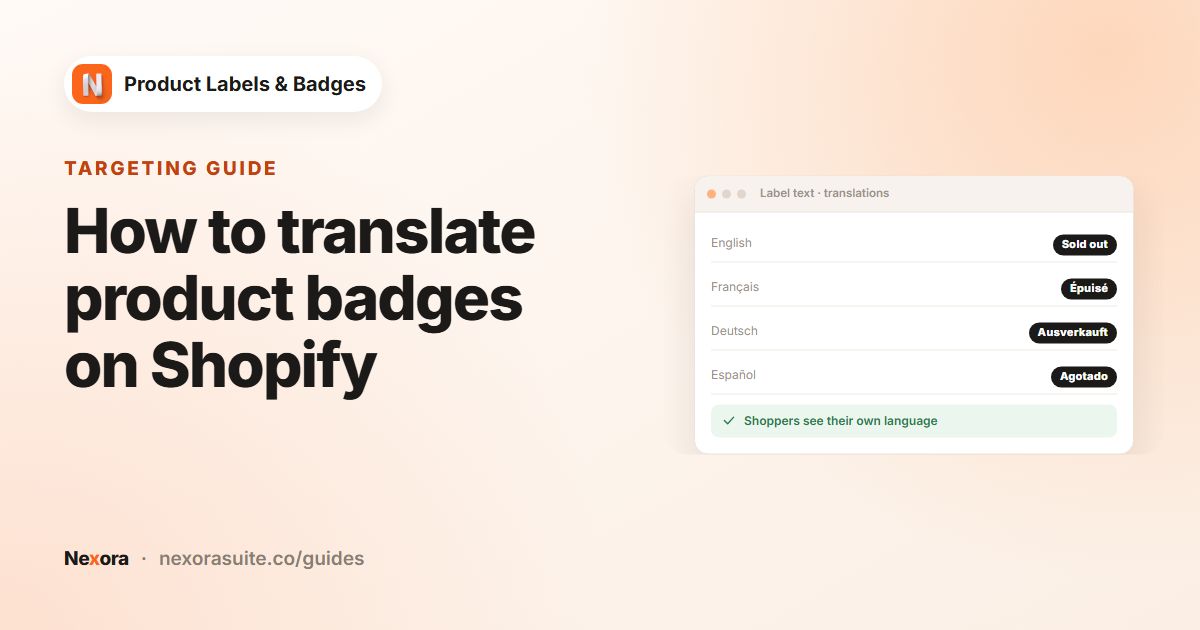 TargetingHow to translate product badges on Shopify
To translate product badges on Shopify, open a text label's Design tab and click the language button inside the Label Text field.…
Read guide →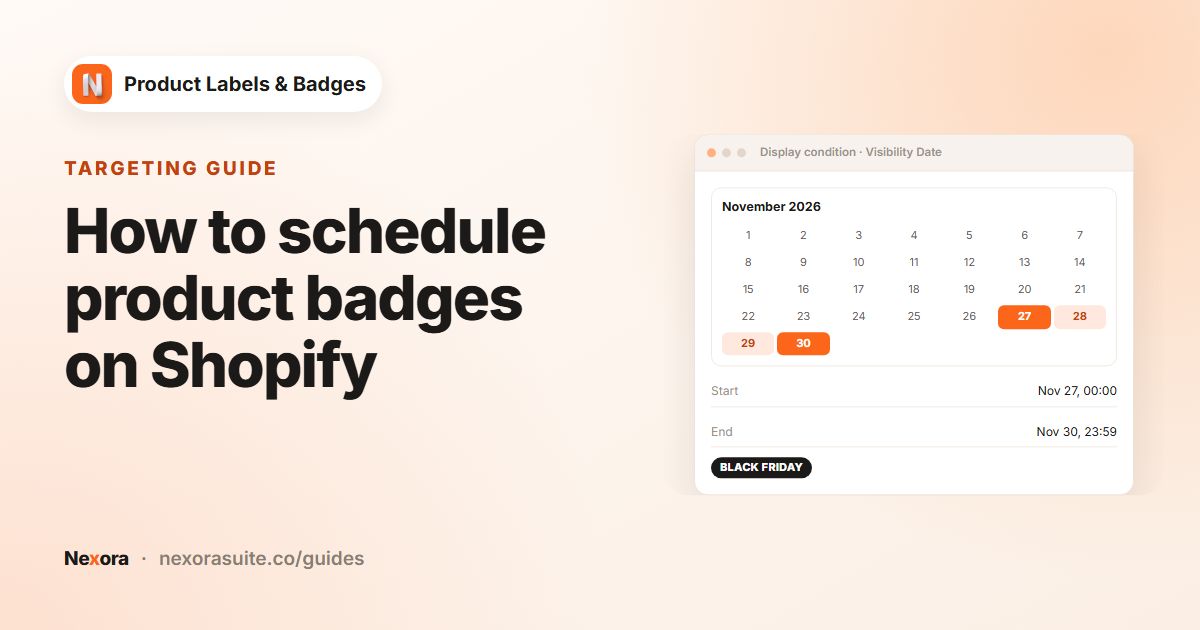 TargetingHow to schedule product badges on Shopify
To schedule a product badge on Shopify, open the label's Display condition tab, set Visibility Date to Custom Date and choose a…
Read guide →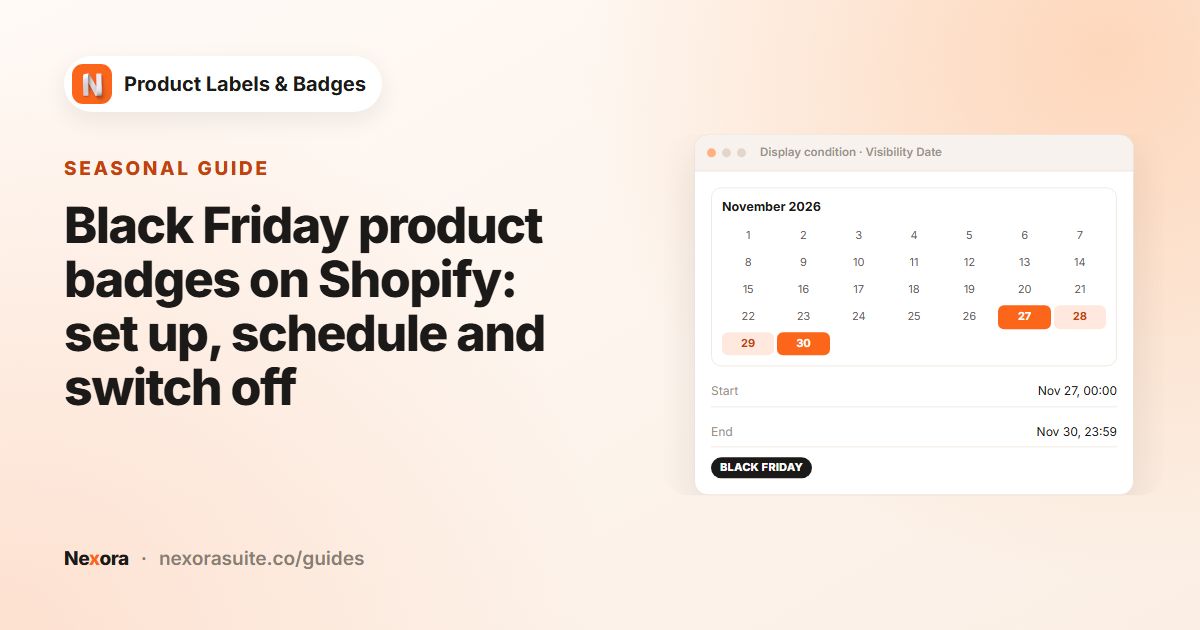 SeasonalBlack Friday product badges on Shopify: set up, schedule and switch off
For Black Friday badges on Shopify, prepare your labels in advance and schedule them with Visibility Date → Custom Date, so they…
Read guide → SeasonalChristmas and holiday product badges for Shopify
For Christmas badges on Shopify, combine three kinds of label: gift labels on a gift collection or tag, a text "Order by" cut-off…
Read guide →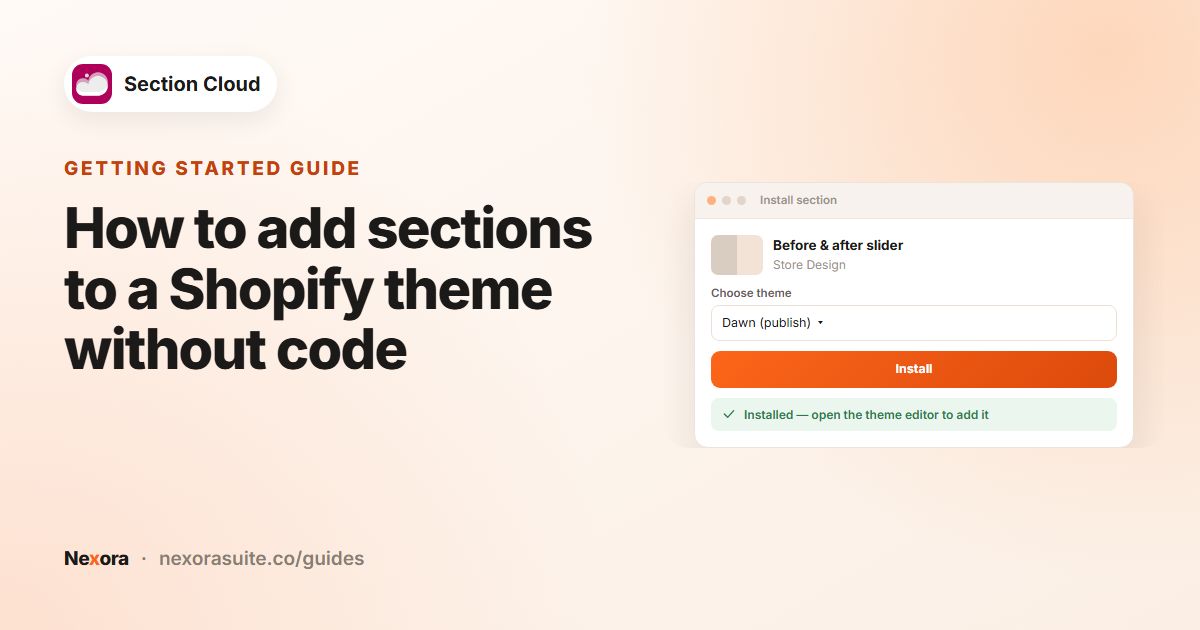 Getting startedHow to add sections to a Shopify theme without code
To add a section without code, install it into your theme from a section library such as Section Cloud, then open the Shopify…
Read guide →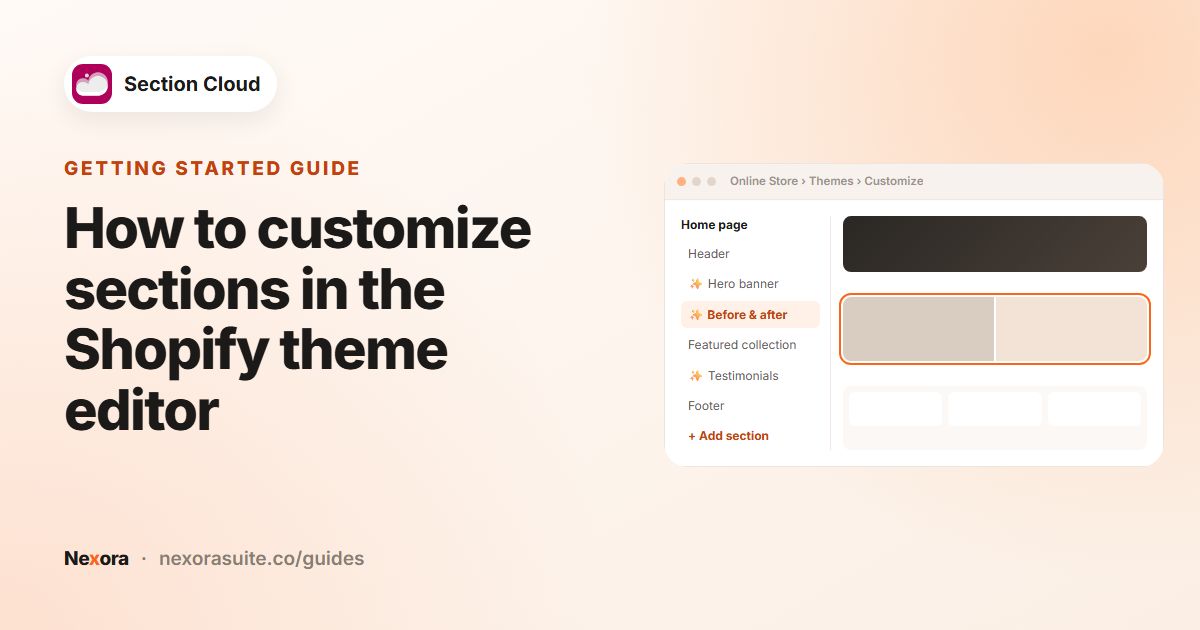 Getting startedHow to customize sections in the Shopify theme editor
In the Shopify theme editor, click a section in the left sidebar to open its settings, then change text, images, colors and…
Read guide →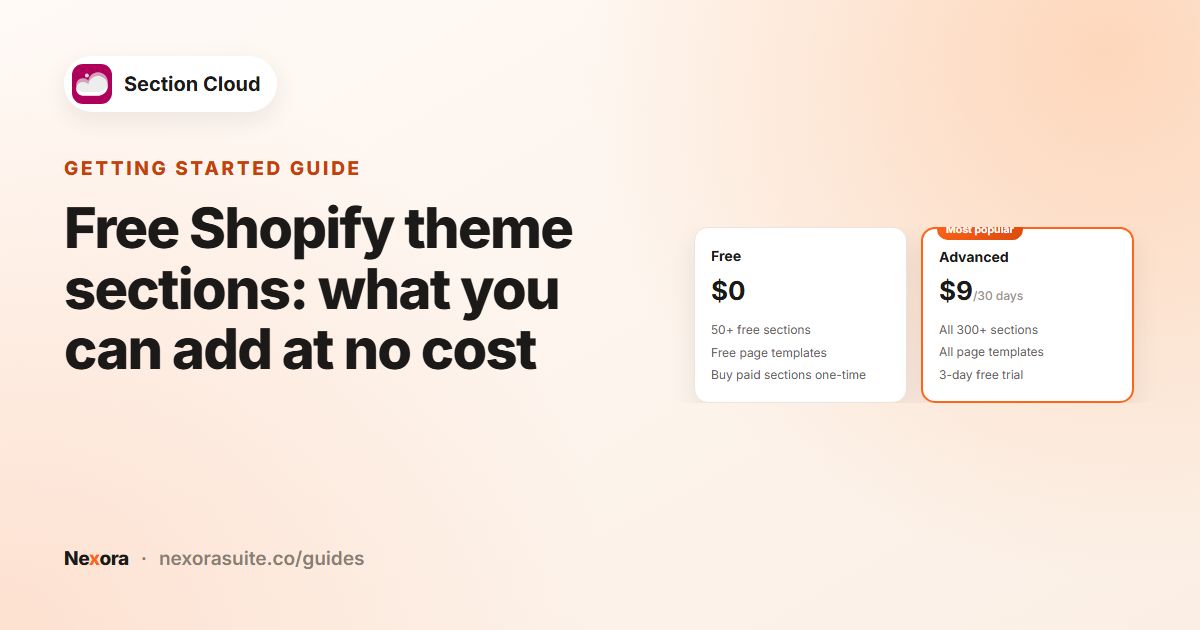 Getting startedFree Shopify theme sections: what you can add at no cost
Section Cloud's Free plan costs $0 and includes 50+ free sections and free page templates for Online Store 2.0 themes. If you need…
Read guide →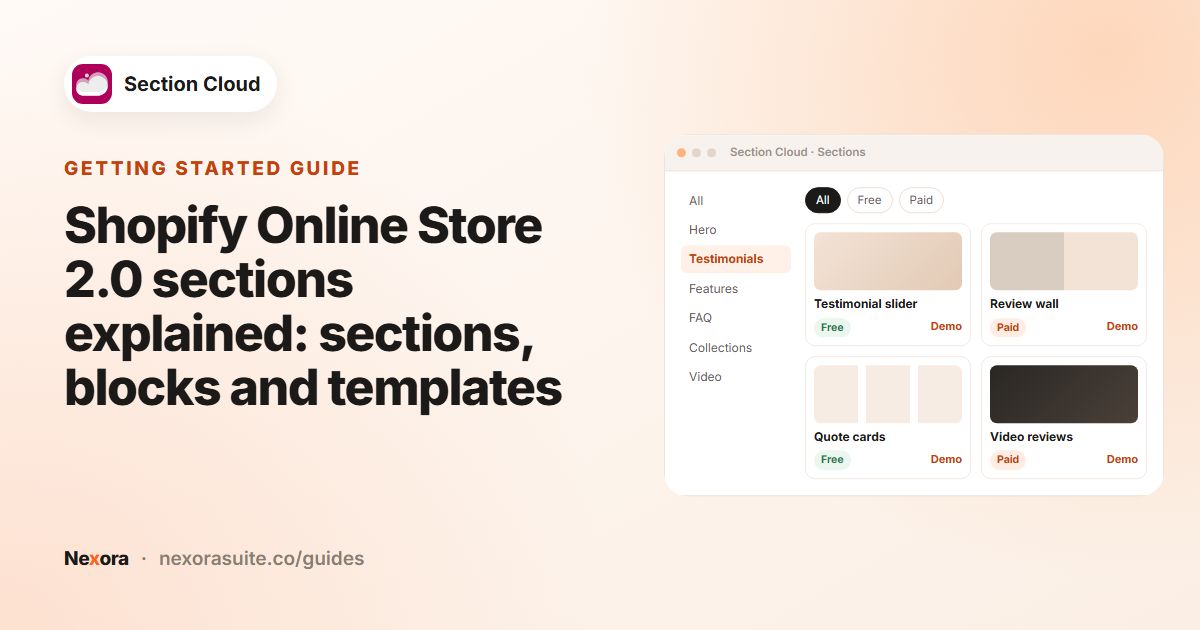 Getting startedShopify Online Store 2.0 sections explained: sections, blocks and templates
In an Online Store 2.0 theme, a template (a JSON file) decides which sections appear on a type of page and in what order. Each…
Read guide → SectionsHow to add a before and after slider to your Shopify store
A before and after slider puts two photos on top of each other with a handle visitors drag to reveal one or the other. On Shopify…
Read guide → SectionsHow to add a comparison table section to Shopify
A comparison table section lays out two or more options side by side, row by row, so shoppers can see the differences at a glance.…
Read guide → SectionsHow to add a countdown timer section to Shopify
A countdown section shows the days, hours, minutes and seconds left until a sale ends or a product launches. On Shopify you add it…
Read guide → SectionsHow to add an FAQ section to a Shopify page
To add an FAQ section on Shopify, use your theme's collapsible content section or install a dedicated FAQ section, then add it to…
Read guide →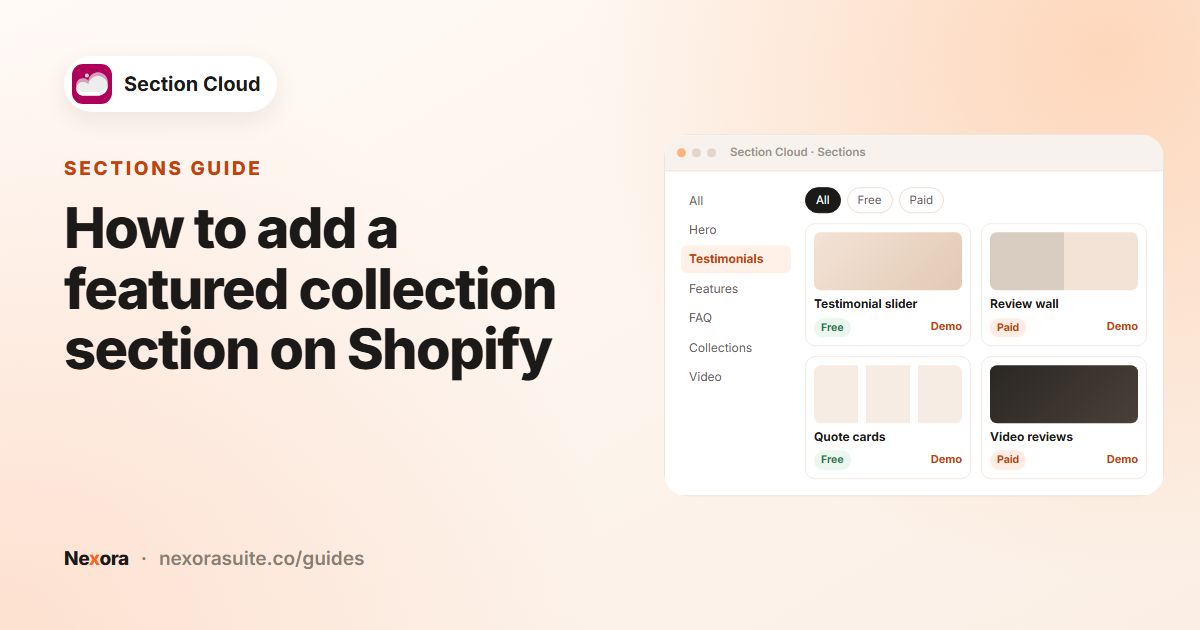 SectionsHow to add a featured collection section on Shopify
A featured collection section shows products from one collection on another page, usually the home page. On Shopify you add it in…
Read guide →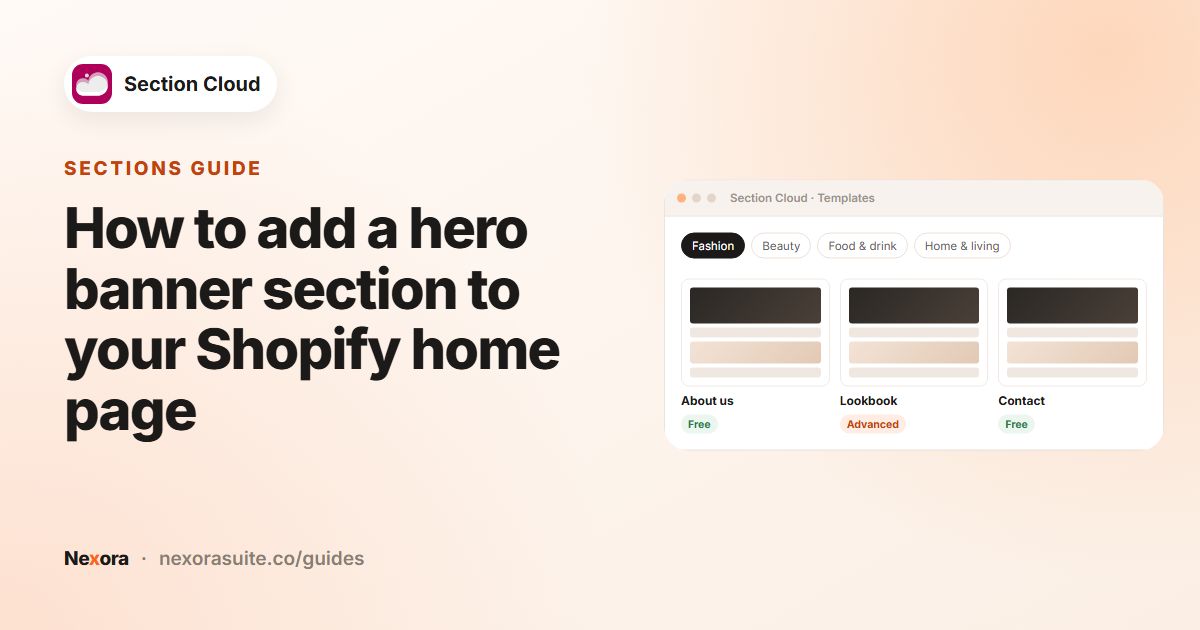 SectionsHow to add a hero banner section to your Shopify home page
A hero banner is the large first section of a page: an image or video with a headline and a button. On Shopify you can use your…
Read guide →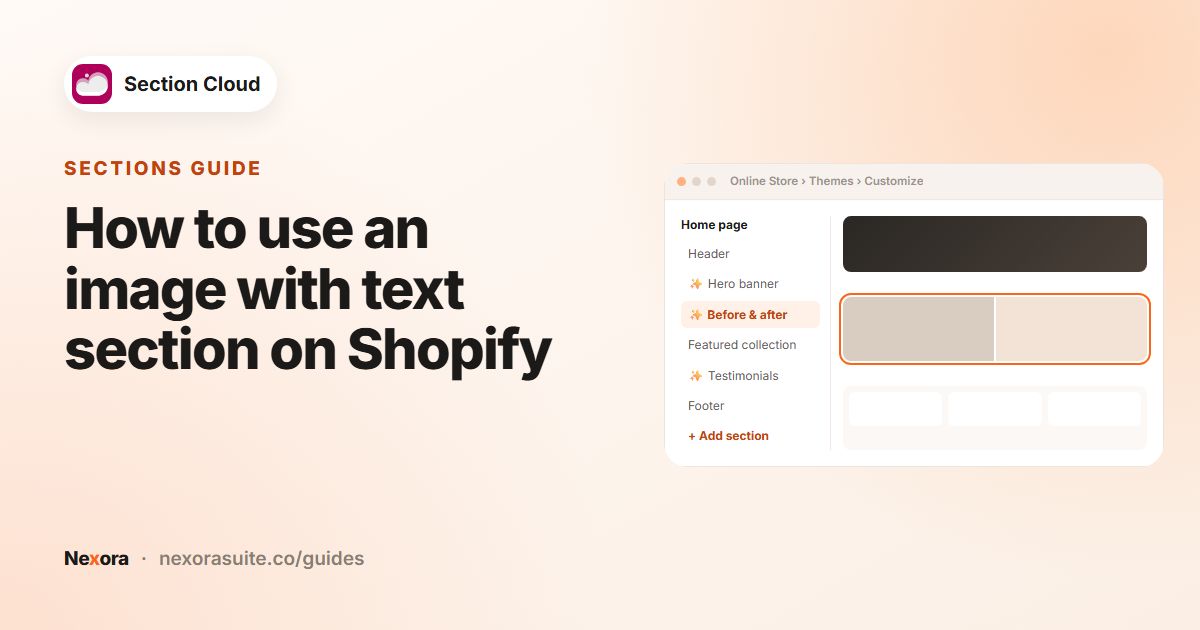 SectionsHow to use an image with text section on Shopify
An image with text section places a photo next to a heading, a paragraph and usually a button. On Shopify, most themes include a…
Read guide →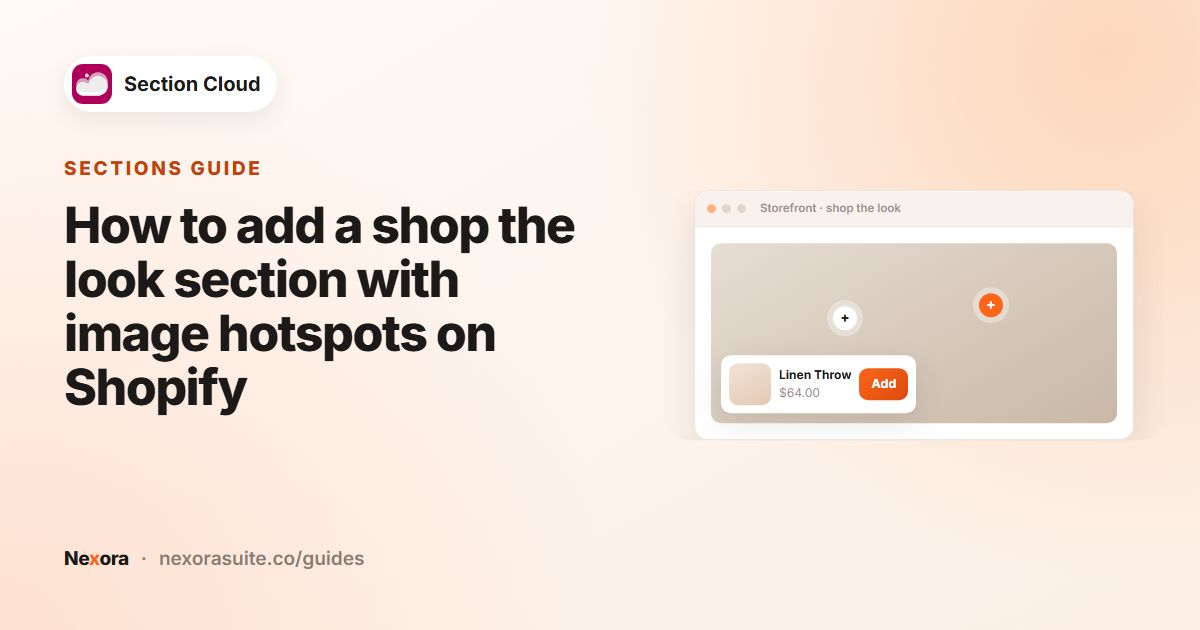 SectionsHow to add a shop the look section with image hotspots on Shopify
A shop the look section shows one lifestyle photo with small dots (hotspots) on the products in it. Shoppers tap a dot to see that…
Read guide →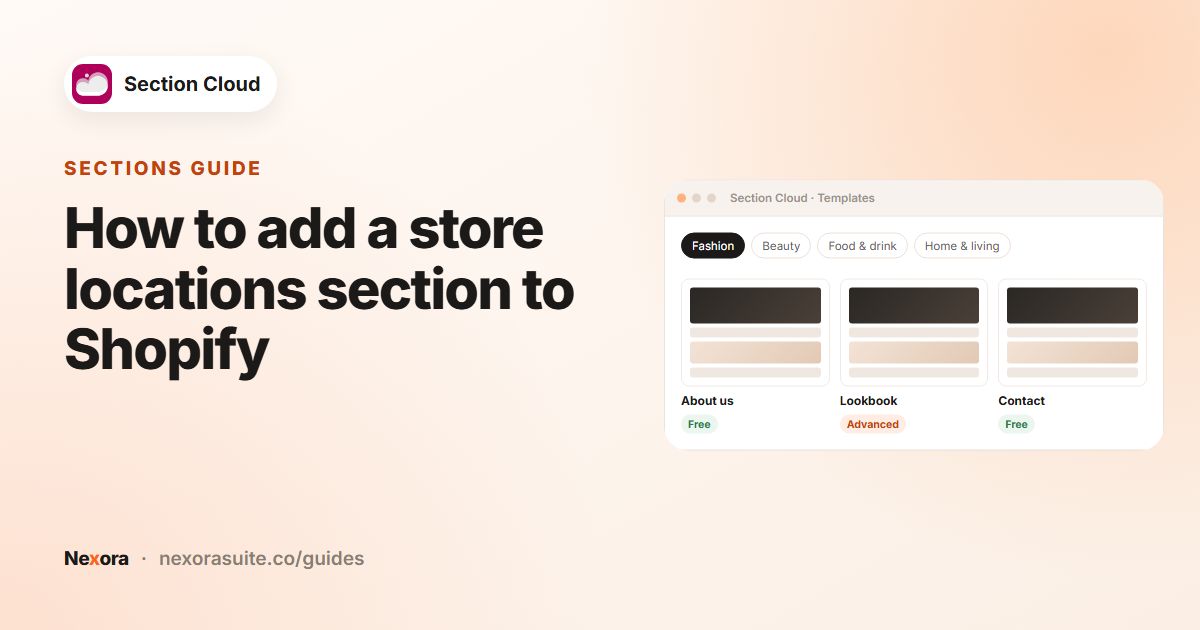 SectionsHow to add a store locations section to Shopify
To show your physical stores on Shopify, add a store locations section to a page in the theme editor. Section Cloud offers store…
Read guide →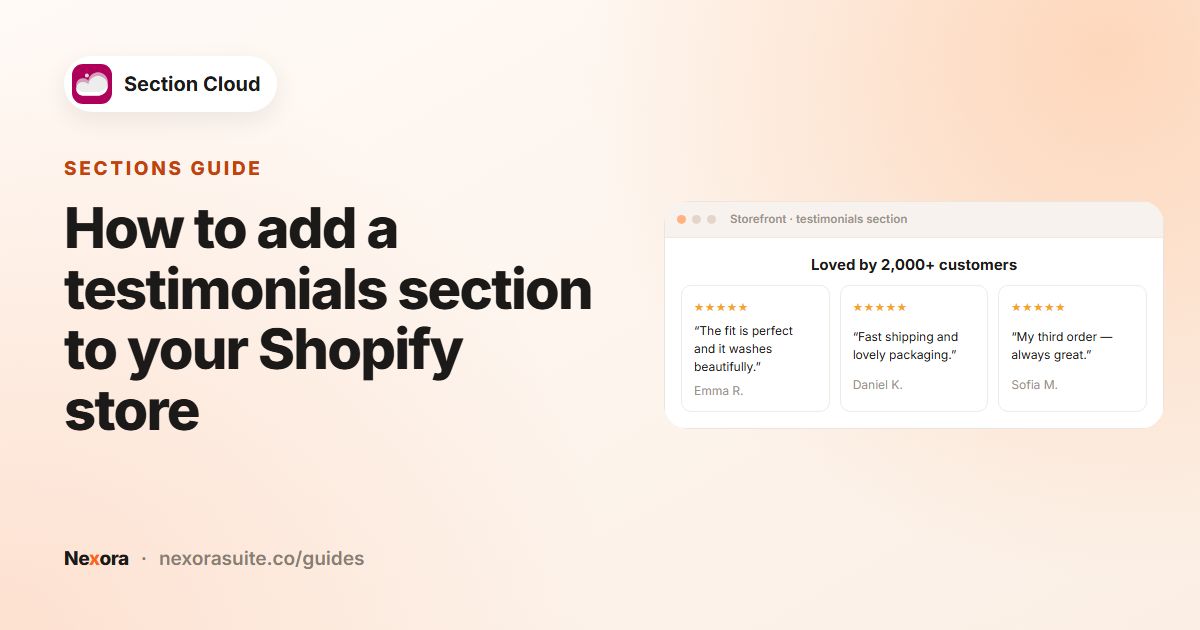 SectionsHow to add a testimonials section to your Shopify store
To add a testimonials section on Shopify, install a ready-made testimonial section into your Online Store 2.0 theme, then open the…
Read guide →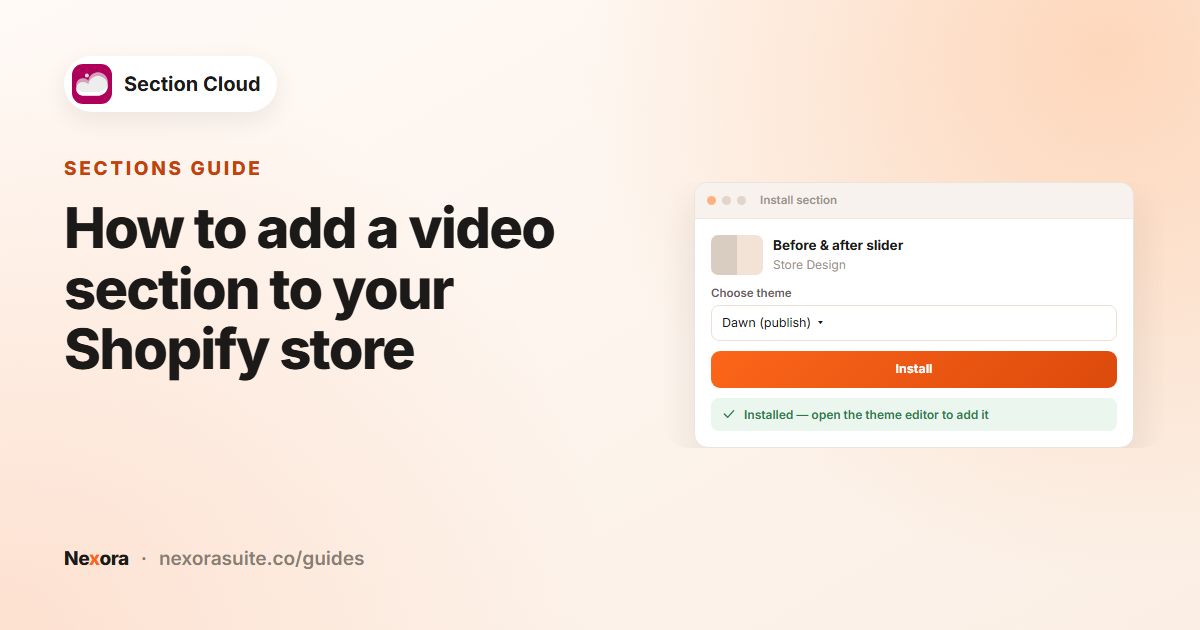 SectionsHow to add a video section to your Shopify store
To add a video section on Shopify, upload your video to Shopify (or use a YouTube or Vimeo link), then add a video section to the…
Read guide →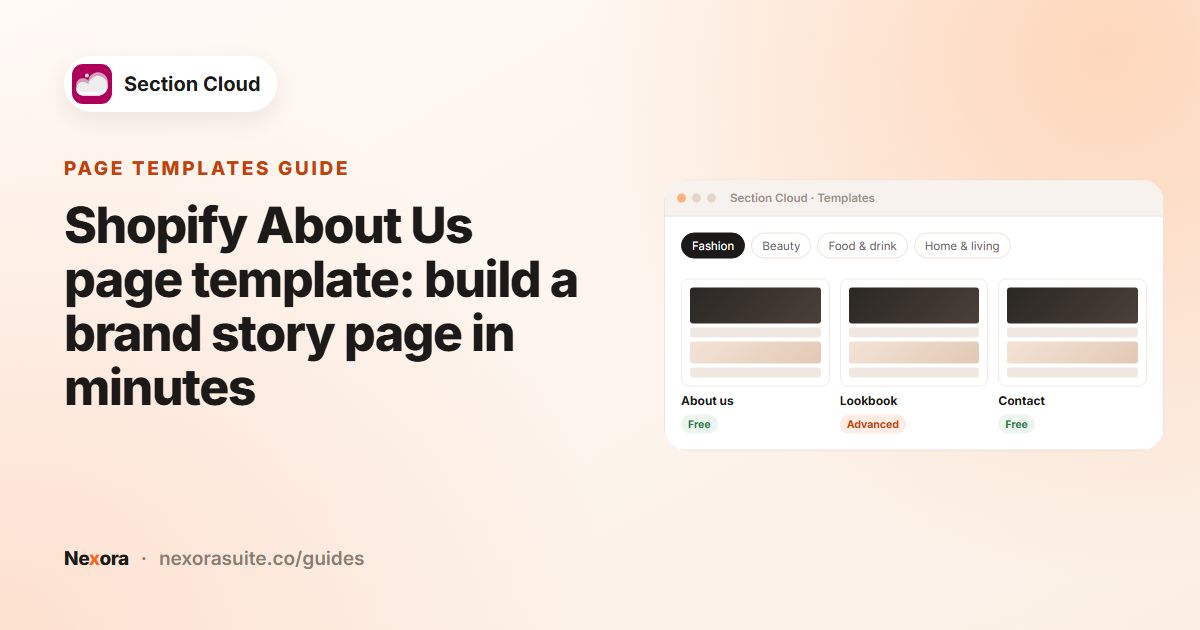 Page templatesShopify About Us page template: build a brand story page in minutes
To build an About Us page without code, install an About page template from Section Cloud's Templates library. The app adds a new…
Read guide →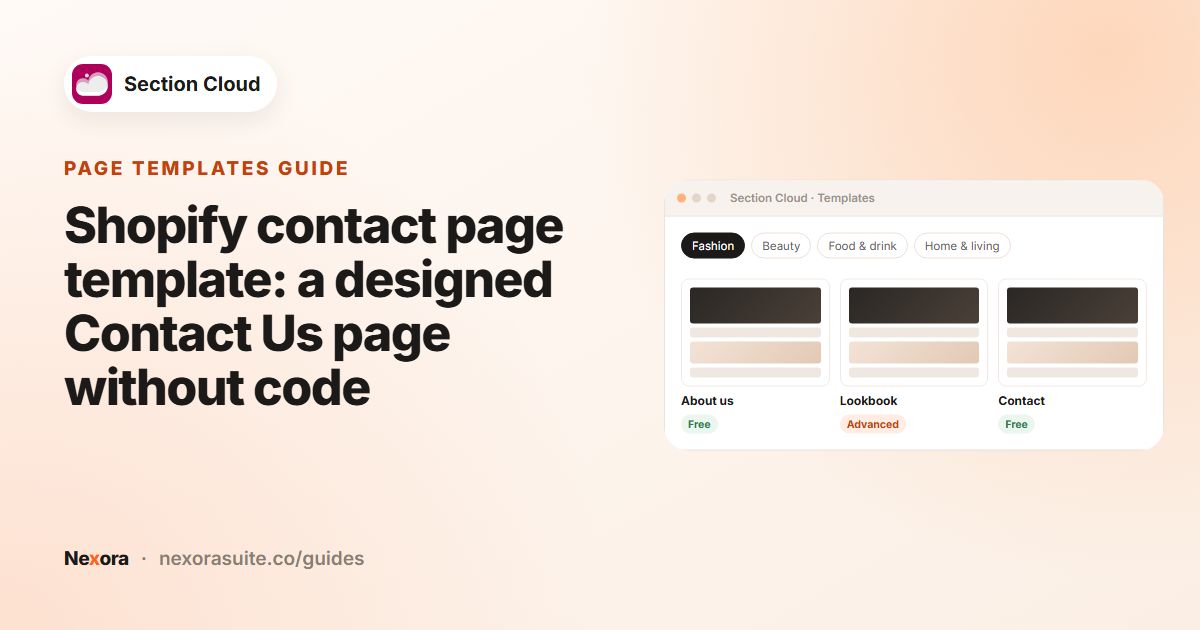 Page templatesShopify contact page template: a designed Contact Us page without code
Shopify's built-in contact page is a plain page with a form. For a designed Contact Us page, install a contact template from…
Read guide →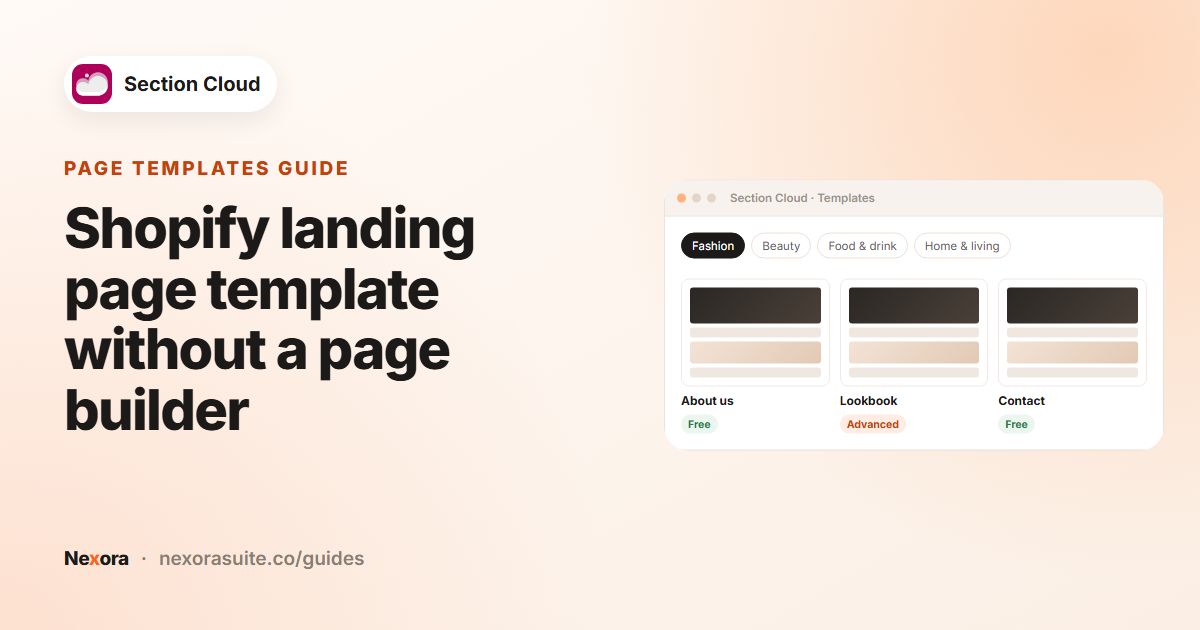 Page templatesShopify landing page template without a page builder
You can build a Shopify landing page without a page builder by using native theme sections. Install a landing or homepage-style…
Read guide →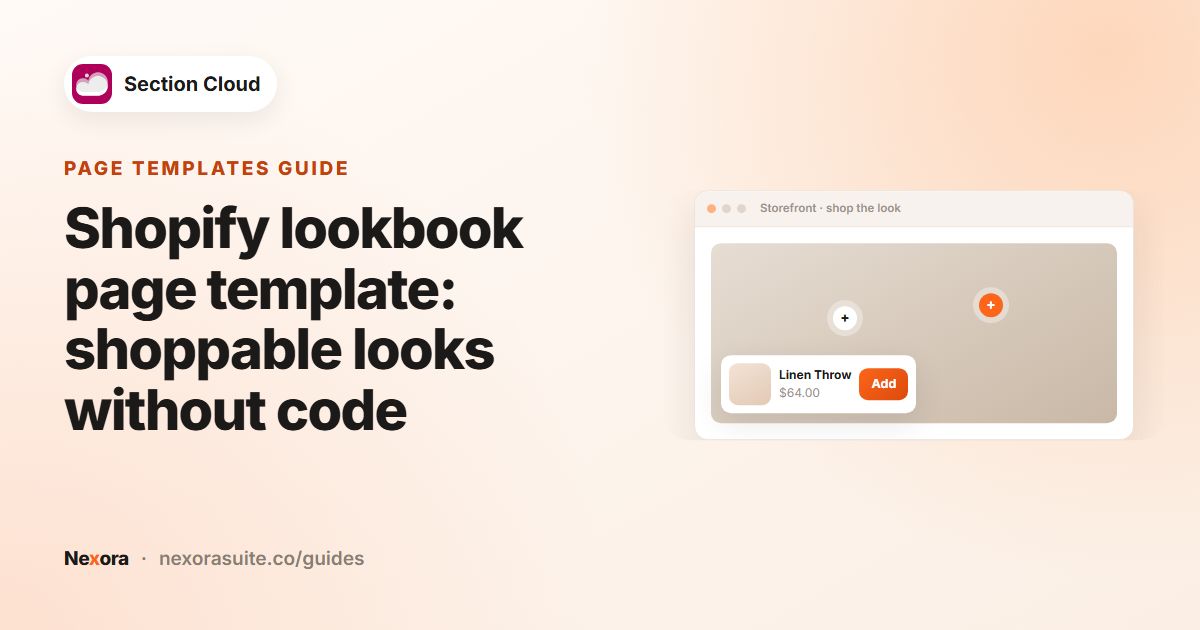 Page templatesShopify lookbook page template: shoppable looks without code
To create a lookbook page in Shopify without code, install a Lookbook template from Section Cloud's Templates library. It creates…
Read guide →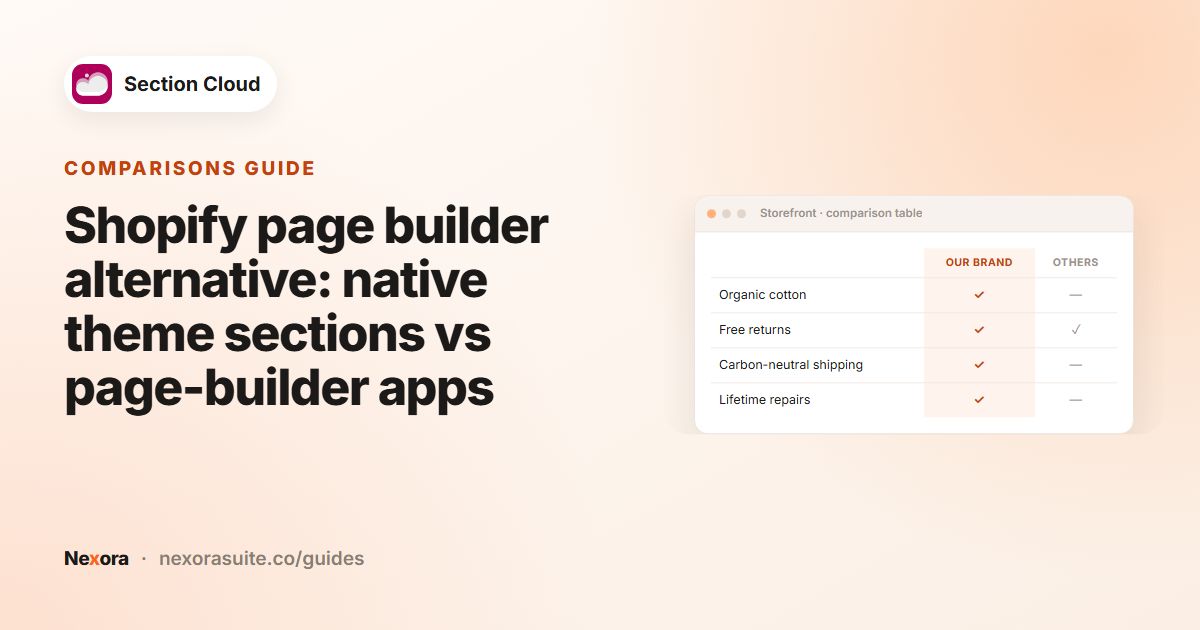 ComparisonsShopify page builder alternative: native theme sections vs page-builder apps
There are three main ways to build custom Shopify pages: the native theme editor with your theme's own sections, a page-builder…
Read guide →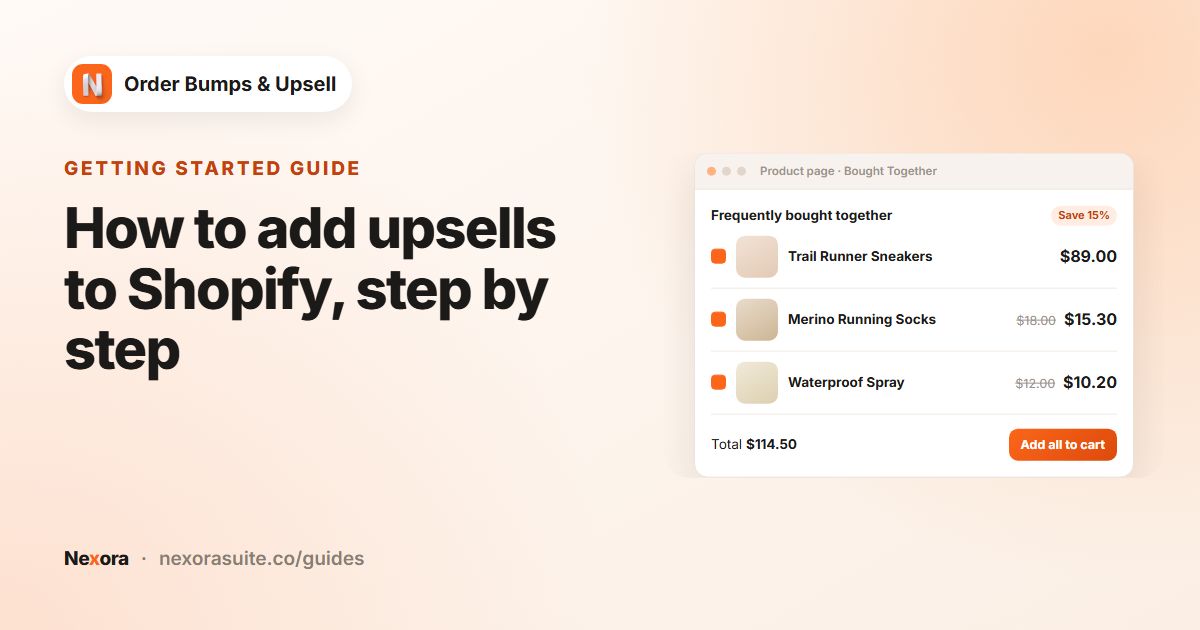 Getting startedHow to add upsells to Shopify, step by step
To add upsells to Shopify, install an upsell app, add its block to your product or cart template in the theme editor, then create…
Read guide →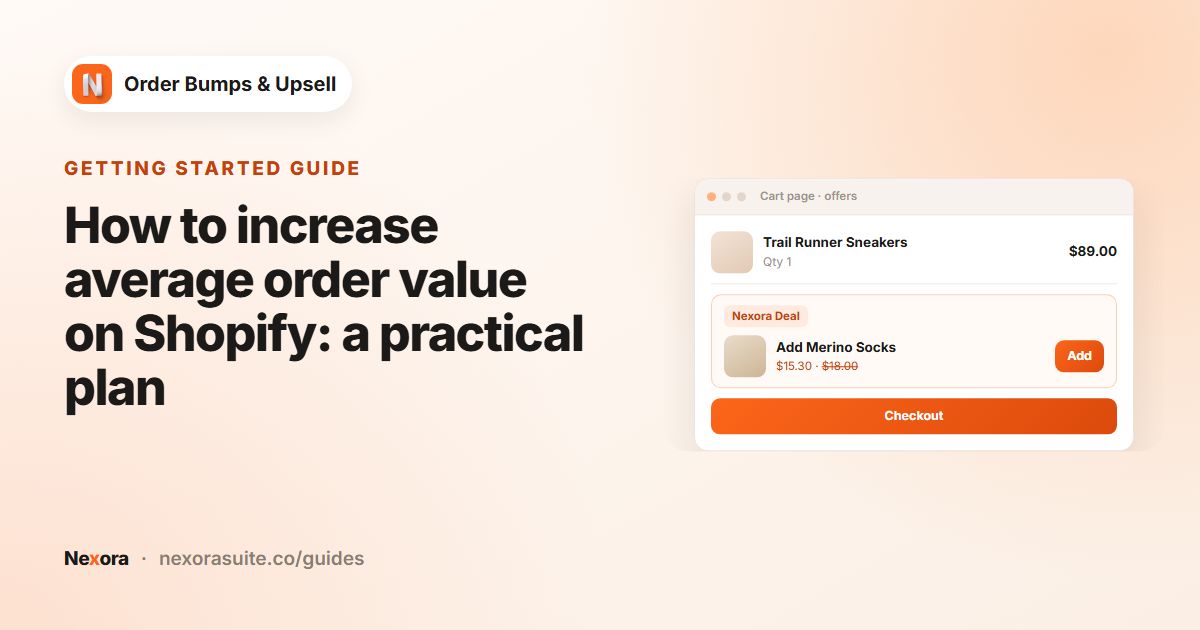 Getting startedHow to increase average order value on Shopify: a practical plan
To increase average order value on Shopify, give customers easy, relevant reasons to add one more item. Show closely related…
Read guide →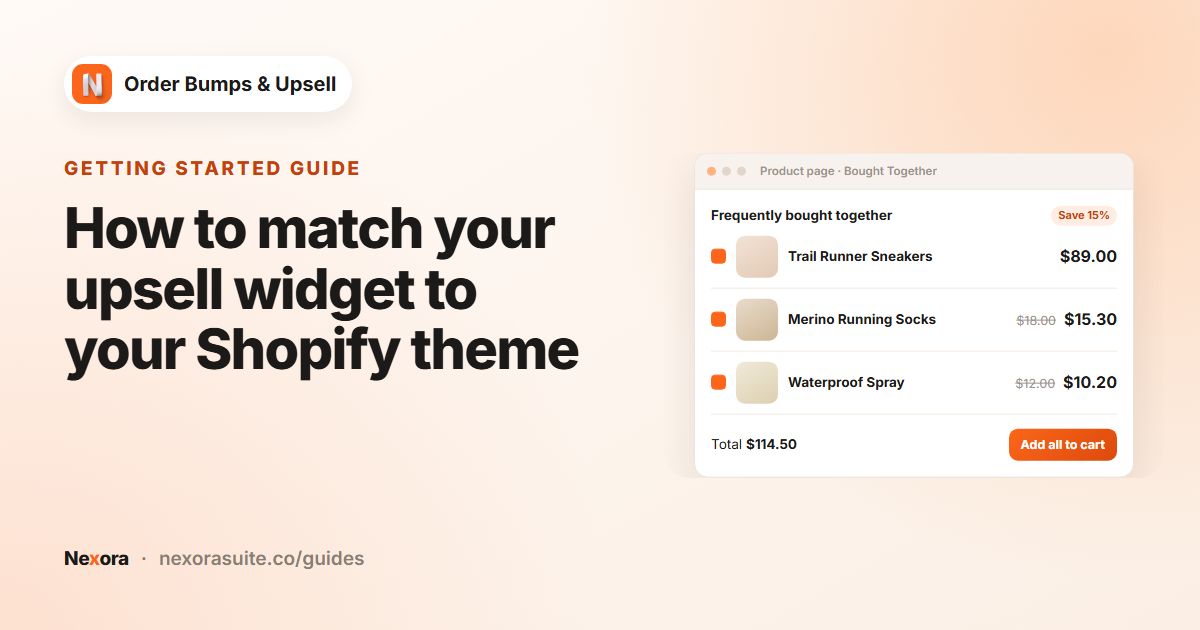 Getting startedHow to match your upsell widget to your Shopify theme
To match an upsell widget to your Shopify theme, open Design Settings in Nexora and copy your theme's colors, font sizes, border…
Read guide →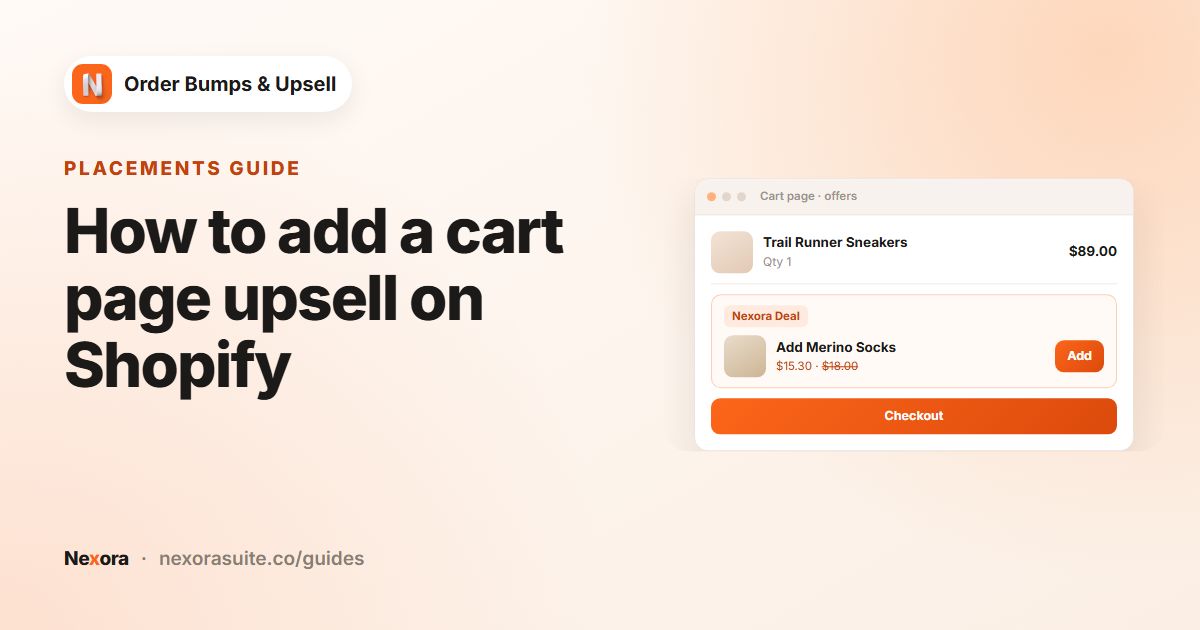 PlacementsHow to add a cart page upsell on Shopify
To add a cart page upsell on Shopify, add the Nexora - Cart Offers block to your cart template in the theme editor, then tick Cart…
Read guide →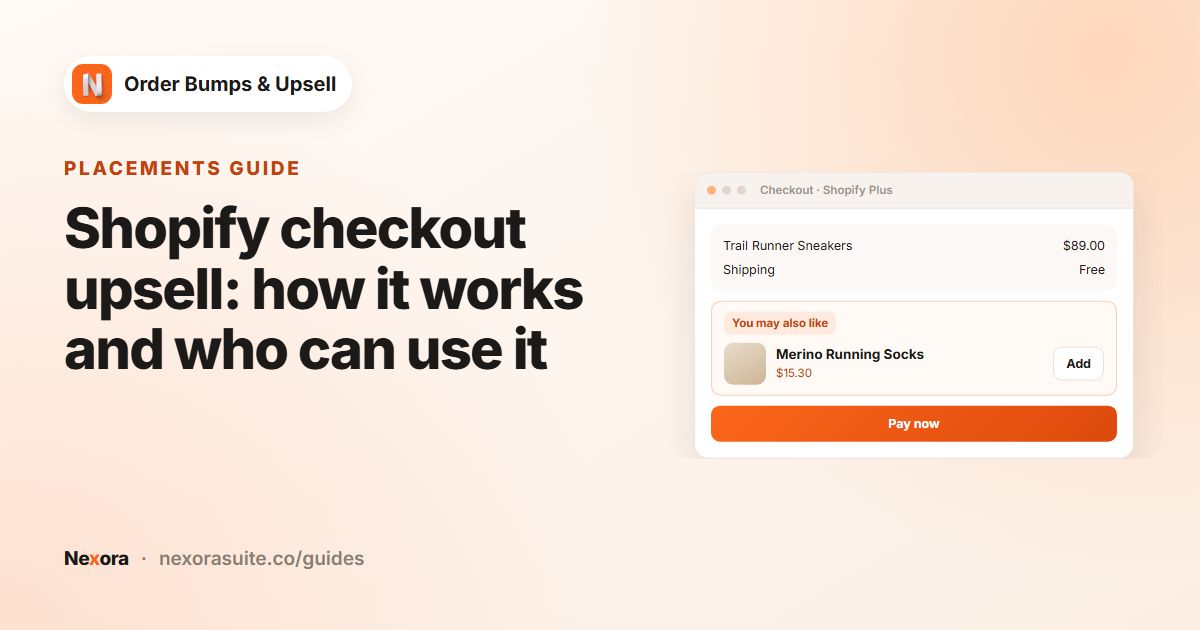 PlacementsShopify checkout upsell: how it works and who can use it
A Shopify checkout upsell shows an extra product inside checkout that customers can add without leaving the page. Shopify only…
Read guide →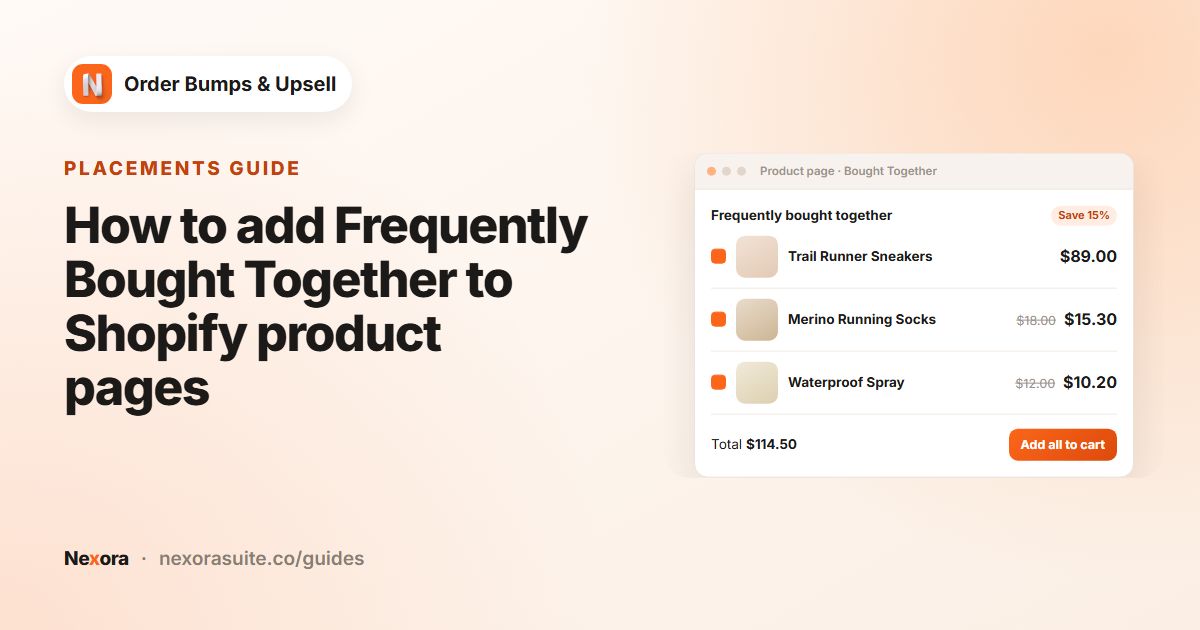 PlacementsHow to add Frequently Bought Together to Shopify product pages
To add Frequently Bought Together on Shopify, add the Nexora - Bought Together block to your product template, then create a…
Read guide →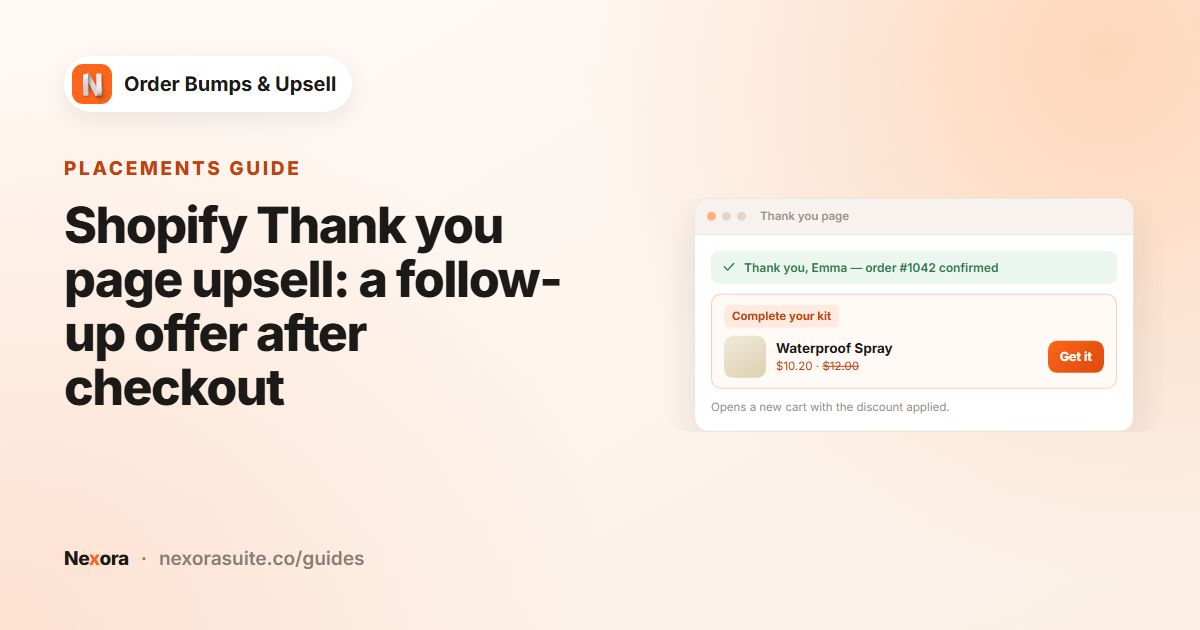 PlacementsShopify Thank you page upsell: a follow-up offer after checkout
A Shopify Thank you page upsell shows an offer right after the order is placed. With Nexora, add the Nexora - Checkout Offers…
Read guide →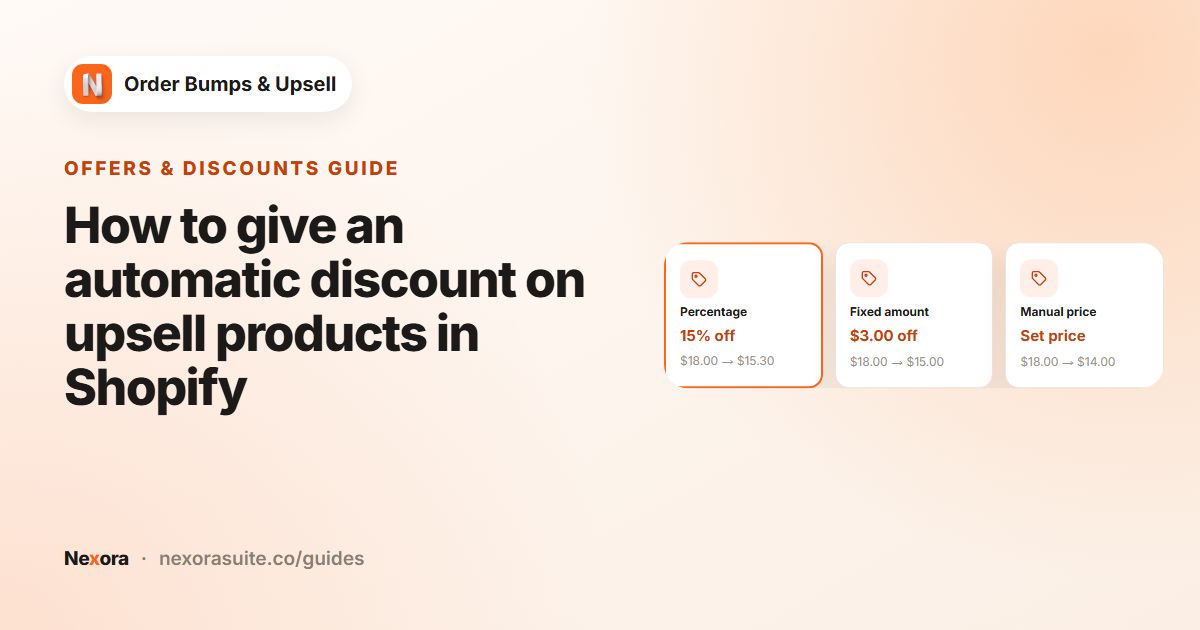 Offers & discountsHow to give an automatic discount on upsell products in Shopify
To give an automatic discount on upsell products in Shopify, set a Discount type and value on each Nexora offer. The app creates a…
Read guide →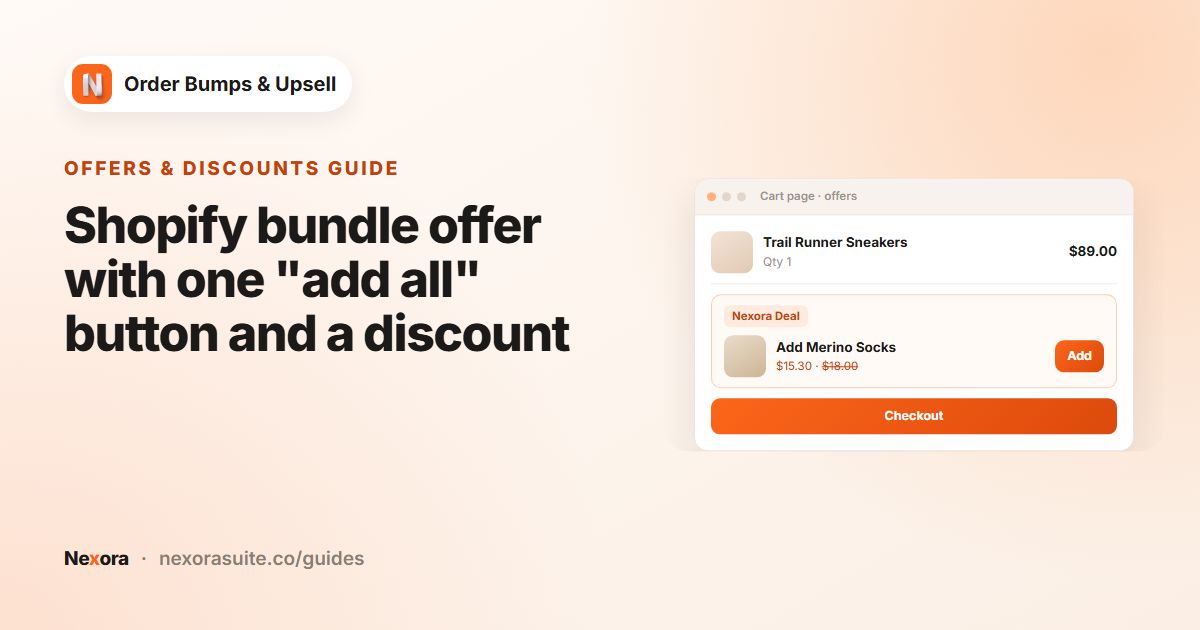 Offers & discountsShopify bundle offer with one "add all" button and a discount
To offer a bundle with one add-all button on Shopify, create a Nexora campaign with several offers, set Layout to Stack and…
Read guide →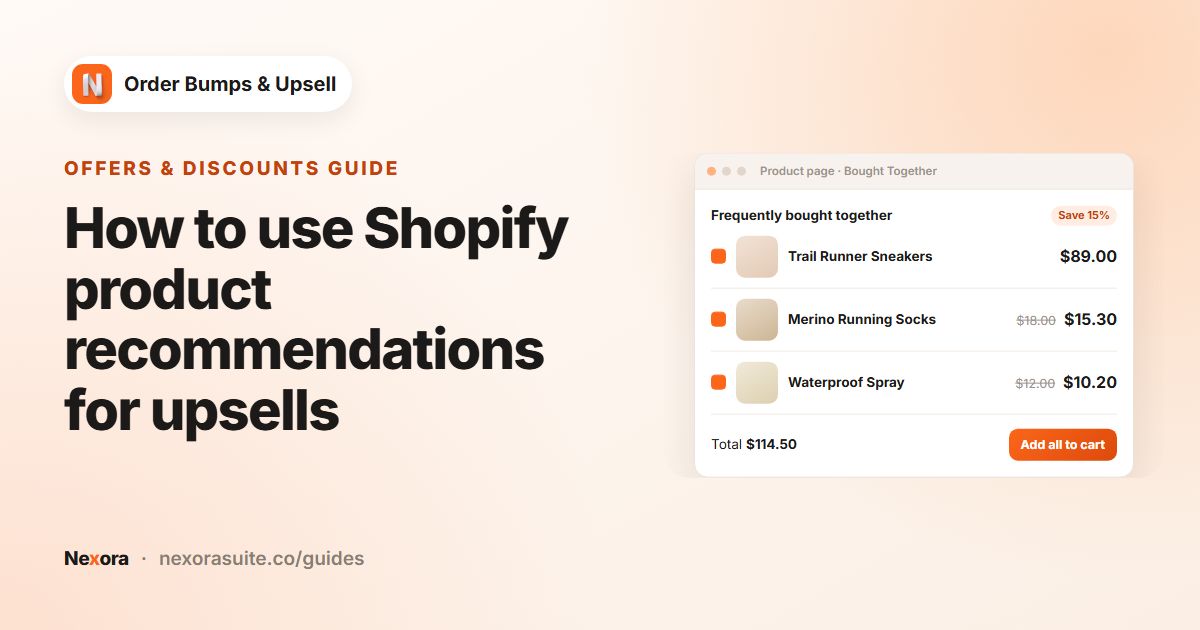 Offers & discountsHow to use Shopify product recommendations for upsells
To use Shopify's product recommendations for upsells, create a Nexora campaign with the AI Recommendation type. Choose the Related…
Read guide →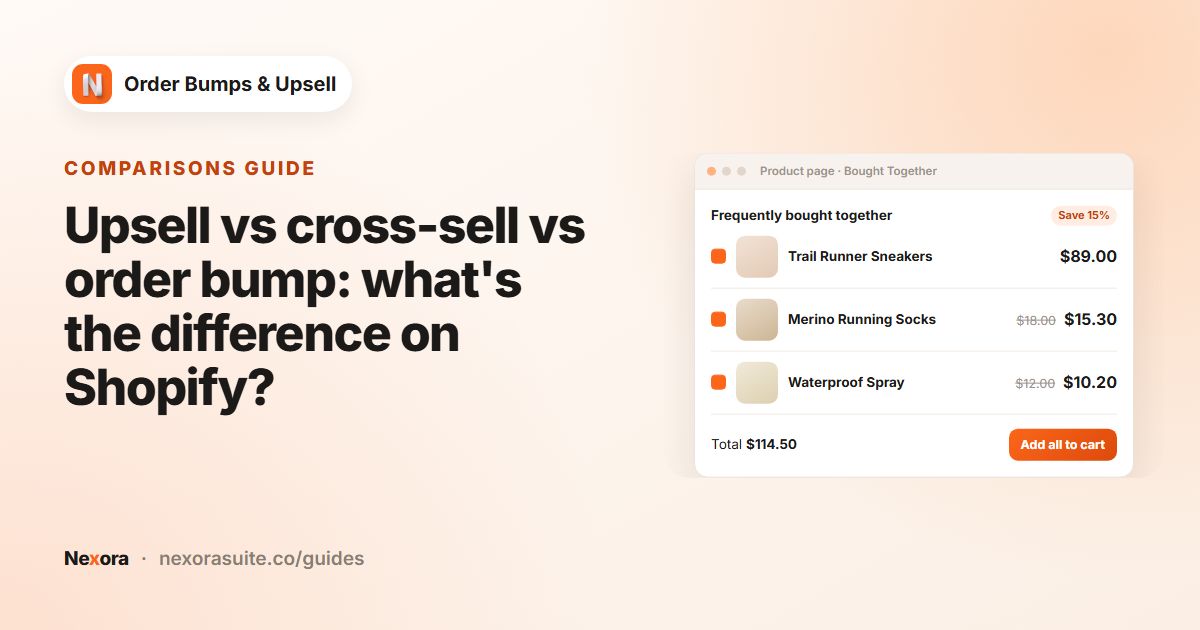 ComparisonsUpsell vs cross-sell vs order bump: what's the difference on Shopify?
An upsell encourages a customer to buy a better or larger version of what they chose. A cross-sell suggests a different product…
Read guide →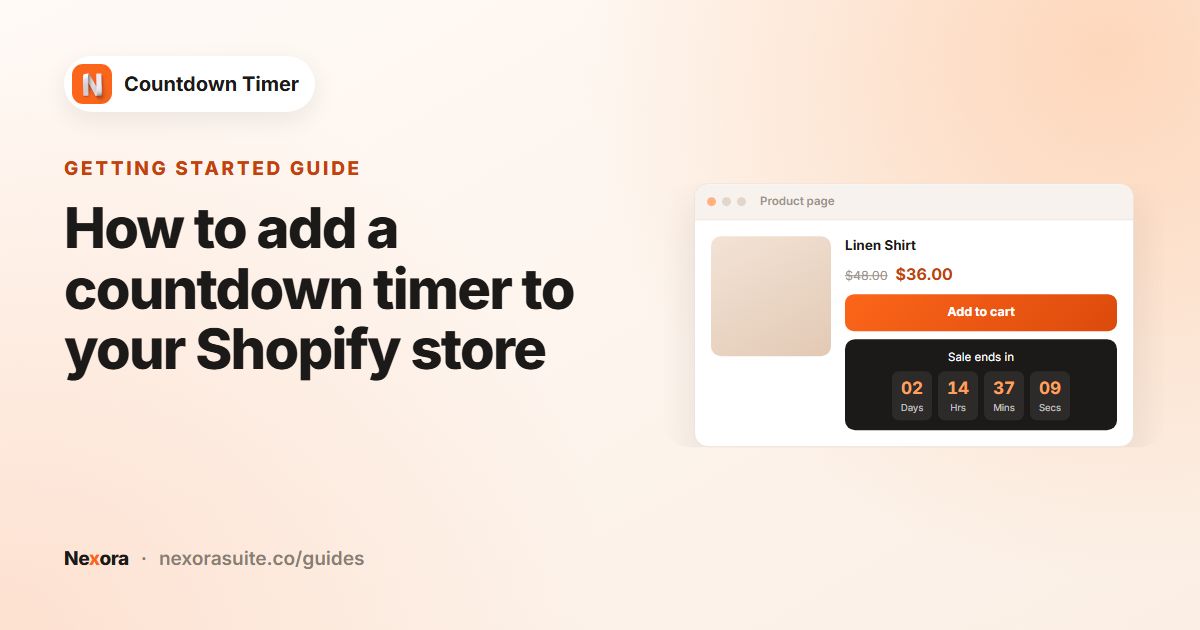 Getting startedHow to add a countdown timer to your Shopify store
To add a countdown timer to Shopify, install a timer app, turn on its app embed in the theme editor, then create a timer: choose a…
Read guide →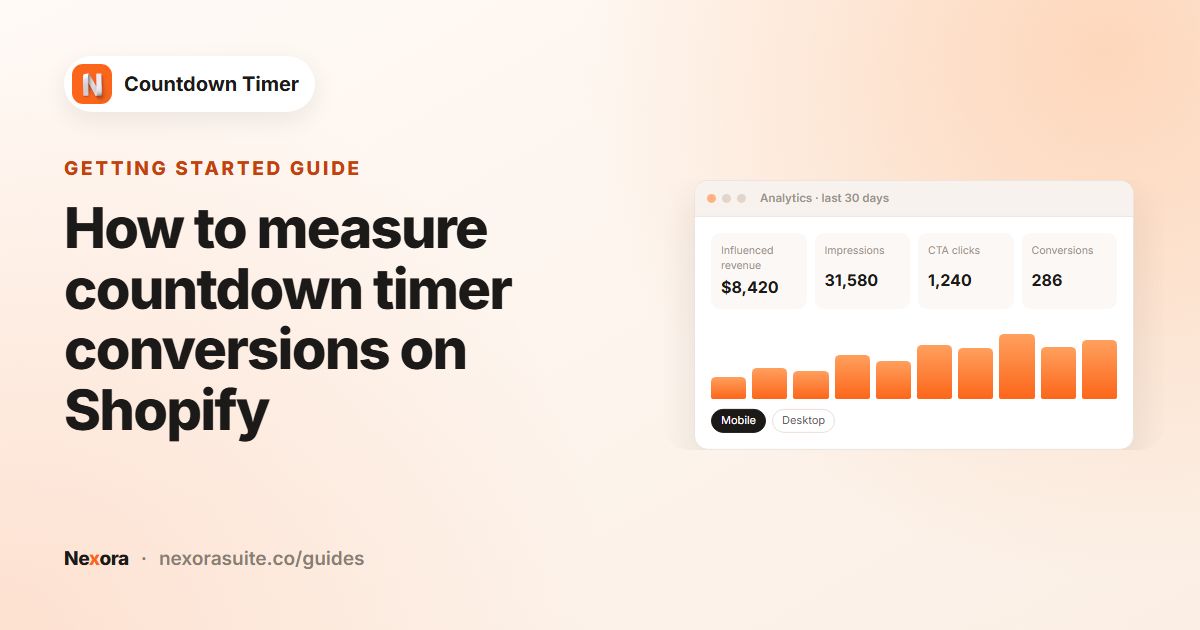 Getting startedHow to measure countdown timer conversions on Shopify
To measure countdown timer conversions on Shopify, open the app's Analytics page and pick a date range. It shows Influenced…
Read guide →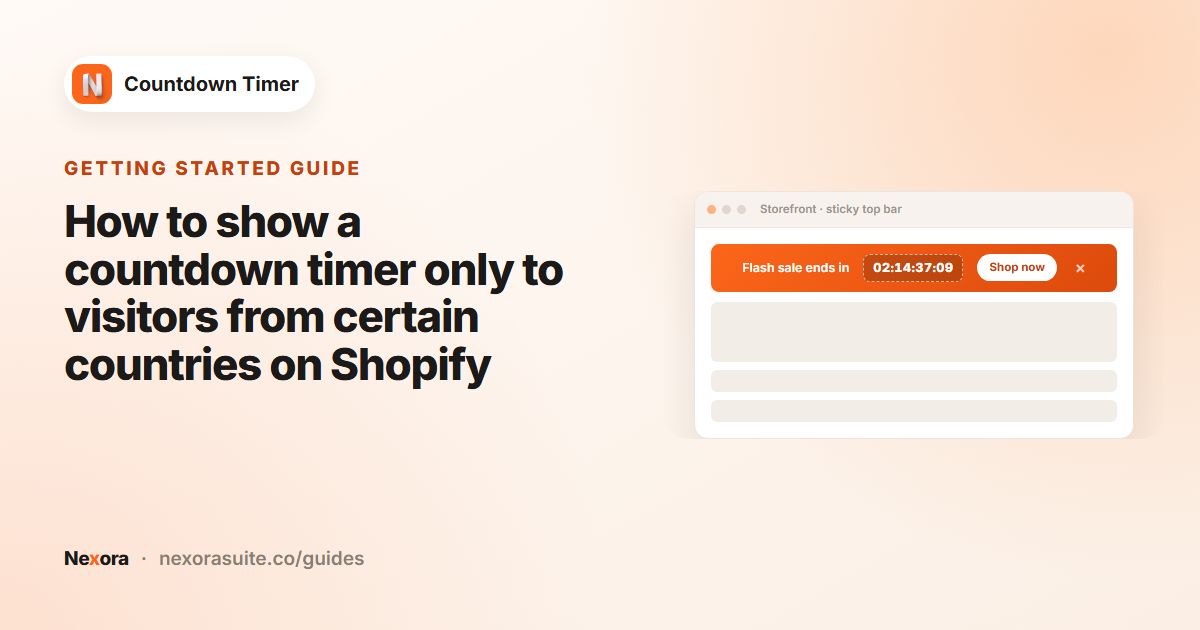 Getting startedHow to show a countdown timer only to visitors from certain countries on Shopify
To show a countdown only in certain countries, open the timer's Placement tab and set Geolocation targeting to Specific countries.…
Read guide →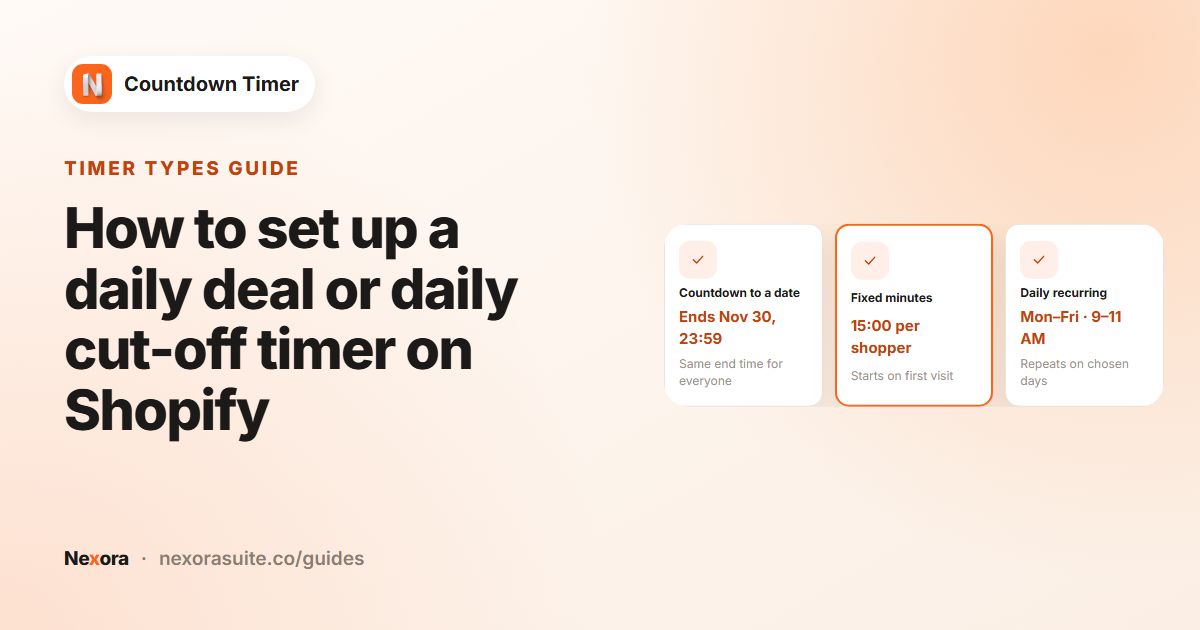 Timer typesHow to set up a daily deal or daily cut-off timer on Shopify
To run a daily deal timer on Shopify, create a timer and set Timer Type to Daily recurring timer. Pick the Days of week, then set…
Read guide →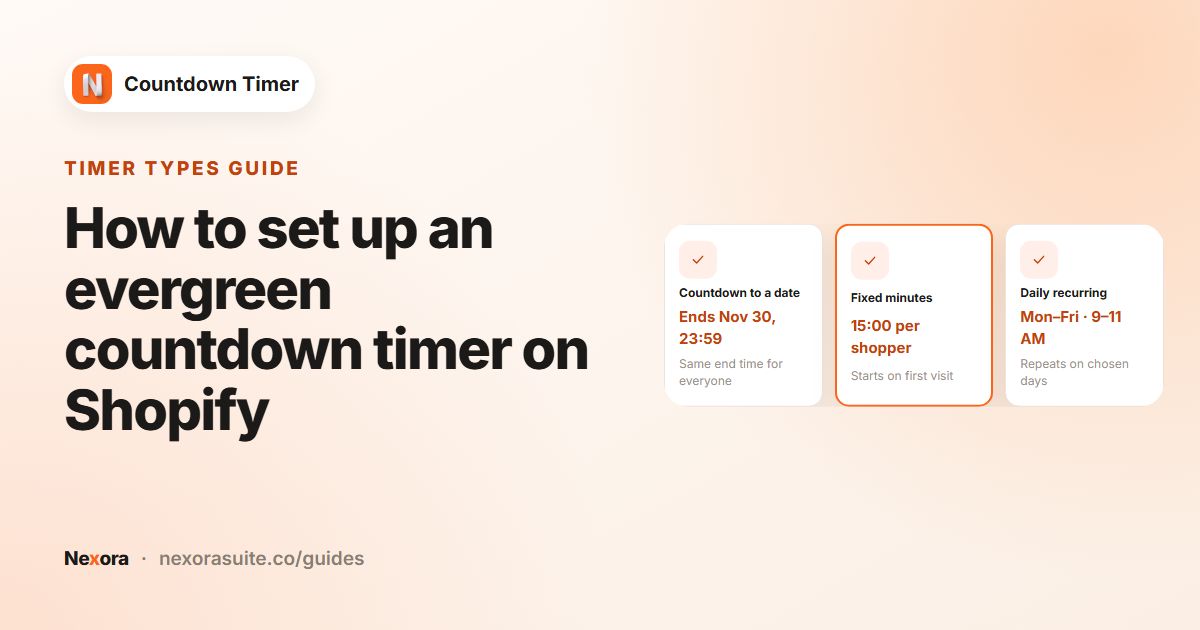 Timer typesHow to set up an evergreen countdown timer on Shopify
An evergreen countdown gives each shopper their own timer that starts the first time they see it. On Shopify, create a timer and…
Read guide →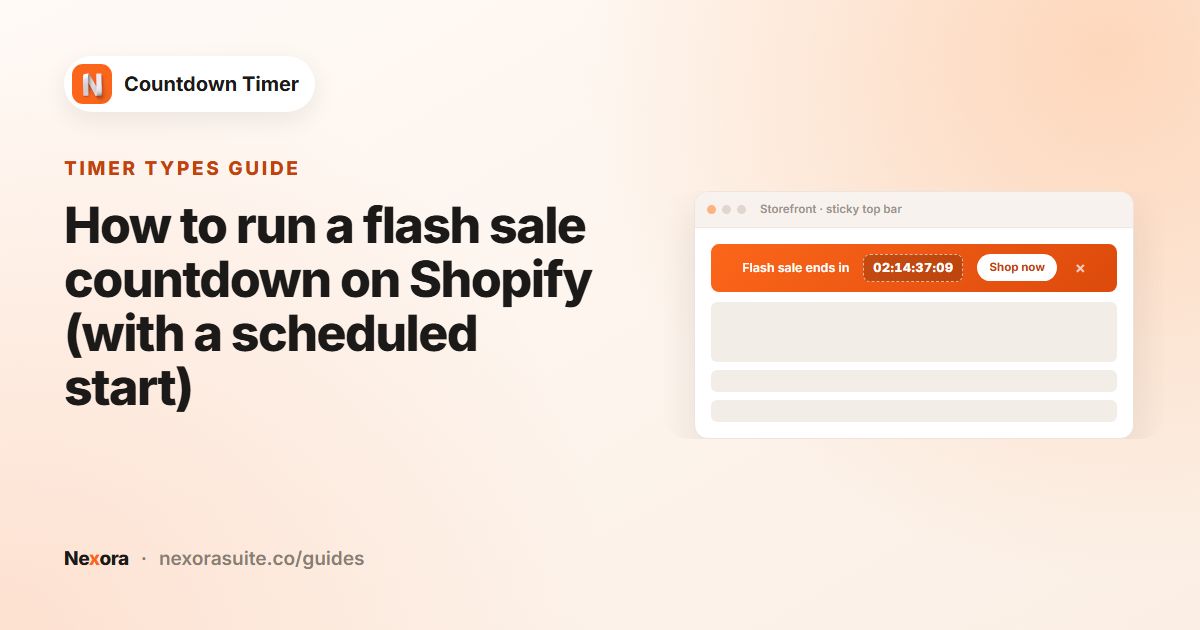 Timer typesHow to run a flash sale countdown on Shopify (with a scheduled start)
For a Shopify flash sale countdown, create a timer with Timer Type Countdown to a date. Under Timer starts, choose Schedule to…
Read guide →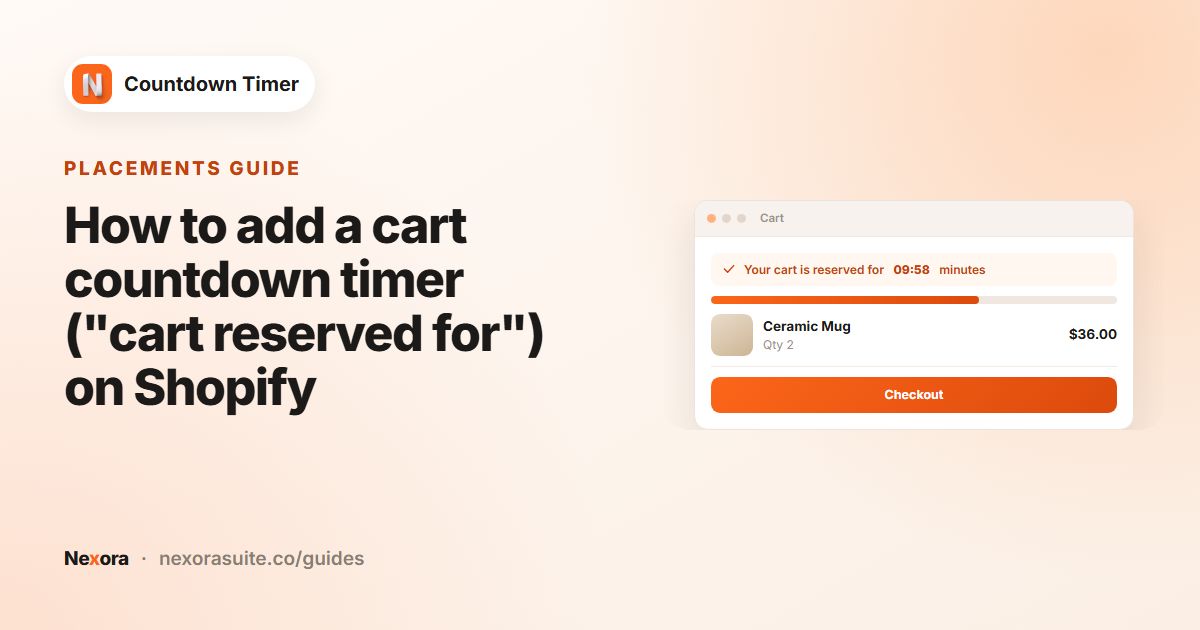 PlacementsHow to add a cart countdown timer ("cart reserved for") on Shopify
To add a cart timer on Shopify, create a Cart page timer, write a Title that contains the {timer} placeholder, such as Your cart…
Read guide →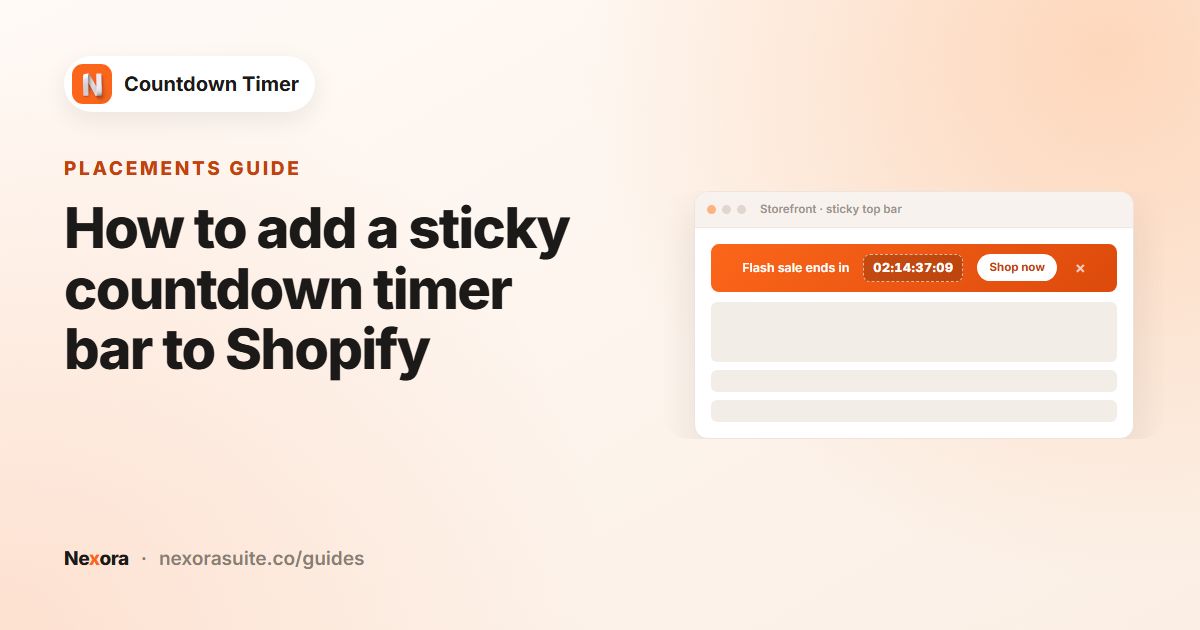 PlacementsHow to add a sticky countdown timer bar to Shopify
To add a sticky countdown bar on Shopify, create a Top/bottom bar timer, write the message and set the countdown. On the Design…
Read guide →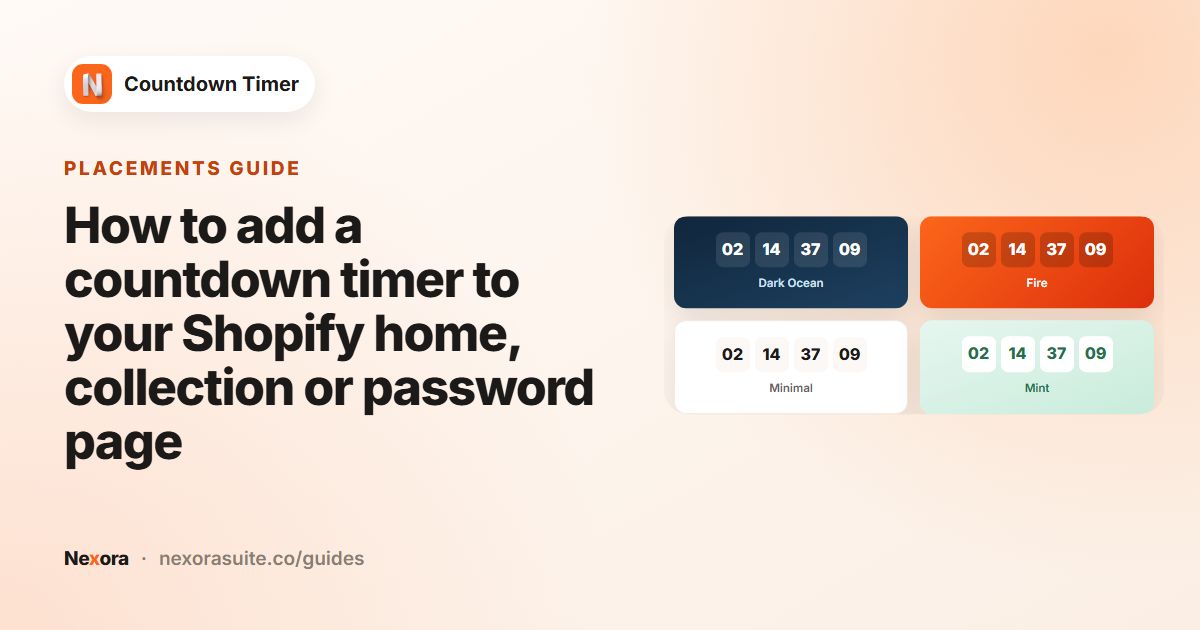 PlacementsHow to add a countdown timer to your Shopify home, collection or password page
To show a countdown on your Shopify home, collection or password page, create a Landing page timer. On the Placement tab choose…
Read guide →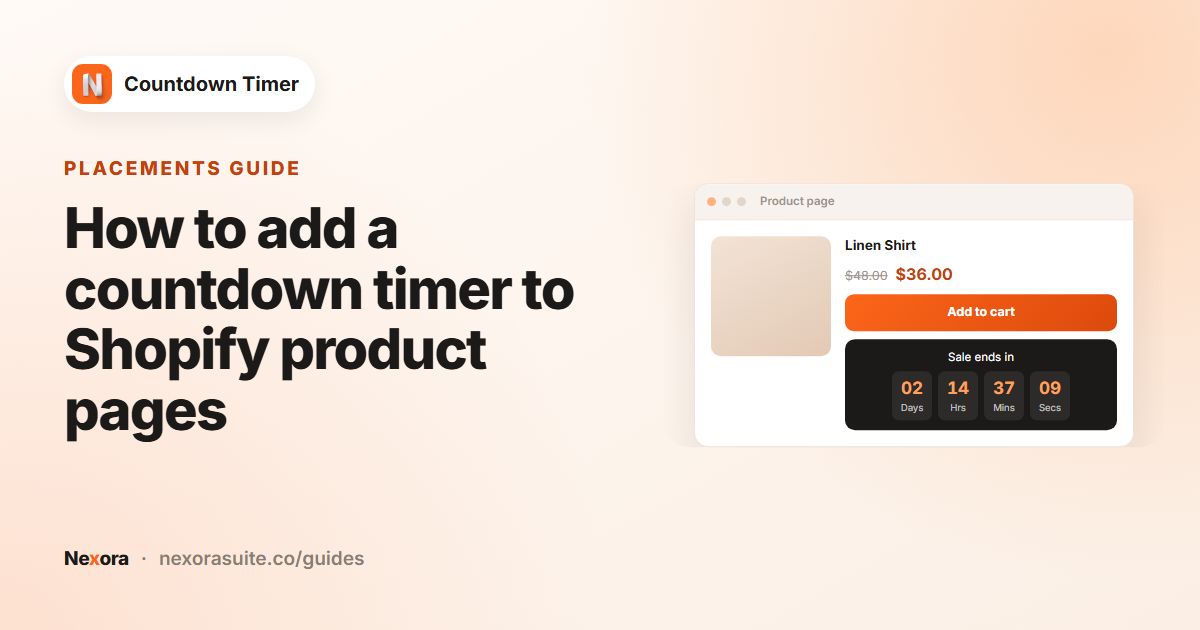 PlacementsHow to add a countdown timer to Shopify product pages
To add a countdown timer to Shopify product pages, create a Product page timer, set a Timer Type and end action, then on the…
Read guide →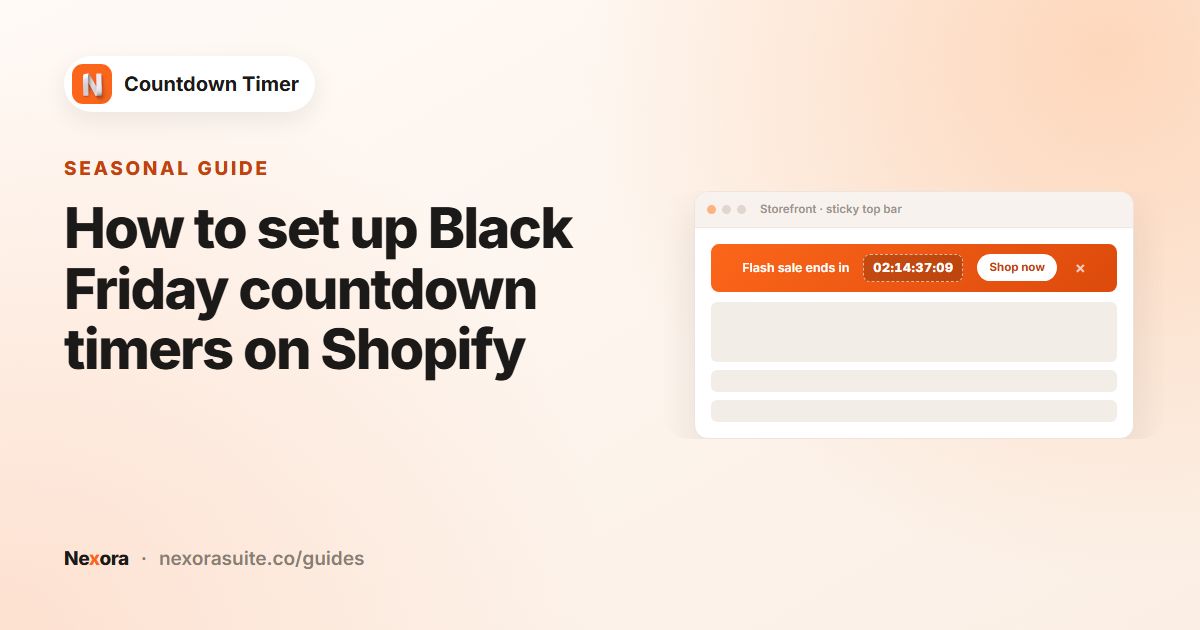 SeasonalHow to set up Black Friday countdown timers on Shopify
For Black Friday on Shopify, set up timers in advance: a teaser countdown to the sale start, then Countdown to a date timers with…
Read guide →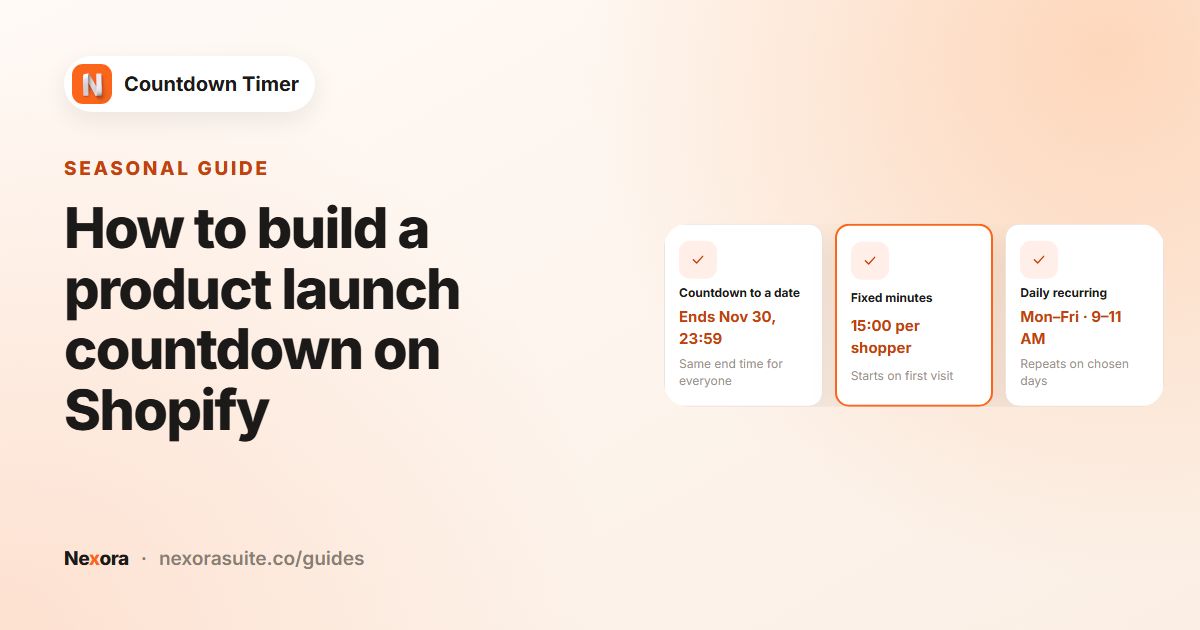 SeasonalHow to build a product launch countdown on Shopify
For a Shopify product launch, create a Landing page timer with Countdown to a date ending at launch time, shown on the home page…
Read guide →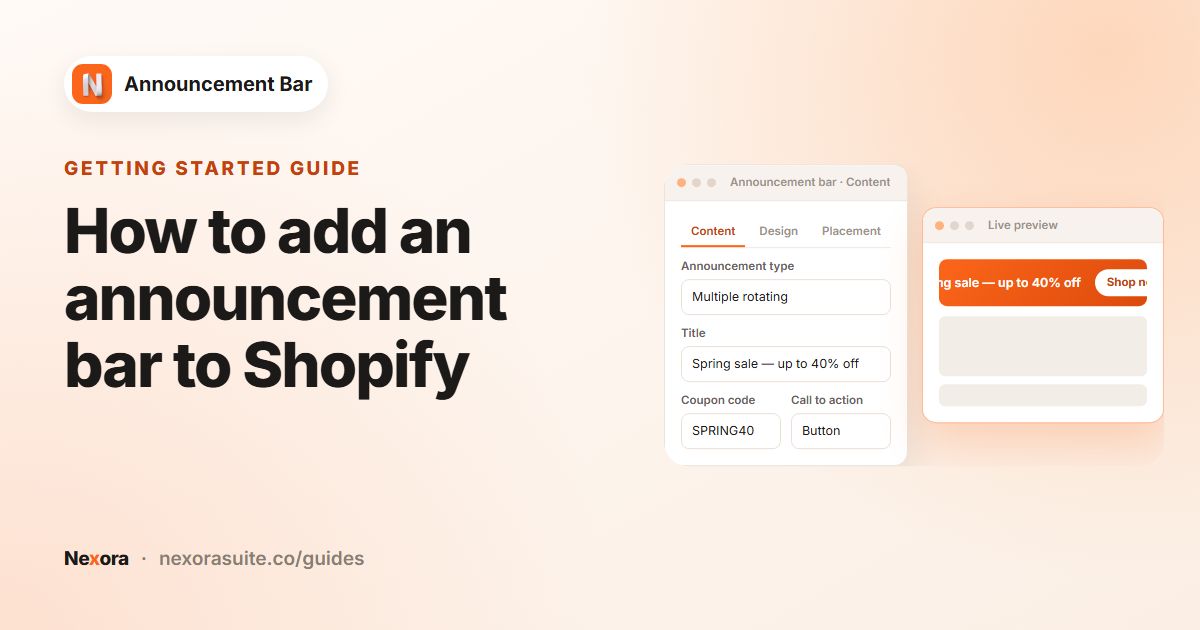 Getting startedHow to add an announcement bar to Shopify
To add an announcement bar to Shopify, either use the announcement bar built into many themes (in the theme editor) or install an…
Read guide →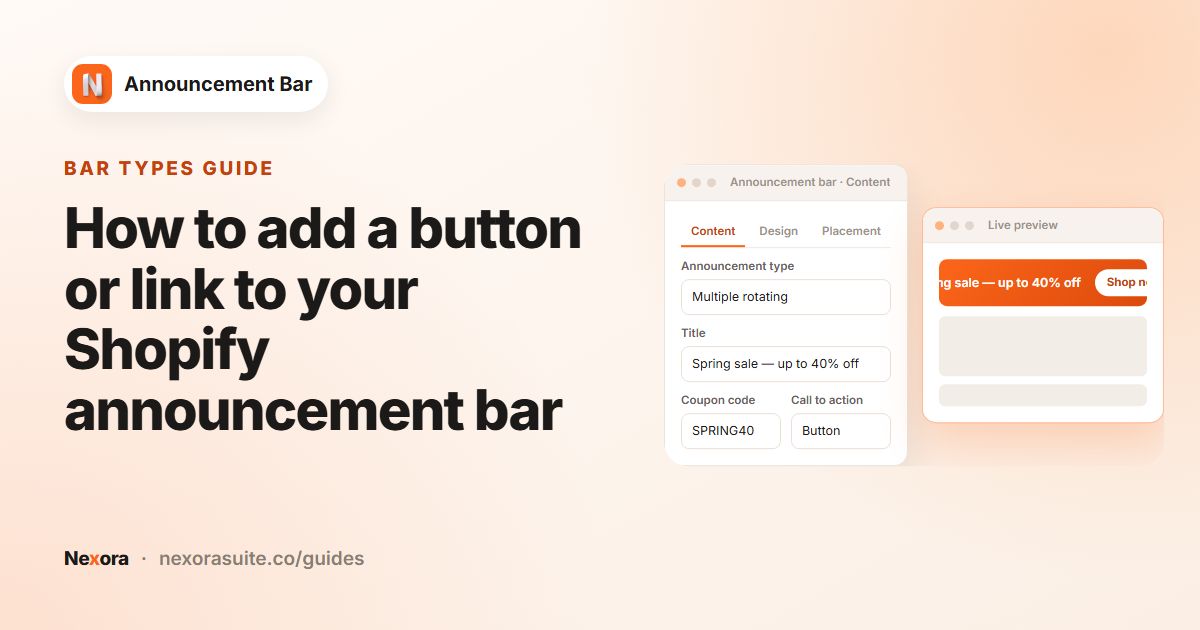 Bar typesHow to add a button or link to your Shopify announcement bar
To add a button to a Shopify announcement bar, open the bar in Nexora Announcement Bar and go to Call to action. Choose Button,…
Read guide →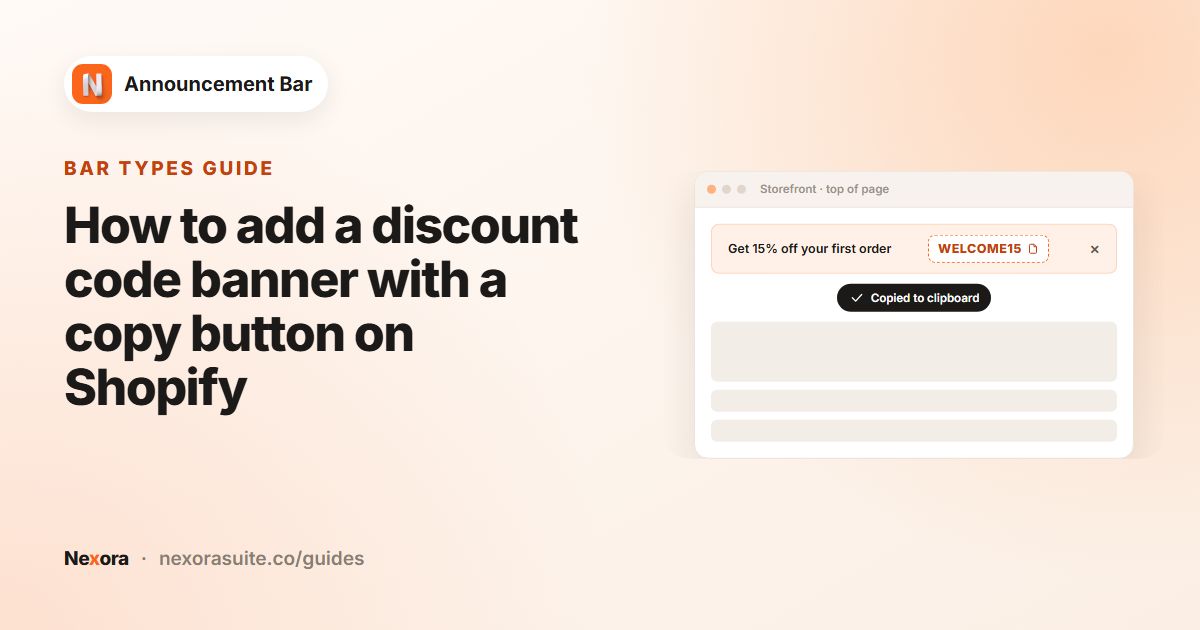 Bar typesHow to add a discount code banner with a copy button on Shopify
To show a discount code with a copy button on Shopify, first create the code in Shopify Discounts. Then, in Nexora Announcement…
Read guide →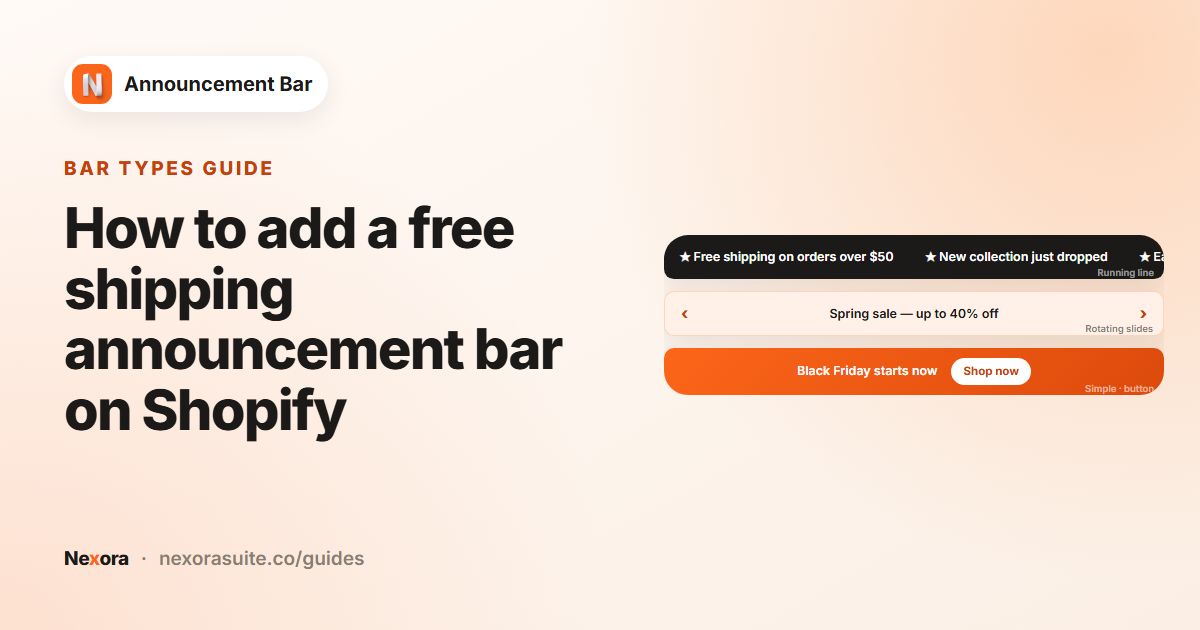 Bar typesHow to add a free shipping announcement bar on Shopify
A free shipping announcement bar is a short text message, such as "Free shipping on orders over $50", shown at the top of every…
Read guide →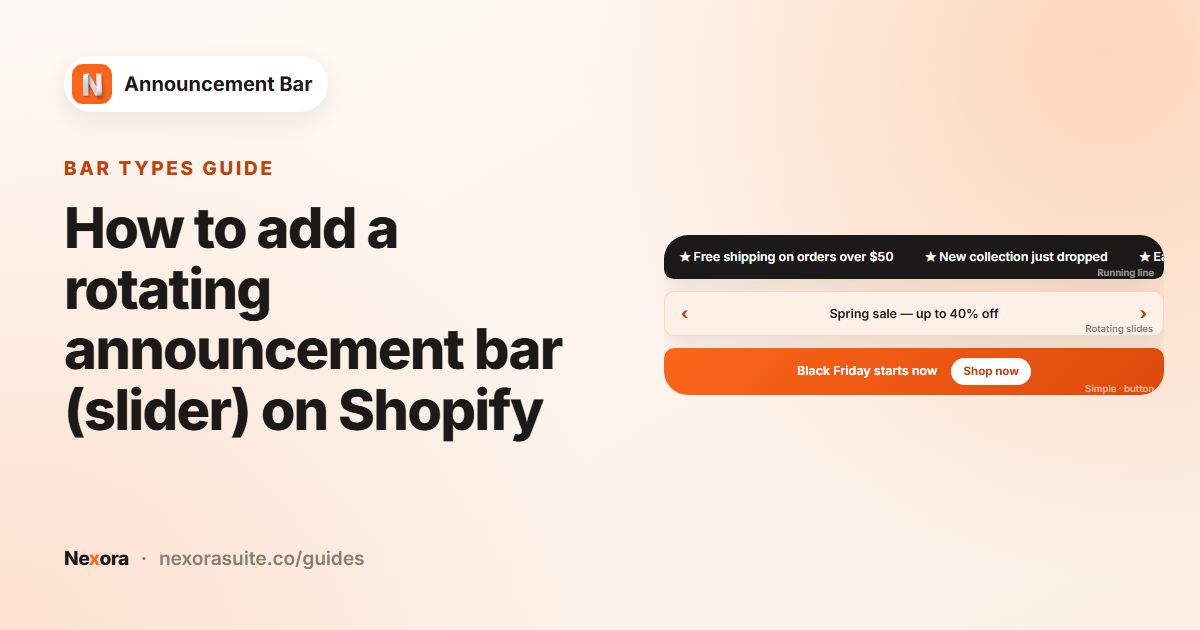 Bar typesHow to add a rotating announcement bar (slider) on Shopify
To add a rotating announcement bar on Shopify, create a bar in Nexora Announcement Bar and choose Multiple rotating announcements.…
Read guide →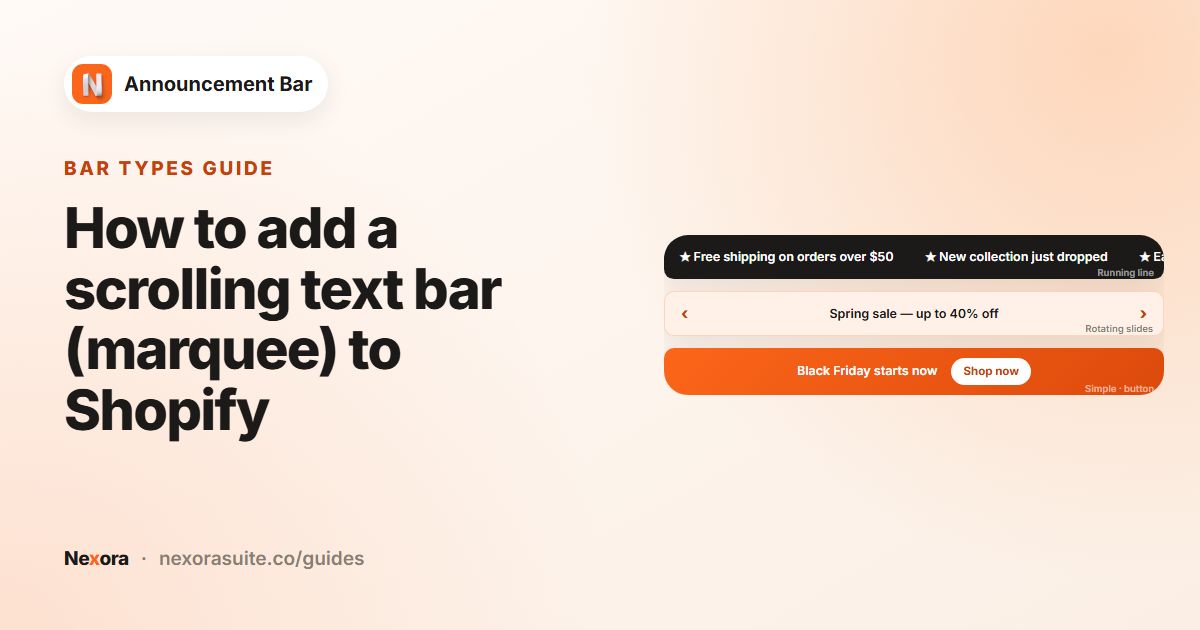 Bar typesHow to add a scrolling text bar (marquee) to Shopify
To add a scrolling text bar (marquee) to Shopify, create a bar in Nexora Announcement Bar and choose Running line announcement…
Read guide →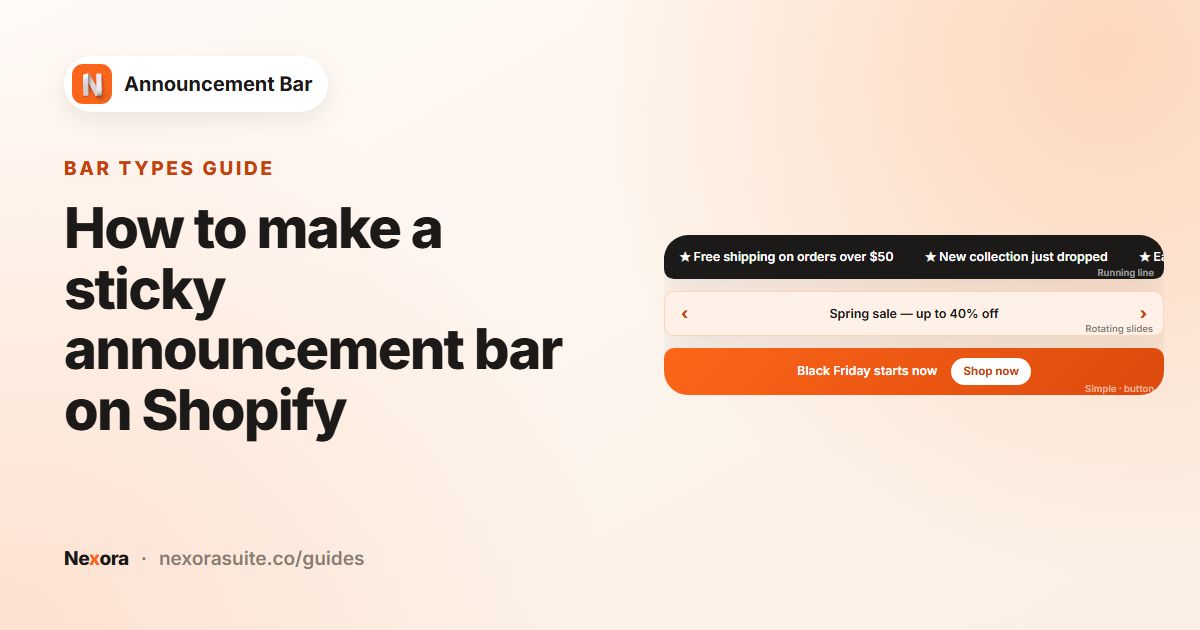 Bar typesHow to make a sticky announcement bar on Shopify
To make a sticky announcement bar on Shopify, create a bar in Nexora Announcement Bar, open the Design tab, set Position to Top…
Read guide →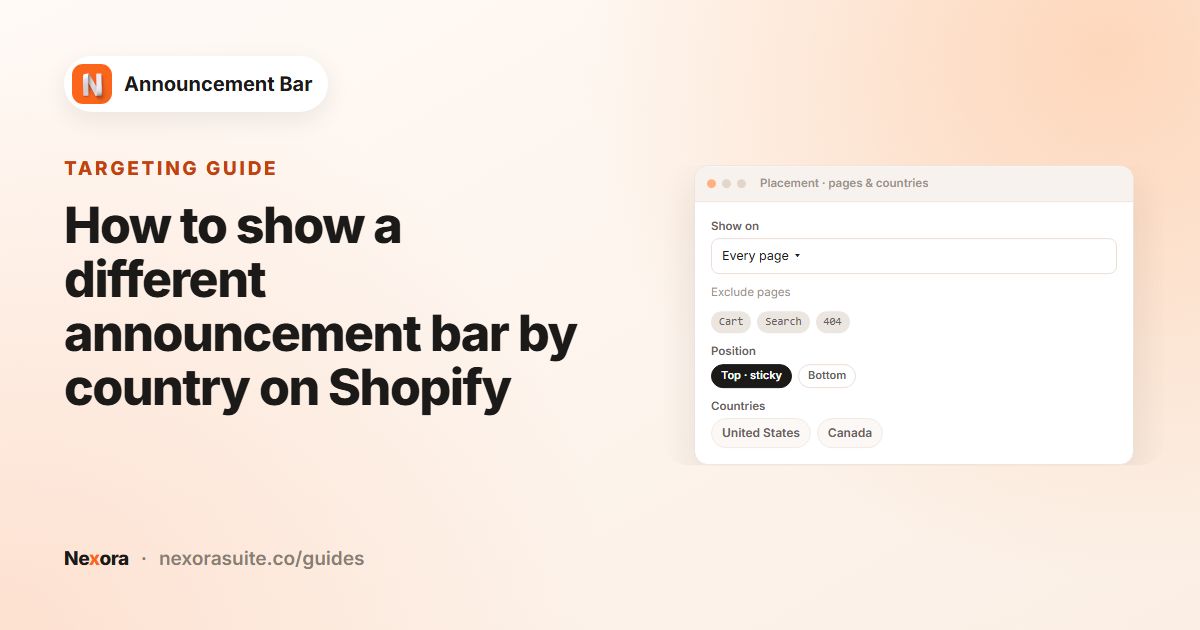 TargetingHow to show a different announcement bar by country on Shopify
To show an announcement bar to visitors from certain countries on Shopify, open the bar's Placement tab in Nexora Announcement…
Read guide →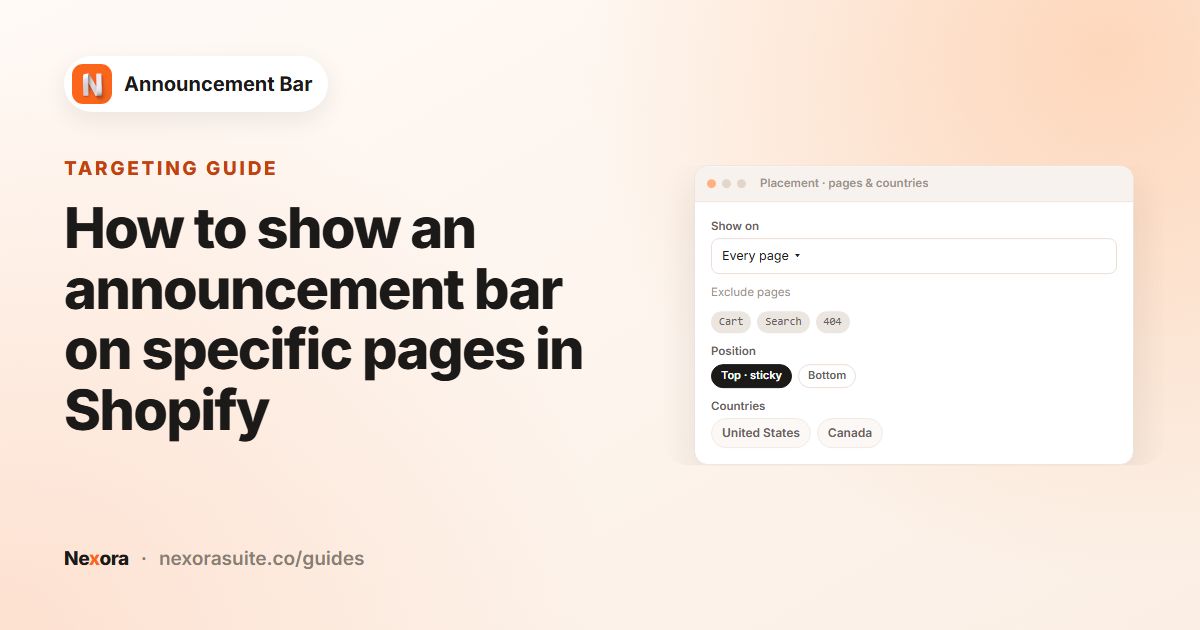 TargetingHow to show an announcement bar on specific pages in Shopify
To show an announcement bar only on certain Shopify pages, open the bar's Placement tab in Nexora Announcement Bar and pick an…
Read guide →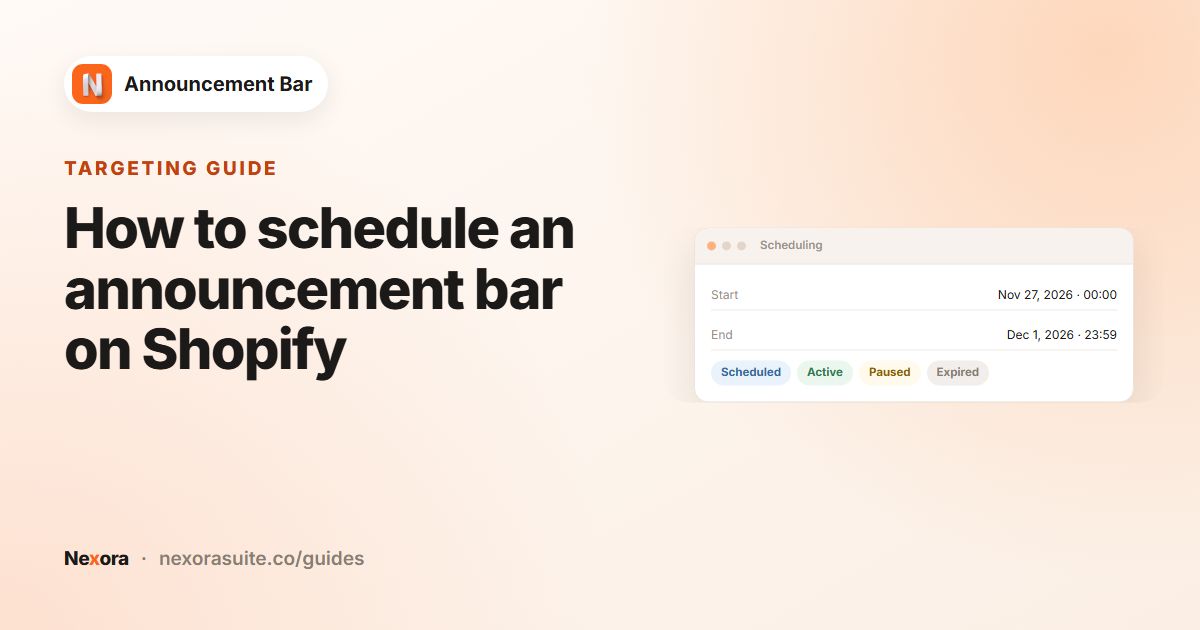 TargetingHow to schedule an announcement bar on Shopify
To schedule an announcement bar on Shopify, open the bar in Nexora Announcement Bar, go to the Scheduling card and set Starts and…
Read guide →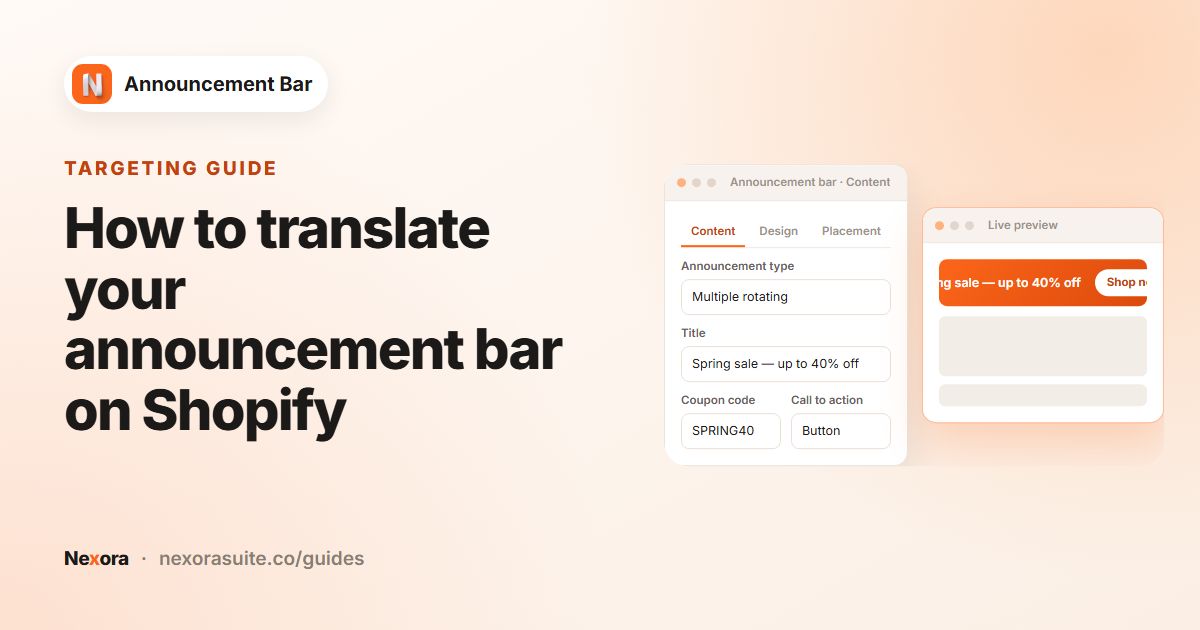 TargetingHow to translate your announcement bar on Shopify
To translate an announcement bar on Shopify, first publish the extra languages in your store. Then, in Nexora Announcement Bar,…
Read guide →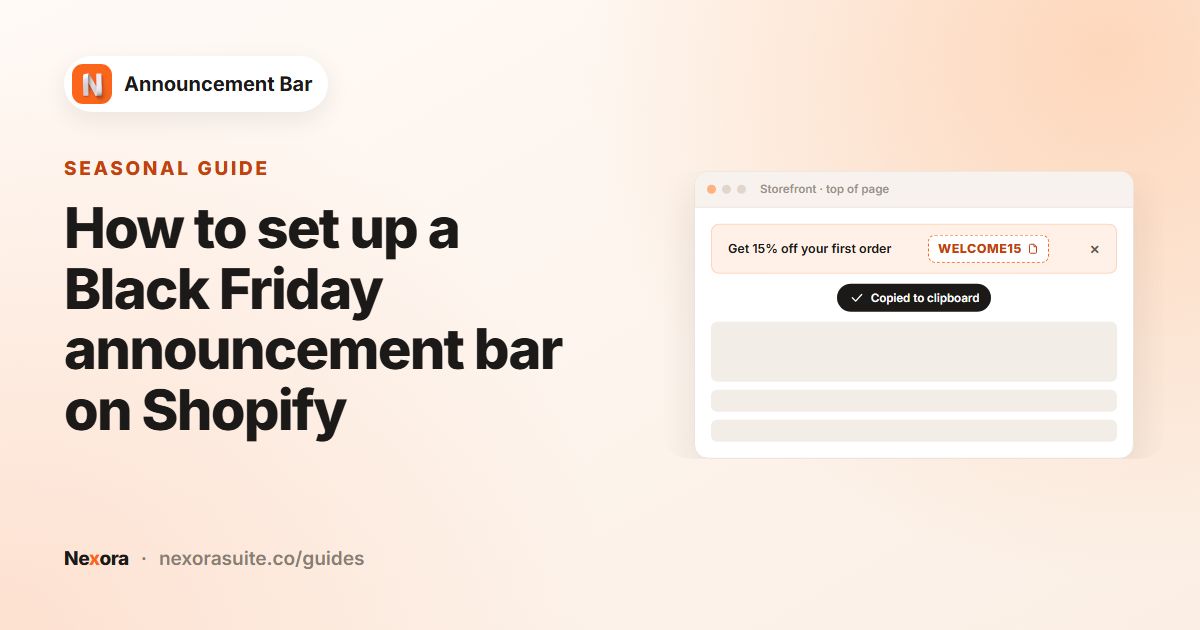 SeasonalHow to set up a Black Friday announcement bar on Shopify
For a Black Friday announcement bar on Shopify, create your discount in Shopify first, then build a small set of scheduled bars in…
Read guide →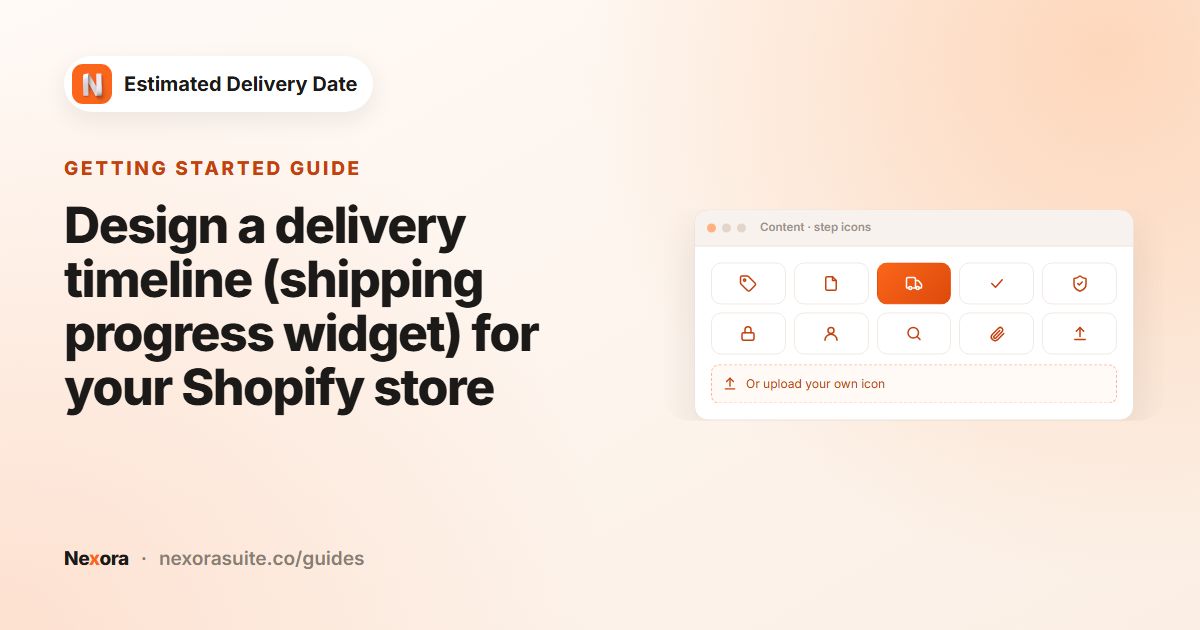 Getting startedDesign a delivery timeline (shipping progress widget) for your Shopify store
A Shopify delivery timeline shows the steps an order goes through, with a date under each. In Nexora Estimated Delivery Date,…
Read guide →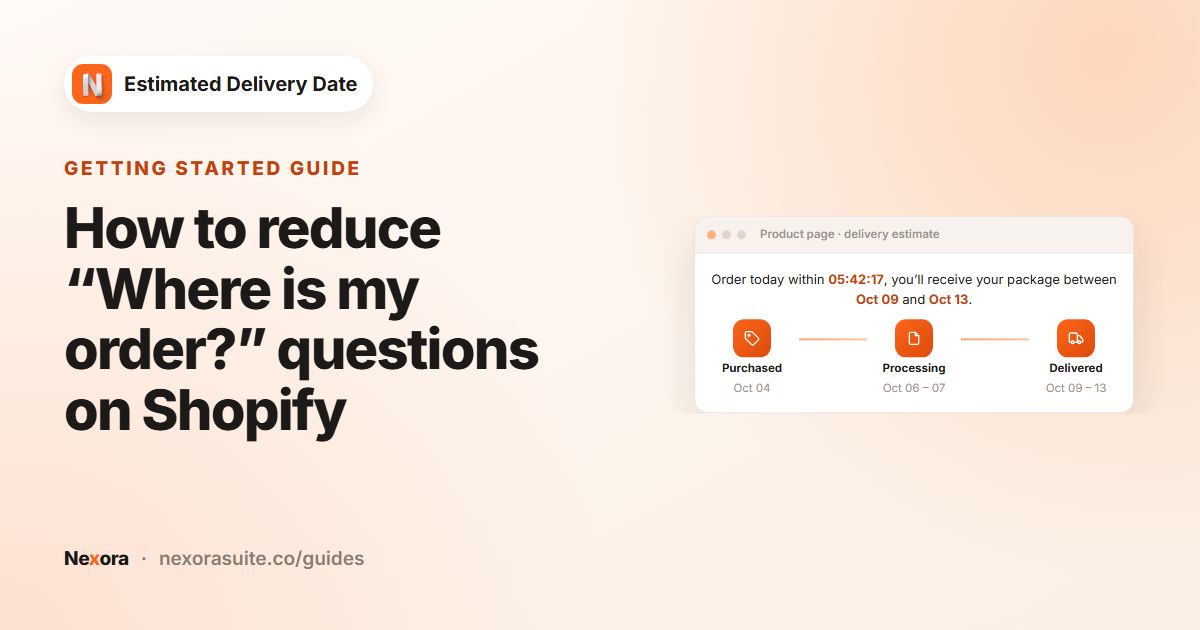 Getting startedHow to reduce “Where is my order?” questions on Shopify
Many “Where is my order?” (WISMO) messages come from shoppers who expected their parcel sooner than you could deliver. You can…
Read guide →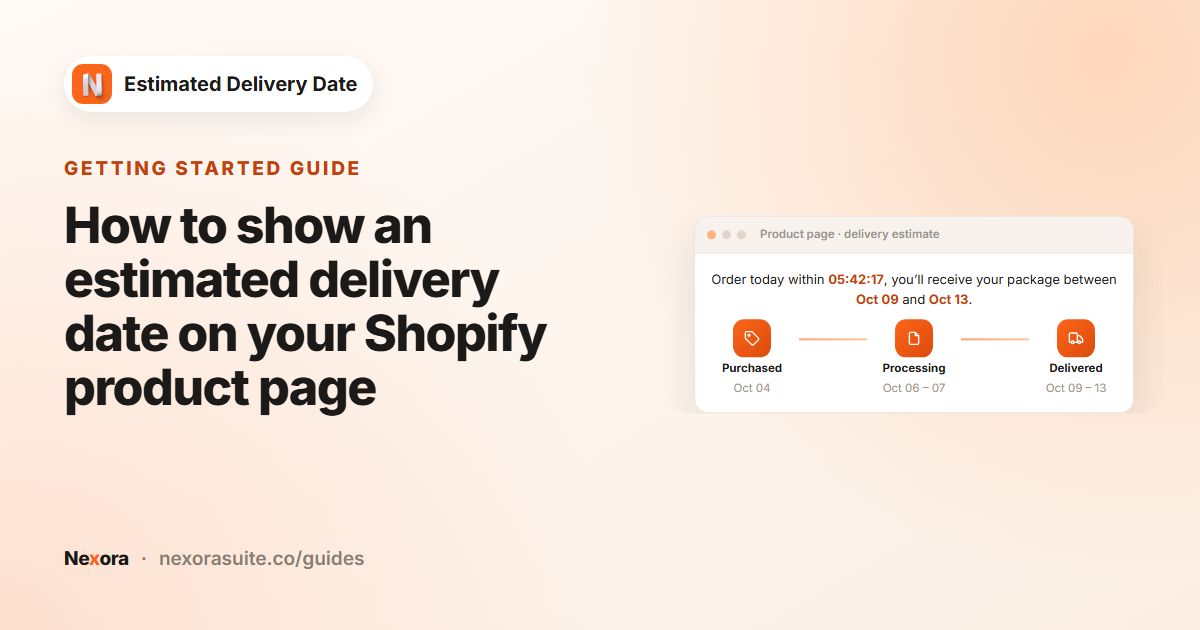 Getting startedHow to show an estimated delivery date on your Shopify product page
To show an estimated delivery date on a Shopify product page, create a widget in Nexora Estimated Delivery Date, enter your…
Read guide →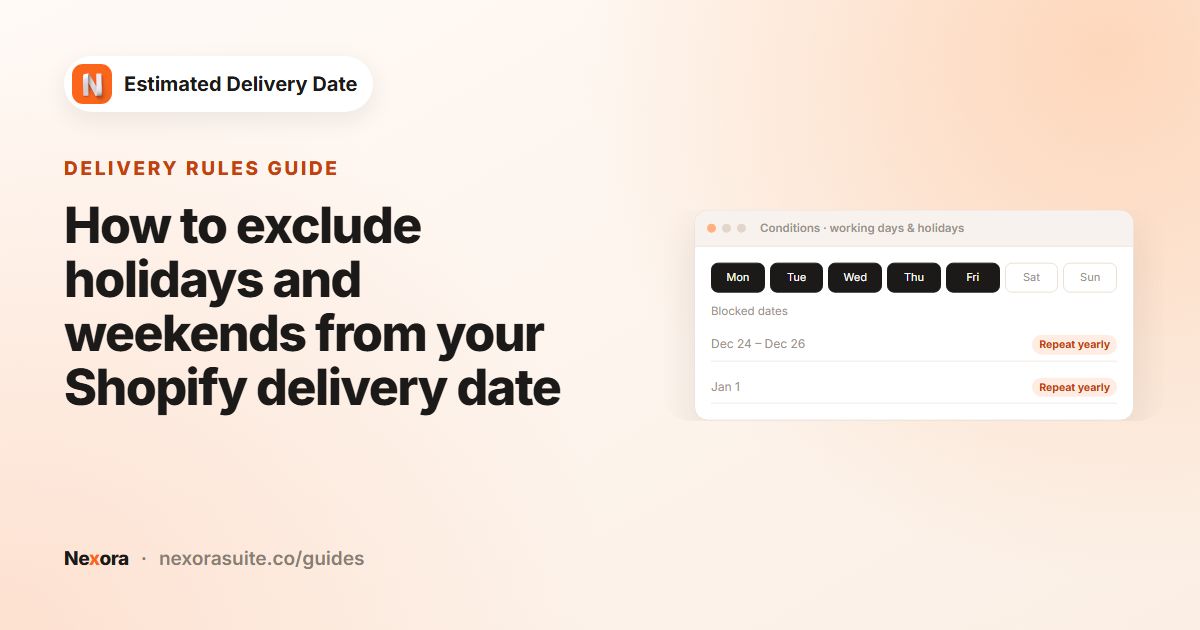 Delivery rulesHow to exclude holidays and weekends from your Shopify delivery date
To exclude weekends and holidays from a Shopify delivery date, choose your Working days and add Blocked dates (holidays) in Nexora…
Read guide →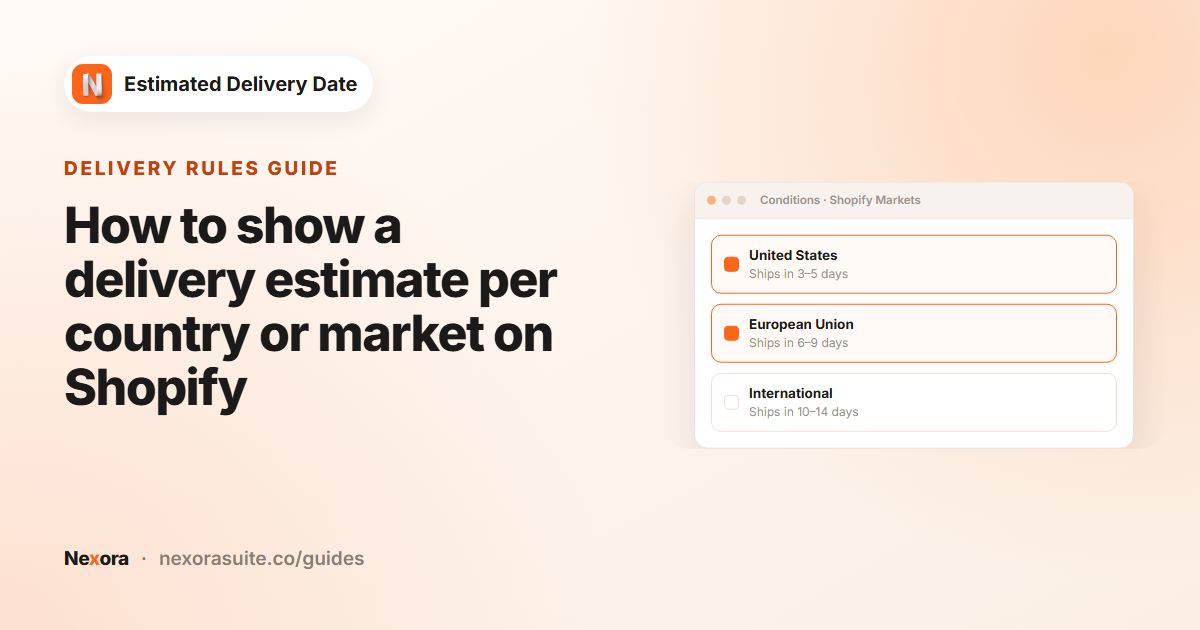 Delivery rulesHow to show a delivery estimate per country or market on Shopify
To show a different delivery estimate per country on Shopify, set up Shopify Markets, then create one widget per market group in…
Read guide →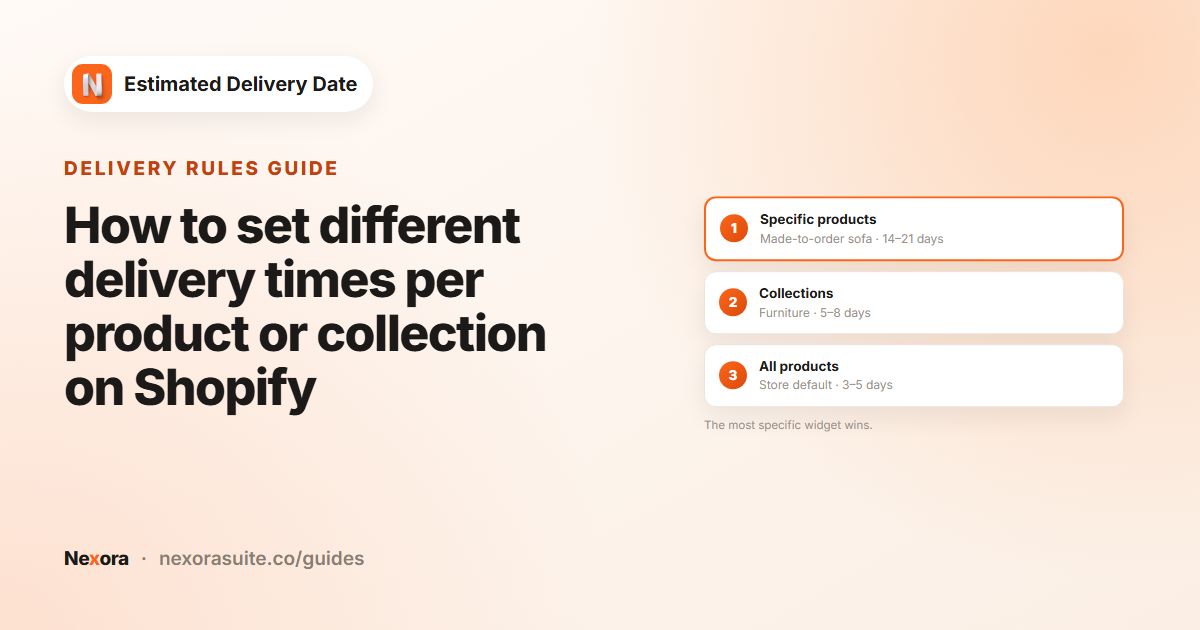 Delivery rulesHow to set different delivery times per product or collection on Shopify
To show different delivery times per product or collection on Shopify, create several widgets in Nexora Estimated Delivery Date,…
Read guide →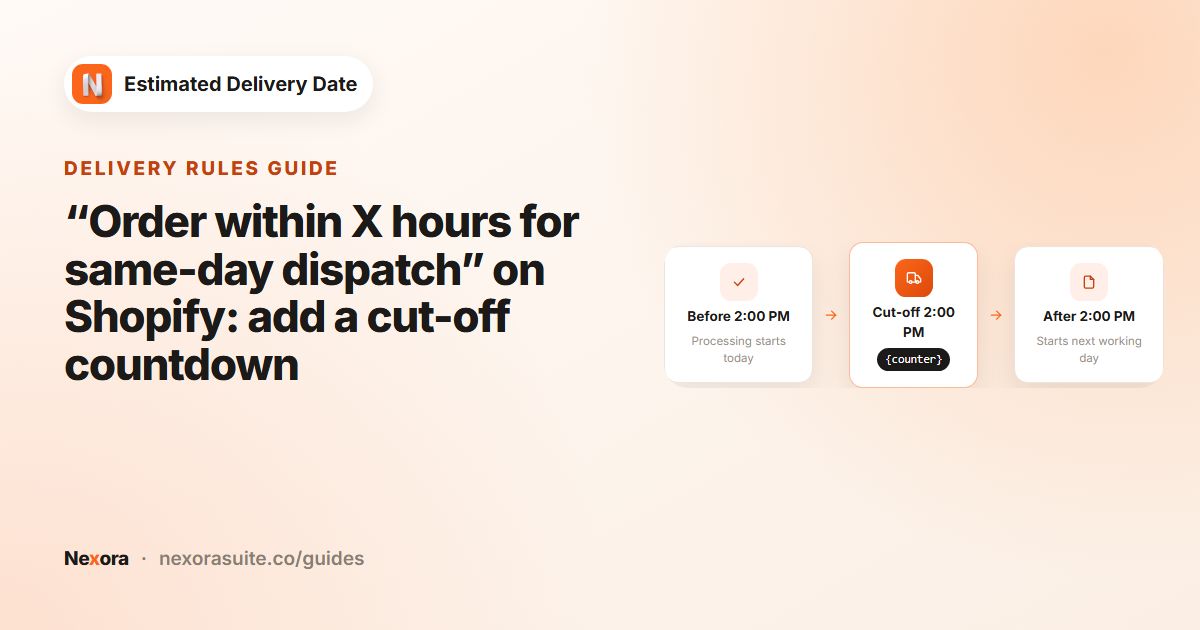 Delivery rules“Order within X hours for same-day dispatch” on Shopify: add a cut-off countdown
To show “Order within X hours for same-day dispatch” on Shopify, set Processing time to 0 days and choose your Cutoff time in…
Read guide →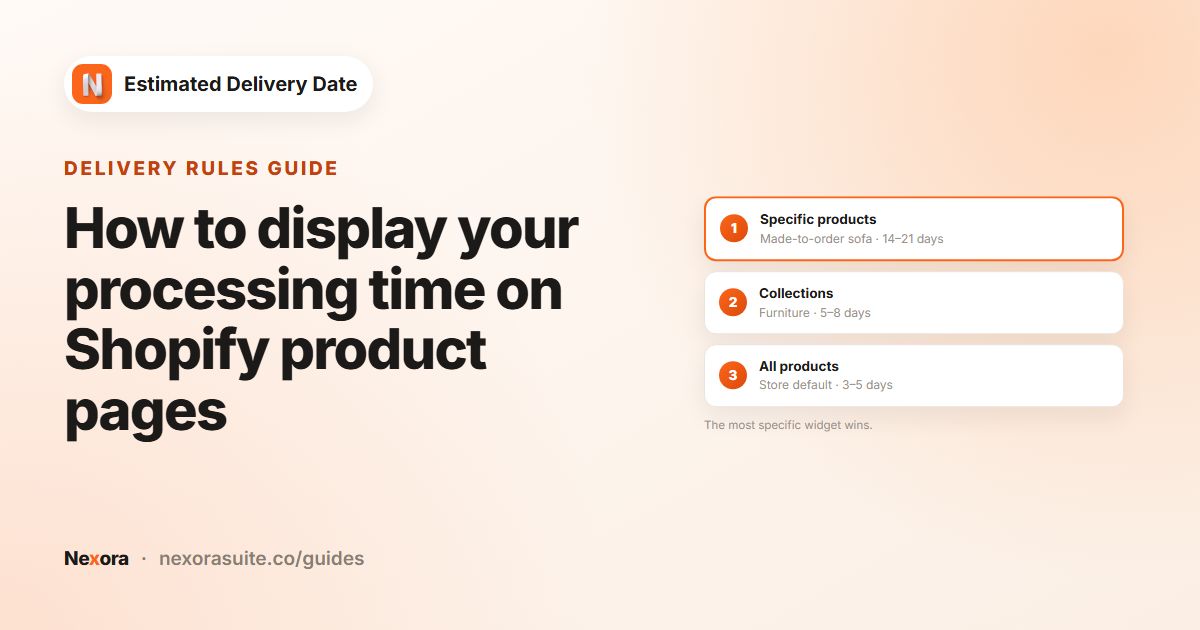 Delivery rulesHow to display your processing time on Shopify product pages
To display processing time on Shopify, set Processing time › Shortest (days) and Longest (days) in Nexora Estimated Delivery Date,…
Read guide →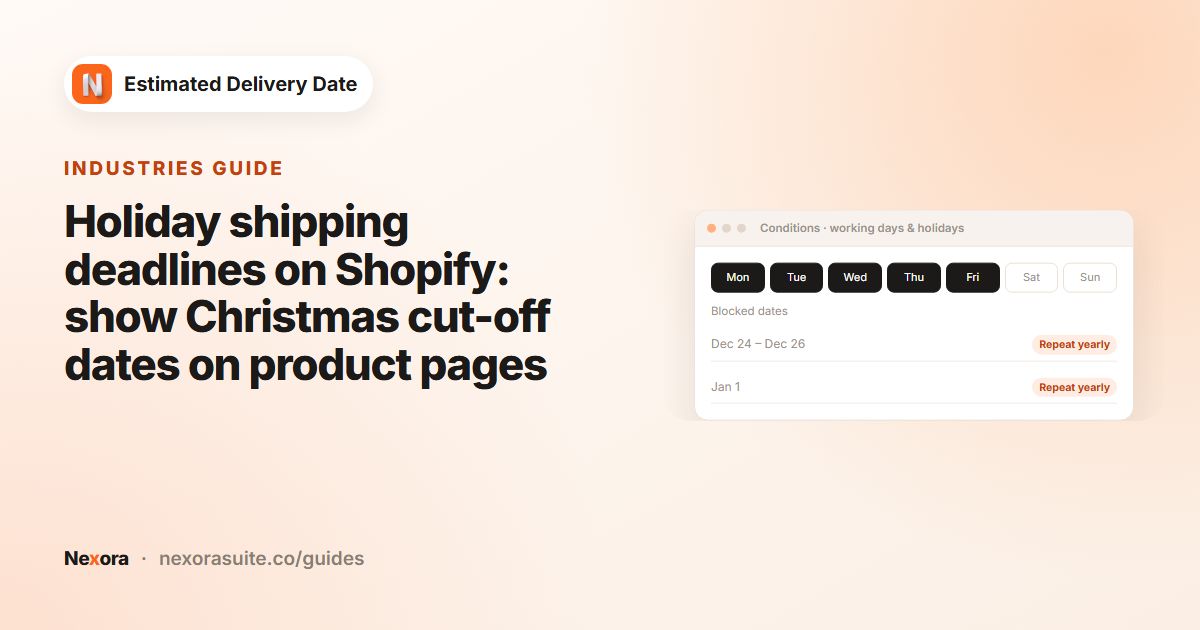 IndustriesHoliday shipping deadlines on Shopify: show Christmas cut-off dates on product pages
To show Christmas shipping deadlines on Shopify, block your holiday closure dates and raise transit days for peak season in Nexora…
Read guide →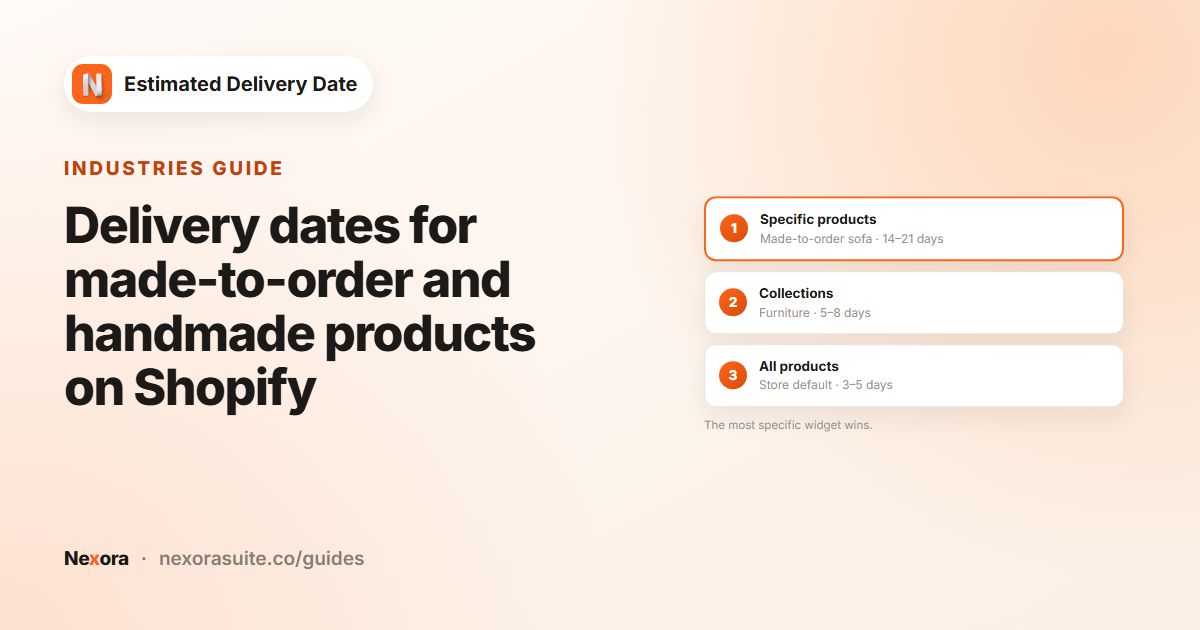 IndustriesDelivery dates for made-to-order and handmade products on Shopify
For made-to-order products on Shopify, show the making time as its own step so shoppers understand the wait. In Nexora Estimated…
Read guide →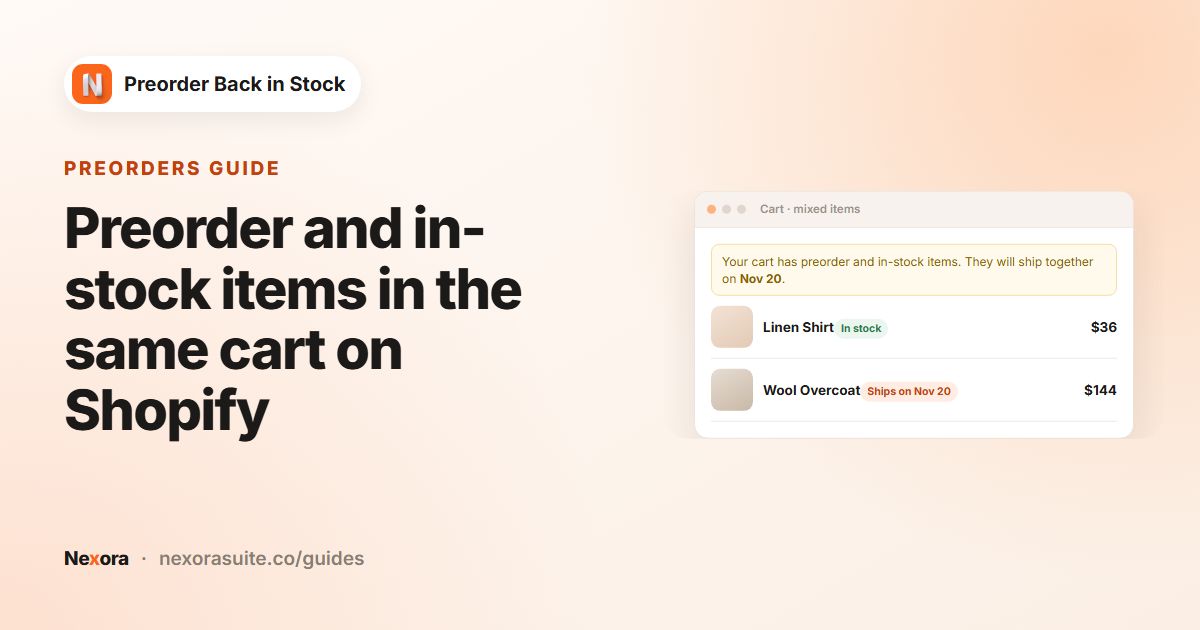 PreordersPreorder and in-stock items in the same cart on Shopify
When a Shopify cart contains both preorder and in-stock items, decide how you will ship it and say so in the cart. In Nexora…
Read guide →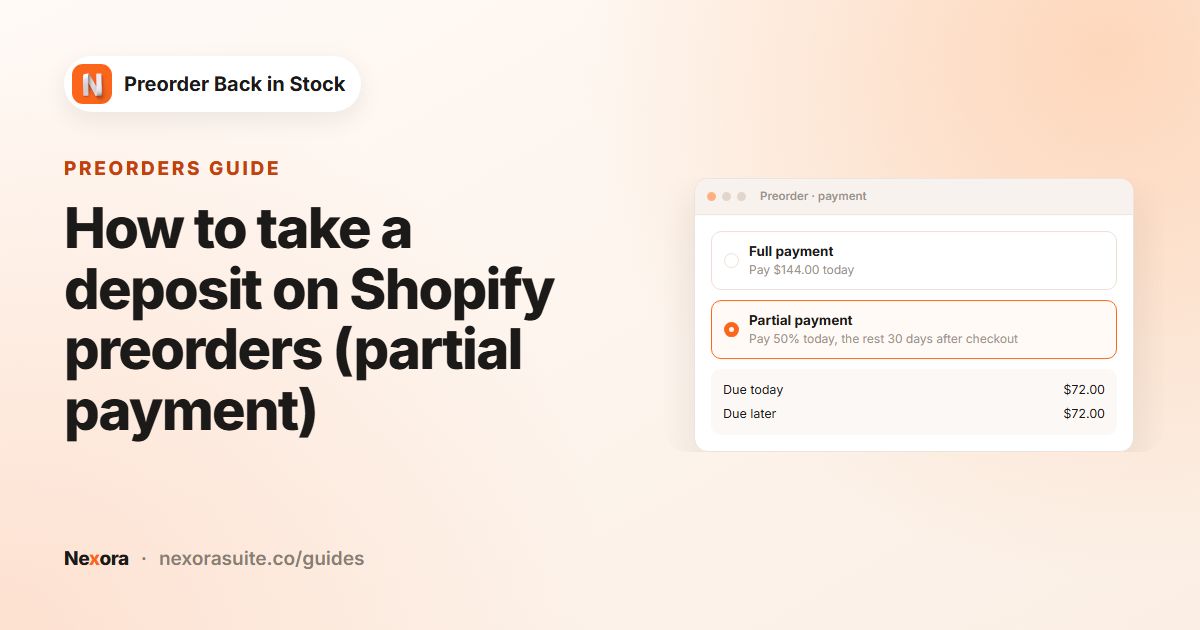 PreordersHow to take a deposit on Shopify preorders (partial payment)
To take a deposit on a Shopify preorder, use a preorder app that creates a pre-order selling plan with a checkout charge. In…
Read guide →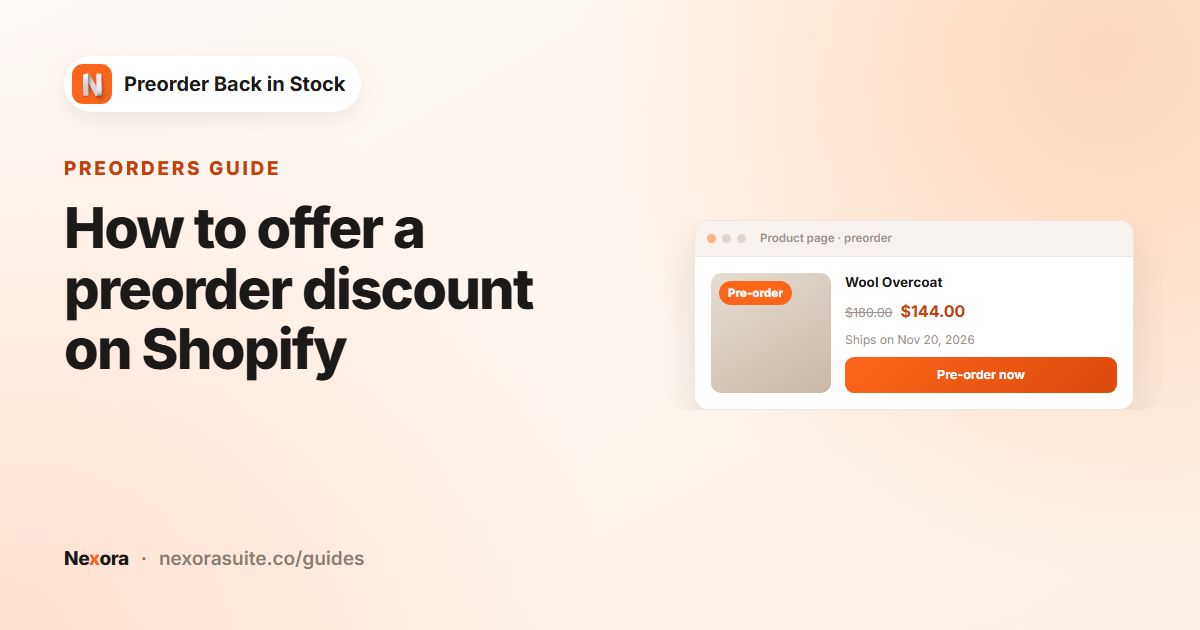 PreordersHow to offer a preorder discount on Shopify
To offer a preorder discount on Shopify, apply the discount to the preorder purchase option rather than the product itself. In…
Read guide →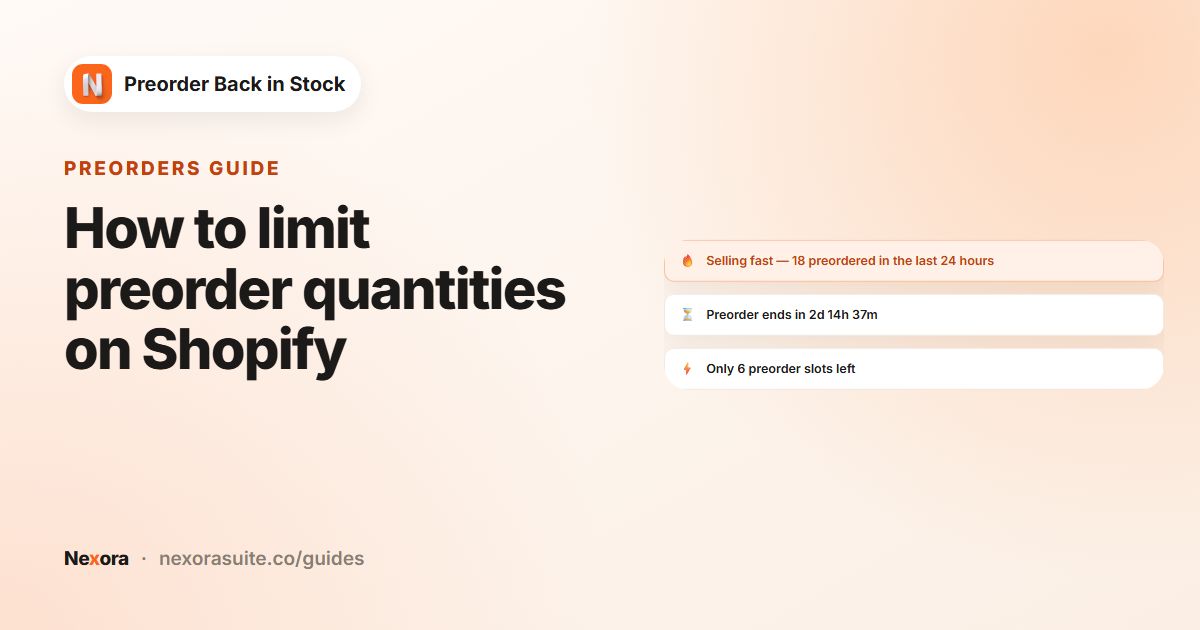 PreordersHow to limit preorder quantities on Shopify
To limit preorders on Shopify, cap how far inventory can go below zero. In Nexora Preorder Back in Stock, tick Limit inventory for…
Read guide →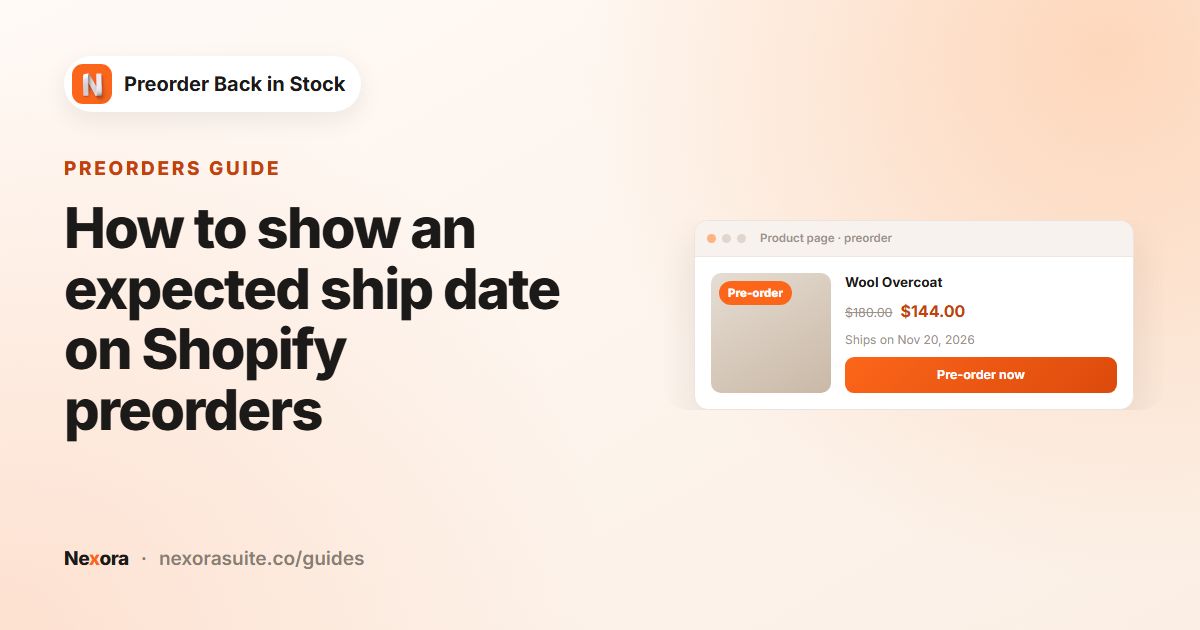 PreordersHow to show an expected ship date on Shopify preorders
To show an expected ship date on Shopify preorders, put it in the preorder message and set a scheduled fulfillment date on the…
Read guide →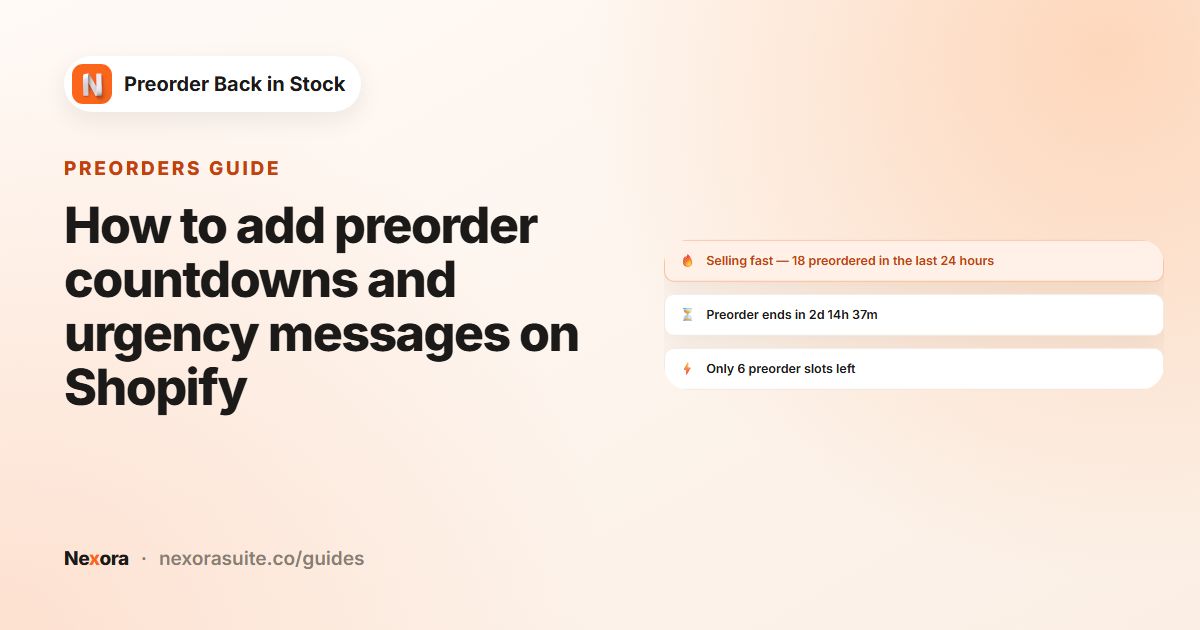 PreordersHow to add preorder countdowns and urgency messages on Shopify
To add urgency to Shopify preorders, show one short message above the Preorder button that is based on real data. In Nexora…
Read guide →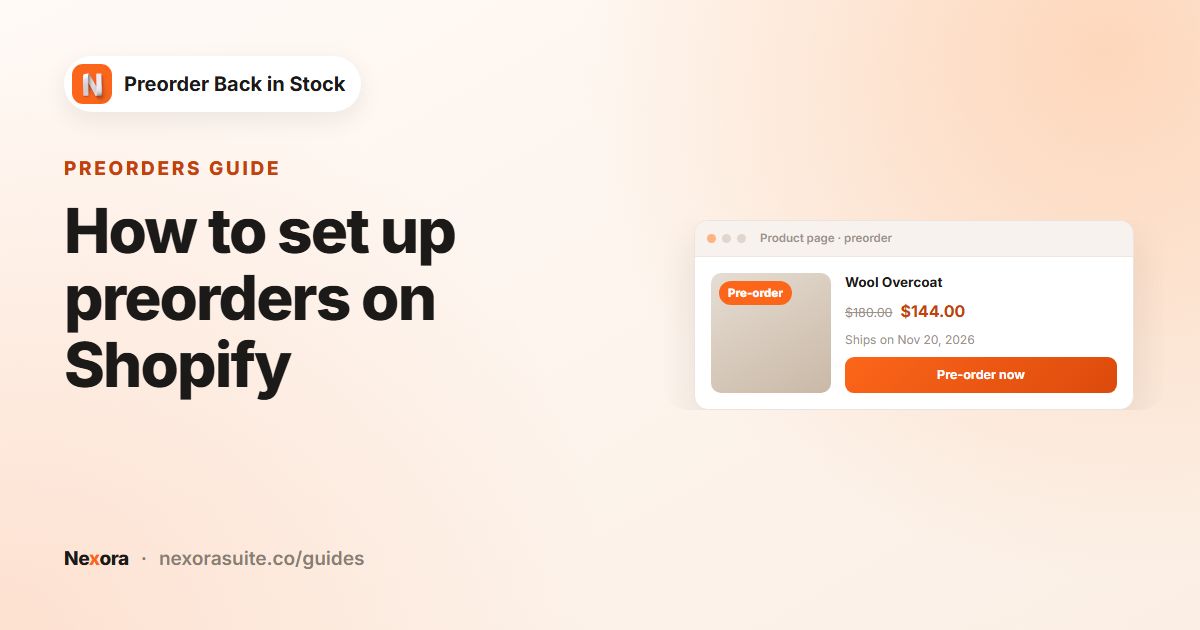 PreordersHow to set up preorders on Shopify
To set up preorders on Shopify, turn on Continue selling when out of stock for the products, then add a preorder app so the button…
Read guide →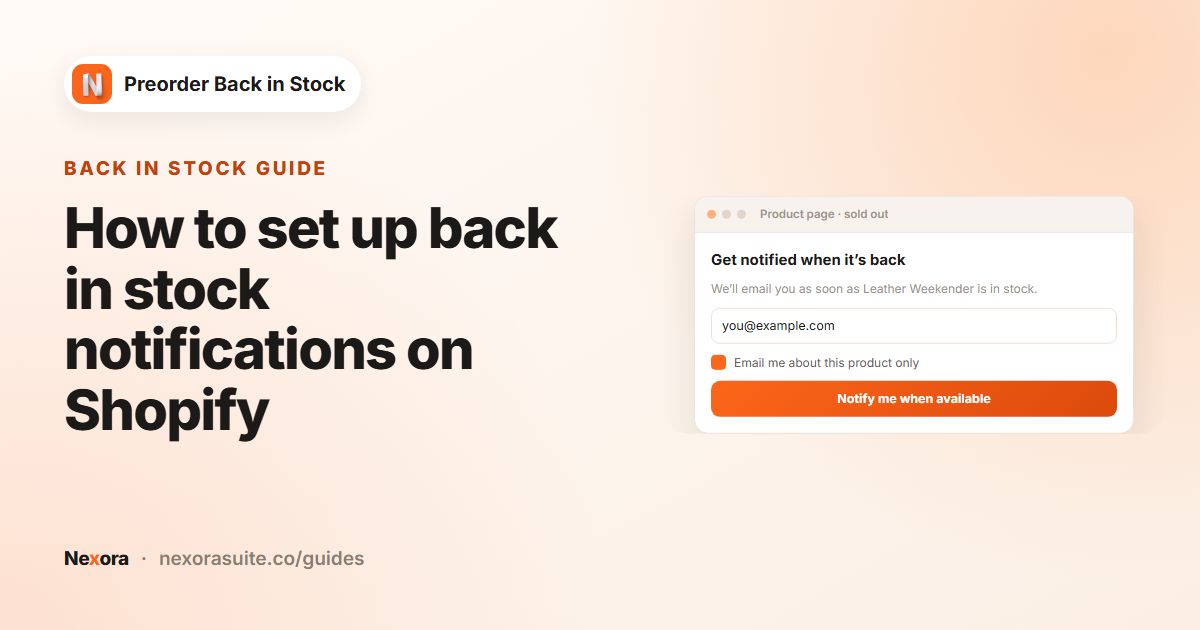 Back in stockHow to set up back in stock notifications on Shopify
To set up back in stock notifications on Shopify, add a Notify me when available button to sold-out products, collect email…
Read guide →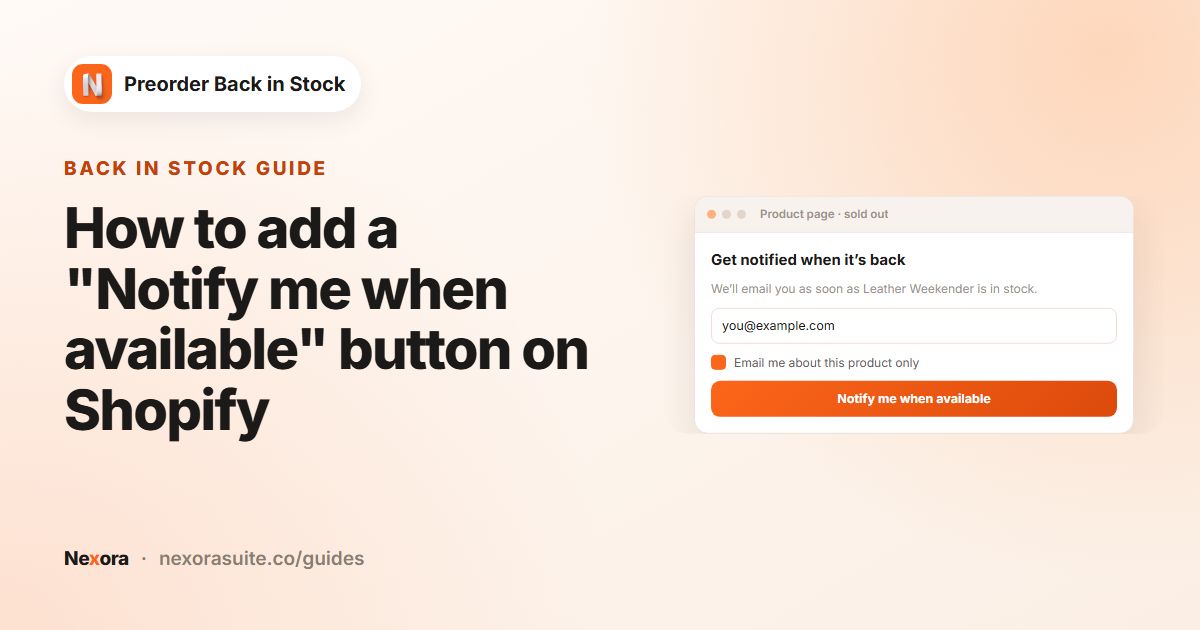 Back in stockHow to add a "Notify me when available" button on Shopify
To add a Notify me when available button on Shopify, use a back in stock app that shows the button on sold-out variants and opens…
Read guide →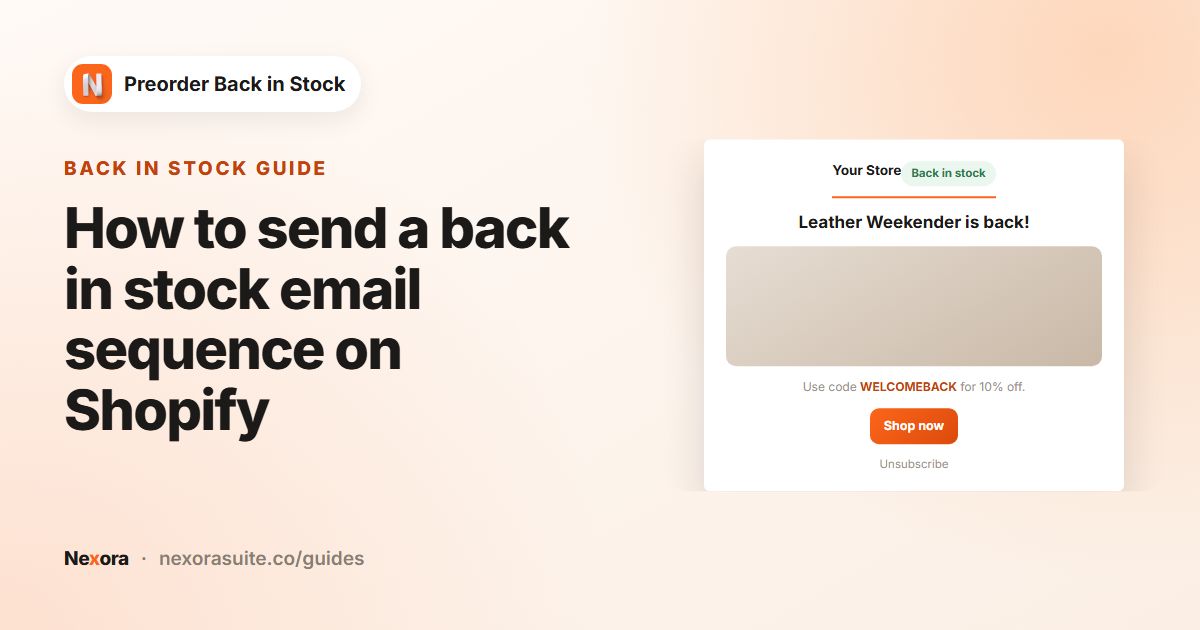 Back in stockHow to send a back in stock email sequence on Shopify
A back in stock email sequence sends an instant restock alert, then timed reminders. In Nexora Preorder Back in Stock, turn on…
Read guide →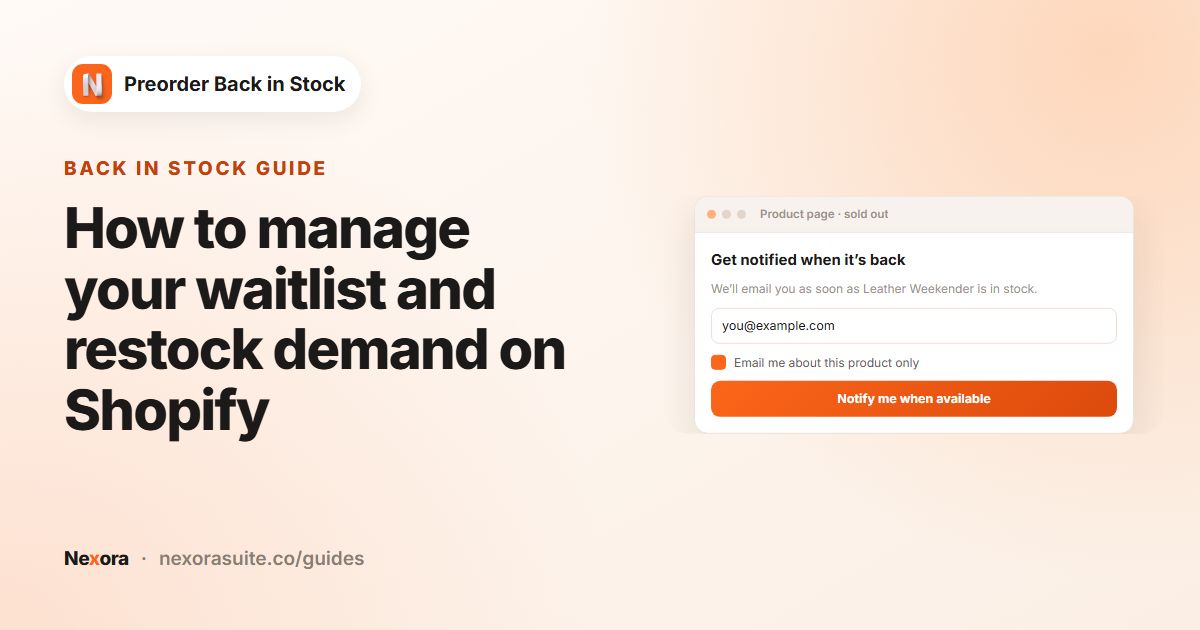 Back in stockHow to manage your waitlist and restock demand on Shopify
To manage a Shopify waitlist, track who signed up for each sold-out variant, how many are still waiting and how many bought after…
Read guide →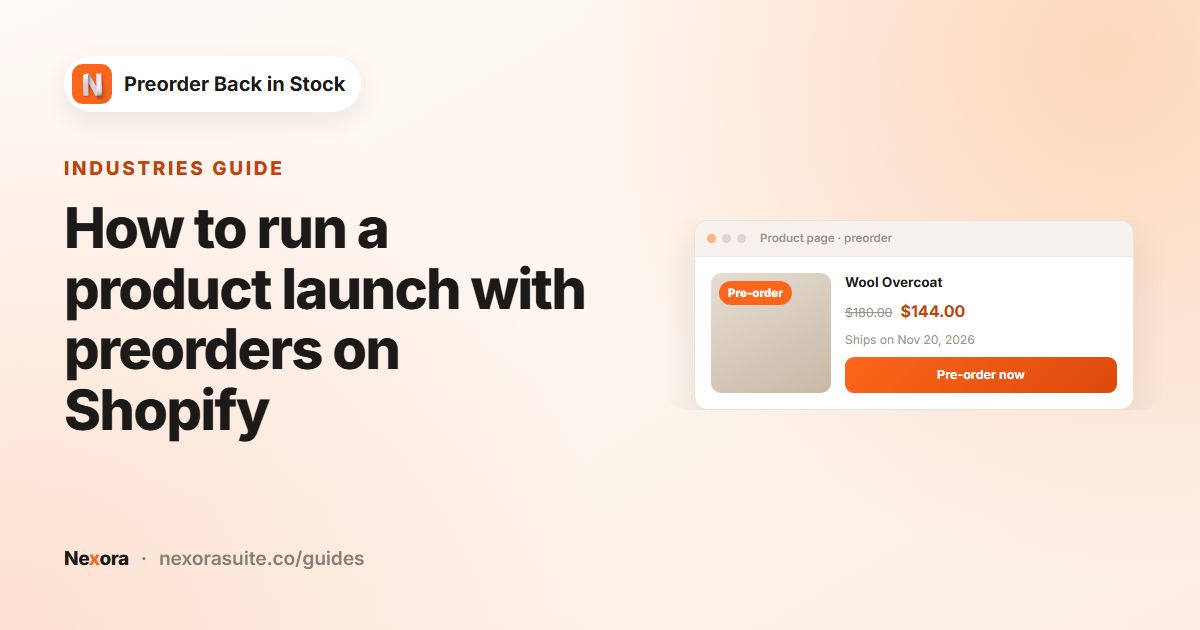 IndustriesHow to run a product launch with preorders on Shopify
To launch a new product on Shopify with preorders, collect interest first, then open a time-limited preorder with a clear ship…
Read guide →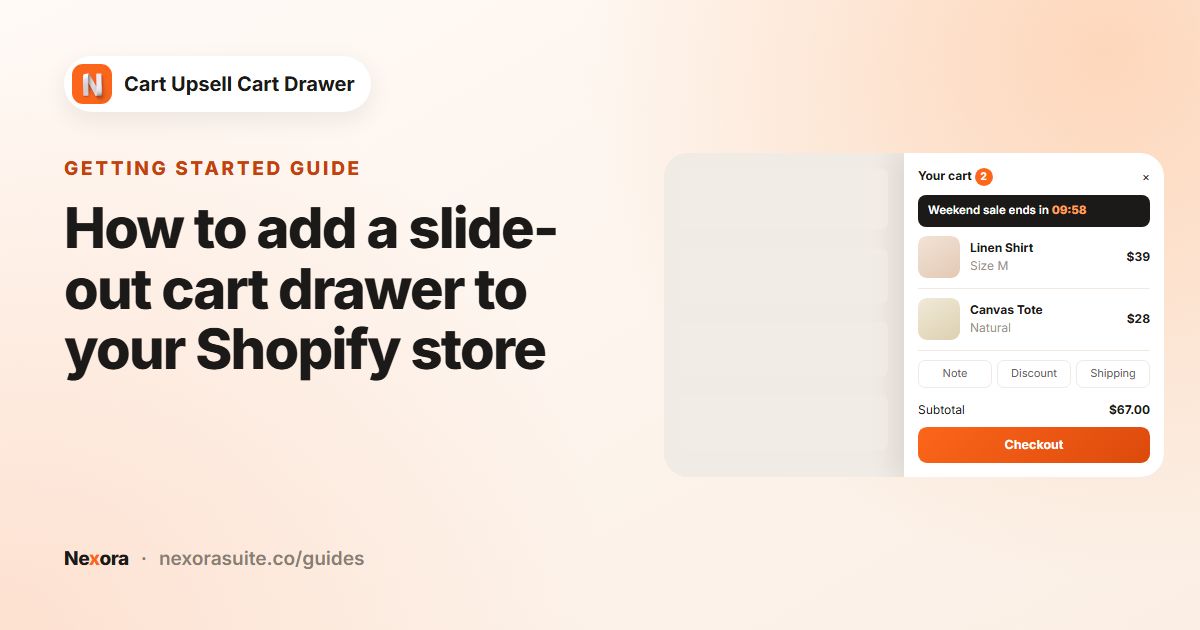 Getting startedHow to add a slide-out cart drawer to your Shopify store
To add a slide-out cart drawer on Shopify, install Nexora Cart Upsell Cart Drawer, turn on the Nexora Cart Drawer app embed in…
Read guide →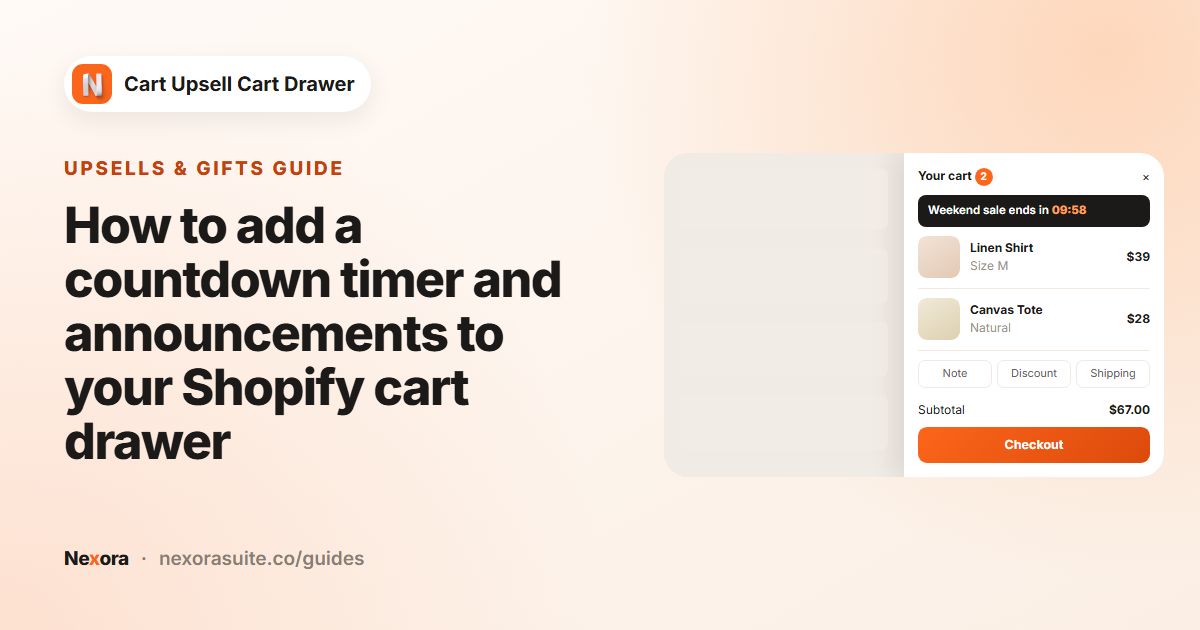 Upsells & giftsHow to add a countdown timer and announcements to your Shopify cart drawer
To add a countdown timer or announcements to your Shopify cart drawer, turn on the Announcement block in Nexora's Cart editor and…
Read guide →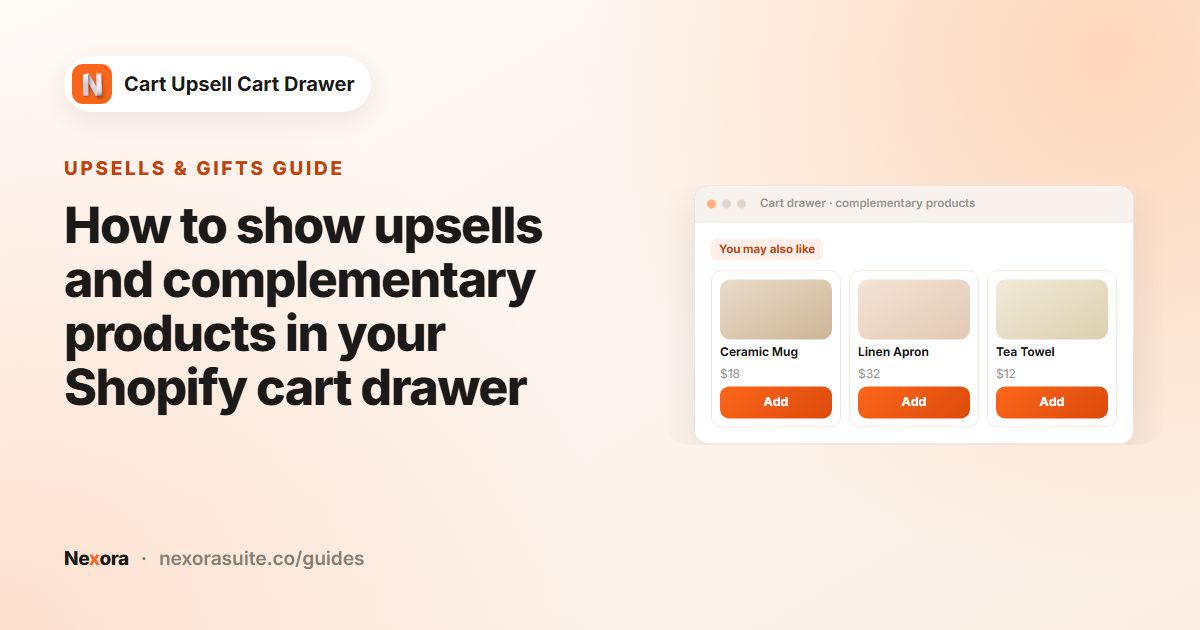 Upsells & giftsHow to show upsells and complementary products in your Shopify cart drawer
To upsell in a Shopify cart drawer, turn on the Complementary products block in Nexora's Cart editor. Choose AI recommendations to…
Read guide →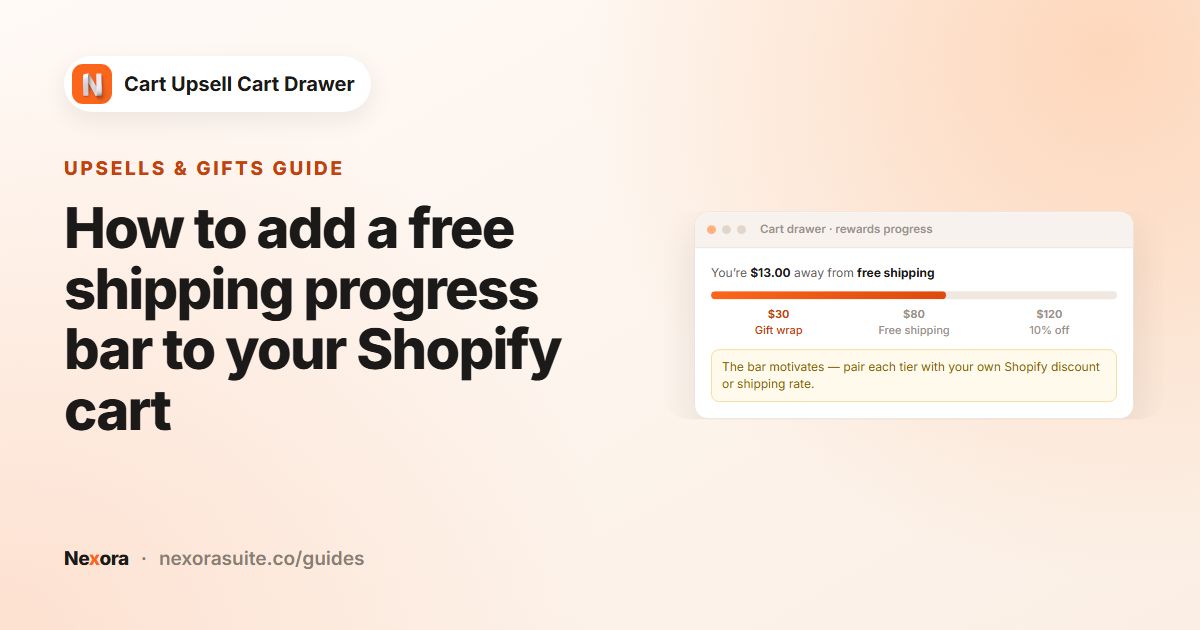 Upsells & giftsHow to add a free shipping progress bar to your Shopify cart
To add a cart progress bar on Shopify, turn on the Reward bar block in Nexora's Cart editor, choose Total Value or Total Quantity,…
Read guide →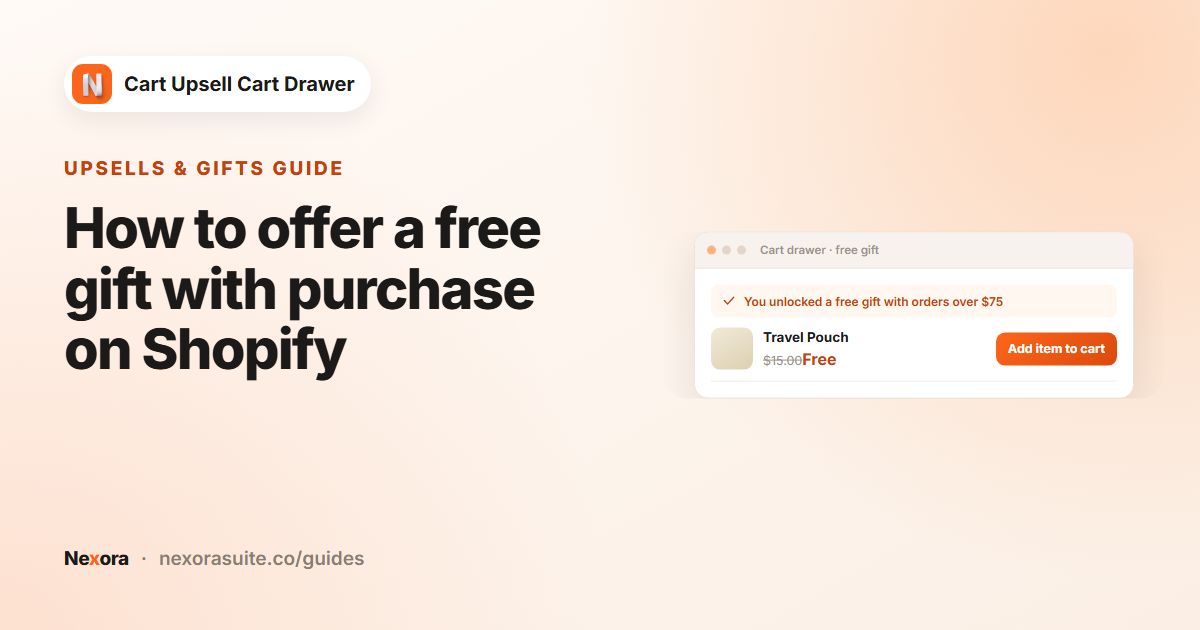 Upsells & giftsHow to offer a free gift with purchase on Shopify
To offer a free gift with purchase on Shopify, turn on the Free gifts block in Nexora's Cart editor, create an offer with a…
Read guide →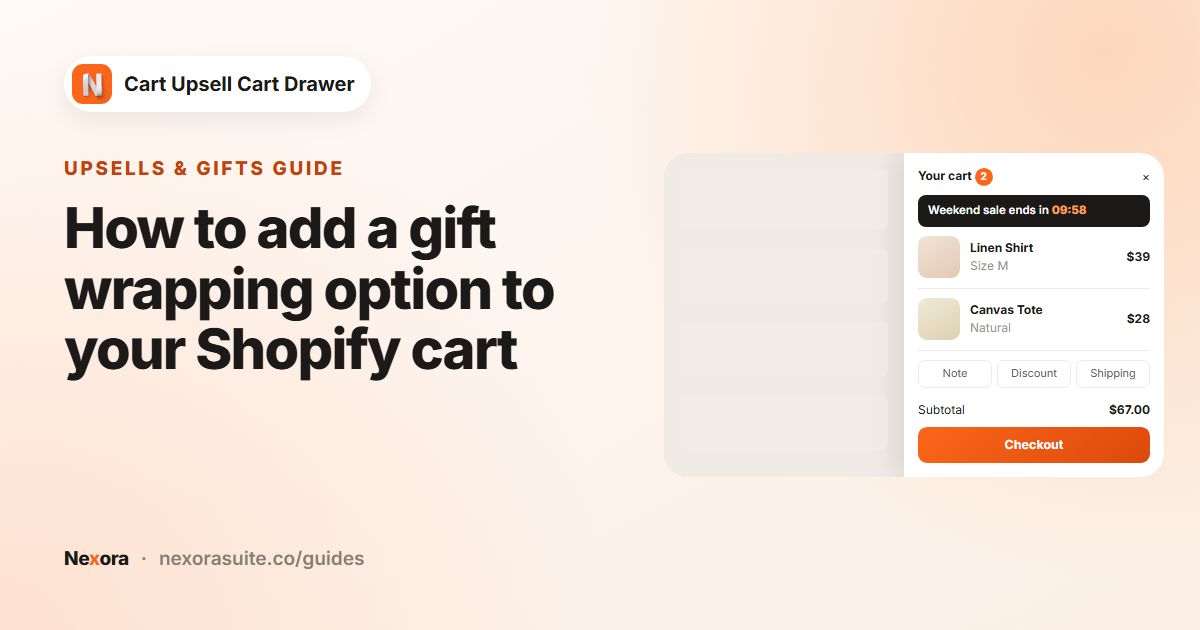 Upsells & giftsHow to add a gift wrapping option to your Shopify cart
To add gift wrapping on Shopify, create a product such as Gift wrap with the price you want to charge, then turn on the Gift…
Read guide →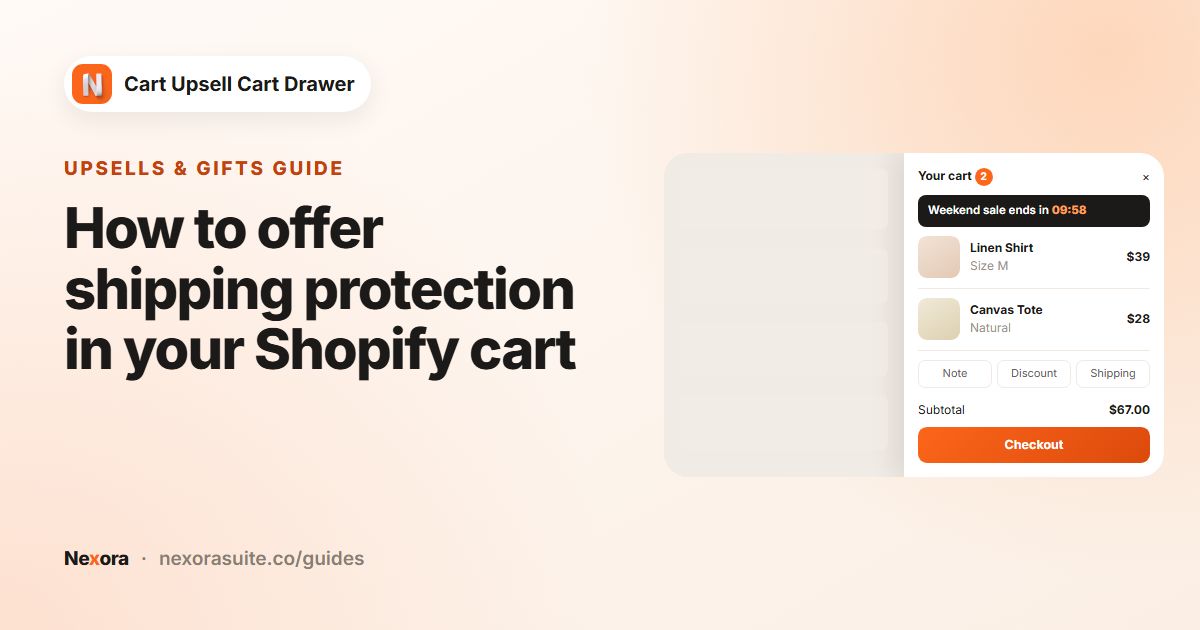 Upsells & giftsHow to offer shipping protection in your Shopify cart
To offer shipping protection on Shopify, create a product such as Shipping protection with the price you want to charge, then turn…
Read guide → Checkout helpersHow to add a discount code field to your Shopify cart
To add a discount code field to your Shopify cart, turn on the Discount code block in Nexora's Cart editor (Extra group). Shoppers…
Read guide → Checkout helpersHow to add a terms and conditions checkbox to your Shopify cart
To add a terms and conditions checkbox to your Shopify cart, open the Cart buttons block in Nexora's Cart editor, turn on Show…
Read guide → Checkout helpersHow to add payment icons and secure checkout badges to your Shopify cart
To add payment icons and a secure checkout badge to your Shopify cart, turn on the Payment icons and Secure & safe checkout blocks…
Read guide → DesignHow to customize your Shopify cart drawer design (with templates)
To customize your Shopify cart drawer design, open Design in Nexora's Cart editor and apply one of five templates: Minimal Light,…
Read guide → DesignHow to add a floating sticky cart button to your Shopify store
To add a floating sticky cart icon on Shopify, open the Sticky cart page in Nexora, turn it on with the switch next to the page…
Read guide →No guides match your search.