Why shoppers ask “Where is my order?”
A “Where is my order?” message is usually a gap between what the shopper expected and what is happening. The parcel may be perfectly on time by your standards, but if the shopper assumed it would arrive in two days, day three feels late.
Common causes of that gap:
- No delivery information on the product page, so shoppers guess.
- A “ships in 1–3 days” note that leaves out carrier time.
- Weekends, holidays or a missed daily cut-off that the shopper didn't account for.
- One estimate for everyone, including international shoppers and slower products.
Each of these is about expectations set before the order. That's the part a product-page delivery date helps with. It can't speed up a carrier, but it can make sure the shopper's expectation matches your real timeline.
Ways to set expectations on Shopify
| Approach | Helps with | Watch out for |
|---|---|---|
| Shipping policy page | Full details for shoppers who look | Many shoppers never open it |
| Text in the product description | A general note on every product | Static; easy to forget to update |
| FAQ page | Answering common questions | Found after the shopper has a question |
| Delivery date on the product page | A clear, dated expectation at the moment of purchase | Only as accurate as the timings you enter |
These work best together: a dated estimate on the product page, backed by a clear shipping policy. You can add a shipping policy in your Shopify admin; see Shopify's guide to adding store policies.
Whichever approach you use, the most important thing is consistency. If the product page, the shipping policy and your FAQ give different lead times, shoppers will remember the shortest one. Pick one set of numbers and use it everywhere.
Step by step: an estimate shoppers can rely on
- Measure your real timings
Look at recent orders: how many working days from order to dispatch, and from dispatch to delivery? Use the slower end, not the best case.
- Enter honest processing days
In Conditions › Order Processing, set Shortest (days) and Longest (days). Delivery is counted from Longest, so this is your safety margin.
- Set a realistic cut-off
Choose a Cutoff time that leaves your team time to pack before the courier collects.
- Enter carrier days
In Order Transit, set Shortest (days) and Longest (days) and the days the carrier delivers.
- Block closures
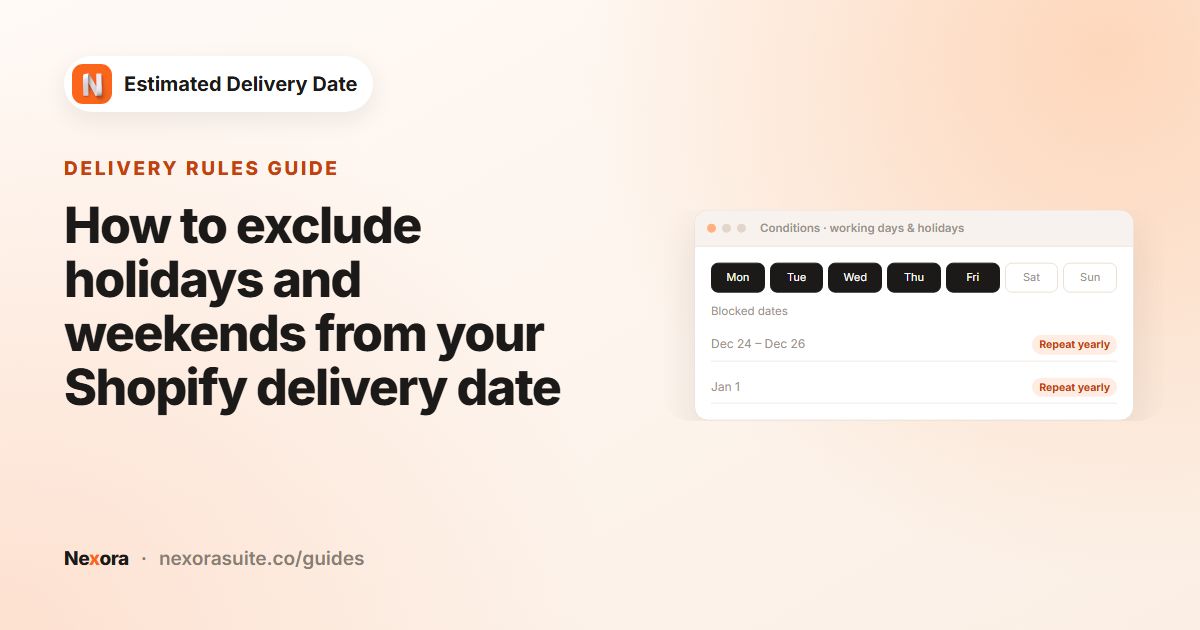
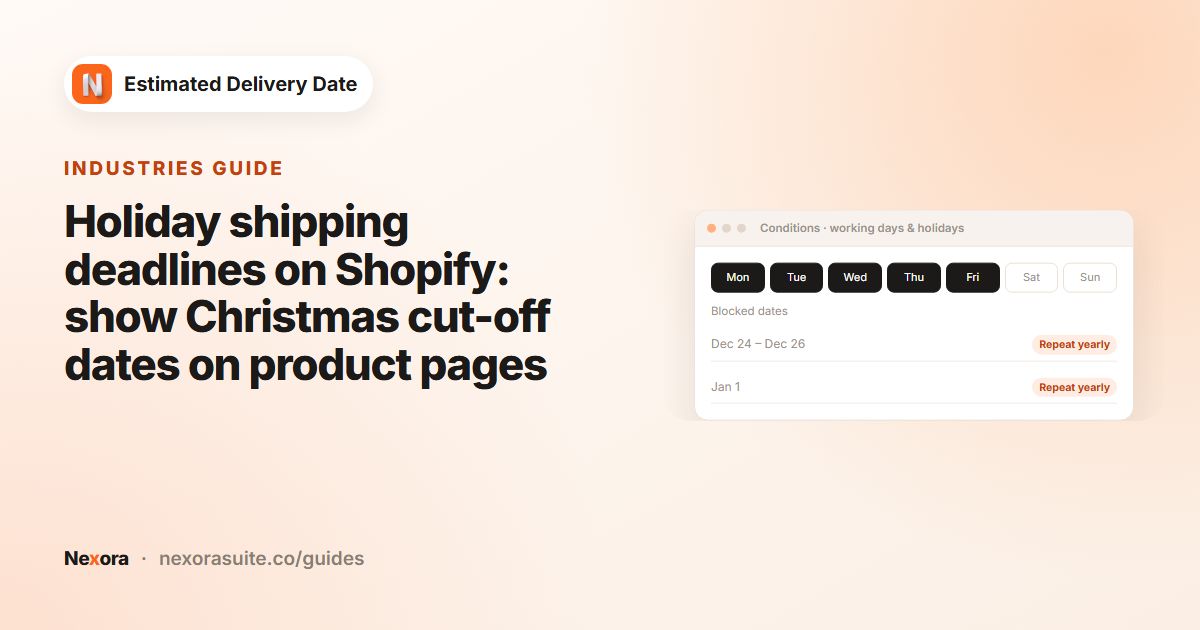
Add holidays and warehouse closures under Blocked dates (holidays) in both cards, with Repeat yearly for annual ones.
- Show a range, not a single day
Keep both
{delivery_from}and{delivery_to}in Template text so shoppers see a window. - Save and add the block
Click Save and make sure EDD Widget is on your product template.
Which setting fixes which gap
| Expectation gap | Setting |
|---|---|
| Shopper forgot packing time | Processing time shown as its own Processing step |
| Ordered after you stopped packing | Cutoff time, with {counter} in the message |
| Weekend or bank holiday | Working days and Blocked dates (holidays) |
| Slow, bulky or made-to-order items | Separate widget via Specific collections or Specific products |
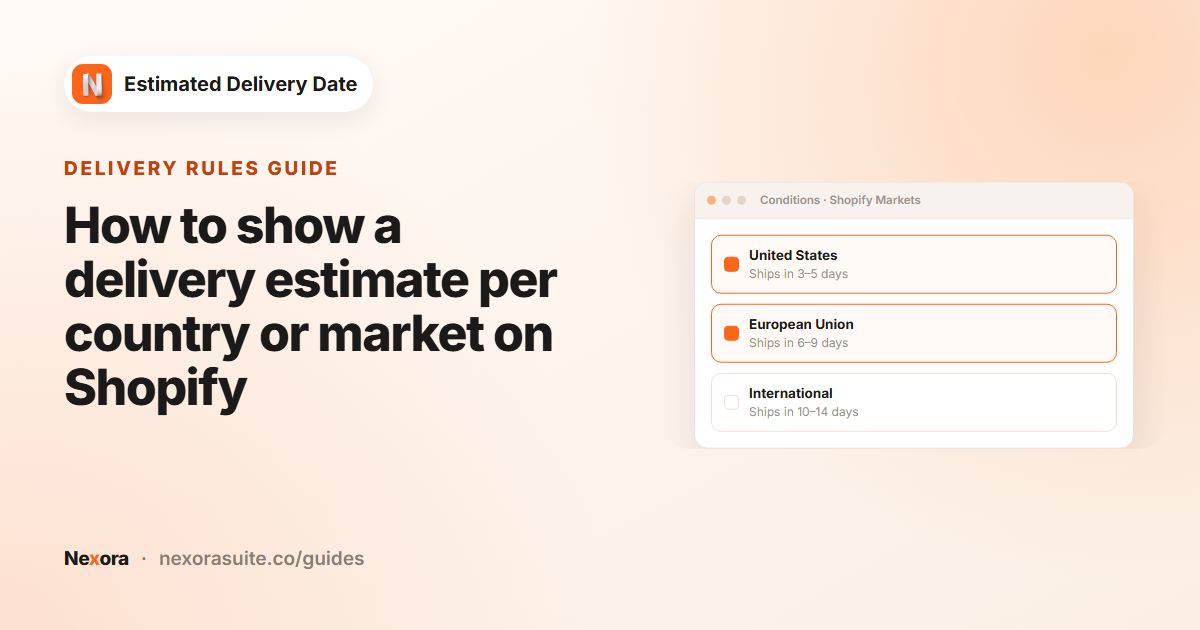
| International shoppers | Separate widget via Specific markets |
Example: a gift shop before and after
Before: the product page said nothing about delivery, and the shipping policy said “3–5 business days”. Shoppers ordering on Friday night often expected Tuesday.
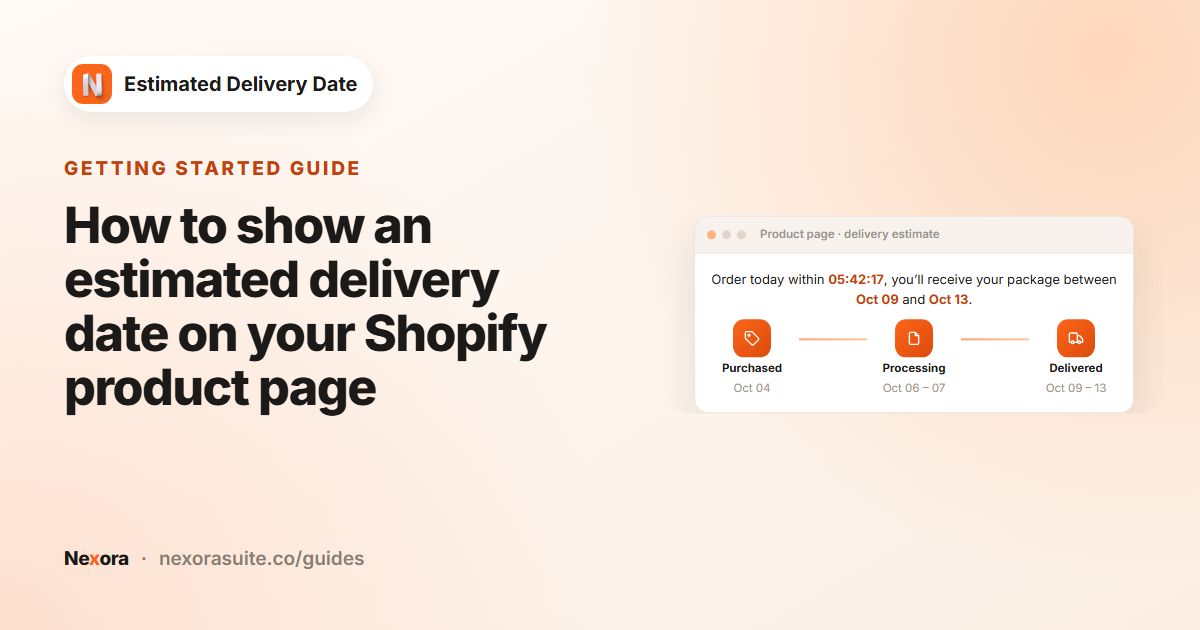
After: processing 1–2 days, Cutoff time 5 : 00 PM, transit 2–4 days, Monday to Friday. A shopper on Friday 9 October at 6:00 PM now sees Processing Oct 13-14 and Delivered Oct 16-20 before buying, with the message “Order within {counter} for delivery between {delivery_from} and {delivery_to}”.
International shoppers get their own widget under Specific markets with longer transit, so they aren't shown the domestic dates.
Tips
- Under-promise slightly. A parcel that arrives at the start of the range is a pleasant surprise; one after the end is a support ticket.
- Review before peak season. Carriers often slow down in busy periods; raise transit days for those weeks and lower them afterwards.
- Keep wording neutral. The message shows as written every day, so avoid “ships today” if you're closed at weekends.
- Match your policy. Make sure your shipping policy and the widget give the same numbers.
- Remember time zones. The dates use the shopper's device clock and time zone.
Answers to common setup questions are in the app's FAQ.
Frequently asked questions
What does WISMO mean?
“Where is my order?”: messages from customers asking about an order's progress or arrival.
Will a delivery date stop all WISMO questions?
No. It helps with questions caused by unclear expectations. Lost or delayed parcels still need to be handled by you and your carrier.
Should I show a single date or a range?
A range is usually safer, because carriers vary. Use both {delivery_from} and {delivery_to} in the message.
How do I keep estimates accurate over holidays?
Add closures under Blocked dates (holidays) for processing and transit, and use Repeat yearly for annual dates.
Is the app free?
Yes. It's free with unlimited widgets.
Can I show different estimates for slow products?
Yes. Create a widget with longer processing or transit times and target it with Specific collections or Specific products; it takes priority over your All products widget.