Nexora Product Labels & Badges icon

Nexora Product Labels & Badges

Boost sales with custom product badges & dynamic product labels.

5.0Freeon the Shopify App Store
Built for Shopify
SALE -20% NEW
Nexora Product Labels & Badges is officially Built for Shopify
Officially Built for Shopify. Shopify gives this badge to apps that meet its highest standards for performance, design and integration, after its own review.
Overview

What it does

Nexora Product Labels & Badges puts eye-catching labels on your products — “-20%”, “New”, “Only 3 left”, “Sold out” and anything else you can think of. Design text, image or uploaded labels, place them on the product image or next to the title, and let automatic rules and live product data keep them up to date. It works with your theme, in every language your store sells in — and it’s completely free, with unlimited labels.

21Text label shapes
19Label animations
11+Dynamic data variables
215Themes supported
Features

Every kind of product label

From a simple “Sale” badge to fully automatic, data-driven labels — all included for free.

Text, image & uploaded labels

Three ways to make a label — start from a shape, pick an image or bring your own.

  • 21 text label shapes: ribbons, corner ribbons, triangles, waves, tags, circles, pills and more
  • Searchable image library with category and colour filters, including seasonal sets
  • Upload your own PNG, JPEG, GIF, WebP or SVG (up to 2 MB)
  • Make any label clickable with a link
Automatic labels

Set a rule once — labels appear and disappear on their own as products change.

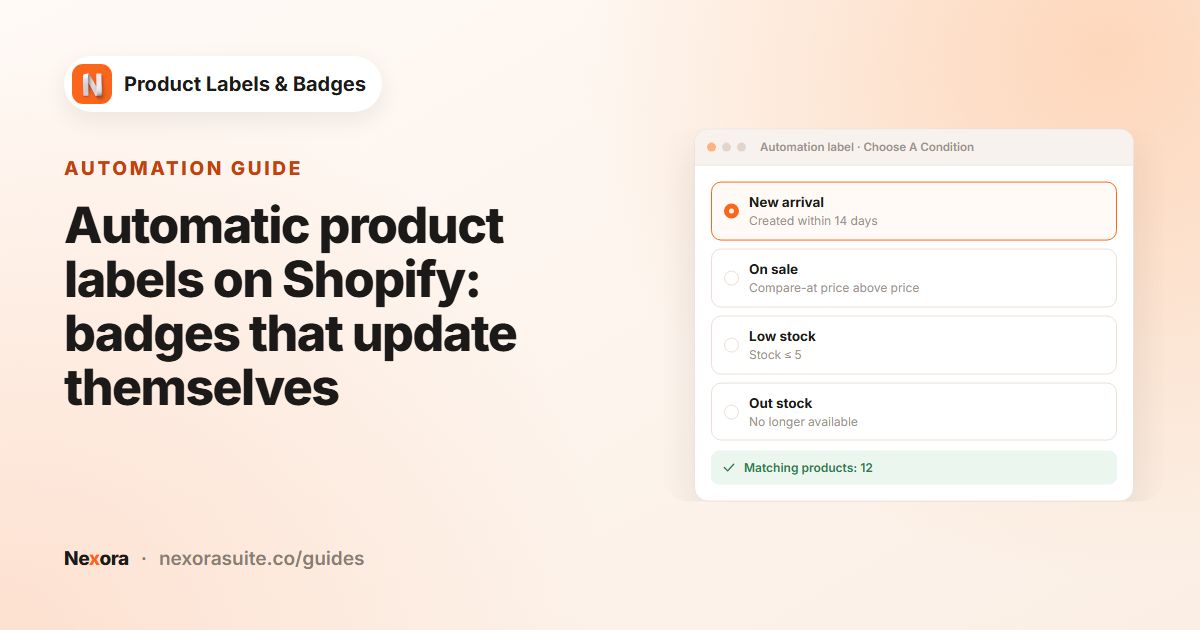
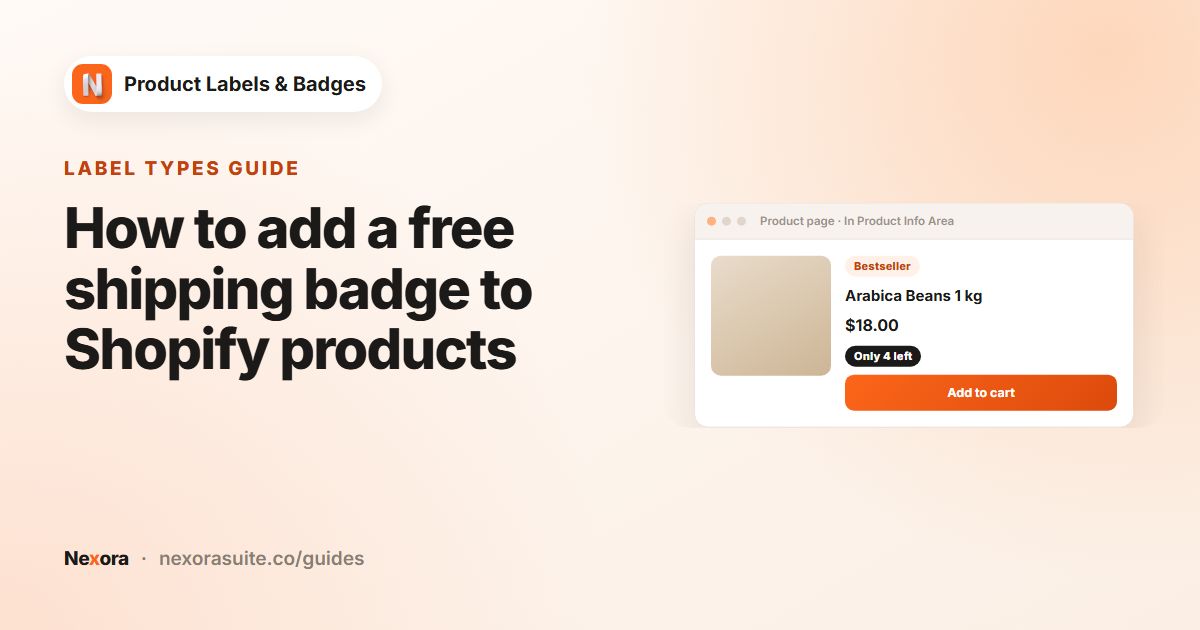
  • New arrival: products created in the last X days
  • On sale: compare-at price higher than the price
  • Low stock: inventory at or below a number you choose
  • Out of stock: products that are no longer available
  • Live “matching products” list so you see exactly what qualifies

Dynamic data

Labels that write themselves from your product data.

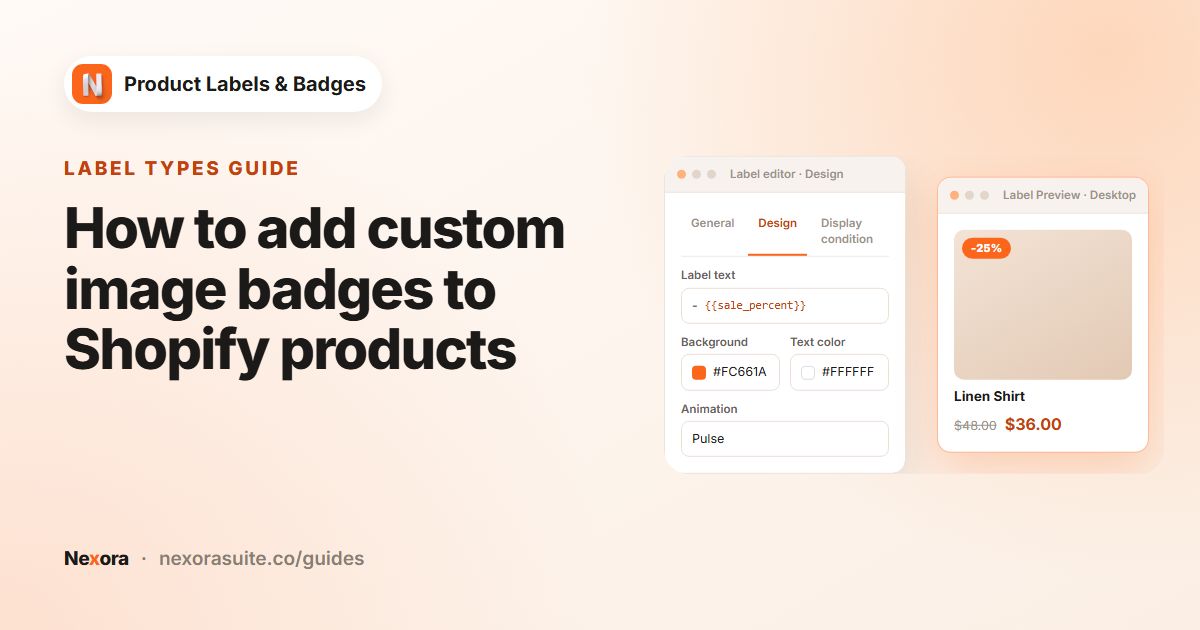
  • {{sale_percent}} and {{sale_amount}} for “-20%” or “Save $10”
  • {{inventory}} and {{stock_status}} for “Only 3 left” messages
  • {{sku}}, {{vendor}}, {{type}}, {{tag}}, {{variant_count}}, {{compare_at_price}}
  • Product metafields with {{mtf.KEY}}
  • Values update when a shopper switches variants on the product page

Placement on desktop & mobile

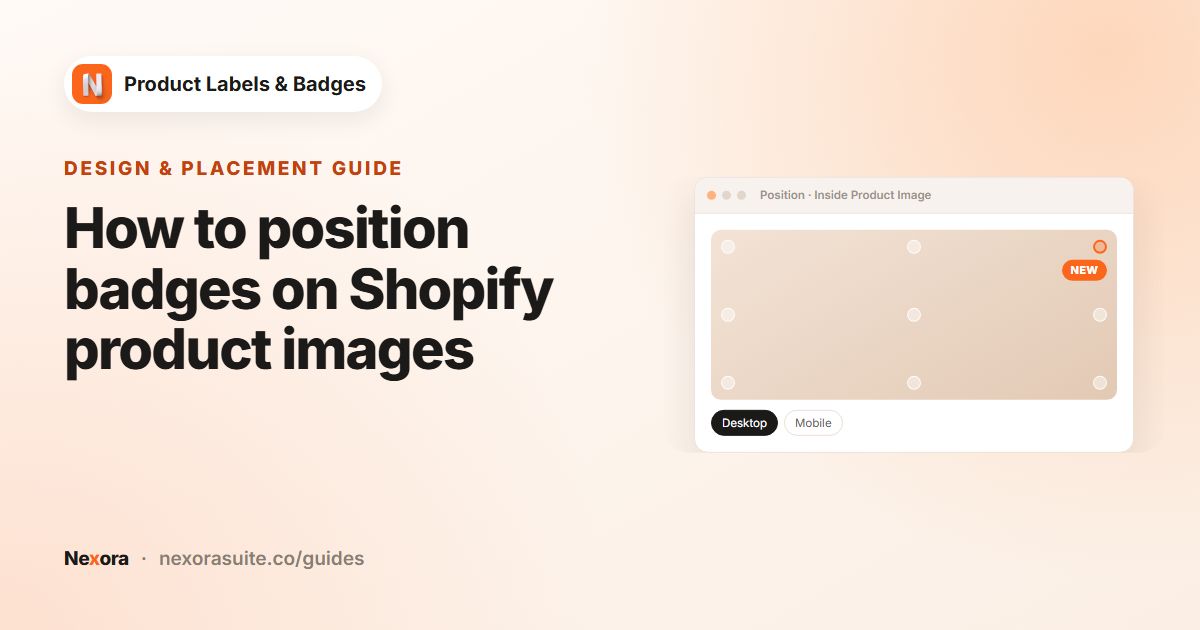
Put each label exactly where it works best — on the image or next to the title.

  • On the product image: 9 preset positions or a custom offset
  • In the product info area: above or below the title or price
  • Separate position, size and spacing for desktop and mobile
  • Several labels in one spot stack neatly — horizontal or vertical

Design & animation

Match your brand, then add a little motion to get noticed.

  • Background and text colours with a picker or HEX code
  • Size from 10 to 500%, rotation, padding, font size and line height
  • 6 fonts — or inherit your theme’s font — plus bold, italic and more
  • 19 animations: Pulse, Tada, Jello, Swing, Shake, Fade in and more

Targeting & scheduling

Show the right label on the right products, pages and dates.

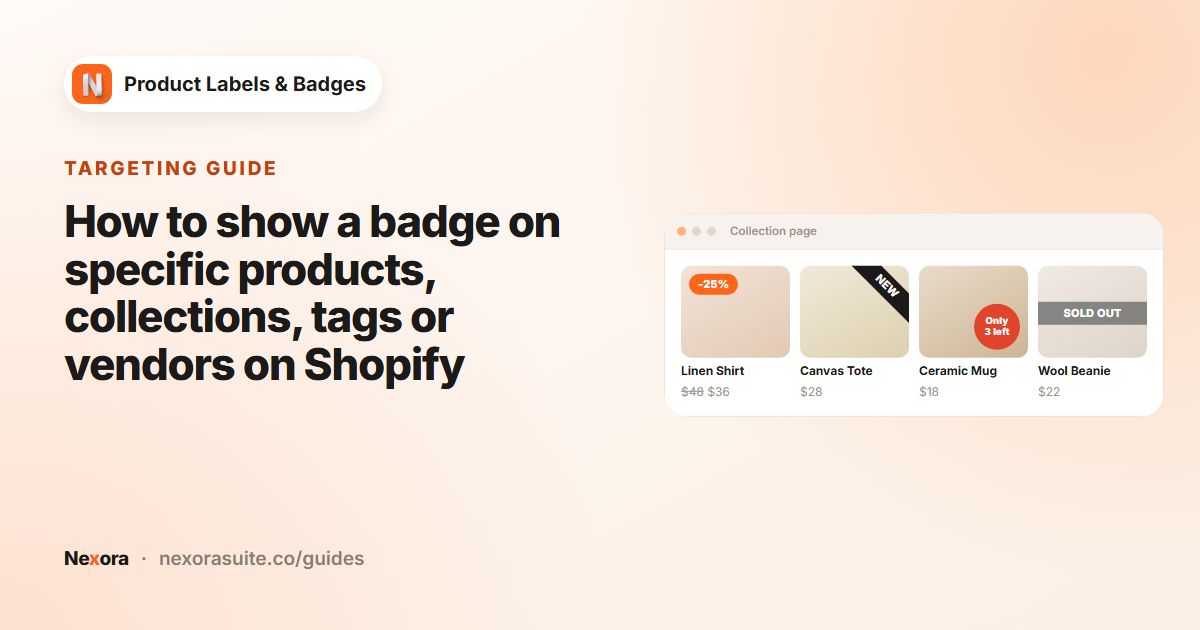
  • All products, specific products, collections, tags or vendor
  • Choose pages: home, product, collection, collection list, search and more
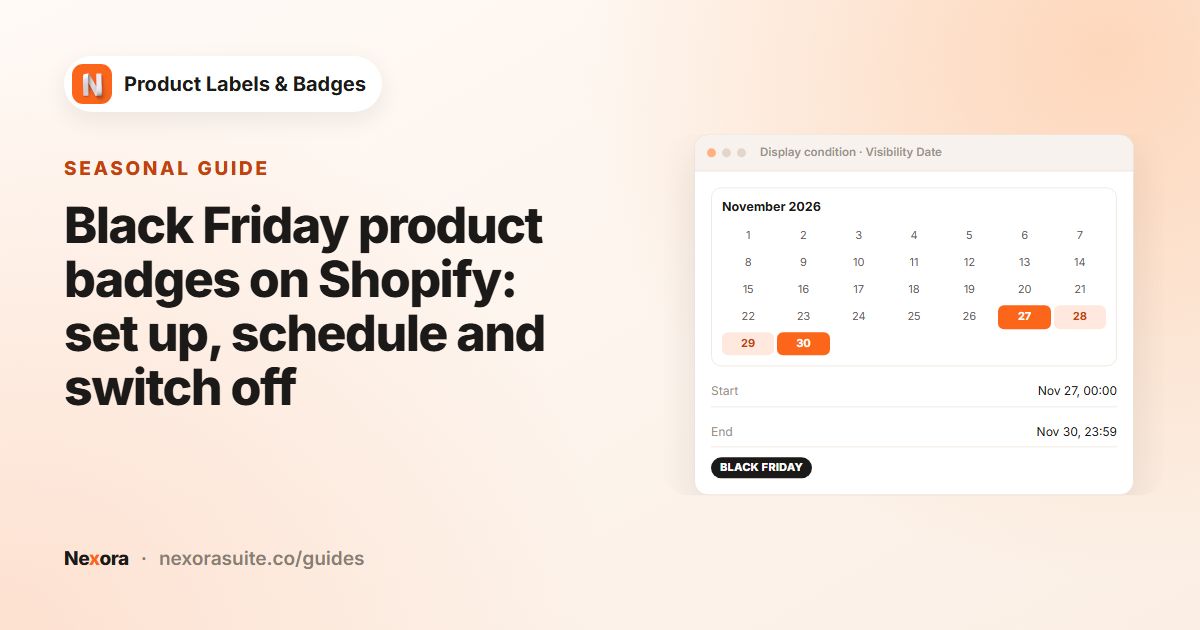
  • Schedule with a start and end date — perfect for campaigns
  • Include or exclude countries by visitor location
  • Translate label text for every language your store publishes

Also included

Live preview

See every change instantly — with a desktop / mobile toggle — before you publish.

Unlimited labels

Create as many labels as you need and set their priority with simple up / down arrows.

Works with dynamic pages

Labels appear on quick view, AJAX filters and infinite scroll — and on brand-new products right away.

Guided setup

A 2-step checklist and an app embed status card get you live in minutes.

Lightweight on your store

Runs as a theme app embed with deferred loading, so your pages stay fast.

Live chat & help center

Chat with our team from any screen, or search the built-in help center.

How it works

Live in four steps

No code, no theme edits — just switch on the app embed.

  1. 1

    Turn on the app embed

    One click in the theme editor — the app shows whether it’s on, right on the home screen.

  2. 2

    Design a label

    Pick a shape or image, or upload your own. Style it and watch the live preview.

  3. 3

    Choose where it shows

    Select products or an automatic rule, the pages, dates and countries.

  4. 4

    Activate

    Your label goes live across product pages, collections and search.

Label gallery

The labels shoppers notice

A few of the labels you can build in minutes — each one driven by a rule or by live product data.

Theme compatibility

Made for your theme

Tested setups for 215 themes, detected automatically when you install — so labels land in the right place from day one.

~149Shopify Theme Store themes
66ThemeForest themes
FAQ

Questions merchants ask

Is Nexora Product Labels & Badges free?

Yes — completely free, with unlimited manual and automatic labels and no paid plans.

Will it work with my theme?

It runs as a theme app embed on Online Store 2.0 themes. We have tested setups for 215 themes — including Dawn, Sense, Horizon and Trade, plus popular ThemeForest themes like Kalles, Minimog, Ella, Wokiee and Shella — and the app detects your theme automatically. Other themes fall back to smart default selectors, and our team can help over live chat.

Can a label show the exact discount?

Yes. Use {{sale_percent}} or {{sale_amount}} in the label text and it shows the real discount for each product — like “-25%” or “Save $12”.

Do automatic labels update by themselves?

Yes. New arrival, On sale, Low stock and Out of stock labels follow your product data, so they appear and disappear without any manual work.

Can I show labels in other languages?

Yes. Enter label text for each language your store publishes; shoppers see their language, with your default text as a fallback.

Help & resources

Everything you need to get set up

More apps

You might also like

Install Nexora Product Labels & Badges free

Add it to your store in one click. Free to install, free to use — no credit card.