Nexora Order Bumps & Upsell icon

Nexora Order Bumps & Upsell

Boost AOV with checkout upsells, order bumps & cross-sells.

Freeon the Shopify App Store
+ ADD TO ORDER
Overview

What it does

Nexora Order Bumps & Upsell adds the right extra item at the moments shoppers are ready to buy — on the product page, in the cart, in checkout and on the thank-you page. Build frequently-bought-together lists or bundles, pick products yourself or use Shopify’s recommendations, and attach a discount that applies automatically. Style every widget to match your brand with a live preview. It’s free, with no limits.

4Places to show offers
3Discount types
10Offers per widget
26Theme presets
Features

Upsells everywhere shoppers decide

Raise average order value with offers that feel native to your store — all included for free.

Offers in 4 places

Meet shoppers at every step of the purchase.

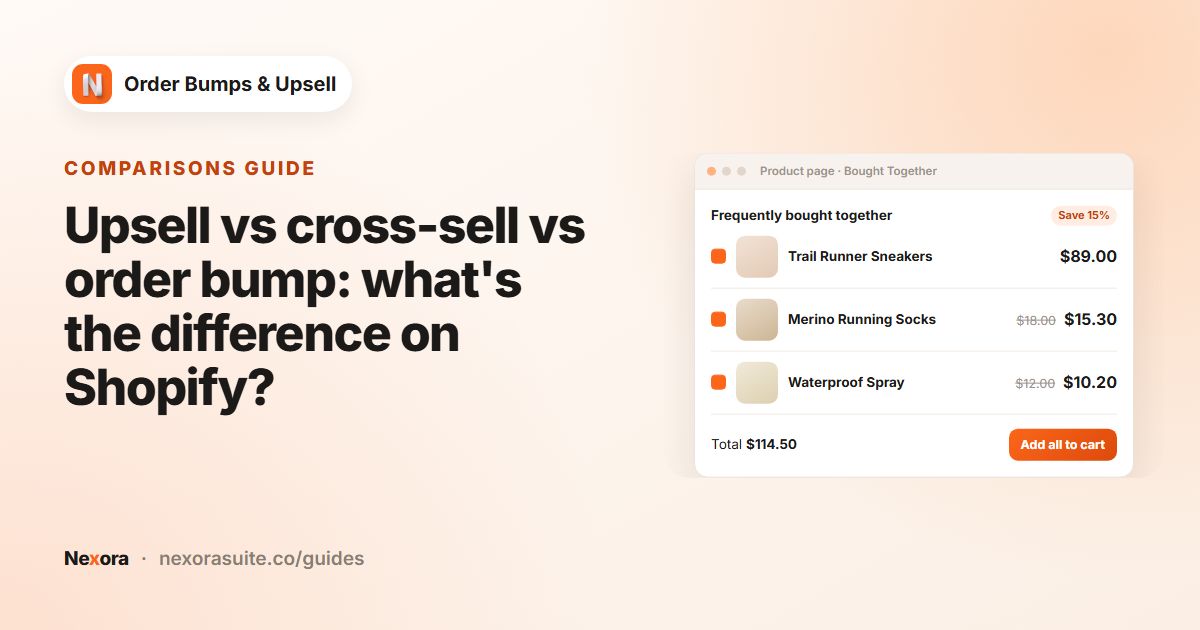
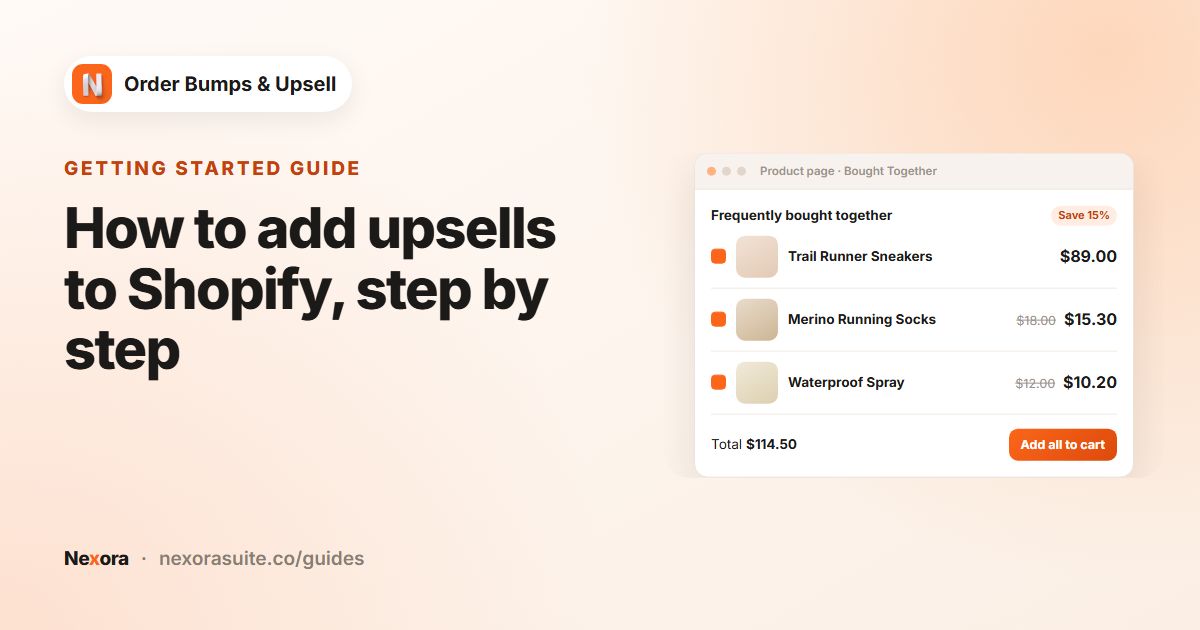
  • Product page: a “Bought Together” block under your product
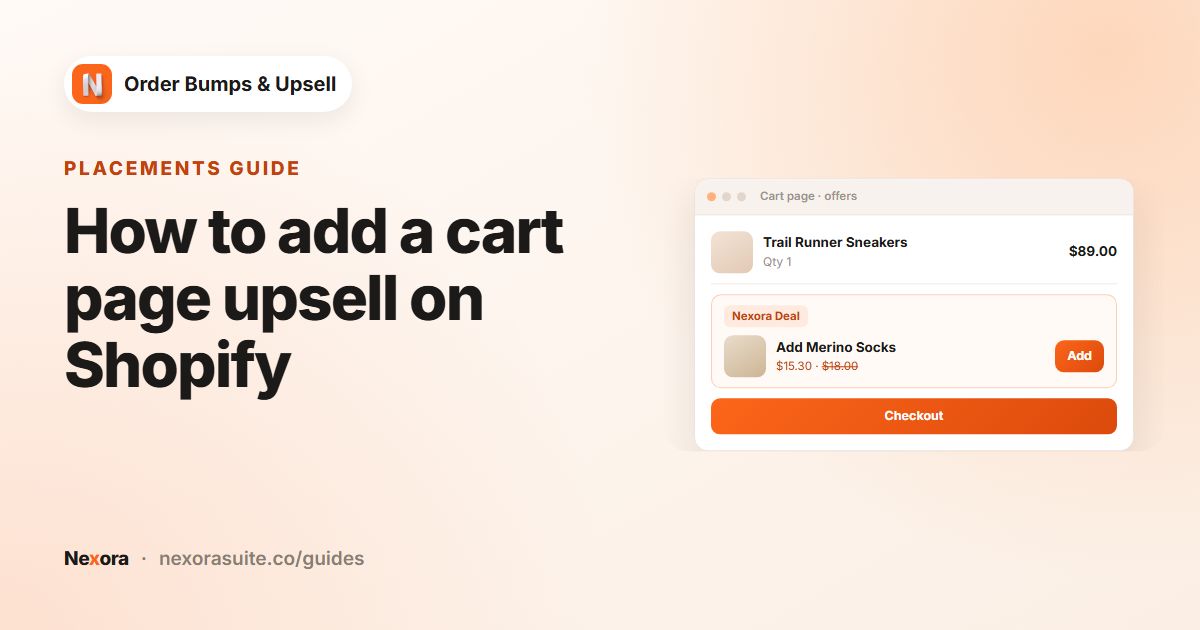
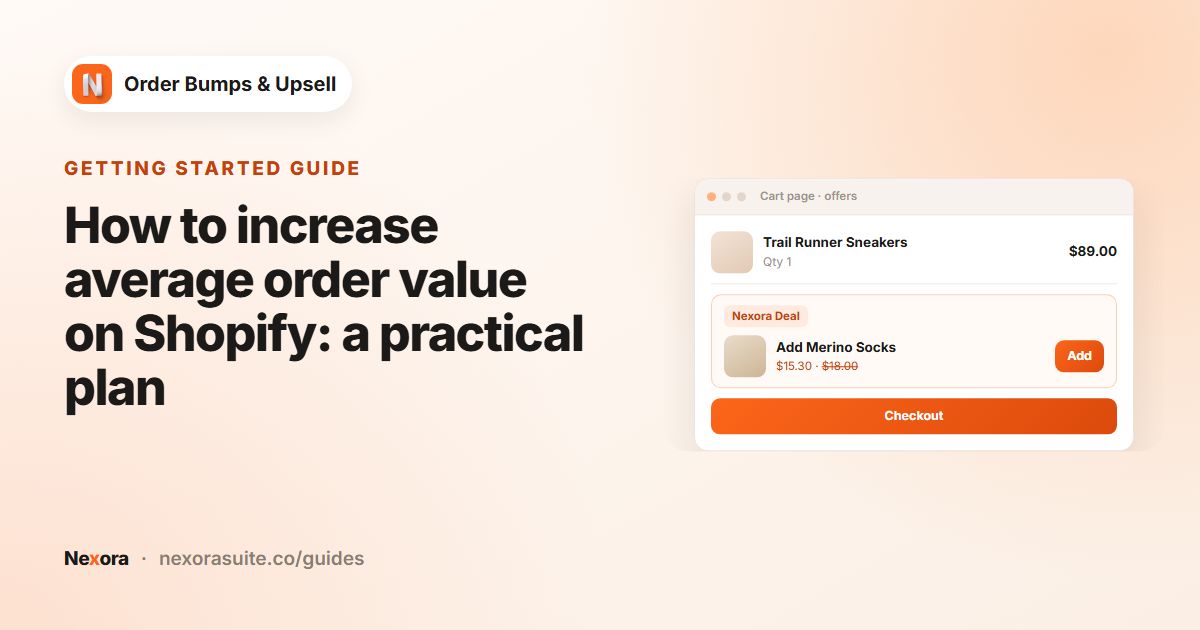
  • Cart page: offers right above checkout
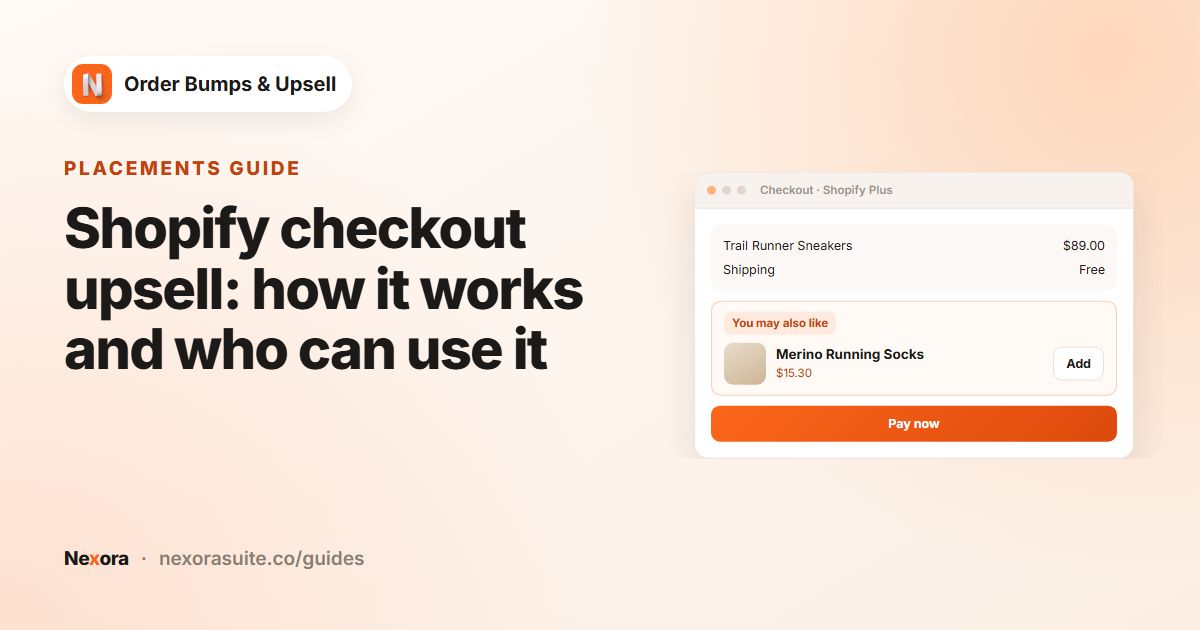
  • Checkout: an offer block that adds items without leaving checkout (Shopify Plus stores)
  • Thank-you page: a follow-up offer after the order (all plans except Shopify Starter)
  • Run one campaign on any mix of placements
Bundles & frequently bought together

Show add-ons one by one or sell them as a bundle.

  • Individual add-ons or a bundle with one “Add all” button
  • Stacked list or carousel with arrows and dots
  • Optionally add checked offers with your theme’s own Add to cart
  • Show offers only after the main product is in the cart
  • Display up to 10 offers per widget

Discounts that apply themselves

Sweeten every offer — no discount codes needed.

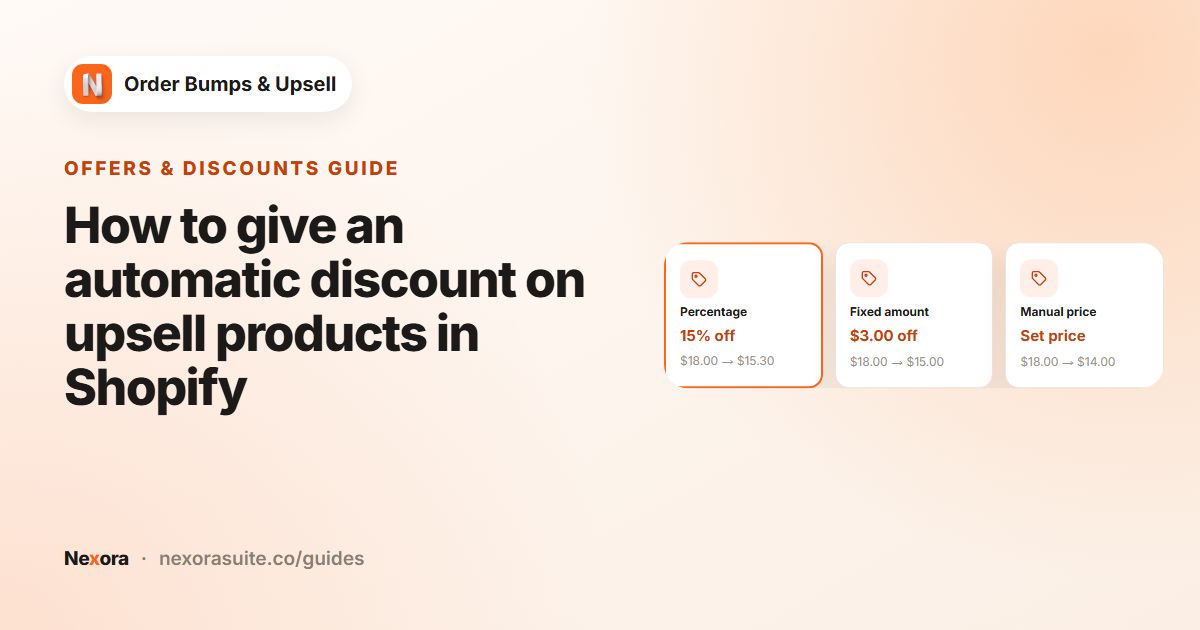
  • Percentage off, fixed amount off or a set sale price
  • Applied automatically at checkout by a Shopify discount Function
  • Combines with your order, product and shipping discounts
  • Custom discount label shoppers see on the offer

Smart offer rules

Show the right offer for each product and cart.

  • Choose offer products yourself, or use Shopify recommendations (related or complementary)
  • Trigger offers for all products or specific products
  • Show cart and checkout offers only within a cart value range
  • After an offer is added: show the next one, mark it “In cart” or keep it active
  • Reorder campaigns to set their priority

Design editor

Make every widget look like part of your theme.

  • Separate designs for product page, cart page and checkout / thank-you
  • Style the container, header and badge, item cards, pricing, button and carousel
  • Colours, font sizes and weights, borders, radius, padding and spacing
  • Checkout styling uses Shopify’s checkout style options
  • Copy your product-page design to the cart page in one click

Offer content

Say exactly what each offer is about.

  • Widget title, description, button text and success message
  • Show compare-at prices and a quantity selector
  • Variant dropdown for products with options
  • Upload a custom image for any offer
  • Badge text on or off

Also included

Live preview

Preview each placement side by side while you edit a campaign or your design.

26 theme presets

Ready-made settings for Dawn, Sense, Horizon, Impulse, Prestige, Empire and more — or go custom.

Lightweight

Offers are read straight from your store data, with no app-server call when a widget loads.

Guided setup

A step-by-step guide links straight to the theme and checkout editors.

Help center

Searchable in-app documentation for every setting.

Live chat support

Talk to our team right from the app.

How it works

Live in three steps

Add the blocks once, then launch as many campaigns as you like.

  1. 1

    Add the app blocks

    Follow the guide to add the product, cart, checkout and thank-you blocks.

  2. 2

    Create a campaign

    Pick the trigger products, your offers and their discounts — or use Shopify recommendations.

  3. 3

    Style & publish

    Match your brand in the design editor, preview it, then switch the campaign on.

See it in action

Offers that feel native

A bundle on the product page and an add-on in checkout — styled to your brand.

FAQ

Questions merchants ask

Is Nexora Order Bumps & Upsell free?

Yes — free with no limits on campaigns, offers or views.

Do shoppers need a discount code?

No. Offer discounts are applied automatically at checkout by a Shopify discount Function, and they combine with your other order, product and shipping discounts.

Where can offers appear?

On the product page, the cart page, in checkout and on the thank-you page. Shopify only allows app blocks inside checkout (information, shipping and payment steps) on Shopify Plus stores. The product page, cart page and thank-you page offers work on every plan except Shopify Starter.

Can offers be picked automatically?

Yes. Instead of choosing offer products yourself, switch a campaign to Shopify recommendations and choose related or complementary products.

Will it match my theme?

The widgets are theme app blocks for Online Store 2.0 themes, with 26 theme presets and a full design editor — and our team can help over live chat.

Help & resources

Everything you need to get set up

More apps

You might also like

Install Nexora Order Bumps & Upsell free

Add it to your store in one click. Free to install, free to use — no credit card.