What average order value is and how to move it
Average order value (AOV) is your total sales divided by the number of orders. It moves in two ways: customers buy more items per order, or they buy higher-priced items. Upsells and cross-sells work on the first, by making it easy to add a useful extra.
Shopify's own reports in your admin show average order value, so you can follow the number on your store. Look at the same period length before and after a change, and remember that seasons and promotions also move the number.
There is no single right number for AOV. What matters is the trend for your own store and whether the extra items are ones customers keep and are happy with.
Common ways to raise AOV on Shopify
| Tactic | Built into Shopify | With Nexora Order Bumps & Upsell |
|---|---|---|
| Free shipping above a threshold | Yes, with shipping rates or a free shipping discount | Cart offers for carts just below the threshold, using Cart Value |
| Buy more, save more | Yes, with Buy X get Y and amount-off discounts | Discounted add-ons that only apply when added from an offer |
| Related product suggestions | Theme recommendation sections | Offers with an add button on product and cart pages |
| Fixed bundles | Shopify Bundles app | Optional Bundle offers customers can untick |
| Second purchase after checkout | Not built in | Thank you page follow-up offer |
These tactics work well together. A free-shipping threshold gives customers a target, and an offer on the cart page gives them an easy way to reach it.
A four-step plan using shipped features
- 1. Add-ons on your best-selling product pages
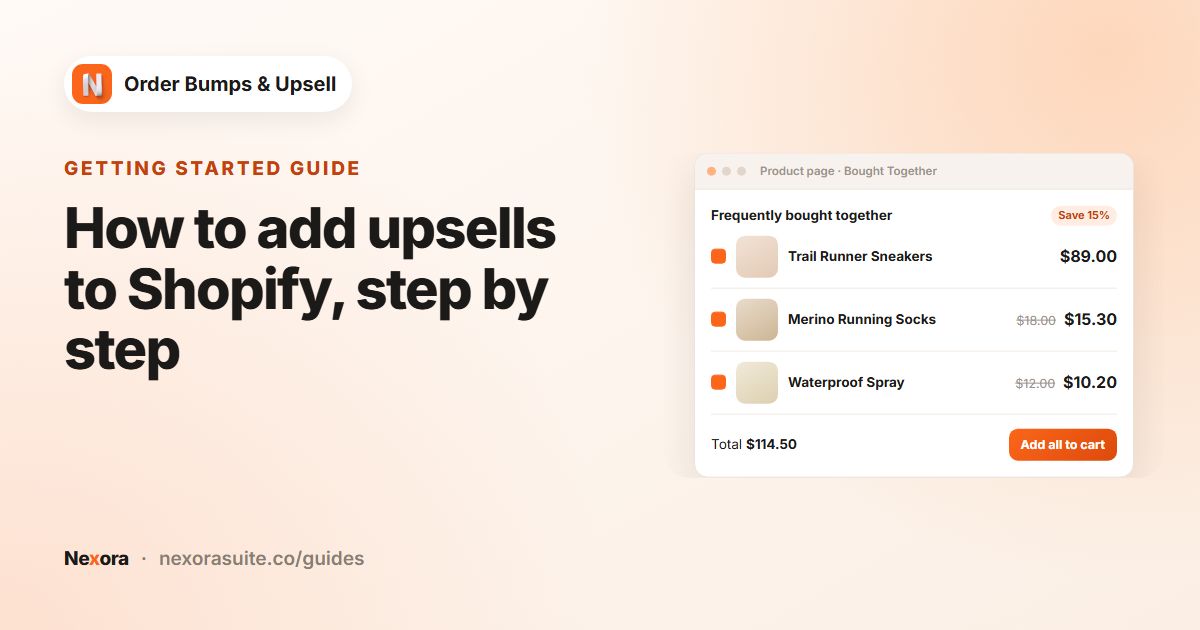
Create a Manual campaign with Specific products set to your top sellers and one or two closely related add-ons as offers. Add the Nexora - Bought Together block and consider Combine with Add to Cart button so the add-on joins the main product in one click.
- 2. A cart offer below your free-shipping threshold
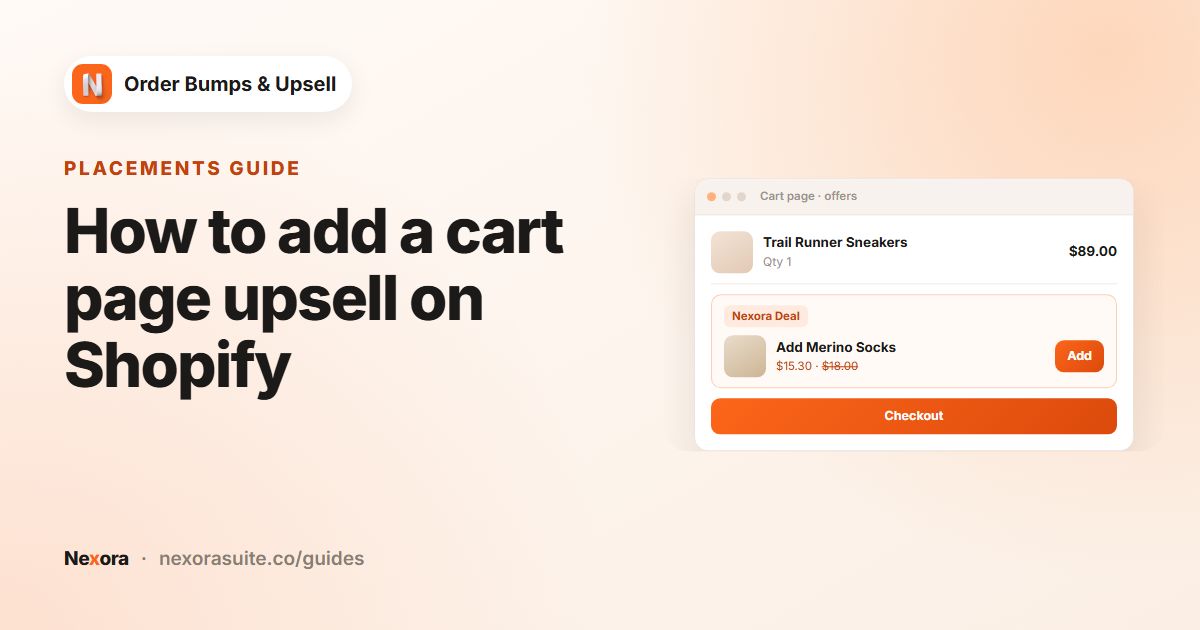
Create a second campaign that targets only Cart Page, with low-priced extras and a Cart Value range just below your threshold, for example Minimum 40 and Maximum 60 for free shipping at 60.
- 3. A bundle for products that belong together
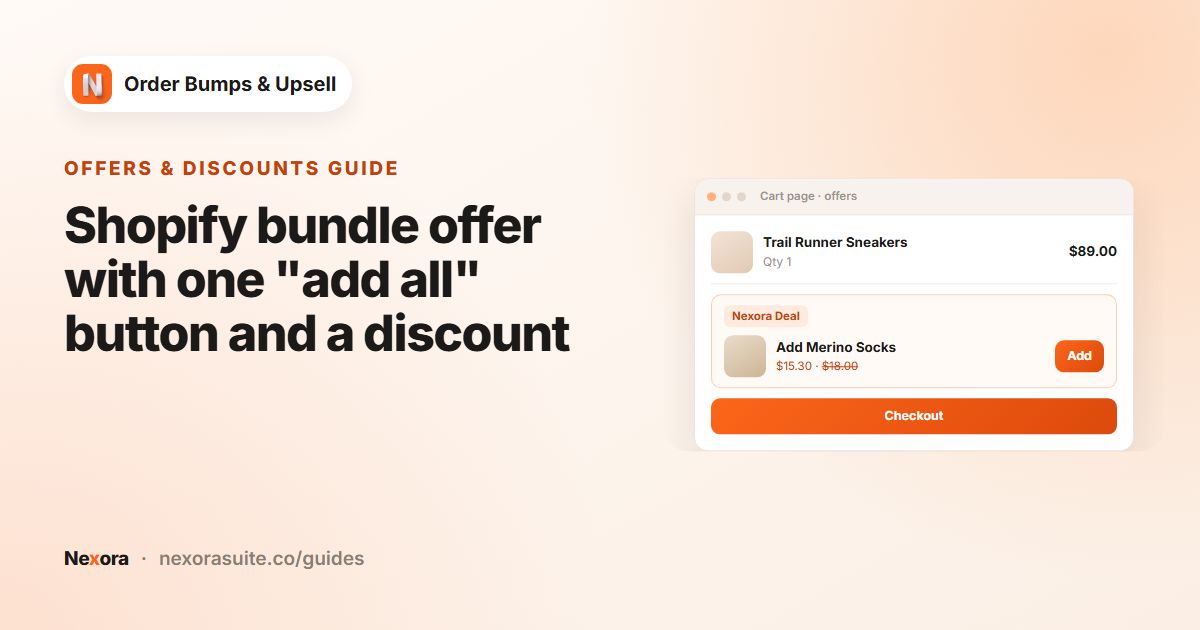
Where customers usually need several items, use Stack with Selection mode set to Bundle, so they can tick and add the set with one button.
- 4. A Thank you page follow-up
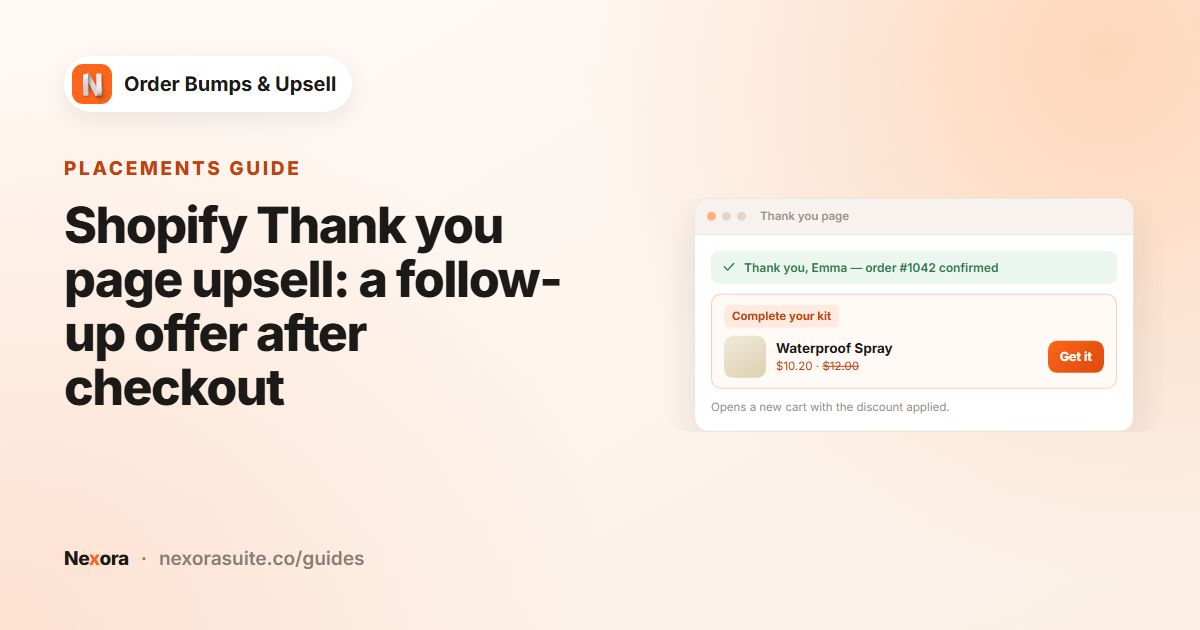
Create a campaign that targets Thank You, with a refill, accessory or AI Recommendation offer and a clear discount. It opens a new cart, so it brings a second order rather than a bigger first one. Available on all plans except Shopify Starter.
On Shopify Plus you can also tick Checkout to show a last small offer inside checkout. See the checkout upsell guide.
Pricing your offers
| Offer | Suggested discount | Why |
|---|---|---|
| Product page add-on | Percentage 10 or a Manual price | A small reward for adding now |
| Cart page extra | Percentage 10, or 0 if the item helps reach free shipping | Free shipping is already the reward |
| Bundle items | Percentage 15 on each | Scales with quantity and is easy to explain |
| Thank you follow-up | Percentage 15 or more | Customers need a reason to start a new checkout |
These are example values to start from, not recommendations for every store. Check your margins first: the discount only applies to items added from an offer, but it still comes out of your profit on those items.
Example: a pet supplies store
- Product page: dog food bags offer a treat pouch at Manual price 3.00, with Combine with Add to Cart button on
- Cart page: carts between 35 and 50 (free shipping at 50) see a toy and a poop-bag refill at normal price
- Bundle: on the puppy starter kit page, a collar, lead and bowl at Percentage 15 each with Selection mode Bundle
- Thank you page: an AI Recommendation campaign with Related and Discount % 15
Tips and common mistakes
- Relevance beats quantity. Two useful add-ons usually work better than a carousel of ten.
- Don't stack too many offers on one page. Use campaign priority and Target Pages so each page has one clear offer.
- Avoid discounting what people buy anyway. Offer products that are a genuine extra.
- Change one thing at a time so you can tell what made the difference in your reports.
- Keep the experience consistent. Match the widget to your theme in Design Settings.
Frequently asked questions
What is a good average order value on Shopify?
It depends on your products and prices. Compare your own store over time rather than against other stores.
Which page should I start with?
Usually the product pages of your best-selling products, with one or two closely related add-ons.
Does a Thank you page offer increase the first order's value?
No. It opens a new cart, so it creates a second order. It can still increase what each customer spends.
Do I need to give discounts on upsells?
No. You can offer items at their normal price by setting the discount to 0, for example when the item helps reach free shipping.
How much does the app cost?
Nexora Order Bumps & Upsell is free, with no limits on campaigns or offers.