The three terms in plain words
- Upsell: a step up from the product the customer picked. A larger size, a pack of three instead of one, the premium version.
- Cross-sell: a different, related product. A case for a phone, socks for shoes, a sauce for pasta.
- Order bump: a small extra offered at the moment of buying, usually low-priced and often discounted, that the customer adds with one click.
In everyday use the words overlap, and many people say "upsell" for all three. The difference matters mostly when you choose what to offer: a bigger version of the same thing, or something that goes with it.
Side-by-side comparison
| Upsell | Cross-sell | Order bump | |
|---|---|---|---|
| What is offered | A better or larger version | A related, different product | A small add-on |
| Typical price | Higher than the original choice | Varies, often lower | Low, often discounted |
| Best moment | Product page, while deciding | Product page or cart | Cart, checkout or Thank you page |
| Customer's decision | Replace or upgrade | Add another item | Add one quick extra |
| Example | 500 g bag instead of 250 g | A grinder with coffee beans | A coffee scoop for 2.00 |
When each one fits
Upsell
Use it when you sell sizes, multipacks or tiers, and the larger option is better value. Be careful: if the upgrade is much more expensive, it can make the customer hesitate on the original purchase too.
Cross-sell
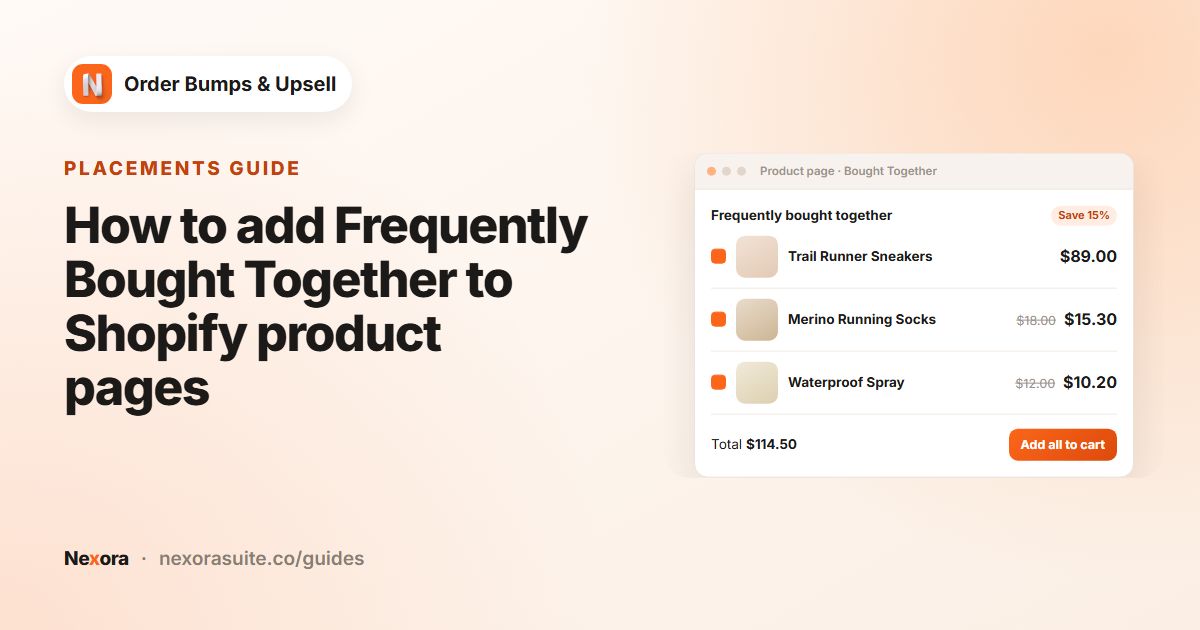
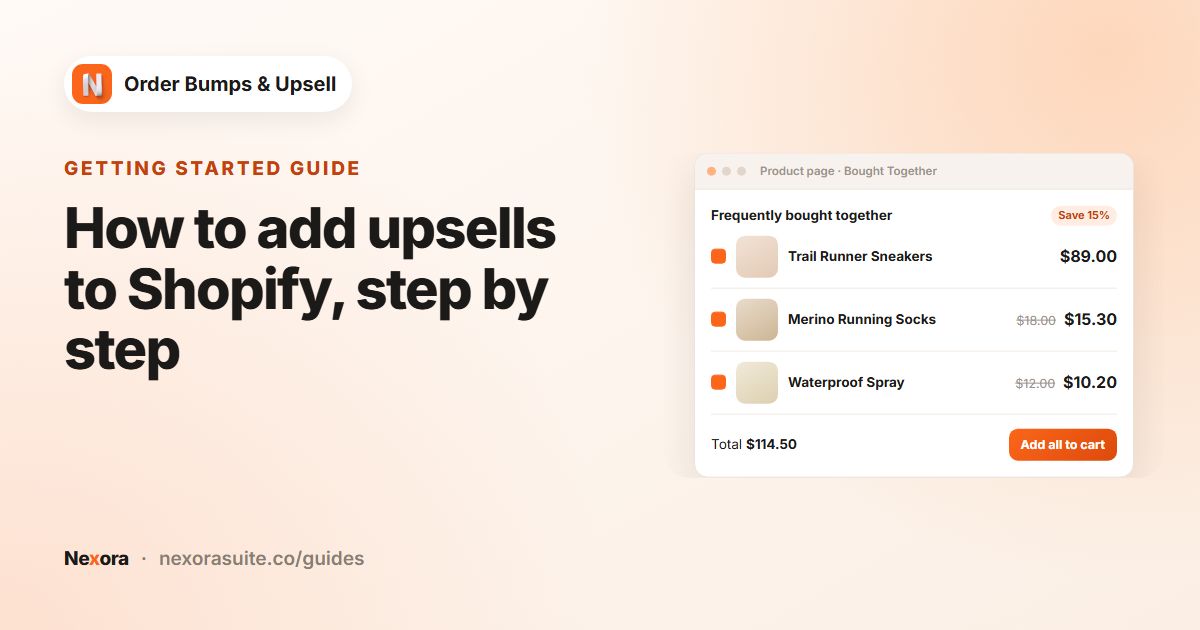
Use it when your products are often used together. It works well as a Frequently Bought Together widget on the product page and as cart offers based on what is in the cart.
Order bump
Use it for small, low-risk extras: gift wrap, a spare part, a sample. They work best at the end of the journey, where a quick yes doesn't need much thought.
How to set up each one on Shopify
Shopify's themes often include product recommendation sections that act as simple cross-sells, and Shopify's Search & Discovery app lets you choose complementary products for them. Variants and discounts can support upsells to larger sizes.
Nexora Order Bumps & Upsell puts the offer, the price and an add button in one widget. The same campaign tools cover all three ideas:
| Goal | Nexora setup |
|---|---|
| Upsell to a larger pack | Manual campaign, Specific products = the small pack, offer = the larger pack. Add it as an extra, or use a discount to make the larger pack the better deal |
| Cross-sell on the product page | Nexora - Bought Together block, Manual offers or AI Recommendation with Complementary or Related |
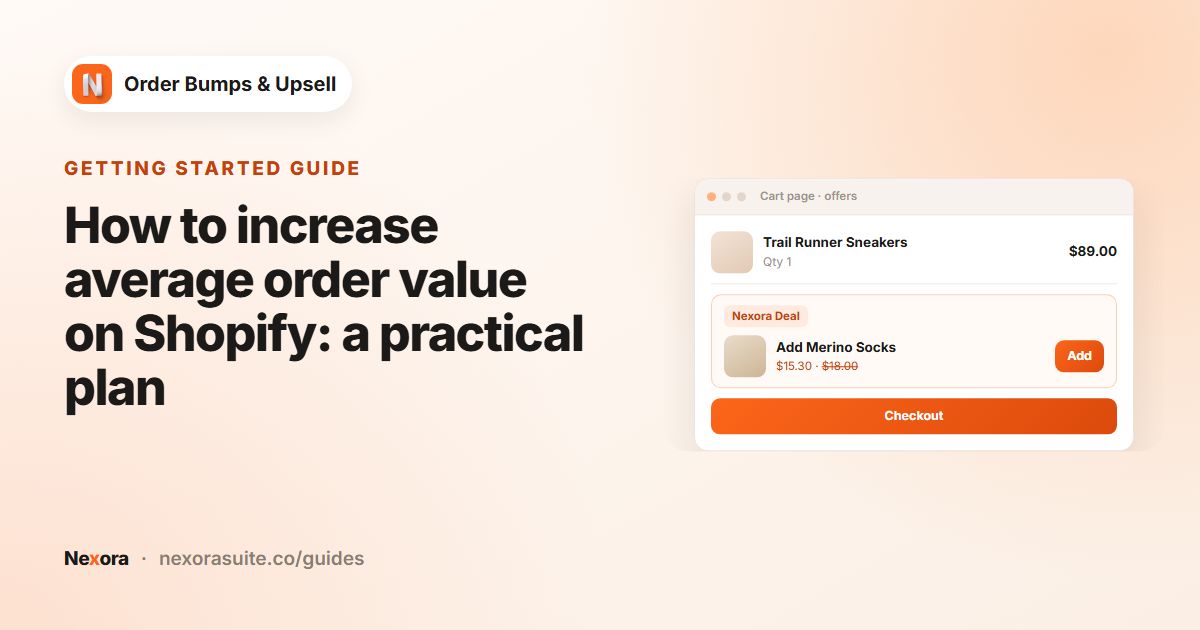
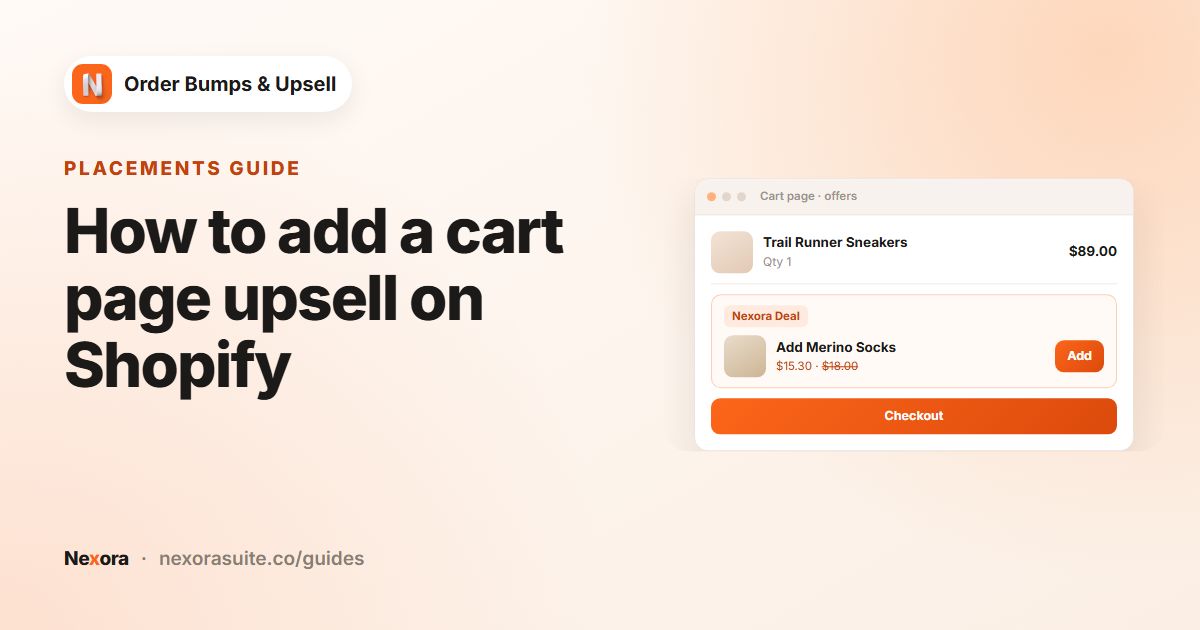
| Cross-sell in the cart | Nexora - Cart Offers block, campaign with Cart Page ticked |
| Order bump at checkout | Nexora - Checkout Offers block with Checkout ticked (Shopify Plus only) |
| Follow-up after the order | Nexora - Checkout Offers on the Thank you page (all plans except Shopify Starter); opens a new cart |
Offers are always added as extra cart lines; the app does not swap the item the customer already chose. For an upgrade, write the offer text so it is clear the larger pack is added, for example Add a second pack at 20% off.
Matching the settings to each type
The same campaign settings behave differently depending on what you are offering. These pairings are a sensible starting point:
| Discount type | When customer adds an offer | Also worth setting | |
|---|---|---|---|
| Upsell (more of the same) | Percentage, so the saving grows with quantity | Stay fully interactive: each click adds one more | Show quantity selector on |
| Cross-sell | Percentage or Fixed amount | Hide and show next offer, so the next related item appears | Combine with Add to Cart button on the product page |
| Order bump | Manual price, for example 1.00 | Keep visible with '✓ In cart' badge, so the customer sees it was added | Max offers to show 1 |
Fixed amount and Manual price discounts are worked out per cart line, so the saving does not grow when the customer raises the quantity. That suits a one-off order bump, but not a "buy more" upsell.
Example: one tea store, all three
- Upsell: on the 50 g tin page, offer a second tin at Percentage 20 (
Stock up and save) - Cross-sell: on every tea page, a tea infuser and a mug as offers, with Selection mode Bundle
- Order bump: on the cart page, a sample sachet at Manual price 1.00 for carts with Cart Value Minimum 25
Second example: a phone accessories store
- Upsell: on the single screen protector page, a Manual offer of the 2-pack at Percentage 15, with Stay fully interactive so customers can add more
- Cross-sell: an AI Recommendation campaign with Algorithm Complementary, after setting cases and chargers as complementary products in Shopify Search & Discovery
- Order bump: a cleaning cloth at Manual price 2.00 on the Cart Page, and in Checkout on Shopify Plus
If Complementary shows nothing, that usually means no complementary products are set for that item yet. Switch to Related, or use a Manual campaign until you have set them up.
Tips for choosing
- Start with cross-sells if you are not sure. Related add-ons are the easiest to get right.
- Keep order bumps cheap. They should be a quick yes, not a second decision.
- Use one main offer per page. Too many suggestions on one page compete with each other.
- Use automatic discounts so customers don't need codes. See automatic discounts on upsell products.
Frequently asked questions
Is an order bump the same as an upsell?
Not quite. An order bump is a small extra added with one click while buying; an upsell is a step up to a better or larger version.
Which is better for average order value?
It depends on your products. Cross-sells and order bumps add items; upsells raise the price of what is bought. Many stores use all three in different places.
Can one app handle upsells, cross-sells and order bumps?
Yes. Nexora uses the same campaigns for all three, on the product page, cart page, checkout (Shopify Plus) and Thank you page.
Does the app replace the product the customer chose with an upgrade?
No. Offers are added as extra cart lines. The customer's original choice stays in the cart.
Which discount type suits a quantity upsell?
Percentage. Fixed amount and Manual price are applied per cart line, so the saving does not grow when the customer adds more.
Can a cross-sell be added together with the main product?
Yes. On the product page, tick Combine with Add to Cart button and the visible offer items are added with the main product when the customer clicks your theme's Add to cart button.