
Getting started
Do I need to edit my theme code?
No. Turn on the Product Labels app embed in your theme editor and the app does the rest.
What's the difference between a manual label and an automation label?
You choose which products get a manual label. An automation label shows on products that meet a condition (New arrival, On sale, Low stock or Out stock) and keeps itself up to date.
Why is my new label not showing yet?
New labels are saved as Inactive. Open the label, click Activate and then Save.
Where can I get help?
Use live chat in the app (Chat with us on the home page) or email [email protected].
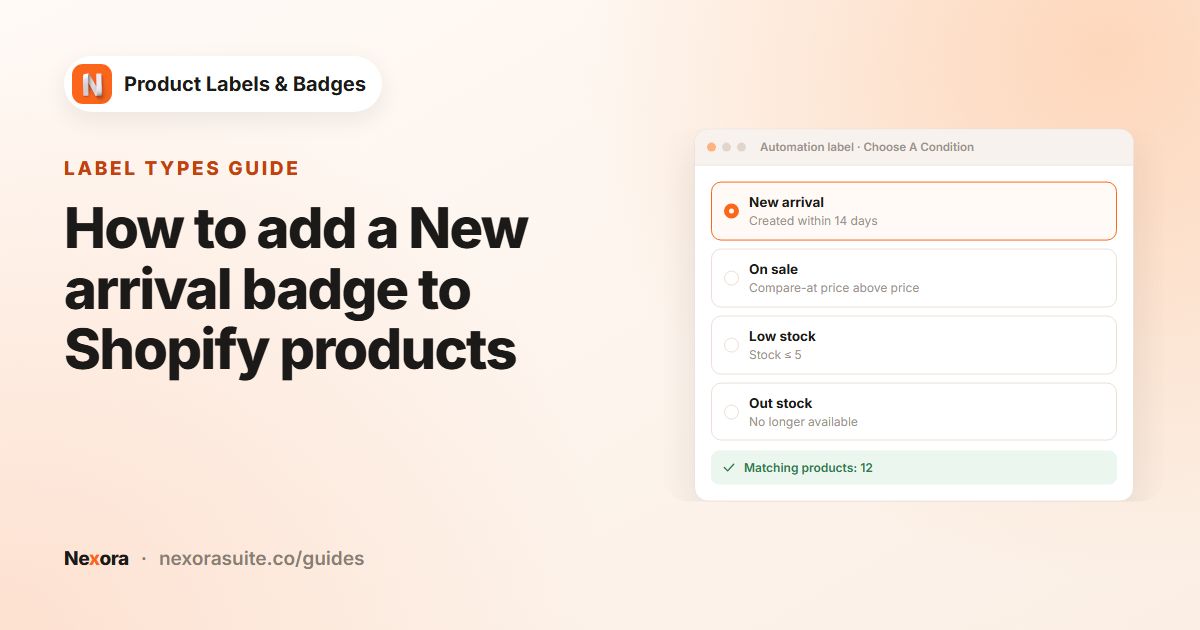 Related guideHow to add a New arrival badge to Shopify products→
Designing labels
Can I use my own image?
Yes. Choose the Upload type on the General tab and upload a PNG, JPEG, GIF, WebP or SVG file up to 2 MB.
Can a label show the discount or stock level?
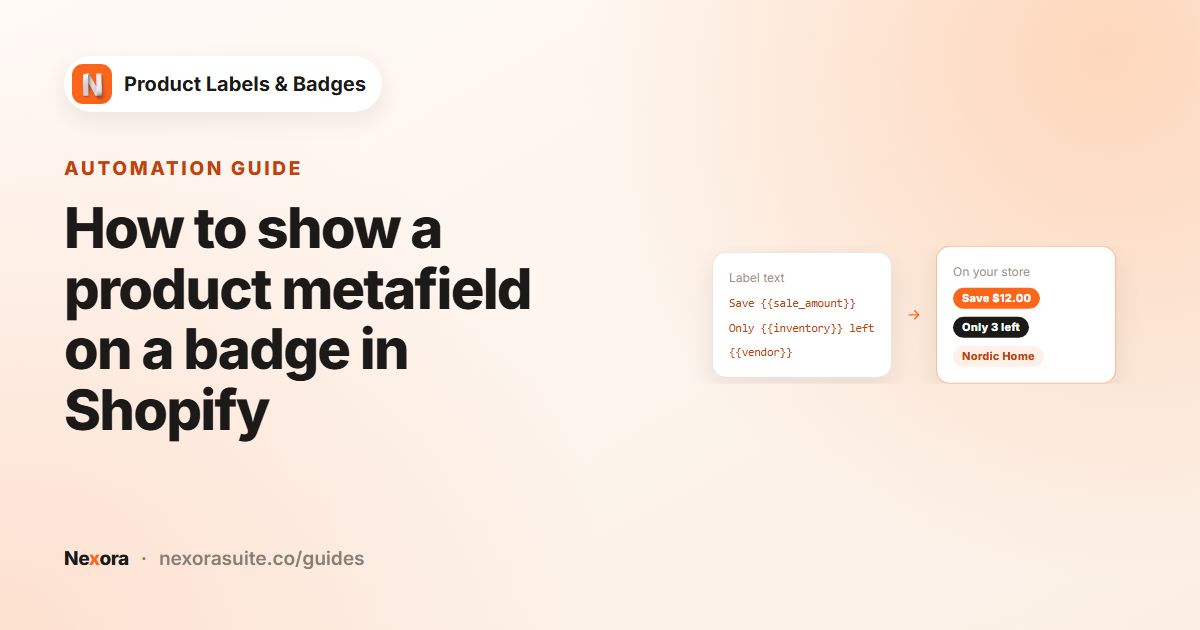
Yes. Text labels support dynamic data such as {{sale_percent}}, {{sale_amount}} and {{inventory}}. Click Dynamic Data on the Design tab to see the full list.
Can I show a product metafield on a label?
Yes. Use {{mtf.KEY}} for metafields in the custom namespace. For example, {{mtf.warranty}} shows the value of custom.warranty.
Can labels look different on mobile?
Yes. Size, position offsets, rotation, font size, line height, margin and padding can each be set separately for desktop and mobile. Mobile settings apply to screens 749 px wide or narrower.
Can I translate label text?
Yes. Use the language button in the Label Text field to write text for each language your store publishes. Shoppers see the text for the language they are browsing in.
Can a label link somewhere?
Yes. Enter a web address in Label link on the Design tab, and shoppers who click the label are taken there.
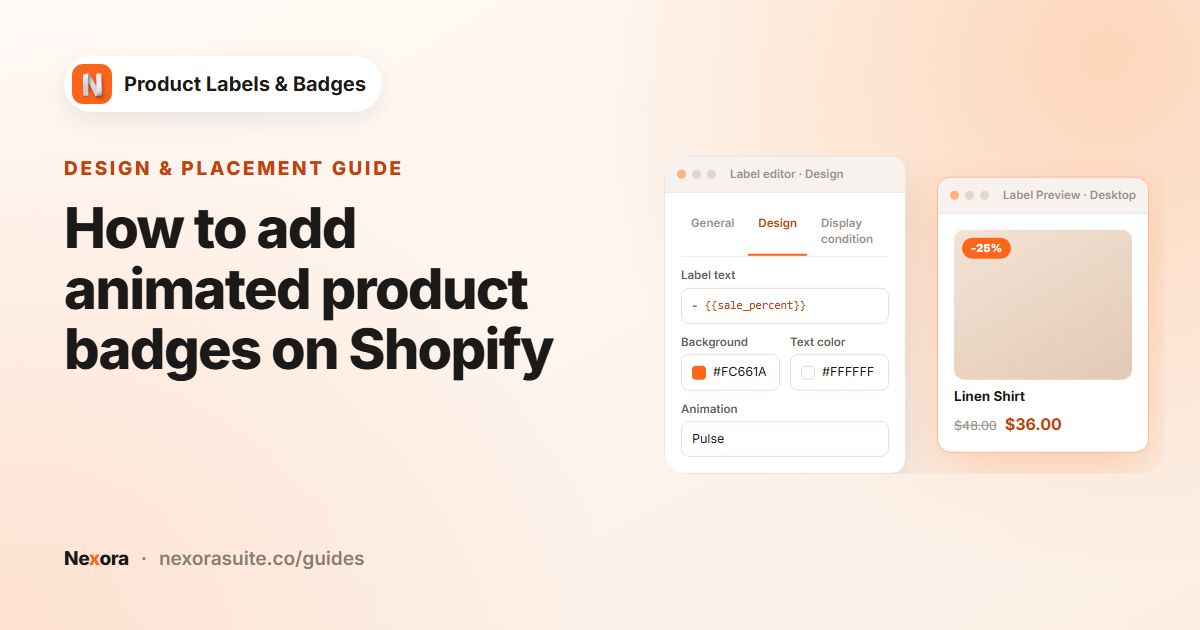 Related guideHow to add animated product badges on Shopify→
Targeting and scheduling
How do I show a label only on certain products?
On Display condition, set Products to Specific products, Collections, Product tags or Vendor and select at least one item.
Can I schedule a label for a sale period?
Yes. Set Visibility Date to Custom Date and choose a Start date and/or End date.
How does Show On Locations know the shopper's country?
It uses the visitor's IP address. Choose Include to show the label only in the countries you select, or Exclude to hide it there.
What happens when two labels are in the same position?
They line up next to each other. Set Stack direction and Stack gap in Settings, and change which comes first with the arrows on the Product Labels page.
How does the Out stock condition decide a product is sold out?
A product counts as out of stock when it can no longer be bought. Products set to keep selling when out of stock count as in stock.
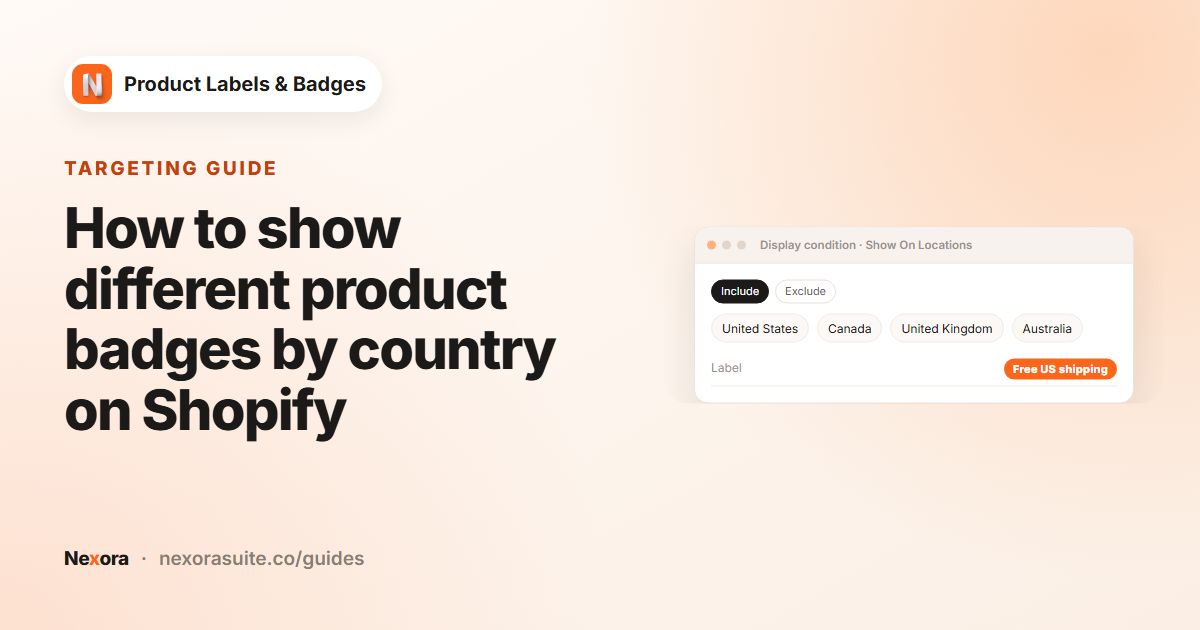 Related guideHow to show different product badges by country on Shopify→
Storefront & theme
On which pages do labels appear?
Labels appear on product images and product cards on product, collection, search and home pages. They also work in recommendation sections and quick-view windows. You can limit each label with Show On Pages.
Does the app work with my theme?
The app has settings for many Shopify Theme Store and Themeforest themes, including Shopify's free themes, and can detect your live theme automatically. If something looks off on your theme, message us on live chat.
I changed my theme. What should I do?
Make sure the Product Labels app embed is on in the new theme. Then open Settings, check Store Theme and press Save.
How quickly do changes show on my store?
Usually within a few seconds of saving. Refresh your storefront page to see them.
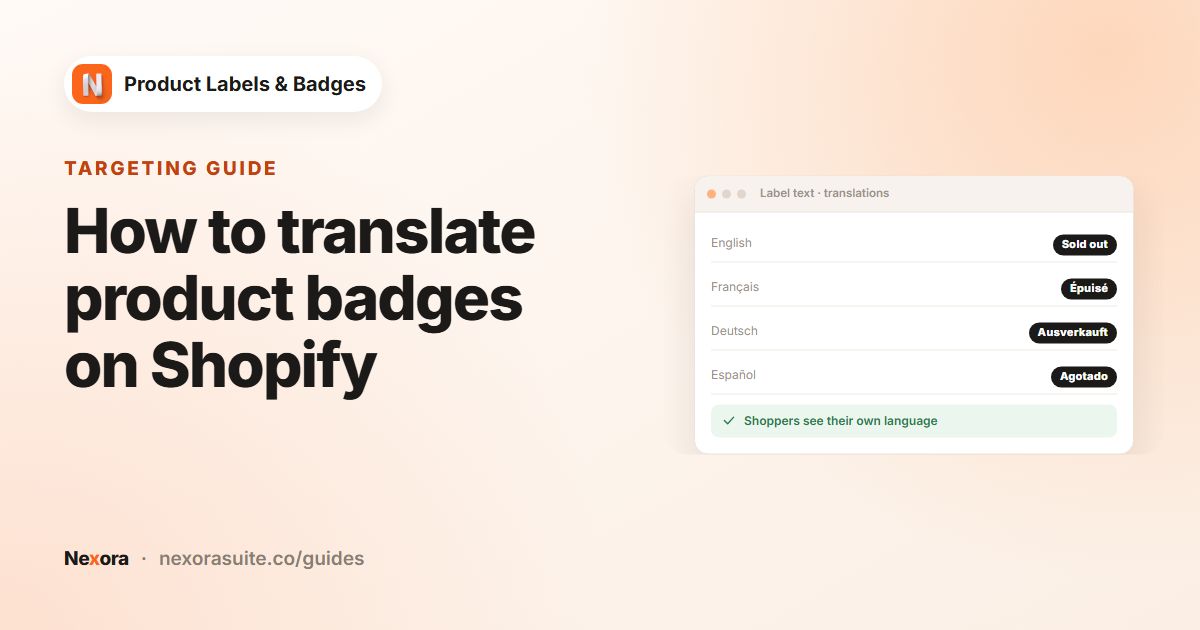 Related guideHow to translate product badges on Shopify→
Pricing
How much does the app cost?
Nothing. The app is completely free and you can create as many labels as you like, including automation labels.
Is there a limit on how many labels I can create?
No. Manual and automation labels are unlimited.
Troubleshooting
My label isn't showing on my storefront. What should I check?
Check that the Storefront status card on the home page shows On, that the label is Active, and that the page type is ticked under Show On Pages. Also check that the product matches the label's product scope or condition, and that today falls between its dates.
The label is in the wrong place on my product images.
Make sure Store Theme in Settings matches your theme, or try a different Position. You can also use Custom for exact offsets. If it still looks wrong, message us on live chat and we'll take a look at your theme.
The label looks right on collection pages but off-center on product pages.
Product page images are usually bigger. With Position set to Custom, tick Use different position on product detail page and set separate offsets.
I can't save my label.
Check the highlighted field. If you chose Specific products, Collections, Product tags or Vendor, select at least one item. The Start date must also be on or before the End date.
 Related guideHow to show a product metafield on a badge in Shopify→