Nexora Estimated Delivery Date icon

Nexora Estimated Delivery Date

Show estimated delivery dates, shipping times & order ETAs.

Freeon the Shopify App Store
ETA 2–4 days
Overview

What it does

Nexora Estimated Delivery Date shows shoppers exactly when their order will arrive — right on the product page. Set your processing and shipping times, working days, holidays and a daily cut-off, and the app works out a real delivery window, with a live “order within” countdown and a clean Purchased → Processing → Delivered timeline. Use different rules for different products, collections and markets, and style it to fit your theme. It’s free.

3Step delivery timeline
15Built-in icons
5Date formats
∞Widgets, free
Features

Delivery dates shoppers can trust

Set clear expectations, cut “where’s my order?” questions and give shoppers a reason to buy today.

Accurate delivery windows

Real dates, worked out from how you actually ship.

  • Shortest and longest processing time, including same-day dispatch
  • Shortest and longest transit time
  • Working days set separately for processing and for shipping
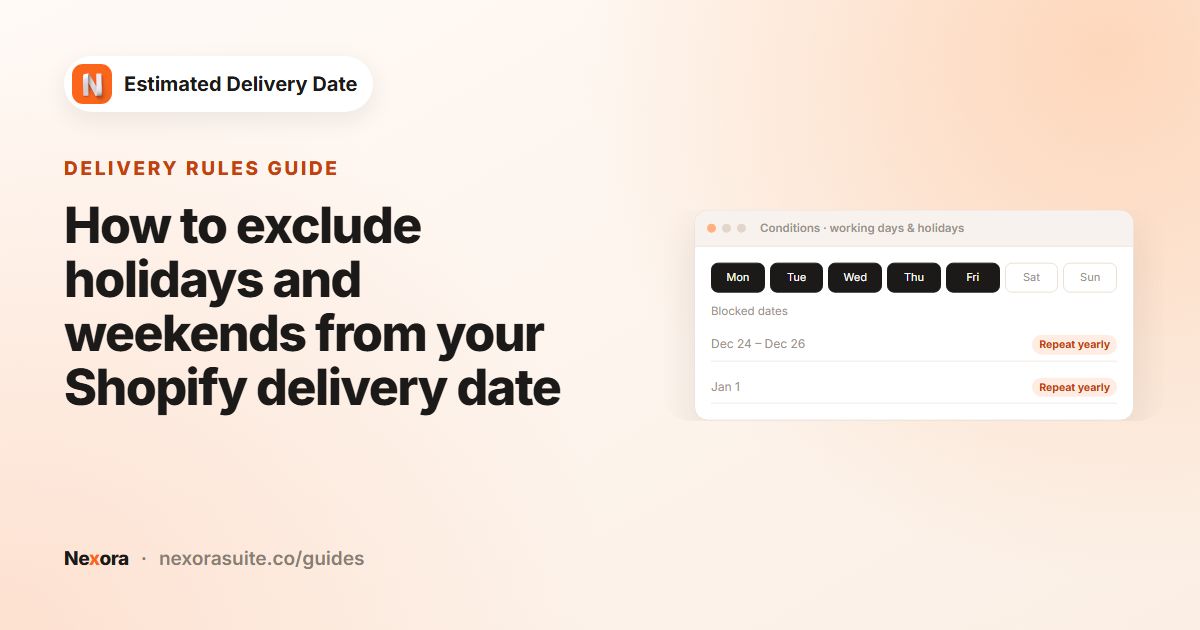
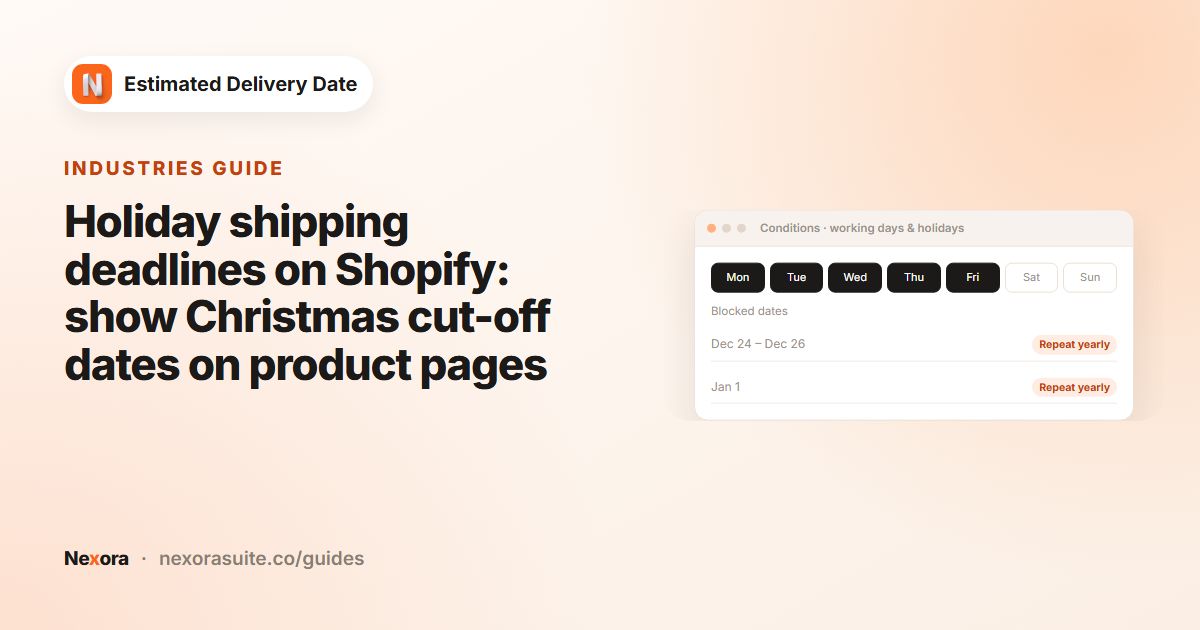
  • Holidays and blocked dates — single days or ranges, repeating yearly if you like
  • Off days and holidays are skipped automatically
Cut-off countdown

Turn delivery speed into a reason to order now.

  • Set a daily cut-off time for same-day processing
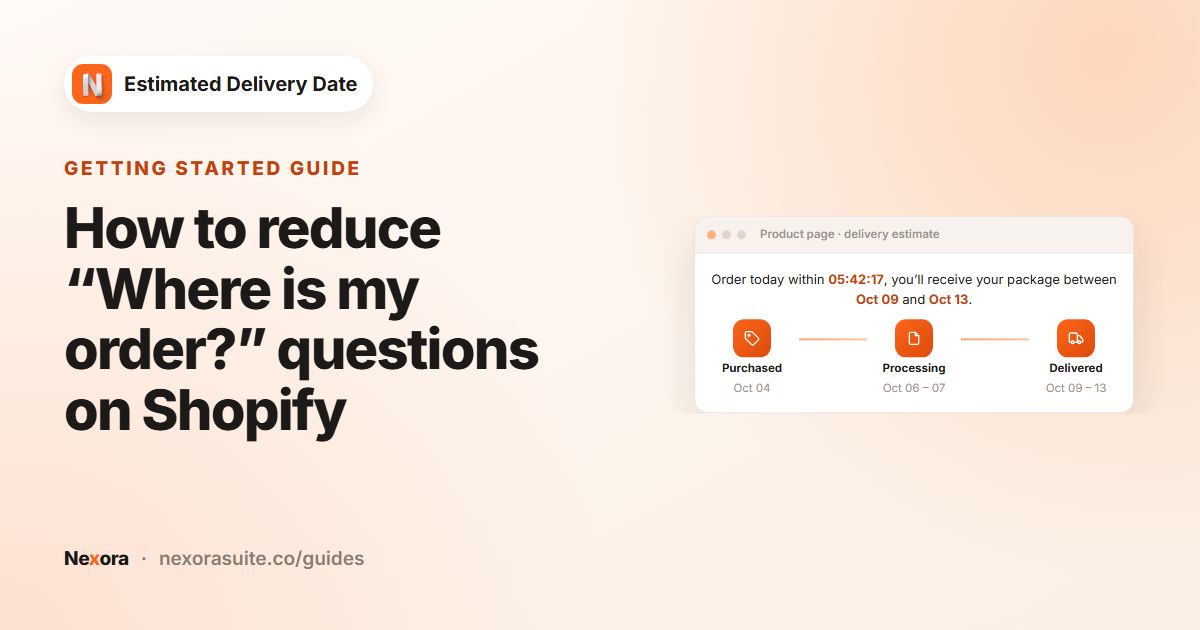
  • A live hours : minutes : seconds countdown to the cut-off
  • Orders after the cut-off start processing the next working day
  • Message variables: {counter}, {delivery_from} and {delivery_to}
  • 5 date formats with your own separator

Delivery timeline

A clear three-step journey under every product.

  • Purchased → Processing → Delivered, with dates for each step
  • Rename every step to match your wording
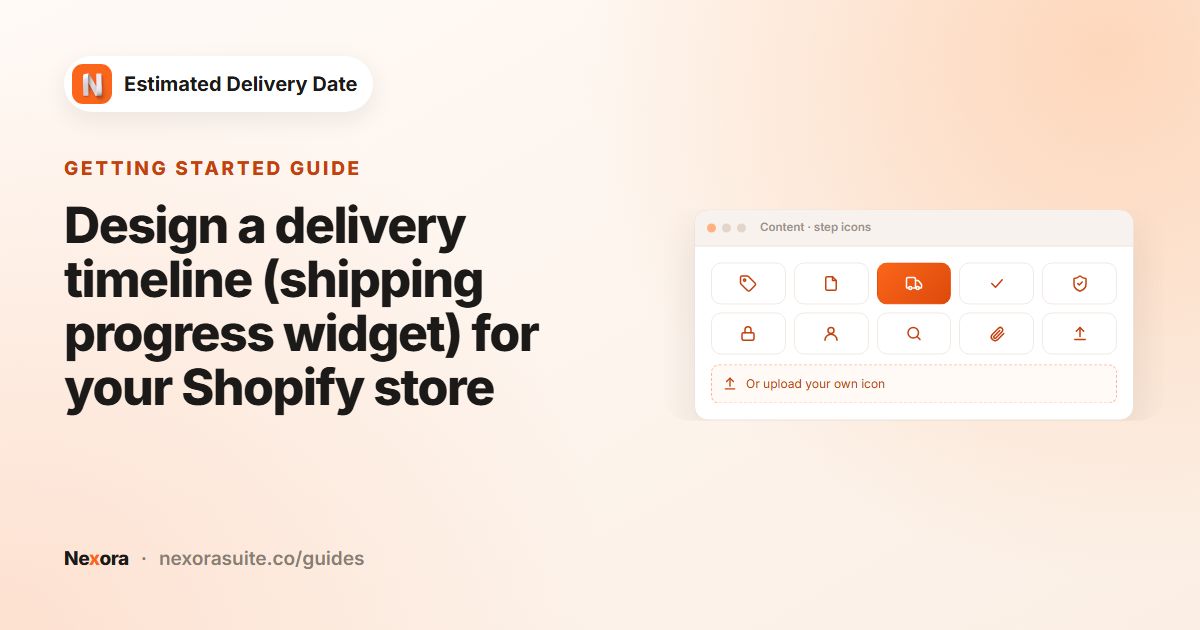
  • 15 built-in icons — or upload your own for each step
  • Progress line with optional endpoint dots and shadows

The right rules for each product

Different products, different shipping times.

  • Unlimited widgets, each with its own times and design
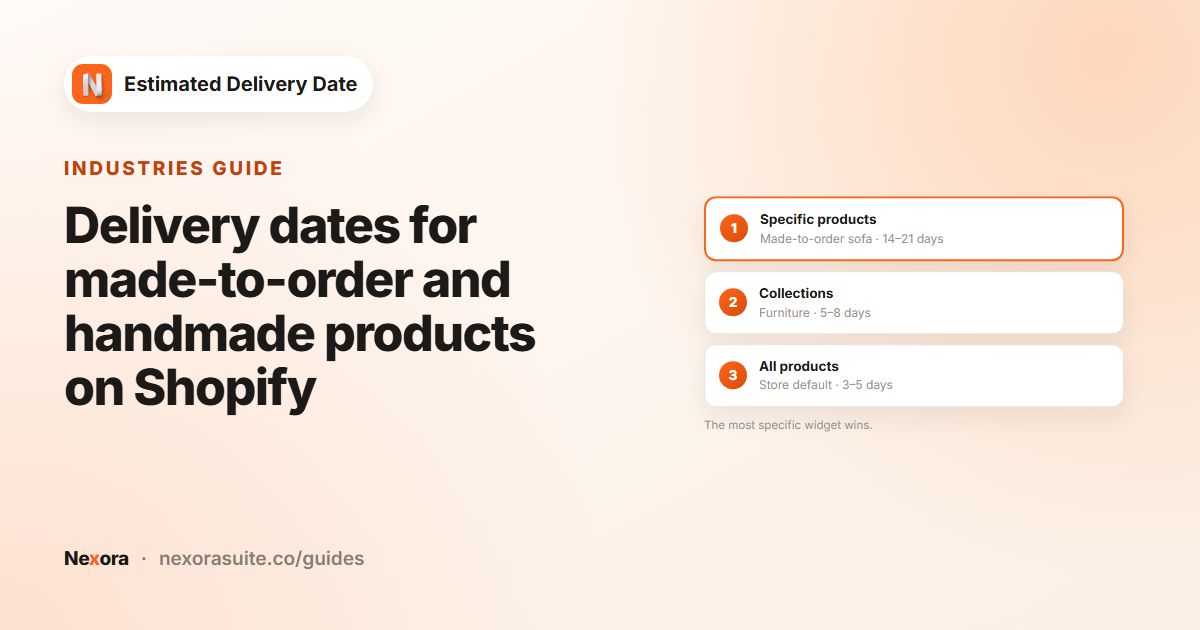
  • Apply to all products, chosen collections or specific products
  • Automatic priority: product rules beat collection rules beat store-wide rules
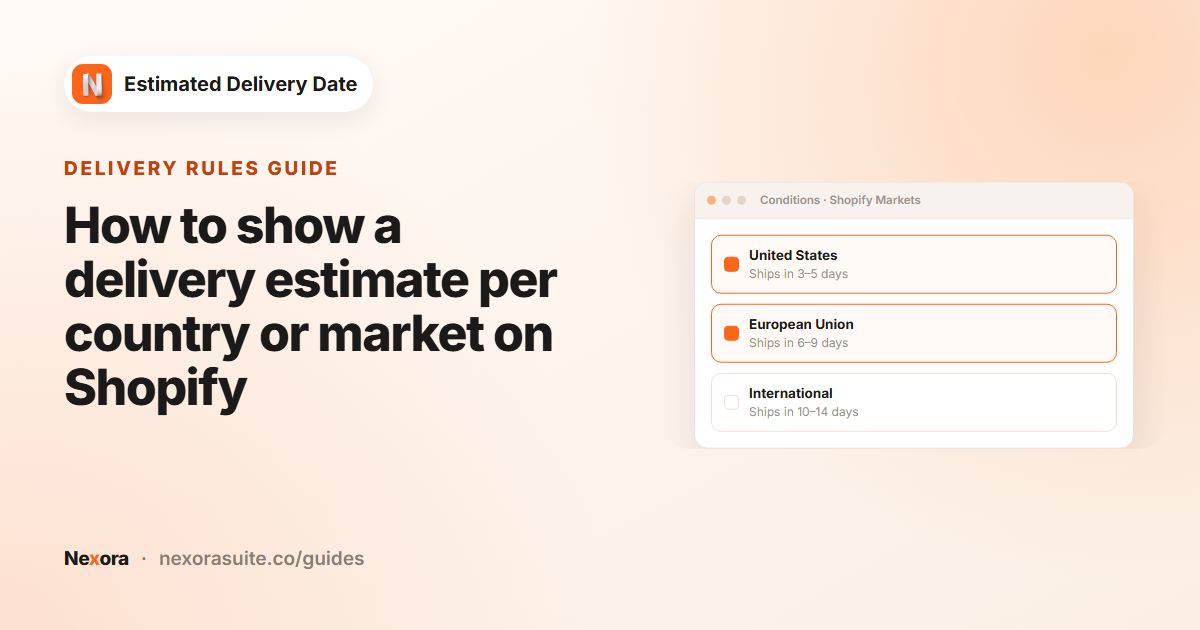
  • Target all markets or only chosen Shopify Markets

Design controls

Around 40 settings to make it look native.

  • Solid or gradient background, radius, border and spacing
  • Icon size, circle, stroke width, gradient fill and shadow
  • Text size and colour for the message, steps, dates and countdown
  • Inherits your theme’s font, plus a custom CSS box

Easy to manage

Set it up once and let it run.

  • Live preview that uses the same date maths as your store
  • Switch each widget on or off, rename, edit or delete it
  • Unsaved-changes warning and Shopify’s save bar
  • Searchable in-app documentation

Also included

Lightweight

Settings ship with the page — no API calls from the storefront — in one small script.

Theme app block

Add it to your product page in the theme editor, no code needed.

Live chat support

Talk to our team right from the app.

How it works

Live in three steps

No code needed.

  1. 1

    Add the app block

    Open the theme editor and add the delivery date block to your product page.

  2. 2

    Set your shipping rules

    Enter processing and transit times, working days, holidays and your cut-off.

  3. 3

    Style & switch on

    Pick icons and colours, check the live preview, then turn the widget on.

On your product page

Clear dates, right under Add to cart

What shoppers see — fully styled to your theme.

FAQ

Questions merchants ask

Is Nexora Estimated Delivery Date free?

Yes — free, with unlimited widgets.

How are the delivery dates calculated?

From the shopper’s order day, the app adds your processing time and then your transit time in working days, skipping your off days and holidays. The result is a date range for processing and for delivery.

What does the cut-off time do?

Orders placed before the cut-off start processing the same working day; orders after it start the next working day. A live countdown shows shoppers how long they have left.

Can different products have different delivery times?

Yes. Create as many widgets as you need and apply them to all products, specific collections or specific products — the most specific widget wins. You can also target Shopify Markets.

Will it match my theme?

It’s a theme app block for Online Store 2.0 themes that inherits your theme’s font, with around 40 design controls and a custom CSS box.

Help & resources

Everything you need to get set up

More apps

You might also like

Install Nexora Estimated Delivery Date free

Add it to your store in one click. Free to install, free to use — no credit card.