How to show accurate delivery dates, cut-off countdowns and holidays on your Shopify product pages — with exact settings for Nexora Estimated Delivery Date, a free app.
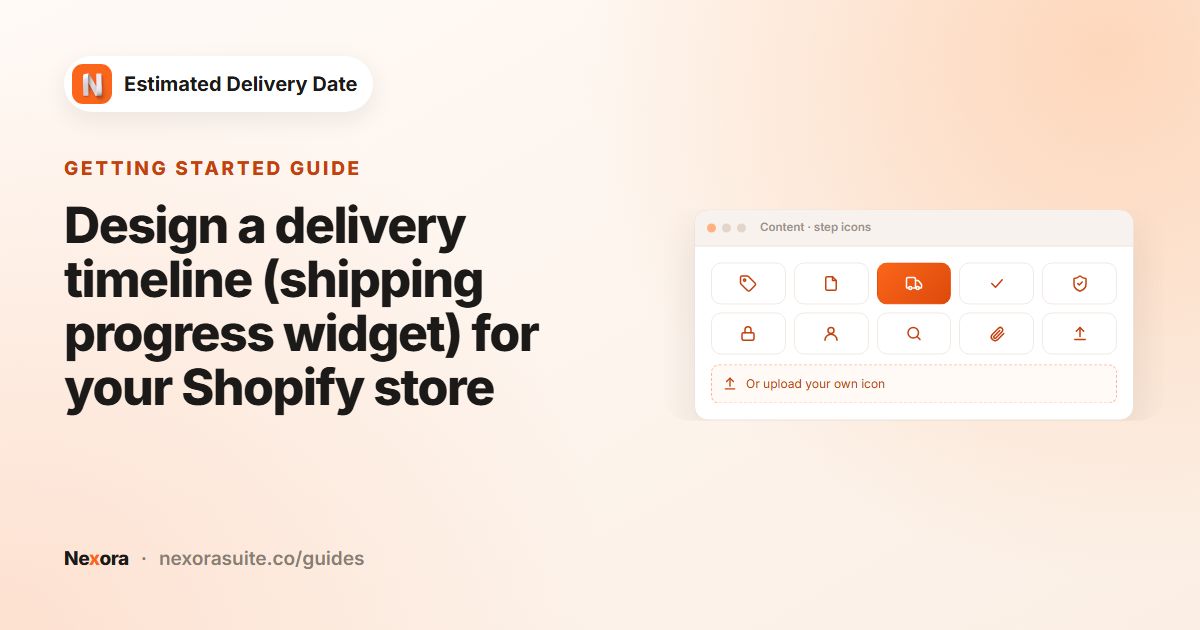 Getting startedDesign a delivery timeline (shipping progress widget) for your Shopify store
A Shopify delivery timeline shows the steps an order goes through, with a date under each. In Nexora Estimated Delivery Date,…
Read guide →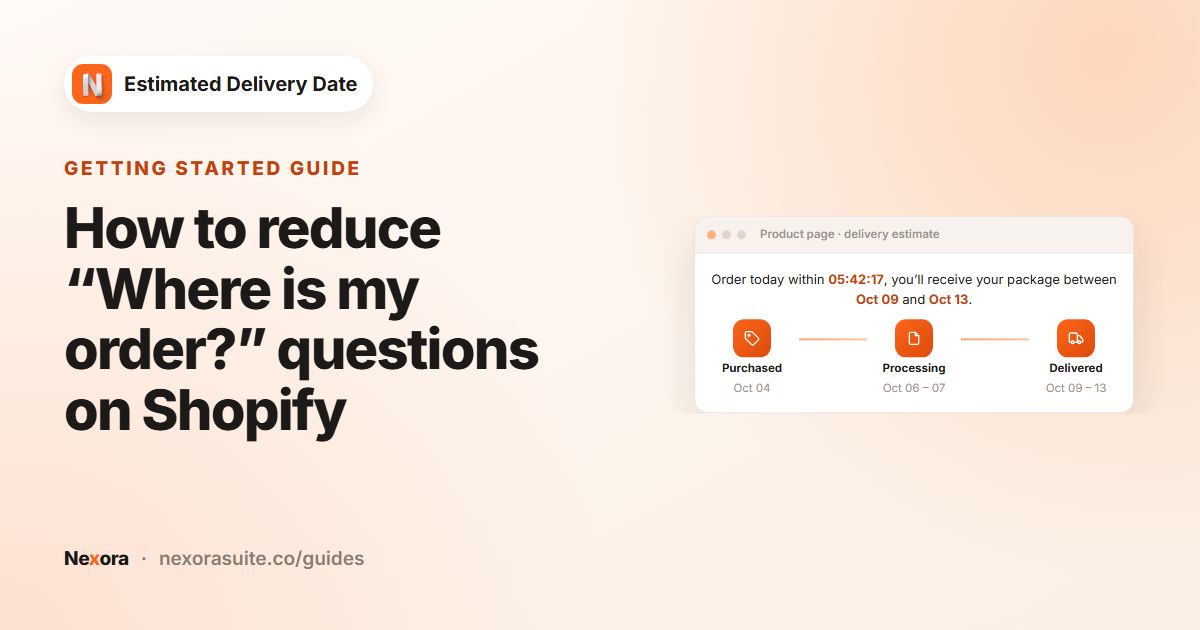 Getting startedHow to reduce “Where is my order?” questions on Shopify
Many “Where is my order?” (WISMO) messages come from shoppers who expected their parcel sooner than you could deliver. You can…
Read guide →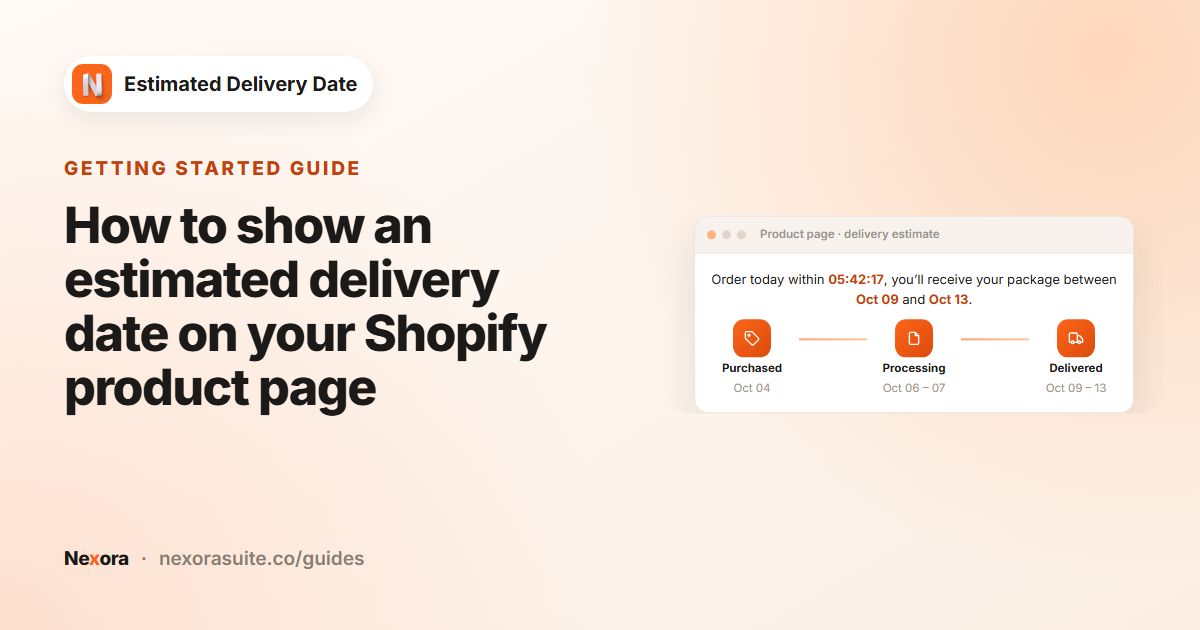 Getting startedHow to show an estimated delivery date on your Shopify product page
To show an estimated delivery date on a Shopify product page, create a widget in Nexora Estimated Delivery Date, enter your…
Read guide →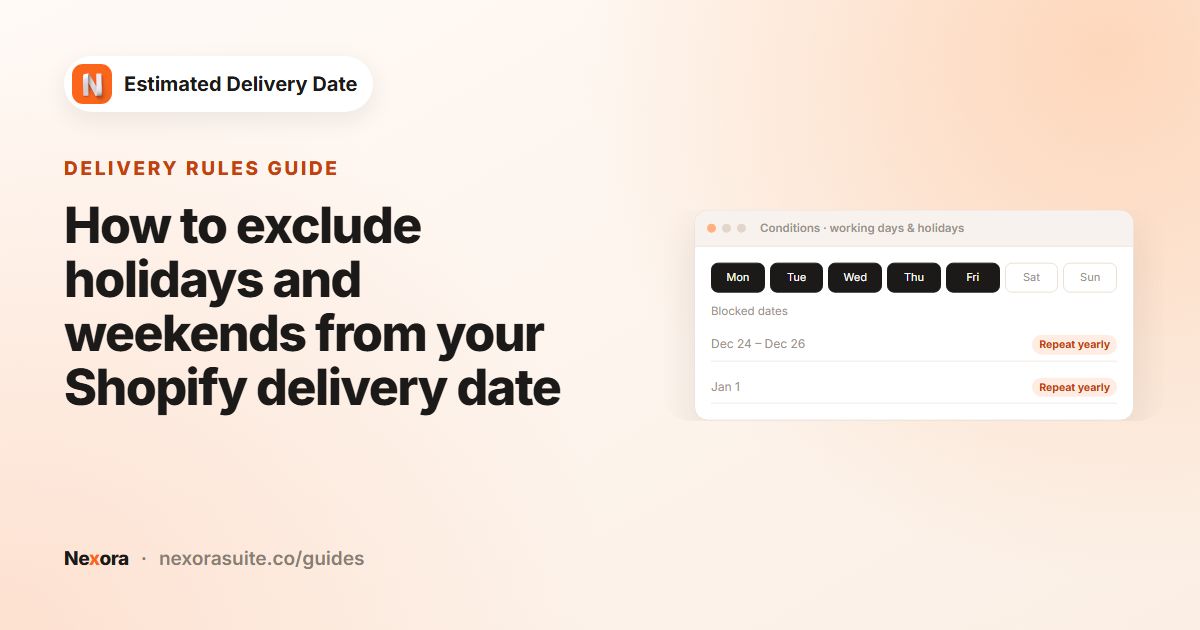 Delivery rulesHow to exclude holidays and weekends from your Shopify delivery date
To exclude weekends and holidays from a Shopify delivery date, choose your Working days and add Blocked dates (holidays) in Nexora…
Read guide →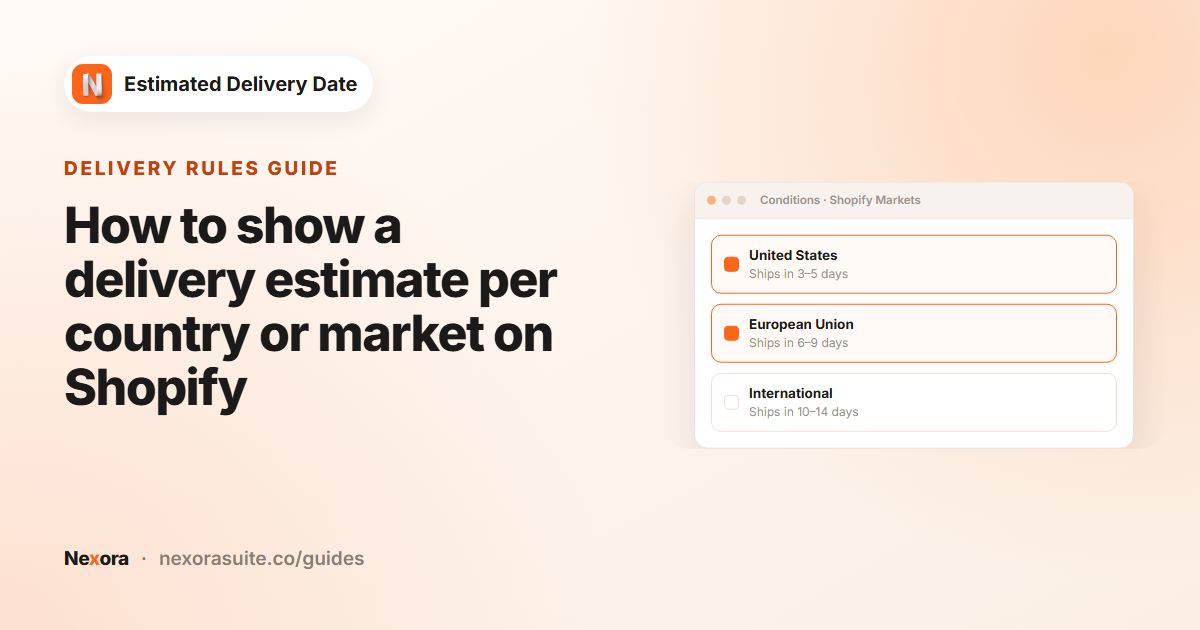 Delivery rulesHow to show a delivery estimate per country or market on Shopify
To show a different delivery estimate per country on Shopify, set up Shopify Markets, then create one widget per market group in…
Read guide →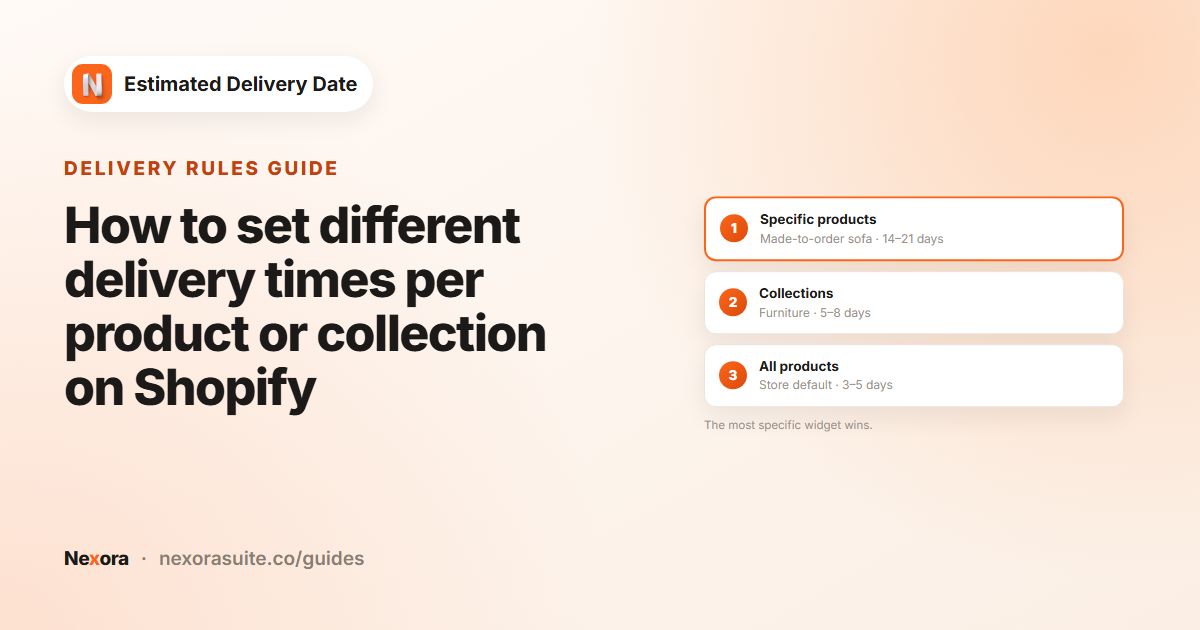 Delivery rulesHow to set different delivery times per product or collection on Shopify
To show different delivery times per product or collection on Shopify, create several widgets in Nexora Estimated Delivery Date,…
Read guide →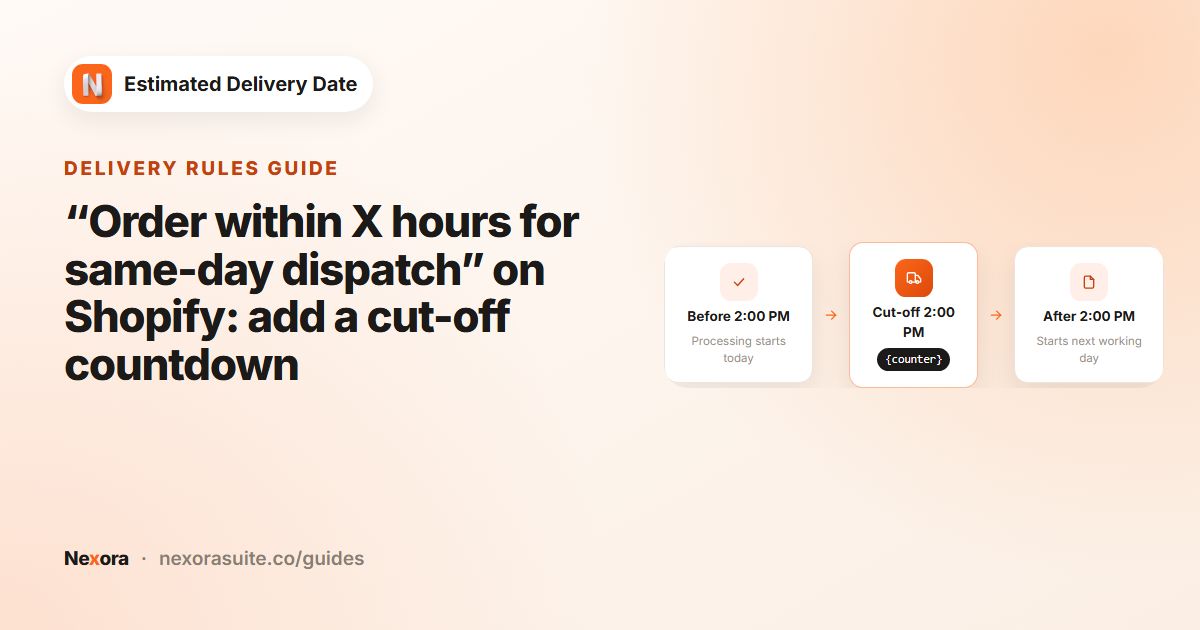 Delivery rules“Order within X hours for same-day dispatch” on Shopify: add a cut-off countdown
To show “Order within X hours for same-day dispatch” on Shopify, set Processing time to 0 days and choose your Cutoff time in…
Read guide →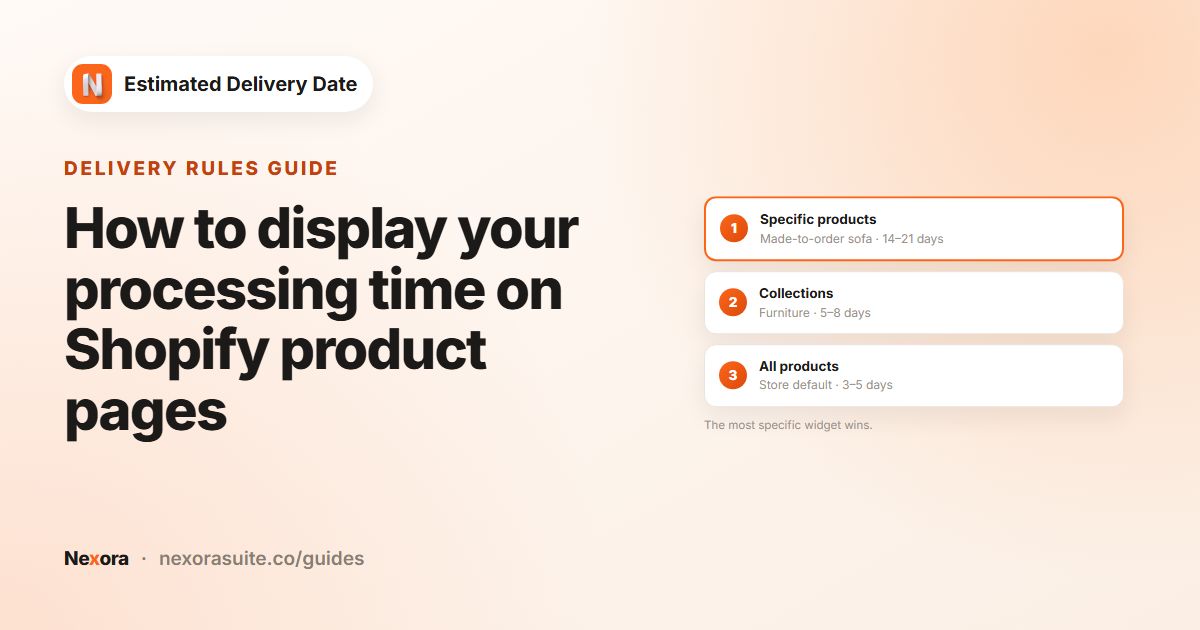 Delivery rulesHow to display your processing time on Shopify product pages
To display processing time on Shopify, set Processing time › Shortest (days) and Longest (days) in Nexora Estimated Delivery Date,…
Read guide →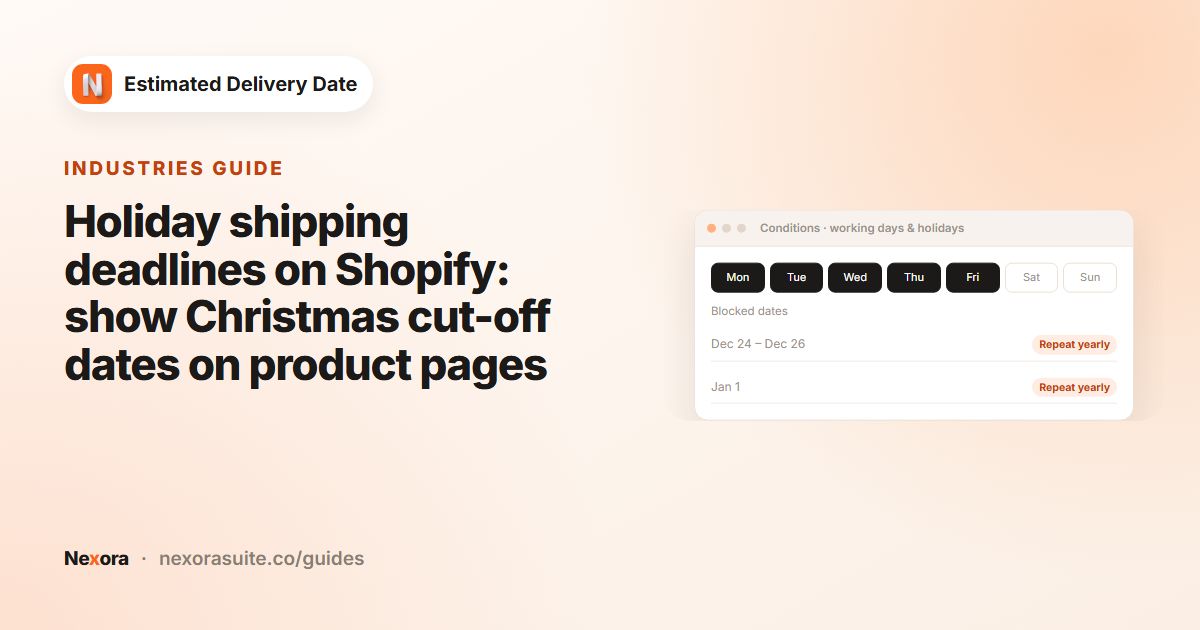 IndustriesHoliday shipping deadlines on Shopify: show Christmas cut-off dates on product pages
To show Christmas shipping deadlines on Shopify, block your holiday closure dates and raise transit days for peak season in Nexora…
Read guide →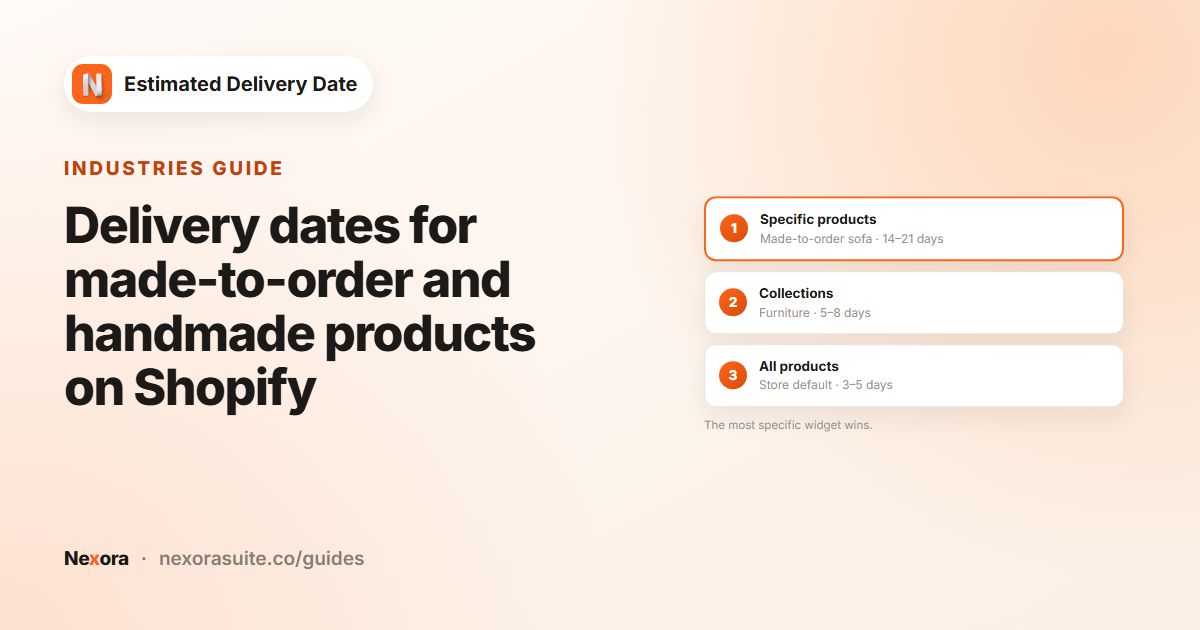 IndustriesDelivery dates for made-to-order and handmade products on Shopify
For made-to-order products on Shopify, show the making time as its own step so shoppers understand the wait. In Nexora Estimated…
Read guide →Every feature in these guides is included — free, on any Shopify plan.
