Why jewelry brands keep wholesale private
Jewelry has high value per piece and a strong brand image, so most designers are careful about who sees their wholesale prices. A public wholesale price can upset retail partners who sell the same pieces at full price, and an open line sheet makes it easy for others to copy new collections before they reach stores.
- Price privacy. Wholesale prices should only appear to approved retailers, never to guests or retail customers.
- A private line sheet. Many brands show new or wholesale-only collections only to stockists, often after a trade show or showroom appointment.
- Line orders, not single pieces. Retailers usually order a spread of styles, and brands reward bigger orders with a better price.
- Minimums per style. A brand may ask for at least a few pieces of each style so it displays well in a store.
- Buyers who aren't signed up yet. A buyer met at a trade show may need to see the line before creating an account.
Recommended setup for a jewelry brand
| Need | Feature | Example value |
|---|---|---|
| Hide prices until approved | Catalog locks, Hide price | All products, visible to stockist |
| Private wholesale line | Storefront lock, Lock specific paths only — everything else stays public | Locked path prefixes /collections/wholesale |
| Trade-show access | Show a passcode field on the gate and Secret links | One secret link per show |
| Base wholesale price | Wholesale pricing, Percentage off | 50% off for stockist |
| Reward line orders | Volume pricing, Mix across all products | 24+ pieces: extra 5%; 48+ pieces: extra 10% |
| Minimum per style | Order limits, MOQ — Order quantity (per product) | Minimum 3 per style |
| Vet retailers | Registration forms, Approval mode = Manual | Store name, website and address |
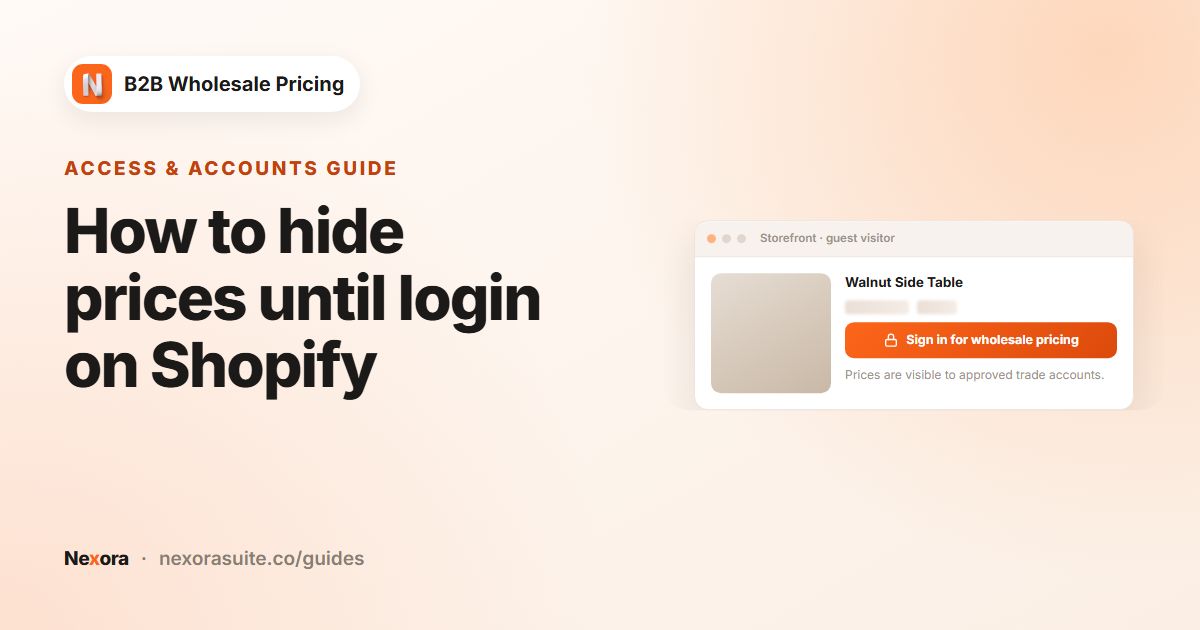
A storefront lock hides content visually, but prices are still in the page source. Keep the Hide price catalog lock as well, so prices stay out of the page completely for anyone who isn't approved.
Step-by-step setup
- Create the retailer application
Go to Registration → Registration forms → Add registration form. Add Name, Email, Password, a Text field for Store name, a URL field for Website or Instagram and a Country element. Set Settings → Registration → Approval mode to Manual and add the tag
stockistwhen you approve each retailer. - Hide prices from everyone else
Go to Restrictions → Catalog locks → Create lock and choose Hide price. Set the scope to All products if every piece is sold wholesale, or to your wholesale collection. Under Who can see, choose By customer tags with
stockist. Pick a Button appearance preset such as Minimal that suits a premium look. - Lock the wholesale line sheet
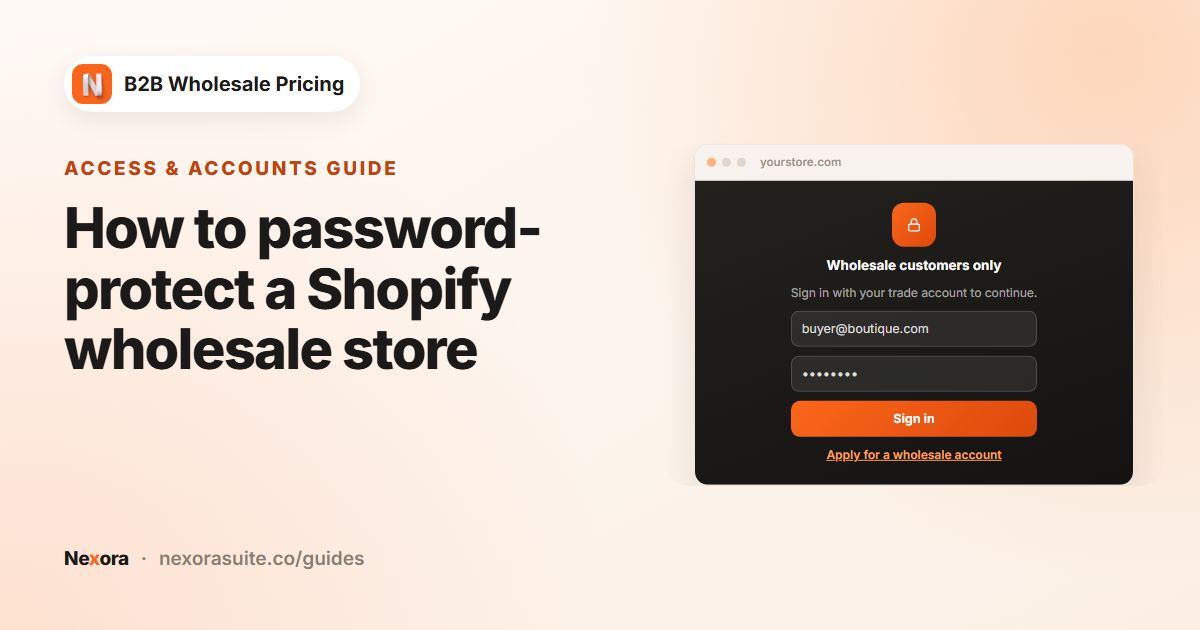
Go to Restrictions → Storefront lock and switch on Enable storefront lock. Under Scope, choose Lock specific paths only — everything else stays public and add
/collections/wholesaleto Locked path prefixes. Under Customers, choose By customer tags withstockist. Turn on the Storefront Lock app embed. - Add trade-show access
Under Access without an account, turn on Show a passcode field on the gate and create a Secret links entry for each show, for example one for the spring trade fair. Share the link with buyers you meet there. Remove the link after the show to close that access.
- Design the gate
Under Gate design, upload your logo, write a Heading such as Wholesale collection and a Message that explains how to apply. Point the primary button at your application page. Click Preview while locked to check the gate before you switch the lock on.
- Set wholesale and tier prices
Create a wholesale rule for
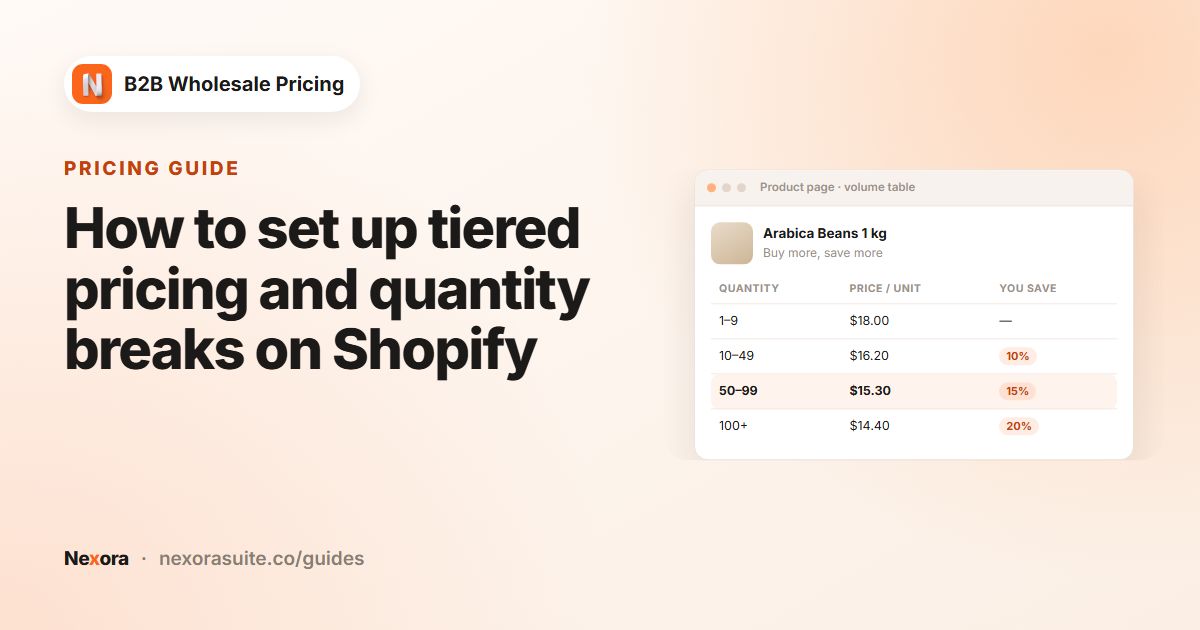
stockistwith Percentage off at 50. Then go to Pricing → Volume pricing → Create new, set Qualifying products to Mix across all products and add tiers such as From 24 Value 5 and From 48 Value 10. Pick the Highlighted design to mark the top tier. - Add a minimum per style
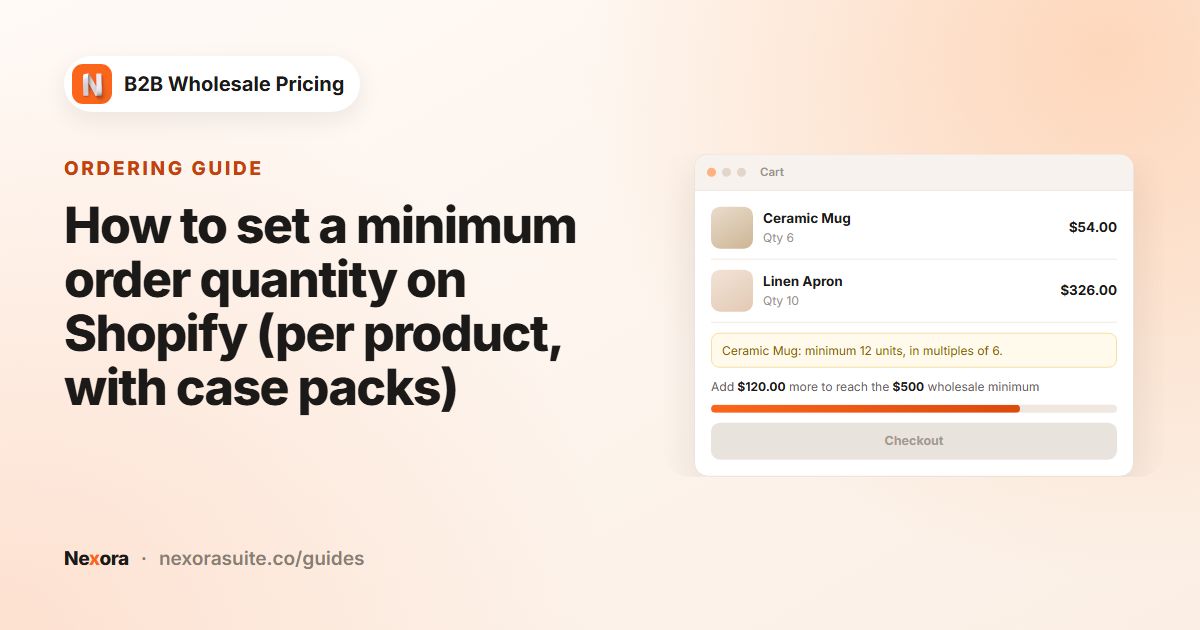
Go to Restrictions → Order limits → Create limit, choose MOQ — Order quantity (per product), set Minimum quantity to 3, target
stockistand choose Block checkout. Use Override for specific products for statement pieces that can be ordered singly, with a minimum of 1.
Example: three kinds of visitor
| Visitor | Main store | /collections/wholesale |
|---|---|---|
| Retail shopper, signed out | Browses freely. Prices are replaced by a sign-in button. | Sees the gate. |
| Trade-show buyer with a secret link | Prices still hidden until they have an approved account. | Can browse the wholesale line. |
| Approved stockist | Sees 50% wholesale prices with the volume table. | Browses and orders, with at least 3 pieces per style. |
Say an approved stockist orders 3 pieces each of 10 styles, which is 30 pieces. The 24+ tier applies because Mix across all products counts every piece. With Settings → Pricing → Combine Wholesale & Volume on Stack both discounts, the extra 5% comes off the wholesale price. With Best price for customer, the buyer gets whichever single price is lower.
Tips for jewelry wholesale
- Change passcodes after each season. Changing the passcode or removing a secret link locks out everyone who used it, which is a simple way to close last season's access.
- Keep key pages public. Use Public page handles for pages such as about-us and contact, so press and new retailers can still learn about the brand.
- Adjust prices for metal costs by hand. If material costs change, update the rule values, or use Override for specific products with a Flat price on the pieces affected. The app doesn't track metal prices.
- Watch styles with sizes. The quantity minimum is checked on each cart line, which means each variant. For rings sold in sizes, a minimum of 3 would apply to every size, so give those products a minimum of 1 with Override for specific products.
- Turn on zero-flicker. The Zero-flicker (head) app embed stops retail prices from flashing before the wholesale price appears.
- Lock the whole store if you're wholesale-only. Choose Lock the entire store (with public exceptions below) and keep the homepage public with Keep the homepage public.
Frequently asked questions
Can I hide jewelry prices until a retailer is approved?
Yes. Create a catalog lock with Hide price and allow only approved tags, such as stockist, under Who can see. Everyone else sees a sign-in button instead of the price.
Can I make only the wholesale collection private?
Yes. In Storefront lock, choose Lock specific paths only — everything else stays public and add the collection path, for example /collections/wholesale.
Can buyers from a trade show see the line before signing up?
Yes. Share a secret link or a passcode from Access without an account. Prices stay hidden until they have an approved account if you also use a Hide price catalog lock.
Is a storefront lock enough to keep prices private?
Not on its own. The lock hides content visually, but prices remain in the page source. Add a Hide price catalog lock to keep prices out of the page.
Can I set a minimum number of pieces per style?
Yes. Create an MOQ — Order quantity (per product) limit with a Minimum quantity such as 3 and choose Block checkout.