What wholesale pricing means on a Shopify store
Wholesale pricing is a second price list for business buyers: shops, salons, cafés, resellers and distributors who buy in larger amounts and expect to pay less than a retail customer. The products are the same. What changes is the price a particular buyer sees and pays.
Most merchants want to run both channels from one Shopify store instead of opening a separate wholesale shop. That keeps inventory, products and orders in one place, but it means the store has to know who is looking. A retail visitor should see $40. A signed-in stockist should see $24, and that $24 has to carry through to the cart and checkout, not just the product page.
- One catalog, two prices: no duplicate products or separate wholesale variants to keep in sync.
- Prices that follow the buyer: the wholesale price appears once a qualifying customer signs in, everywhere in the store.
- Different deals for different accounts: a distributor can get a deeper discount than a small boutique.
- Correct totals at checkout: the discount is applied when the order is placed, so you don't have to edit orders by hand.
Your options for wholesale prices on Shopify
There are three common ways to sell at wholesale prices on Shopify. Each one fits a different kind of store.
| Approach | How it works | Good fit when |
|---|---|---|
| Shopify's built-in B2B | Buyers are set up as companies with company locations. Price lists are managed through catalogs. Since April 2026, Shopify includes foundational B2B features on its Basic, Grow and Advanced plans, including up to three custom catalogs; unlimited catalogs stay on Shopify Plus. | You're happy to manage buyers as companies and a few catalogs cover your price levels. See Shopify's B2B guide. |
| Separate wholesale store | A second Shopify store with its own products and prices. | Your wholesale range, branding or fulfilment is genuinely different from retail. |
| A pricing app on your existing store | Rules read the customer's tags or login status and change the price on the storefront and at checkout. | Your buyers are regular customer accounts and you want tag-based rules, many price levels, volume tiers and wholesale tools in one place. |
Nexora B2B Wholesale Pricing takes the third approach. It works with ordinary Shopify customer accounts, so you don't need to convert buyers into companies. It's free, with every feature included.
How to set up wholesale pricing with Nexora B2B Wholesale Pricing
- Turn on the app embed
Install the app from the Shopify App Store and open Home. In Storefront status, click Enable on theme. The theme editor opens with the Wholesale B2B embed switched on. Click Save.
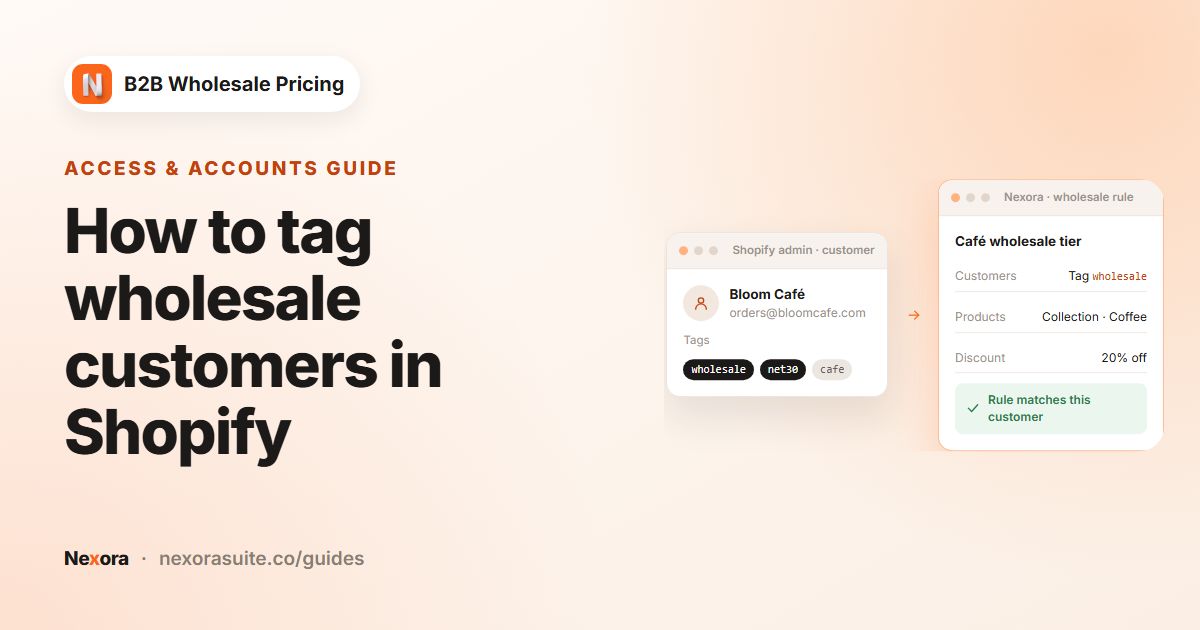
- Tag your wholesale buyers
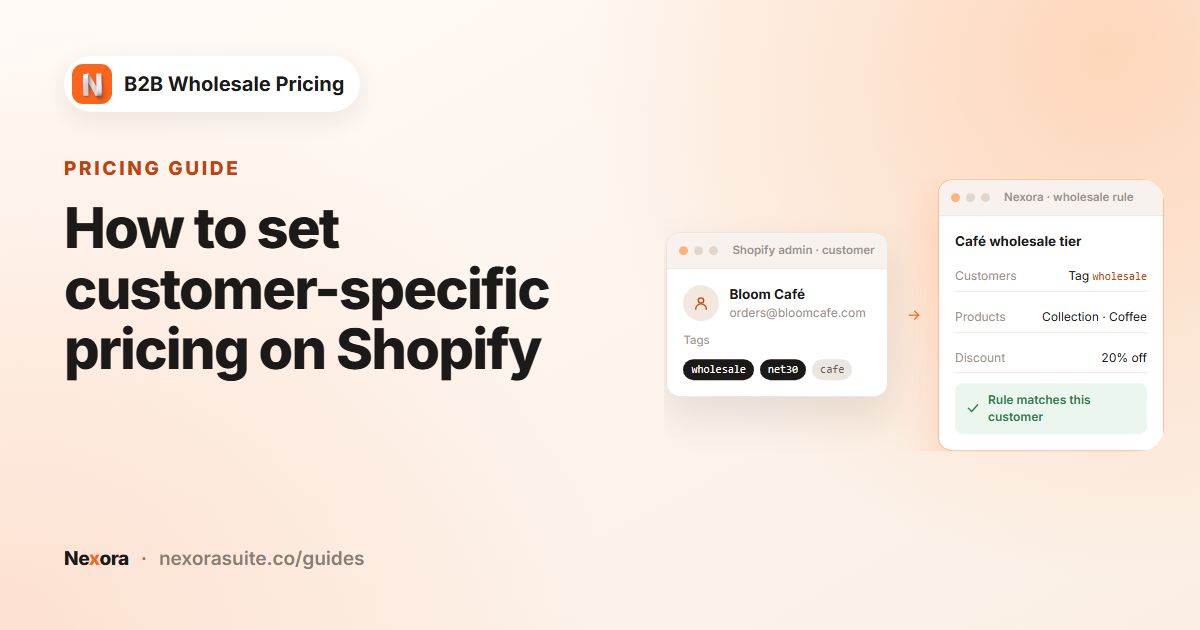
In Shopify, open each trade customer and add a tag such as
wholesale. If buyers apply through a registration form, the app can add this tag when you approve them. - Create the rule
Go to Pricing → Wholesale pricing and click Create new. In Basics, enter a Title. Buyers see this title next to the discount in the cart and at checkout, so use something clear like Trade price.
- Choose the customers
In the Customers card, choose By customer tags and add
wholesale. If you use several tags, choose whether a buyer must match any of or all of them. - Choose the products
In Products, keep All products or narrow it to Specific products, Collections, Product tags, Vendor or Product type. Use Exclude products from the selection for items you never discount, such as gift cards.
- Set the discount
In Discount, set the Master discount. Pick a Discount type (Percentage off, Fixed amount off or Flat price) and enter the value. Use Override for specific products when a few items need a different value.
- Activate and save
Switch the rule from Draft to Active using the switch next to the Basics heading, then click Save. On your first rule, the app creates an automatic discount named Nexora Wholesale Discount in Shopify Discounts. It applies the price at checkout, so keep it active.
- Test as a buyer
Sign in to the storefront as a test customer tagged
wholesale. Check a collection page, a product page, the cart and checkout. Then sign out and confirm you see retail prices again.
Wholesale rule settings explained
| Card / setting | What it controls | Tip |
|---|---|---|
| Title | The discount name buyers see in the cart and at checkout. | Keep it short and neutral, e.g. Trade price. |
| Customers | All customers, Logged in only, By customer tags or Specific customers, with optional exclusions. | Tags scale best; use specific customers for one-off accounts. |
| Markets | All markets or Specific markets. The rule applies to buyers in the selected markets' countries. | Useful when your EU and US trade prices differ. |
| Products | Which products the rule covers, plus exclusions and Bulk import by SKU (up to 50 SKUs at a time). | Collections are easier to maintain than hand-picked lists. |
| Discount type | Percentage off (e.g. 40% off retail), Fixed amount off (e.g. $5 off each unit) or Flat price (e.g. exactly $18). | Percentage off is easiest to keep consistent when retail prices change. |
| Override for specific products | A different value for chosen products or variants inside the same rule. | Use it for low-margin lines that can't take the full discount. |
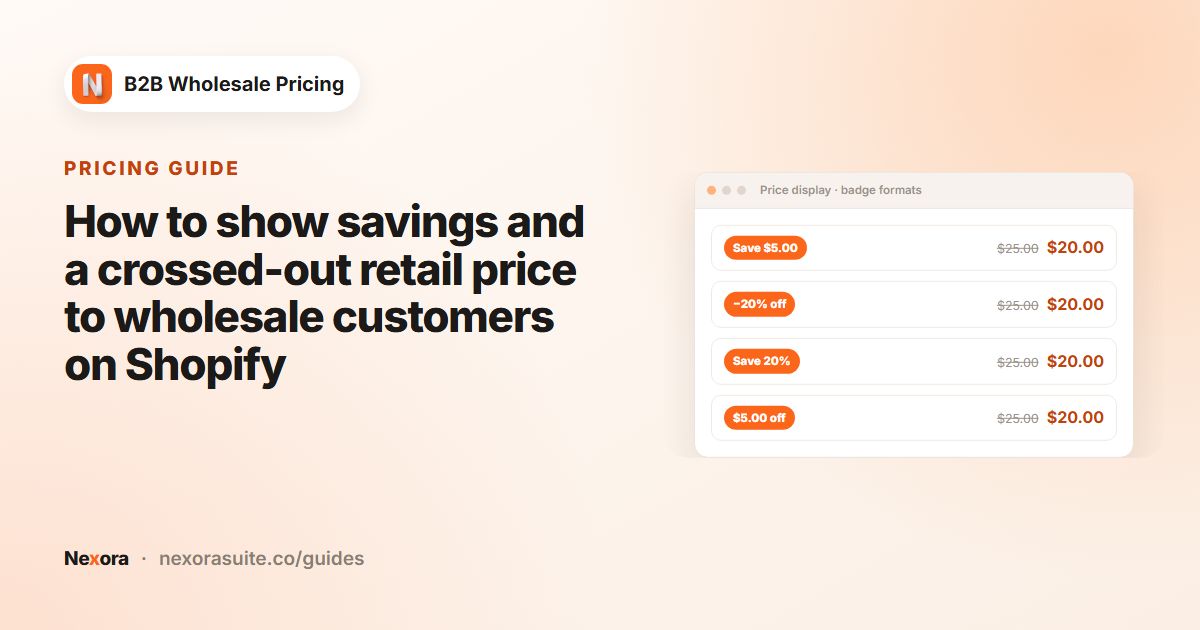
| Display | Save badge, a Wholesale price label under the price, and the crossed-out original price for flat prices. | Badges hide automatically on flat prices. |
| Active dates | Optional Start date and End date. | Leave empty for a permanent price list. |
Two settings in Settings → Pricing affect every rule. Combine Wholesale & Volume decides whether the lower price wins or both discounts stack. Combine with Shopify discounts decides what happens when a buyer enters a Shopify discount code.
Example: a two-level trade price list
Say you sell kitchenware. Retail customers pay full price. Independent shops get 35% off, and two regional distributors get 45% off. Cast-iron pans have tight margins, so shops get only 20% off them.
| Rule | Customers | Products | Discount |
|---|---|---|---|
| Trade price | By customer tags: wholesale | All products, excluding the Gift cards collection | Percentage off 35, with an override of 20 on the Cast iron collection's products |
| Distributor price | By customer tags: distributor | All products, excluding the Gift cards collection | Percentage off 45 |
A shop owner tagged wholesale sees a $60 casserole at $39 and a $90 pan at $72. A distributor sees the casserole at $33. If an account carries both tags, the Rule tiebreaker (advanced) setting in Settings → Pricing decides which rule wins. Removing the extra tag is usually the cleaner fix.
Tips and common mistakes
- Prices don't change on the storefront: check that the Wholesale B2B app embed is on, the rule is Active, and you're signed in as a tagged customer, not just viewing the admin.
- Retail price flashes for a moment: turn on the Zero-flicker (head) app embed from Home → Storefront status.
- Price looks wrong after a big product import: open Pricing and click Refresh pricing data to rebuild active rules.
- Discount codes stop working: Shopify applies one product discount per item. Make codes order-level, or choose Shopify code wins under Settings → Pricing → Combine with Shopify discounts.
- Don't delete Nexora Wholesale Discount in Shopify Discounts. Without it, the storefront shows wholesale prices but checkout charges retail.
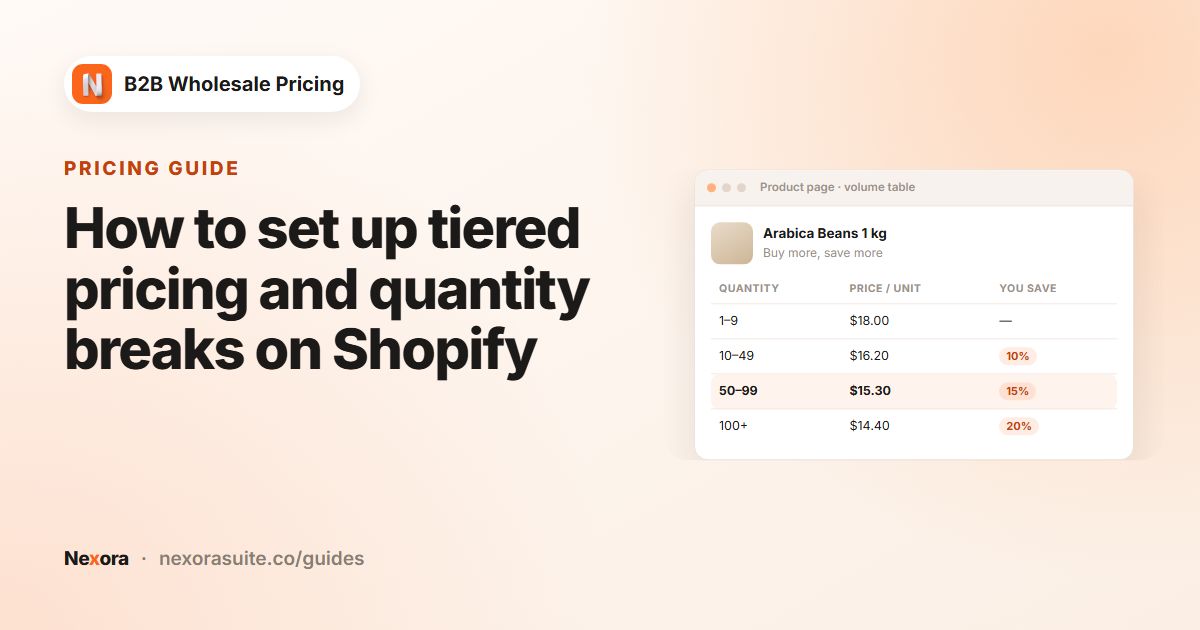
If you also want buyers to pay less as they order more, add a volume rule on top. See the tiered pricing guide.
Frequently asked questions
Do I need Shopify Plus to offer wholesale prices?
Not with this app. Rules target regular customer accounts by tag, login status or name, so they work on any Shopify plan. Shopify's own B2B features have their own plan requirements, explained in Shopify's Help Center.
Can I set wholesale prices as a percentage of retail?
Yes. Choose Percentage off as the Discount type. The wholesale price then follows your retail price automatically when you change it.
Can one product have its own wholesale price?
Yes. In the rule's Discount card, open Override for specific products and give that product or variant its own value, or use Flat price for an exact amount.
Do wholesale prices show at checkout?
Yes. The Nexora Wholesale Discount automatic discount applies them at checkout, using the rule's Title as the discount name.
Can guests see wholesale prices?
Only if you target All customers. With By customer tags or Logged in only, guests see retail prices. To hide prices from guests entirely, use a catalog lock.
What does the app cost?
Nothing. Nexora B2B Wholesale Pricing is free, and every feature is included.