Why tags are the backbone of a wholesale setup
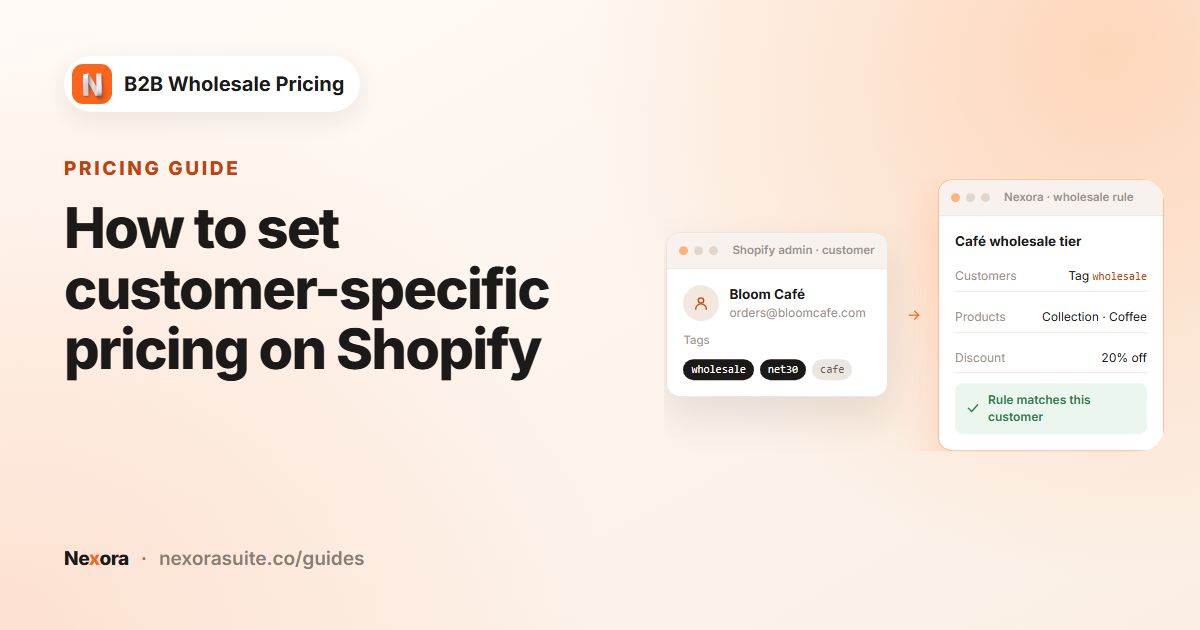
A customer tag is a short label on a Shopify customer record. It doesn't change anything by itself, but apps and Shopify features can read it. For wholesale that makes tags the switch that decides who sees trade prices, who can open a locked collection, who must meet a minimum order and who gets Net 30.
Because everything keys off the same tag, a good tag plan saves a lot of work later. Promoting a buyer from Silver to Gold, pausing an account, or giving someone access to a private range becomes one tag change, with no rule edits.
A simple tag naming plan
| Purpose | Example tags | Used by |
|---|---|---|
| Is a wholesale buyer | wholesale | Catalog locks, storefront lock, order forms |
| Price level | tier-silver, tier-gold, distributor | Wholesale and volume pricing rules |
| Payment terms | net30, net60 | Payment terms |
| Region or tax status | eu, reseller | Tax display, combined with other tags |
| Account status | on-hold | Exclusions on rules |
Keep tags lowercase, short and without spaces. A buyer might carry wholesale, tier-gold and net30 at once, and each tag drives a different part of the setup.
Ways to add customer tags in Shopify
| Method | How | Good for |
|---|---|---|
| Customer page | In Shopify admin, open Customers, open the customer and add the tag in the Tags field. | One-off changes. |
| Bulk in Shopify | In the customer list, select customers and use the bulk action to add tags. | Tagging an existing list of trade buyers. |
| Shopify Flow | A workflow that adds customer tags when a condition is met. | Automatic changes, e.g. after a first order. |
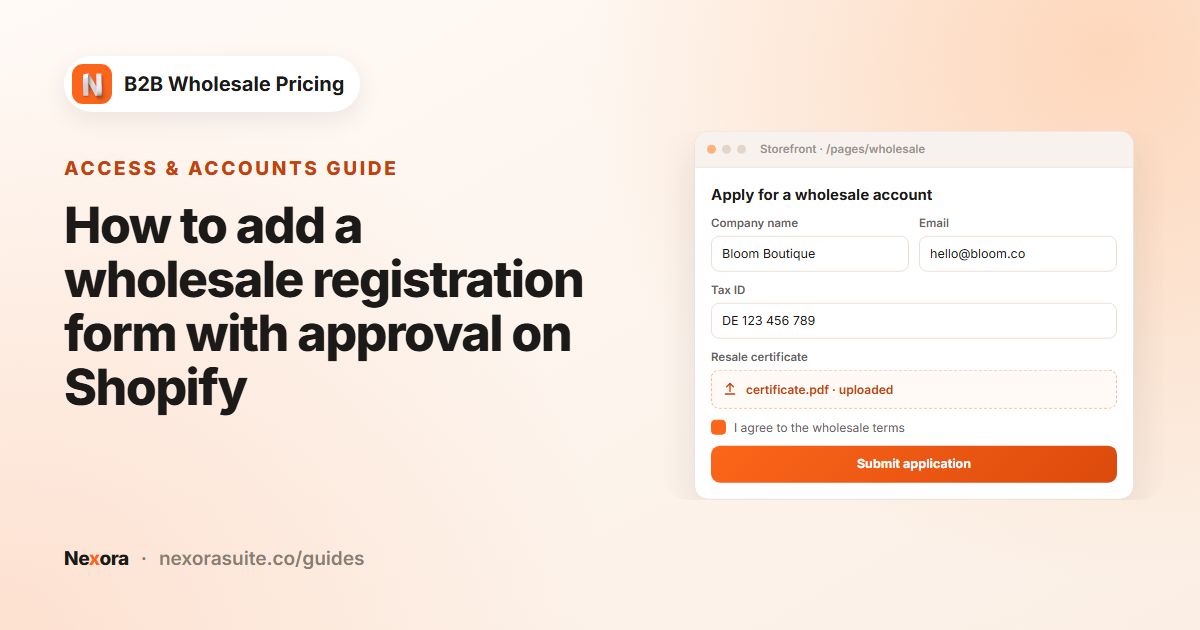
| On approval in the app | Tags chosen on the submission, per form option, plus nb2b. | New applicants from your registration form. |
See Shopify's guide to managing customers for the admin steps. Shopify's own B2B features organise buyers as companies rather than tags; Nexora B2B Wholesale Pricing is built around ordinary customer accounts and tags, and it's free.
How to tag buyers automatically with Nexora B2B Wholesale Pricing
- Map form answers to tags
In Registration → Registration forms, edit your form. On a Dropdown, Radio buttons or Checkboxes element, use Customer tag per option to give each answer a tag, for example Distributor →
distributor. - Add tags while reviewing
Open a pending request in Registration → Customer submissions. In the Customer card, add or remove tags under Tags (the picker suggests your store's existing tags), choose Approve request and save.
- Tag many submissions at once
In the submissions list, select several rows and click Add tags. Enter Tags (comma-separated), such as
wholesale, tier-bronze. Existing tags are kept and the new ones are merged in. - Approve
Click Approve selected, or approve one by one. On approval, the app creates the Shopify customer with the submission's tags and option tags, plus the
nb2btag. - Target the tags in rules
In any rule's Customers card, choose By customer tags, add the tag and pick any of or all of. Add Exclude customers with these tags (optional) for tags like
on-hold.
Where tags are used across the app
| Feature | Where to target the tag | What the tag decides |
|---|---|---|
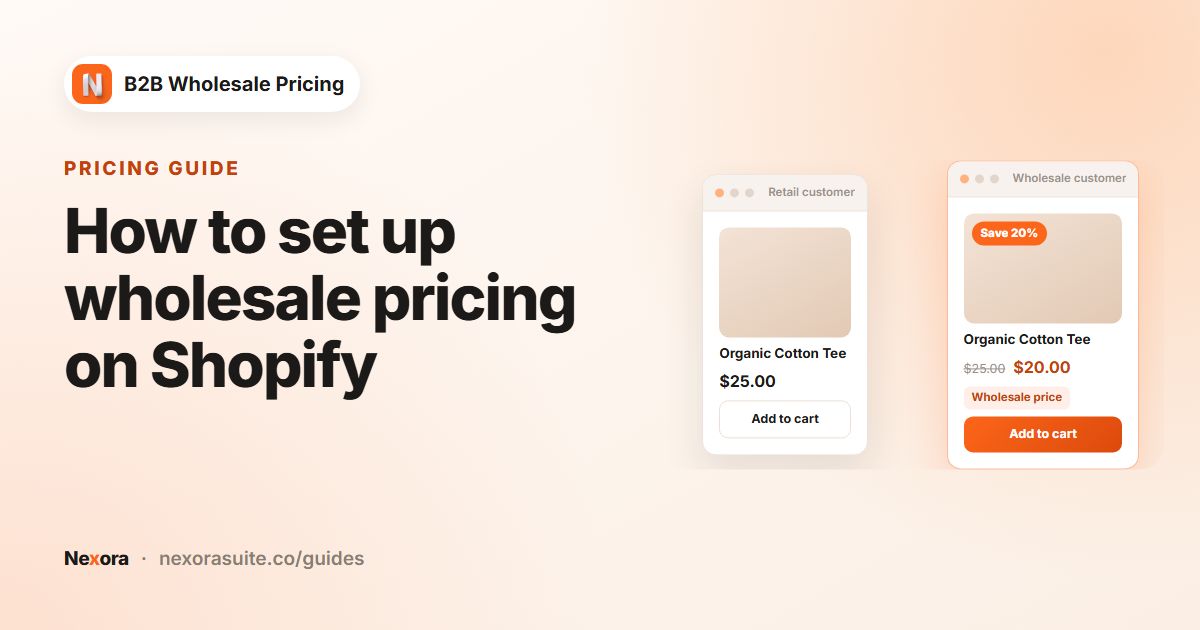
| Wholesale pricing | Pricing → Wholesale pricing → Customers | Who gets the wholesale price. |
| Volume pricing | Pricing → Volume pricing → Customers | Who gets tier discounts. |
| Order limits | Restrictions → Order limits → Customers | Who must meet a minimum quantity, value or weight. |
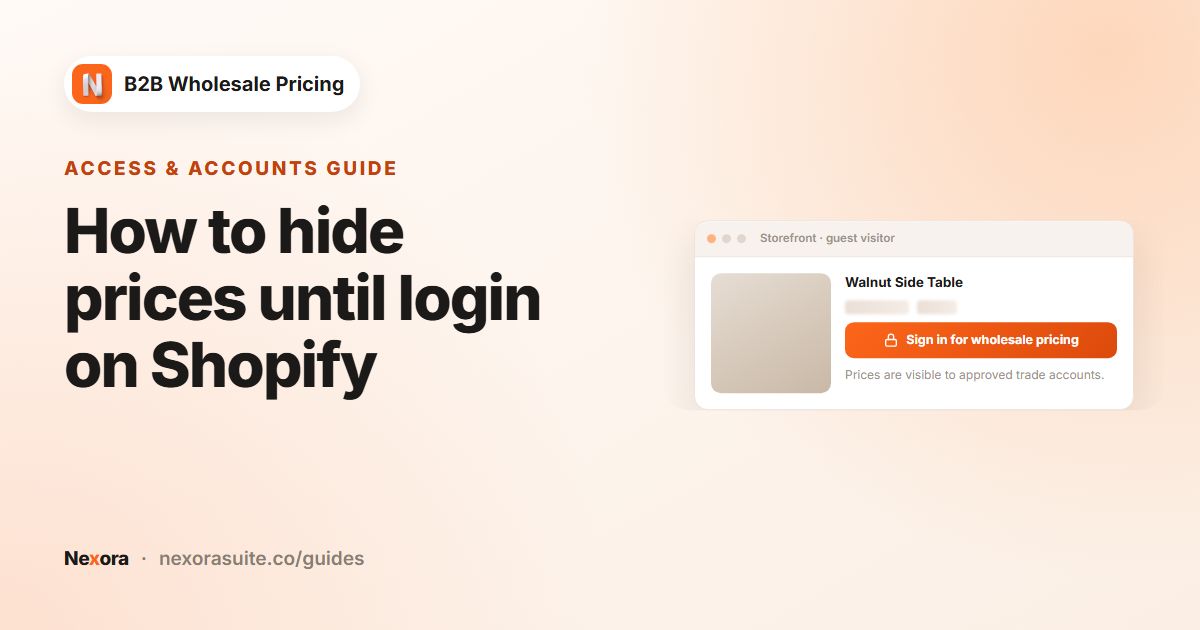
| Catalog locks | Restrictions → Catalog locks → Who can see | Who sees locked prices, products or collections. |
| Storefront lock | Restrictions → Storefront lock → Customers | Who can browse a locked store. |
| Payment terms | Add-ons → Payment terms → Customers | Who can check out on Net terms. |
| Shipping rates | Add-ons → Shipping rates → Customers | Who sees wholesale shipping options. |
| Tax display | Add-ons → Tax display → Customers | Who sees prices with or without VAT. |
Any of vs all of
With any of, a customer needs just one of the listed tags: tier-silver or tier-gold. With all of, they need every listed tag: wholesale and eu. Use all of when a rule is the overlap of two groups, such as EU wholesale buyers only.
Example: one buyer, three tags, three behaviours
A garden-supply wholesaler approves Greenleaf Nursery through its registration form. The Business type answer Nursery adds tier-silver, and the reviewer adds wholesale and net30 before clicking Approve request.
| Tag | Rule that reads it | What Greenleaf experiences |
|---|---|---|
wholesale | Catalog lock, Hide price on the trade collection, Who can see: wholesale | Trade collection prices are visible after sign-in. |
tier-silver | Wholesale rule Silver, Percentage off 30 | 30% off the whole catalog. |
net30 | Payment term Net 30, enforced at checkout | Checks out with the pay-later method and receives an invoice. |
nb2b | Added by the app on approval | Marks the account as approved through the app. |
A year later Greenleaf moves up a level. In Shopify, the team swaps tier-silver for tier-gold, and the new prices apply on their next visit. If an invoice goes unpaid, adding on-hold (excluded on the pricing and payment-term rules) pauses trade prices and Net 30 without touching any rule.
Tips and common mistakes
- Watch spelling and spacing.
Wholesalewith a trailing space andwholesaleare not the same tag to a rule. - Don't reuse one tag for everything. If
wholesaledrives prices, terms and locks, you can't give someone price access without also giving them Net 30. - Tags are static. Tags don't follow segment changes or sales history unless you, or a Shopify Flow workflow, update them.
- Test after a tag change. Sign in as the customer (or a test copy) and check prices, locks and checkout.
- Draft orders need a customer. A draft order without a customer can't match tag-based rules.
For an existing list of buyers, tag them in bulk in Shopify first, then build rules. Start with one rule and one test customer before adding more levels.
Frequently asked questions
What tag should I use for wholesale customers?
Any short, consistent tag works. wholesale is the most common, with extra tags like tier-gold or net30 for levels and terms.
Can tags be added automatically when I approve an application?
Yes. Tags you set on the submission, plus any Customer tag per option answers, are added to the Shopify customer when you approve, along with nb2b.
Can I tag many applicants at once?
Yes. In Registration → Customer submissions, select rows and click Add tags. Existing tags are kept and new ones are merged in.
Can a rule require a customer to have two tags?
Yes. Under By customer tags, choose all of. The customer must carry every listed tag.
What is the nb2b tag?
The app adds nb2b to customers it creates when approving a registration, so you can see which accounts came through the app.