What a sticky bar does
A normal announcement bar sits at the top of the page and scrolls away as soon as the shopper moves down. A sticky bar stays pinned to the top of the screen, so the message is still visible on a long product page or collection grid.
That's useful when the message matters throughout the visit: a sale that ends today, a free shipping threshold, or a code shoppers need at checkout. For a one-time notice that shoppers only need to read once, a non-sticky bar takes up less room.
| Message | Sticky? | Why |
|---|---|---|
| "Sale ends tonight: 30% off" | Yes | Urgent and relevant on every page |
| "Free shipping over $50" | Yes | Useful while shoppers decide what to add |
| "Use code WELCOME10 at checkout" | Yes | Shoppers can copy the code from any page |
| "Our new store opens in March" | No | Read once; doesn't need to follow the shopper |
| "We've updated our privacy policy" | No | A notice, not something to act on while shopping |
Sticky headers vs sticky announcement bars
Many Shopify themes have a sticky header setting in the theme editor that keeps the logo and menu fixed while scrolling. Whether the theme's own announcement bar stays fixed with it depends on the theme; in some themes only the header sticks and the announcement bar scrolls away. See Customizing themes to find your header settings.
| Option | What stays fixed | Notes |
|---|---|---|
| Theme sticky header | Logo and menu, sometimes the theme's announcement bar | Depends on your theme |
| Nexora Sticky bar | The app's top bar (or bars) | Works independently of the theme's header settings |
| Both together | The app bar and your theme header | Check on a phone that the two don't take up too much of the screen |
Step by step: make a bar sticky
- Open or create a bar
In Announcement bar, open an existing bar or click New announcement and fill in the Content tab.
- Go to Design
Click Continue to Design.
- Choose the top
Under Positioning, set Position to Top page.
- Tick Sticky bar
Tick Sticky bar. It only appears for Top page bars.
- Keep it compact
In Card, reduce Padding (Top and Bottom) so the bar takes up less height while it follows the shopper.
- Save and check
Click Save (or Publish for a new bar), open your storefront and scroll down a long page.
Settings and how stacking works
| Setting | Options | Notes |
|---|---|---|
| Position | Top page or Bottom page | Sticky needs Top page |
| Sticky bar | On or off | Top bars only. Bottom bars appear at the end of the page. |
| Padding | Top, Bottom, Left, Right | Smaller top and bottom padding keeps a sticky bar slim |
| Show close icon (X) — visitors can dismiss the bar | On or off | Lets shoppers hide a sticky bar they've read. It stays hidden for 7 days in that browser. |
Several bars at the top
When more than one bar is live at the top, they stack in the order you created them. If any bar in the top stack is sticky, the whole top stack stays fixed while scrolling. Two stacked sticky bars plus a sticky theme header can take up a lot of a phone screen, so consider combining messages into one rotating bar.
A bar set to Custom position sits where you place the Announcement bar (custom) block in your theme, so it follows that section's layout rather than the Sticky bar setting.
Keeping a sticky bar slim
| Setting | Example value | Why |
|---|---|---|
| Padding Top and Bottom | 6–8 px | Less empty space above and below the text |
| Title size and color | 14 px | Readable on phones without a tall bar |
| Subheading | Left empty | Keeps the bar to one line |
| Announcement type | Running line announcement | Always a single scrolling line of text |
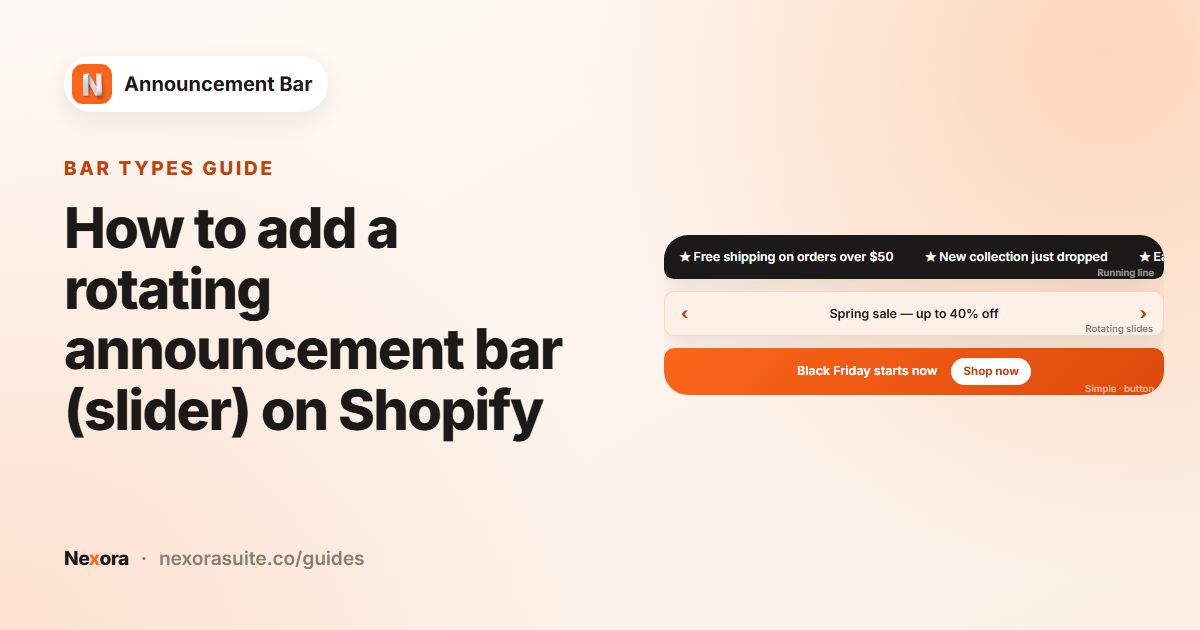
A Multiple rotating announcements bar keeps the height of its tallest slide, so a sticky rotating bar doesn't change height as the slides change.
Example: a sticky last-day sale bar
- Title: "Last day: 30% off all outerwear"
- Call to action: Make entire bar clickable, Link
/collections/outerwear - Position: Top page, Sticky bar ticked
- Card: Padding Top and Bottom set low, the Fire template
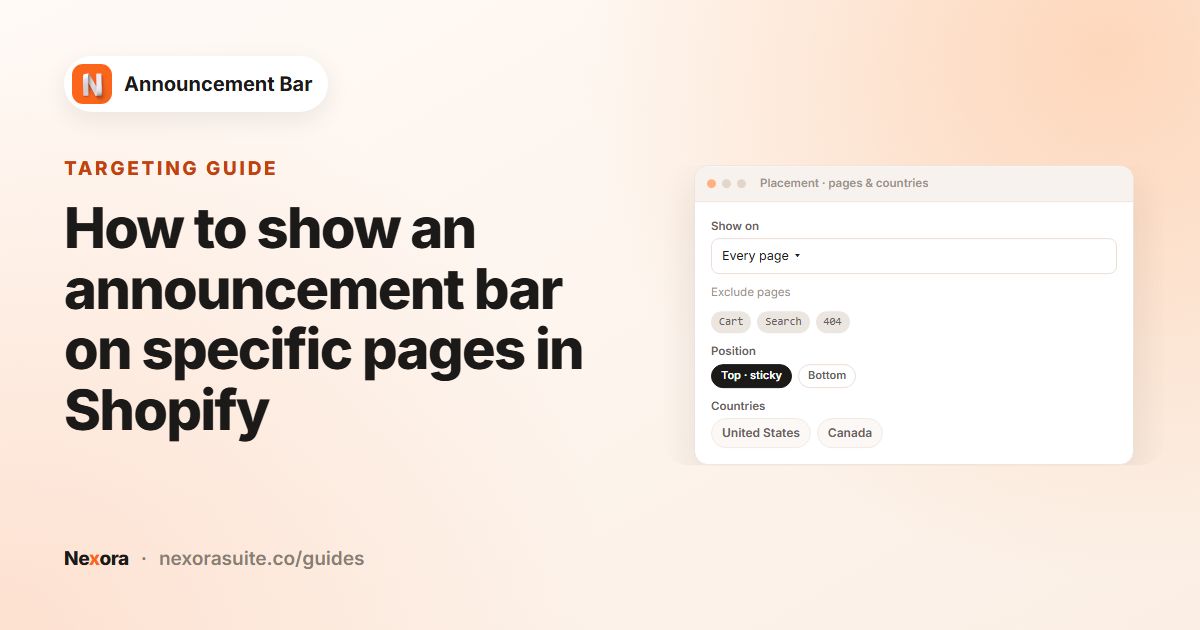
- Placement: Every page, with Cart excluded so the cart stays uncluttered
- Scheduling: Ends on a Specific date at midnight on the last day
If the sticky bar doesn't behave as expected
- The page moves down when the bar loads: that's intended. When a top bar is sticky, the app adds space at the top of the page equal to the bar's height, so the bar doesn't cover your header. When a shopper closes the bar, that space shrinks to match.
- The theme header slides under the bar: the sticky bar is pinned to the very top of the window, above other page content. If your theme's header is also fixed to the top, part of it can end up underneath the bar in some themes. Turning off one of the two sticky options usually solves it.
- A bar sticks that you didn't make sticky: if any bar in the top stack has Sticky bar ticked, the whole stack is fixed. Untick it on every top bar to stop the stack sticking.
- The bar has disappeared after testing: if you closed it, it stays hidden in your browser for 7 days. Check in a private window.
Tips and common mistakes
- Can't find Sticky bar? It's hidden when Position is Bottom page. Switch to Top page.
- Bar overlaps the header: if your theme also has a sticky header, check a few pages on desktop and phone after publishing. If it feels crowded, turn off one of the two sticky options.
- Give shoppers a way out: a close icon on a sticky bar is considerate, especially on small screens.
- Watch Dismissals: a high number of Dismissals in Analytics may mean the bar is in the way.
Frequently asked questions
Can I make a bottom bar sticky?
No. Sticky bar is available for Top page bars only. Bottom bars appear at the end of the page.
What happens if I have two bars at the top?
They stack in the order you created them. If any of them is sticky, the whole top stack stays fixed while scrolling.
Does the sticky bar work with my theme's sticky header?
The Sticky bar setting works independently of your theme's header settings. Check your storefront after publishing to make sure the two fit well together.
Can shoppers close a sticky bar?
Yes, if you tick Show close icon (X) — visitors can dismiss the bar. A closed bar stays hidden in that browser for 7 days.
Why does my page move down when the sticky bar loads?
The app adds space at the top of the page equal to the bar's height, so the sticky bar doesn't cover your header.
Can a rotating bar be sticky?
Yes. Any Top page bar can be sticky, and a rotating bar keeps the height of its tallest slide.