Nexora Announcement Bar icon

Nexora Announcement Bar

Announcement bar, free shipping bar, marquee & promo banners.

Freeon the Shopify App Store
★ FREE SHIPPING OVER $50 — SHOP NOW ★
Overview

What it does

Nexora Announcement Bar puts your most important message at the top — or bottom — of every page. Run a single announcement, a scrolling running line or up to ten rotating slides, add a coupon shoppers can copy in one click, and link it to the right collection. Pick from 20 templates, target pages and countries, translate it for every language you sell in, schedule it, and see impressions and clicks in built-in analytics. It's free.

3Bar styles
20Design templates
53Built-in icons
249Countries to target
Features

Every way to announce, in one bar

From a simple free-shipping note to rotating campaigns with coupons — all included for free.

Three bar styles

Pick the format that fits your message.

  • Simple: one clear, fixed message
  • Running line: scrolling text with speed (1–10), direction and spacing
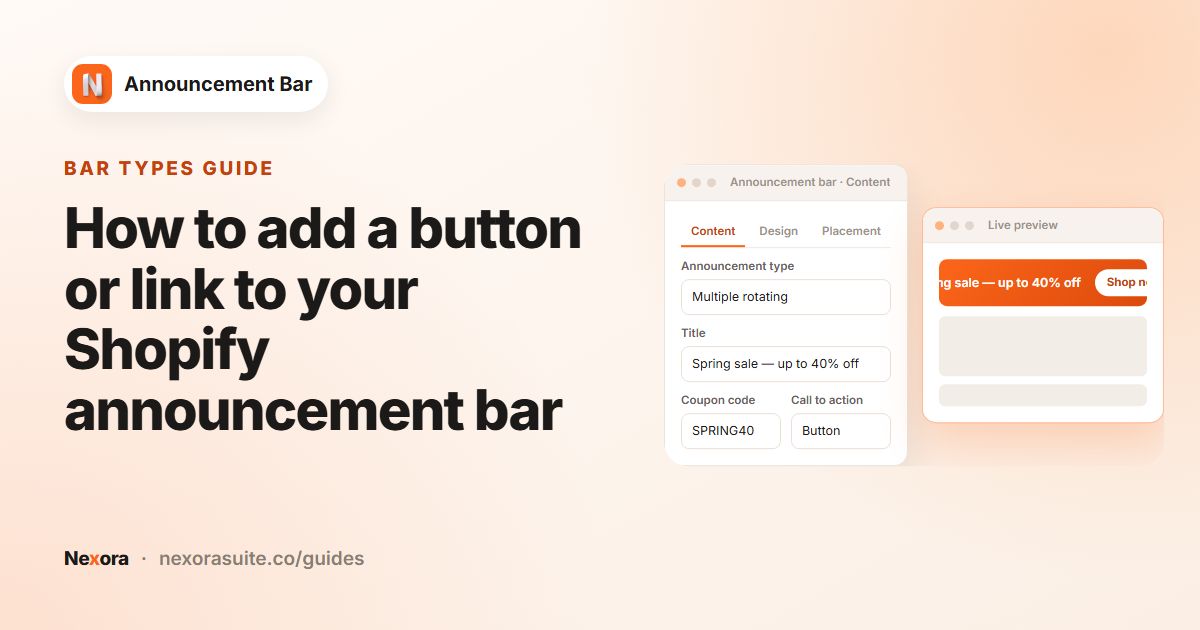
  • Rotating slides: up to 10, each shown 1–15 seconds, sliding horizontally or vertically
  • Slides pause on hover and can show previous / next arrows
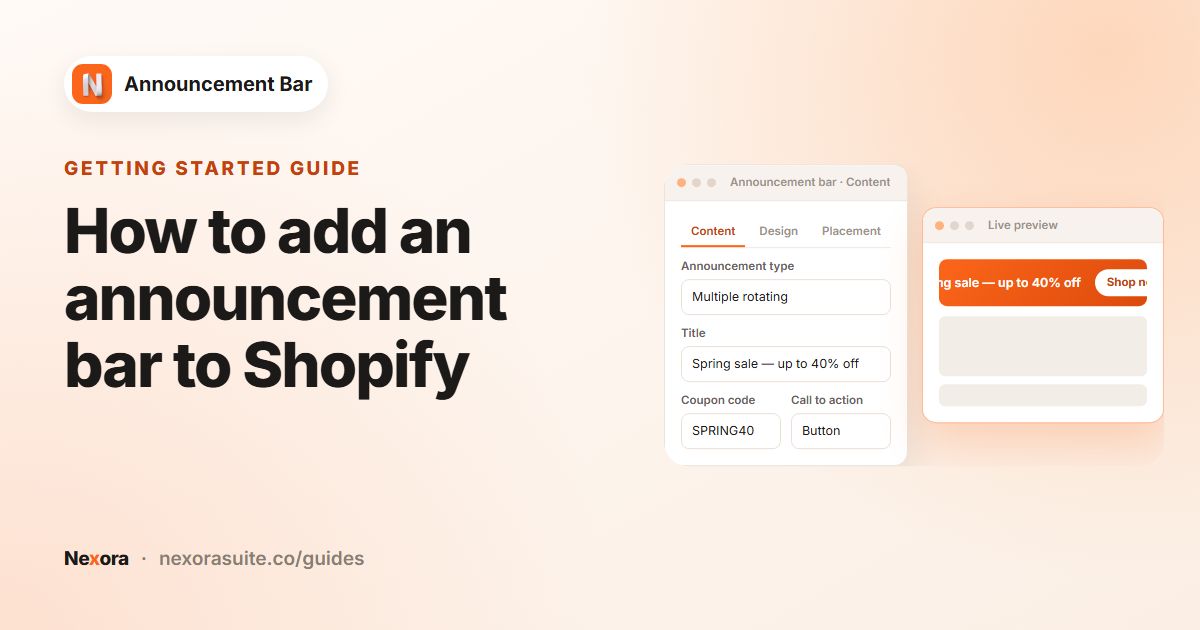
Offers that convert

Give every bar a clear next step.

  • Title and subheading, with your own icon or one of 53 built-in icons
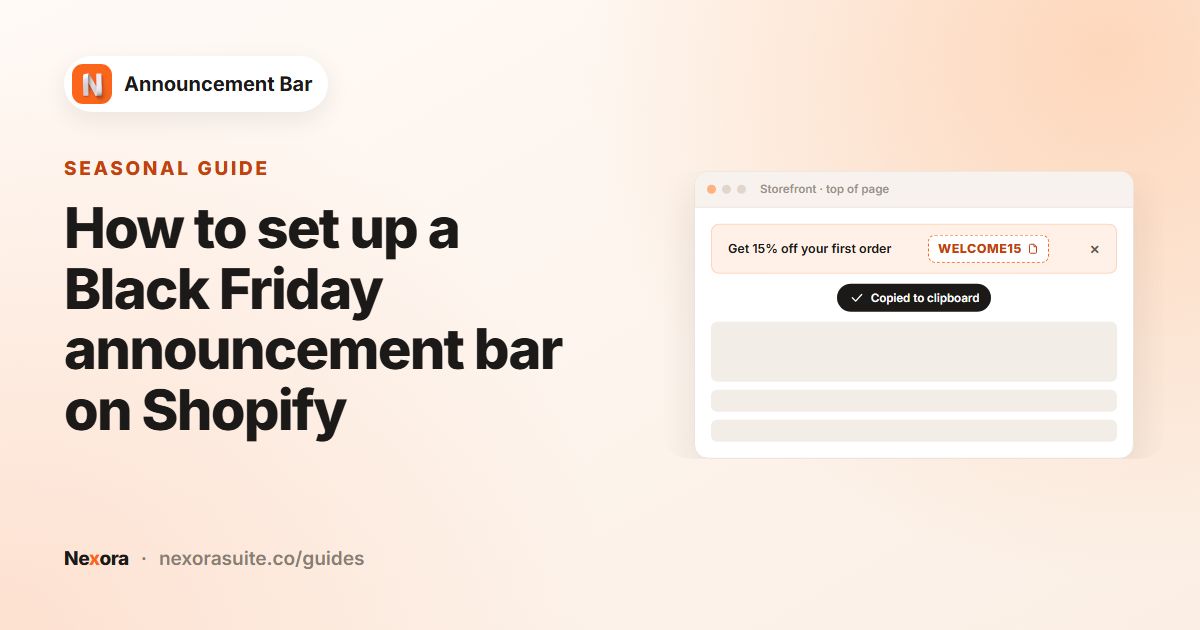
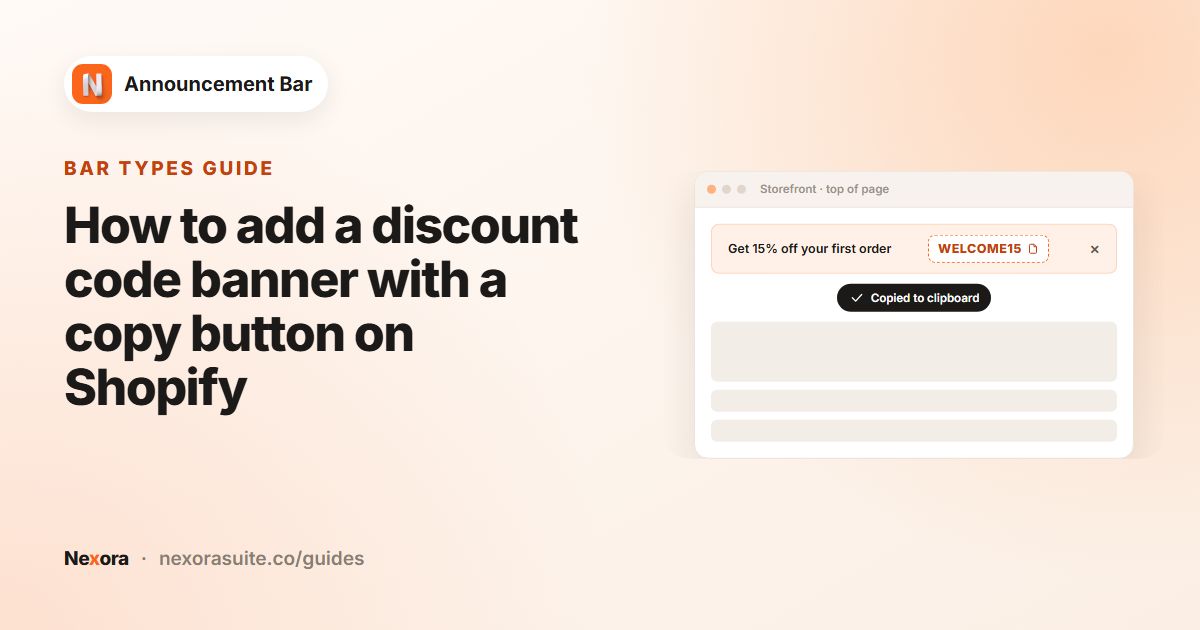
  • Coupon codes with a one-click copy button
  • Add a button with a link — or make the whole bar clickable
  • Optional close button; dismissed bars stay hidden for 7 days
  • Each rotating slide gets its own text, coupon, icon and button

Design your way

Start from a template, then make it yours.

  • 20 ready-made templates — Neon, Forest, Pastel, Dark Ocean and more
  • Colour, gradient or image backgrounds — upload your own, add blur and overlay
  • Corner radius, border and padding controls
  • Your theme’s fonts or 8 standard fonts, with size, colour and bold
  • Separate styling for buttons, coupon chip, icons and close button

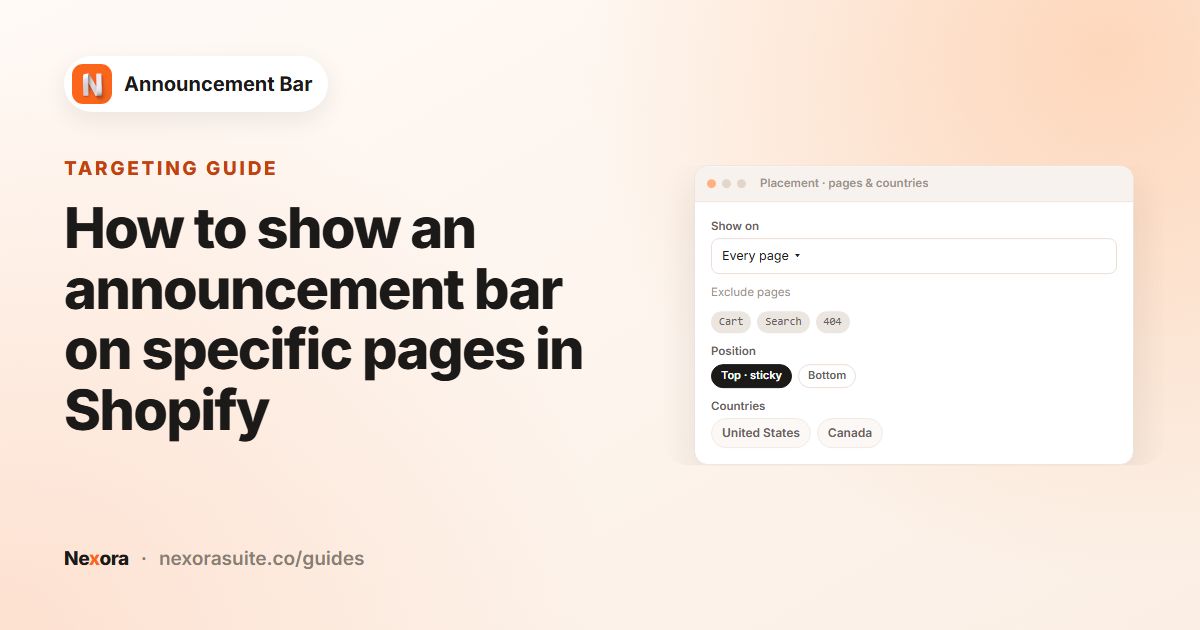
Placement & pages

Show the bar exactly where it helps.

  • Top or bottom of the page — sticky at the top if you like
  • Run several bars at once; they stack neatly
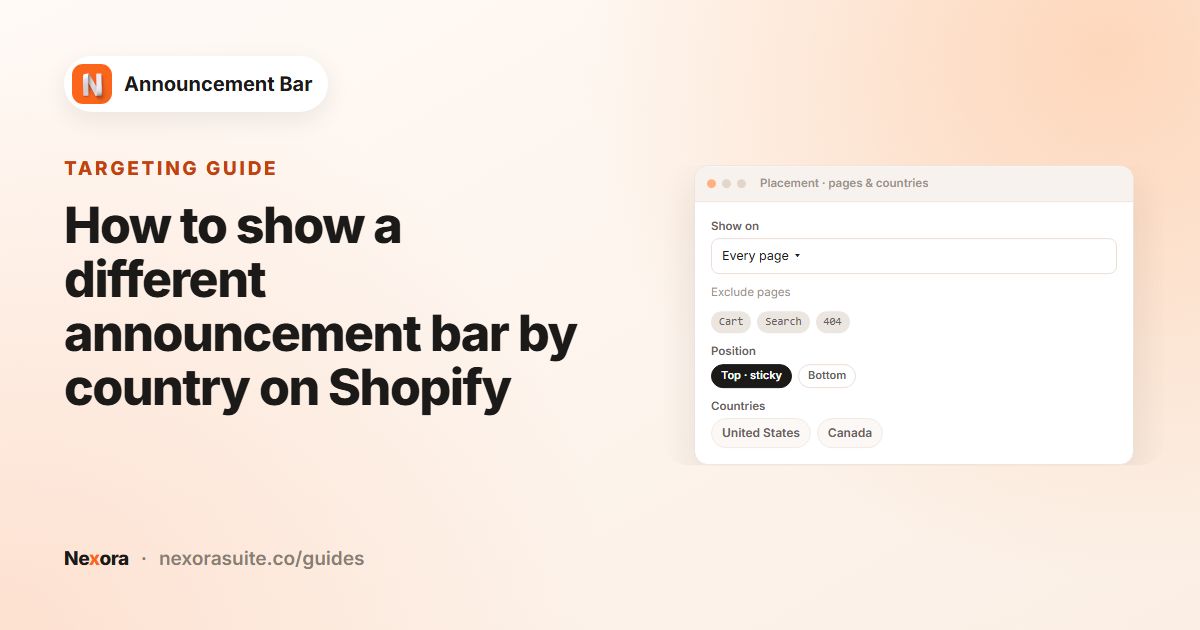
  • Every page, home, all or chosen products, collections or product-in-collection pages
  • Exclude page types, specific URLs or URL keywords
  • Drop a theme block anywhere for a custom position

Countries & languages

The right message for every market you sell to.

  • Show worldwide or only in chosen countries (249 to choose from)
  • Country-specific bars automatically replace your worldwide bar
  • Translate title, subheading, button text and link for every published language
  • Shoppers see their language, with your default text as a fallback

Scheduling & analytics

Plan campaigns ahead and see what works.

  • Start now or at a set date and time; end never or on schedule
  • Statuses at a glance: scheduled, active, paused, expired
  • Impressions, clicks, dismissals and click-through rate per bar
  • 9 date ranges, from today to last year

Also included

Live preview

See your bar update as you edit content, design and placement.

One-click setup

A dashboard button opens the theme editor with the app embed ready to switch on.

Lightweight

Bar data ships with the page — no extra request to our servers — and the script is plain, dependency-free JavaScript.

Duplicate & reuse

Copy a bar to start your next campaign in seconds; pause and resume anytime.

Help center

Searchable in-app documentation for every setting.

Live chat support

Talk to our team right from the app.

How it works

Live in three steps

No code and no theme edits.

  1. 1

    Turn on the app embed

    One click from the app dashboard opens the theme editor with the embed ready.

  2. 2

    Create your bar

    Choose a style and template, then add your message, coupon, icon and button.

  3. 3

    Choose where & when

    Pick pages, countries and a schedule — then publish.

Bar gallery

A bar for every message

A few of the bars you can build in minutes.

Running line · speed & direction
Rotating slides · up to 10
Coupon with one-click copy
Button + close · gradient template
FAQ

Questions merchants ask

Is Nexora Announcement Bar free?

Yes — the app is free to install and use.

Can I show more than one bar?

Yes. Run several bars at once — they stack — or use one rotating bar with up to 10 slides.

Can I show different bars in different countries?

Yes. Target a bar to chosen countries based on the visitor’s location. A country-specific bar automatically takes the place of your worldwide bar there.

Can I translate my announcement?

Yes. Translate the title, subheading, button text and link for every language your store publishes. Shoppers see their own language.

How do I know if my bar works?

Built-in analytics show impressions, clicks, dismissals and click-through rate for every bar, across 9 date ranges.

Help & resources

Everything you need to get set up

More apps

You might also like

Install Nexora Announcement Bar free

Add it to your store in one click. Free to install, free to use — no credit card.