Nexora Countdown Timer icon

Nexora Countdown Timer

Boost sales with FOMO countdown timers and sticky bars.

Freeon the Shopify App Store
02:47 HRS MIN FLASH SALE ENDS SOON
Overview

What it does

Nexora Countdown Timer adds real urgency to your store — under the Add to cart button, in a sticky bar, on landing pages and in the cart. Count down to a date, give every shopper their own evergreen timer, or repeat a deal every day. Choose from 20 templates, target products, pages and countries, translate every word, and track impressions, clicks and influenced revenue. It’s free, with unlimited timers.

4Timer placements
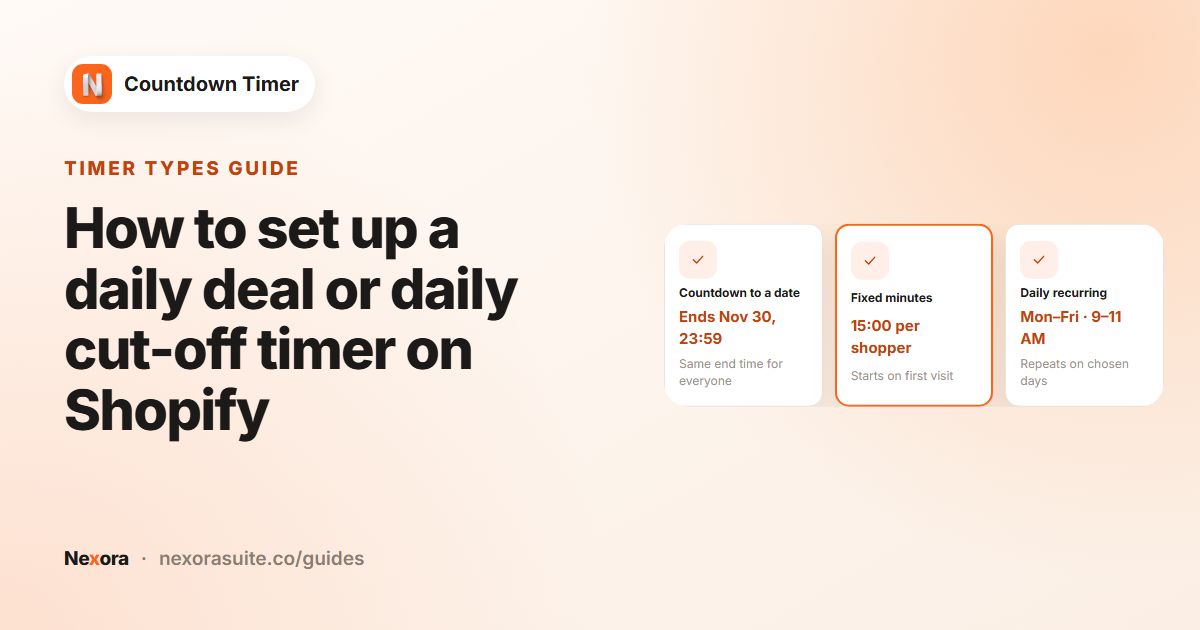
3Timer types
20Design templates
248Countries to target
Features

Urgency, wherever it sells

Flash sales, launches, holiday deals or cart reservations — everything included for free.

Four placements

Put the countdown where buying decisions happen.

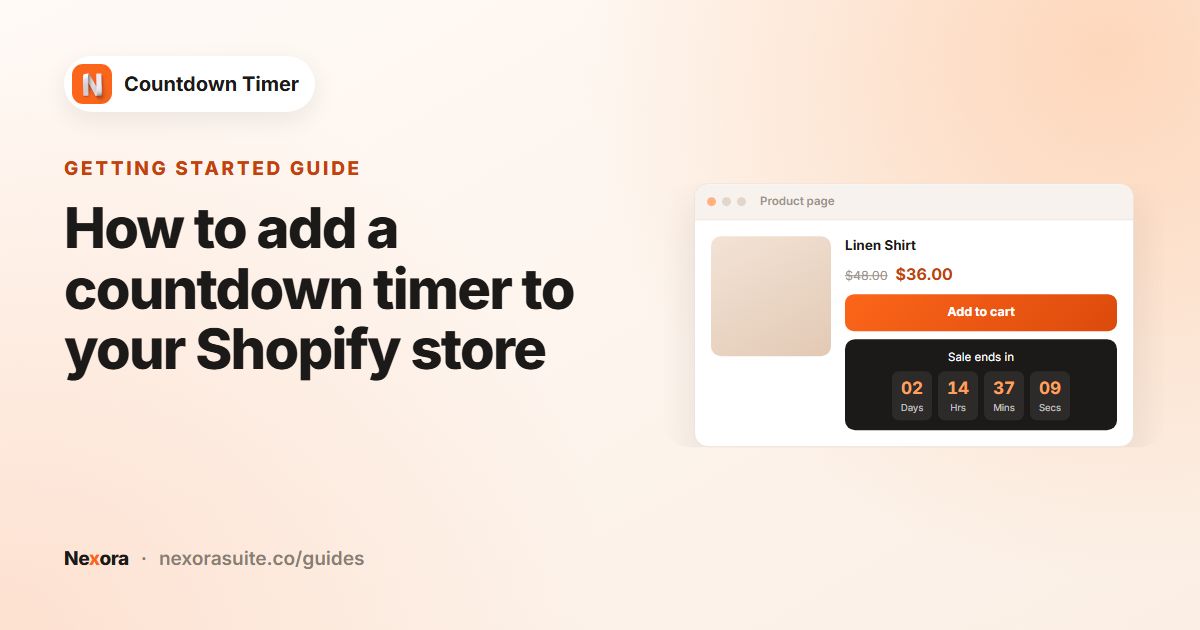
  • Product page: right under the Add to cart and Buy buttons
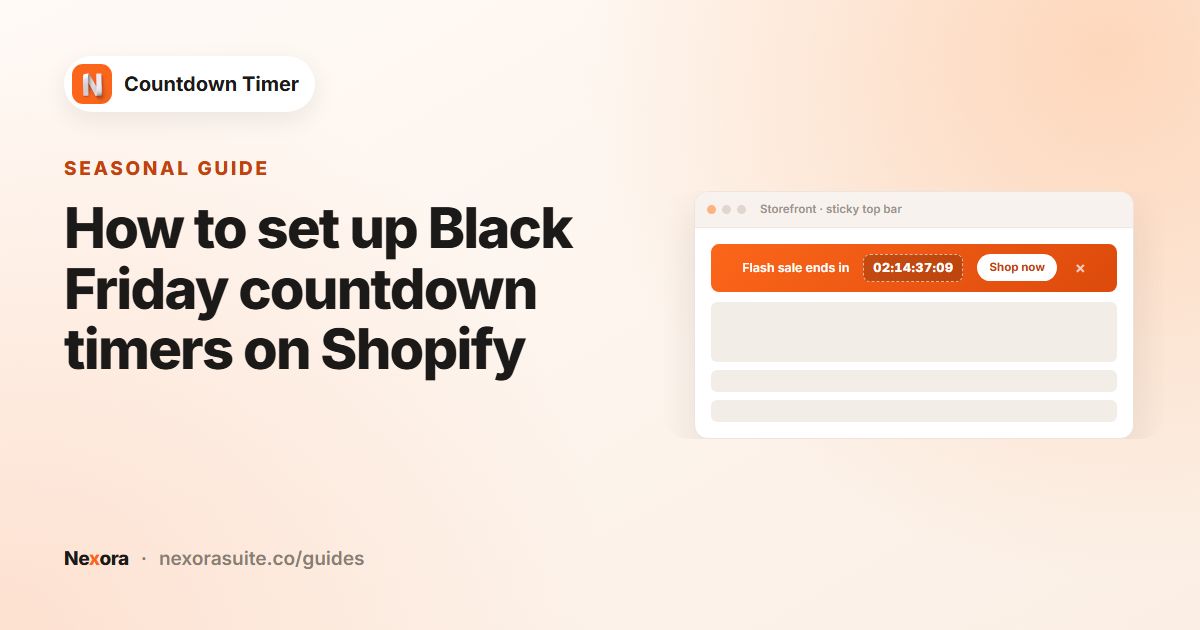
  • Top or bottom bar — sticky while scrolling, with an optional close icon
  • Landing timer on the home page, collection pages or your password page
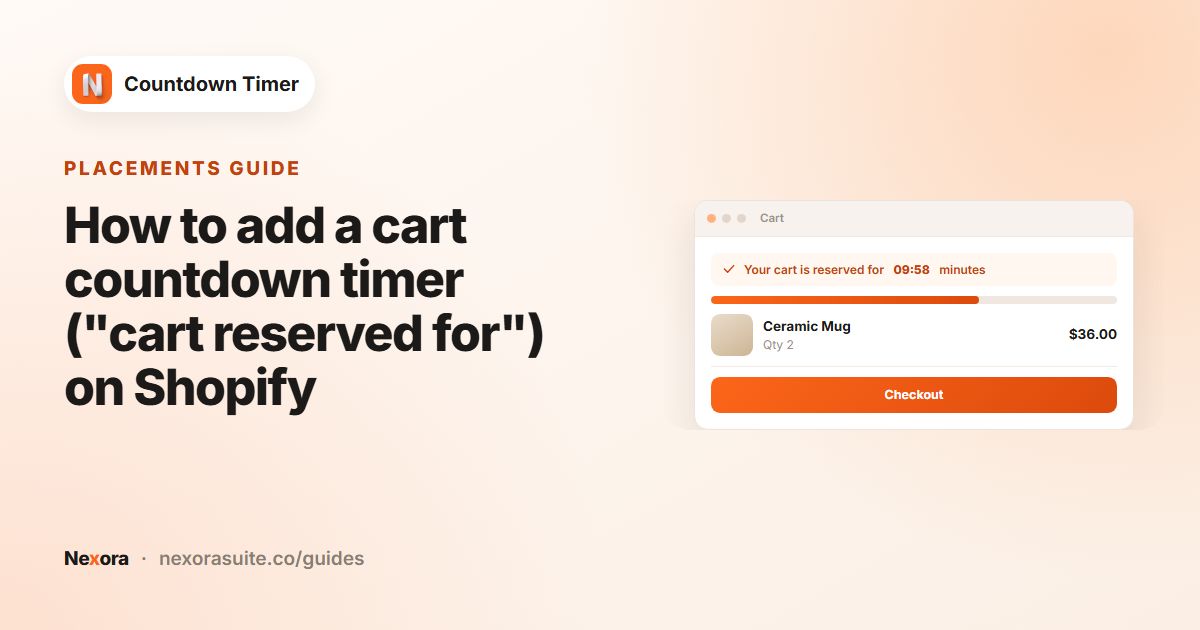
  • Cart timer with a {timer} placeholder inside your message
  • Theme blocks or a copy-paste snippet for any custom position
Three timer types

Pick the countdown that fits your campaign.

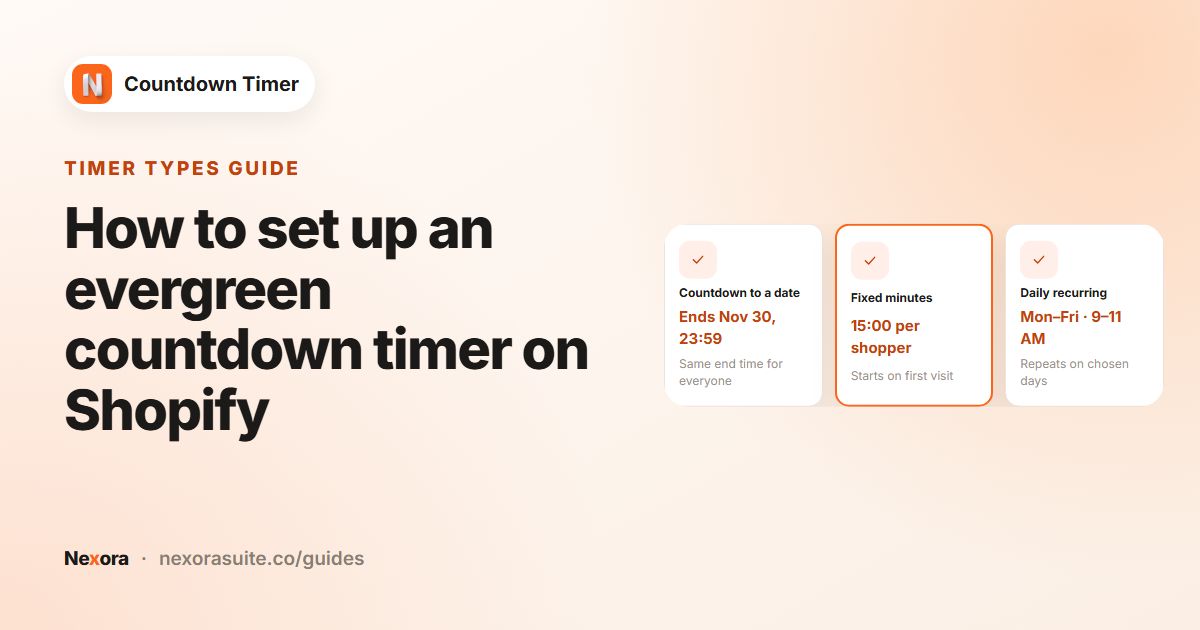
  • Countdown to a date — start right away or schedule it to start later
  • Fixed minutes (evergreen): every shopper gets their own countdown
  • Daily recurring: choose days of the week and a time window
  • Scheduled and recurring timers appear and disappear on their own, no page reload

When time runs out

Decide what shoppers see when the timer hits zero.

  • Hide the timer, or swap in a custom message
  • Repeat the countdown for evergreen and cart timers
  • Cart timers can clear the cart when the reservation ends
  • Or simply do nothing and leave it at zero

Design your way

Start from a template and match your brand.

  • 20 templates — Neon, Fire, Frost, Dark Ocean, Minimal and more
  • 3 layouts (standard, balanced, inline) and 3 digit styles (plain, grouped, boxes)
  • Colour, gradient or image backgrounds with radius and border
  • Your theme’s fonts or 8 standard fonts, with size and colour per element
  • Style the button, labels and close icon separately

Targeting

Show each timer only where it belongs.

  • Product timers: all products, specific products, collections or tags — with exclusions
  • Bars: every page, home, product or collection pages, with page and URL exclusions
  • Landing timers: collection pages, the home page or the password page
  • Show worldwide or only in chosen countries (248 to choose from)

Analytics

See which timers actually drive sales.

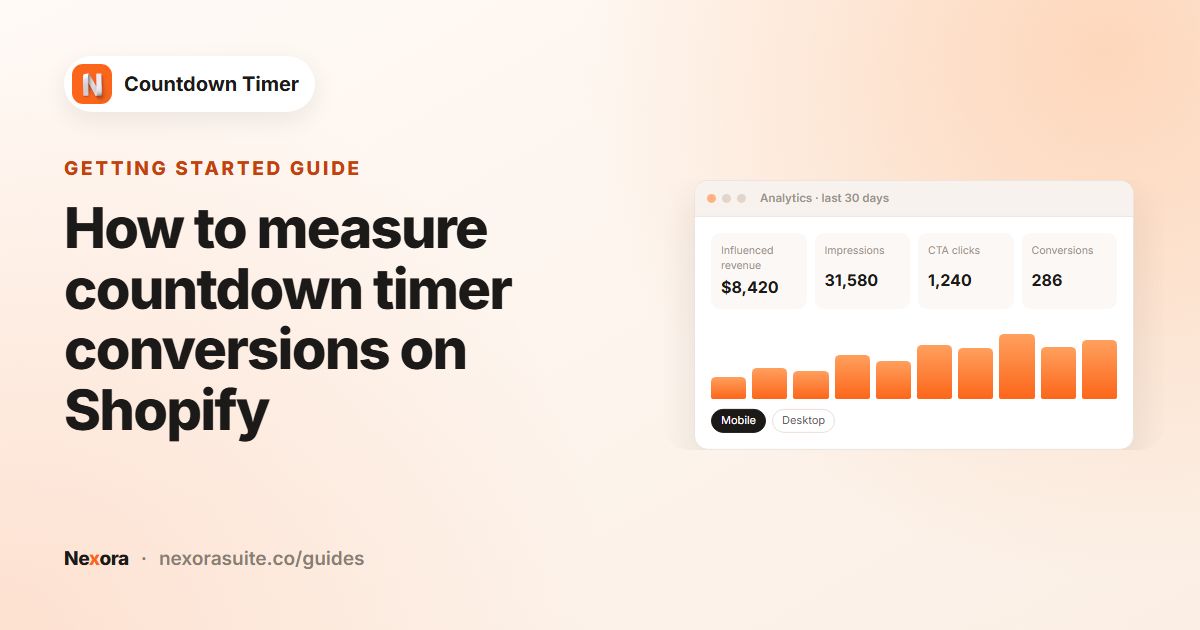
  • Influenced revenue, impressions, button clicks and conversions
  • Click-through and conversion rates, split by mobile and desktop
  • Per-timer results with search and filters
  • Today, 7, 30, 90 days or a custom range — respecting shopper privacy consent

Also included

Live preview

A ticking preview of your timer next to the editor.

Translations

Translate titles, buttons, labels and end messages for every store language.

Call to action

Add a button with a link — or make the whole bar clickable.

Draft, duplicate, publish

Work in draft, copy a timer for your next campaign and publish when ready.

Lightweight

Timer settings ship with the page in one small, dependency-free script.

Live chat & design help

Chat with our team in the app — and request design customisations for free.

How it works

Live in three steps

No code needed — the app embed handles placement for you.

  1. 1

    Turn on the app embed

    One click from the dashboard opens the theme editor ready to go.

  2. 2

    Create a timer

    Pick a placement and type, set the end time and choose a template.

  3. 3

    Target & publish

    Choose products, pages and countries — then publish.

Timer gallery

Countdowns shoppers can’t miss

The same timer, styled for each placement.

FAQ

Questions merchants ask

Is Nexora Countdown Timer free?

Yes — free, with unlimited timers and no paid plans.

What is an evergreen timer?

A fixed-minutes timer gives every shopper their own countdown that starts on their first visit and survives page reloads — great for limited-time welcome offers.

Can a timer repeat every day?

Yes. A daily recurring timer shows during the time window you choose on the days you pick, then comes back the next scheduled day.

What happens when the timer ends?

You choose: hide it, show a custom message, repeat it, or do nothing. Cart timers can also clear the cart when the reservation runs out.

Can I translate my timer?

Yes. Translate the title, subheading, button text, Days / Hrs / Mins / Secs labels and end message for every language your store publishes.

Help & resources

Everything you need to get set up

More apps

You might also like

Install Nexora Countdown Timer free

Add it to your store in one click. Free to install, free to use — no credit card.