
Getting started
Is the app free?
Yes. Nexora Announcement Bar is completely free, with no paid plans.
Why doesn't my bar show on the storefront?
Check that the bar's status is Active and that the Announcement Bar app embed is on in your live theme. Also make sure the page you're viewing matches the bar's Placement and country settings, and that you haven't closed the bar in this browser.
How many bars can I create?
You can create as many bars as you need. Bars live in the same position stack on top of each other.
Can I copy an existing bar?
Yes. Use Duplicate in the three-dot menu on the bar list. The copy is saved as Not published with "(copy)" added to its name.
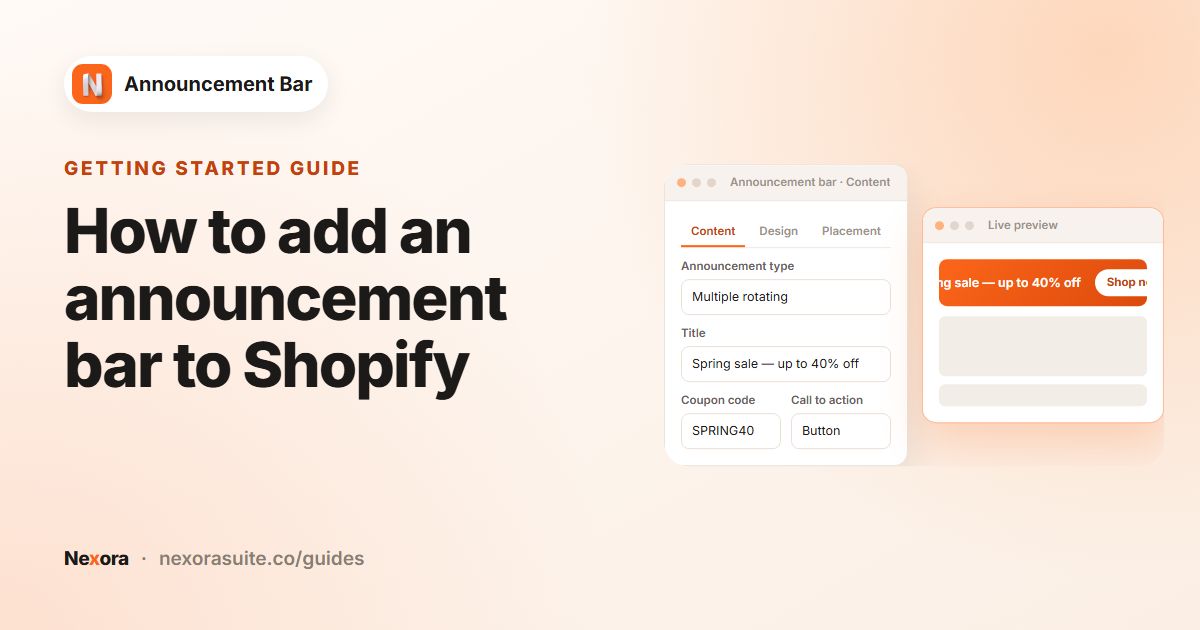 Related guideHow to add an announcement bar to Shopify→
Content and design
Which announcement type should I choose?
Simple announcement suits one clear message. Running line announcement scrolls text across the bar. Multiple rotating announcements cycles through up to 10 slides.
Why can't I add a subheading or icon to a running line bar?
Running line bars scroll the title and coupon code as plain text, so they don't show a subheading, an icon or a copy button. Use a Simple or rotating bar for those.
Does the app create discount codes?
No. Create the discount in Shopify Discounts first, then type the code into Coupon code. Shoppers can copy it from Simple and rotating bars with one click.
Can I use my own icon?
Yes. Click Upload Icon to add an SVG or PNG up to 2 MB, or pick one of the 53 built-in icons with Select Icon.
Can I use an image as the background?
Yes. Under Card, choose Background image and upload a JPG, PNG or WebP up to 5 MB. You can add a blur and an overlay colour to keep text readable.
Why doesn't the preview show my theme font?
The in-app preview can't load theme fonts. Publish the bar and check it on your storefront to see them.
What happens when a shopper closes the bar?
The bar stays hidden in that shopper's browser for 7 days, then shows again. Each close is counted as a Dismissal in Analytics.
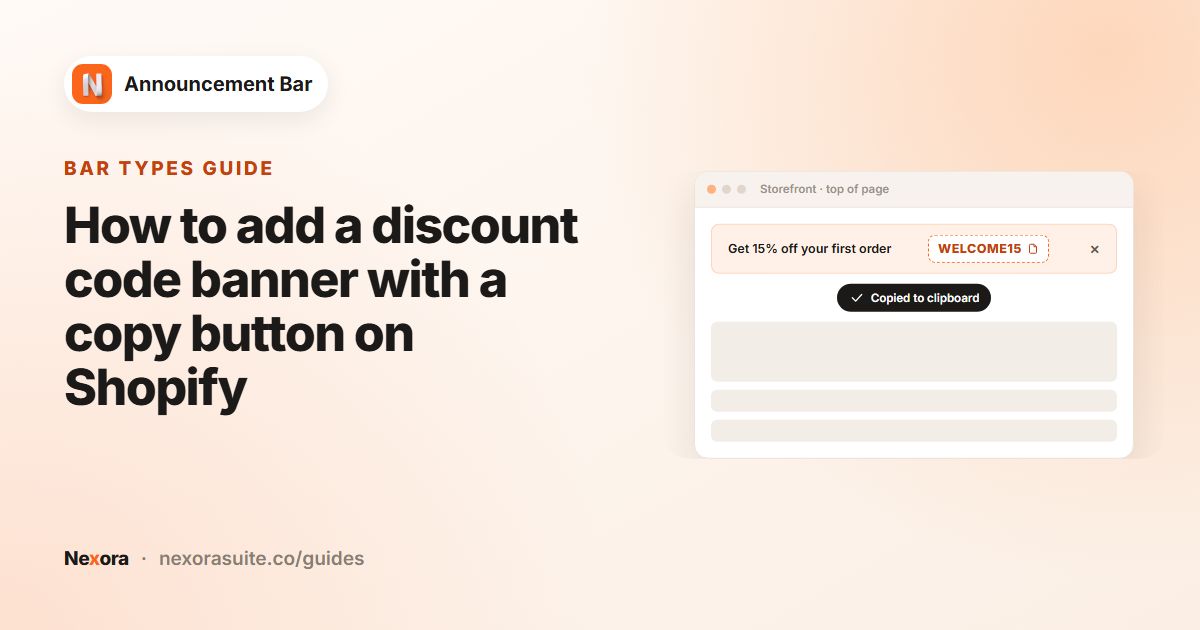 Related guideHow to add a discount code banner with a copy button on Shopify→
Placement and targeting
Can I hide a bar on certain pages?
Yes. With Every page selected, click Exclude specific pages to exclude page types such as Cart or Search, specific URLs, or URLs containing a keyword.
Can a bar be sticky at the bottom?
No. Sticky bar is available for Top page bars only. Bottom bars appear at the end of the page.
How do I put a bar somewhere other than the top or bottom?
Choose Custom position, publish, click Reposition with app block, then paste the bar's Announcement ID into the Announcement bar (custom) block in the theme editor.
How is a visitor's country detected?
From the visitor's IP address when the page loads. If that lookup isn't available, the app uses the country selected on your storefront.
Why don't my UK visitors see my All world bar?
When a bar targets specific countries, it replaces the All world bar in those countries. To show both, duplicate the All world bar and target the copy to those countries as well.
Can I translate the coupon code?
No. Translations cover Title, Subheading, Button text and Link. The coupon code is the same in every language.
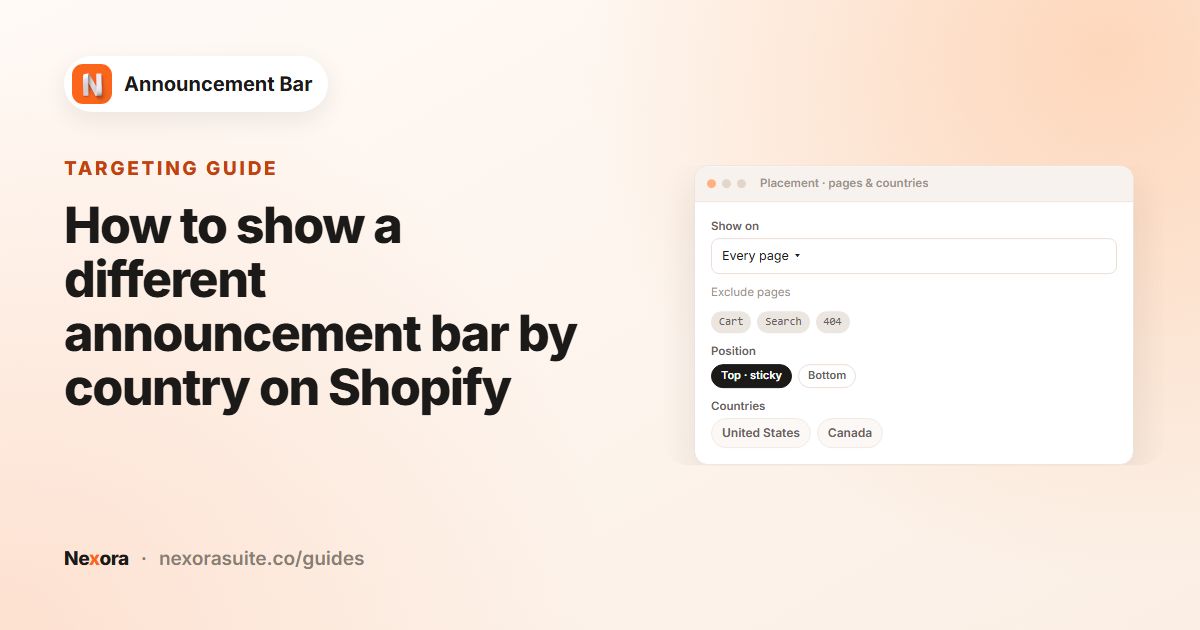 Related guideHow to show a different announcement bar by country on Shopify→
Scheduling and analytics
My scheduled bar didn't go live at the exact minute. Why?
The app checks schedules every 5 minutes, so a bar can start or stop a few minutes after the time you set.
What does the Expired status mean?
The bar's end date has passed and it no longer shows. Change or remove the end date, save, and it becomes active again.
What counts as a click?
A click on the bar's call to action (button or clickable bar) or on the coupon copy button.
Why are my totals higher than the per-bar table?
The overall totals include activity from bars you've since deleted. The Per announcement table only lists bars that still exist.
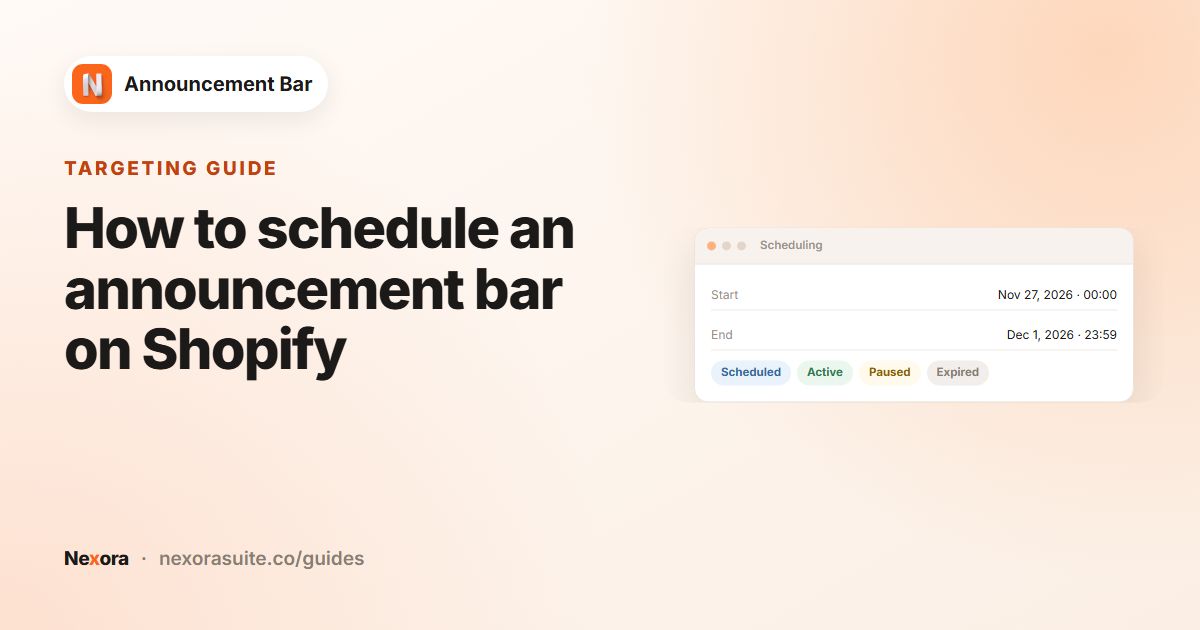 Related guideHow to schedule an announcement bar on Shopify→
Support
How do I get help?
Click Chat with us on the dashboard for live chat in the app, or email [email protected].
Will the bar keep working if I change themes?
Your bars are kept, but you need to turn on the Announcement Bar app embed in the new theme. Re-add any Announcement bar (custom) blocks there as well.