How café wholesale works
A roastery or tea merchant selling to cafés deals with a steady rhythm of repeat orders: a few kilos of the house espresso every week, a seasonal filter coffee, and retail bags for the café's shelf. The economics are driven by weight and roast batches more than by item count, and cafés expect to pay on account.
- Weight matters more than units. Roasting, packing and shipping costs follow kilos, so a 1 kg minimum per bag is less useful than a minimum per order in kg or lb.
- Mixed bag sizes. A single order can combine 1 kg wholesale bags of beans with 250 g retail bags and loose-leaf tea pouches.
- Retail bags come in cases. Shelf bags and tea tins are usually packed and sold in cases, for example of 6 or 12.
- Loyalty by spend. Cafés that order more each time often get a better price, and the simplest measure across mixed products is order value.
- Paying on account. Cafés commonly expect to pay a weekly or fortnightly invoice rather than with a card at checkout.
Recommended setup for a roastery or tea merchant
| Need | Feature | Example value |
|---|---|---|
| Minimum order by weight | Order limits, MOW — Order weight (cart total) | Minimum weight 5 kg for cafe |
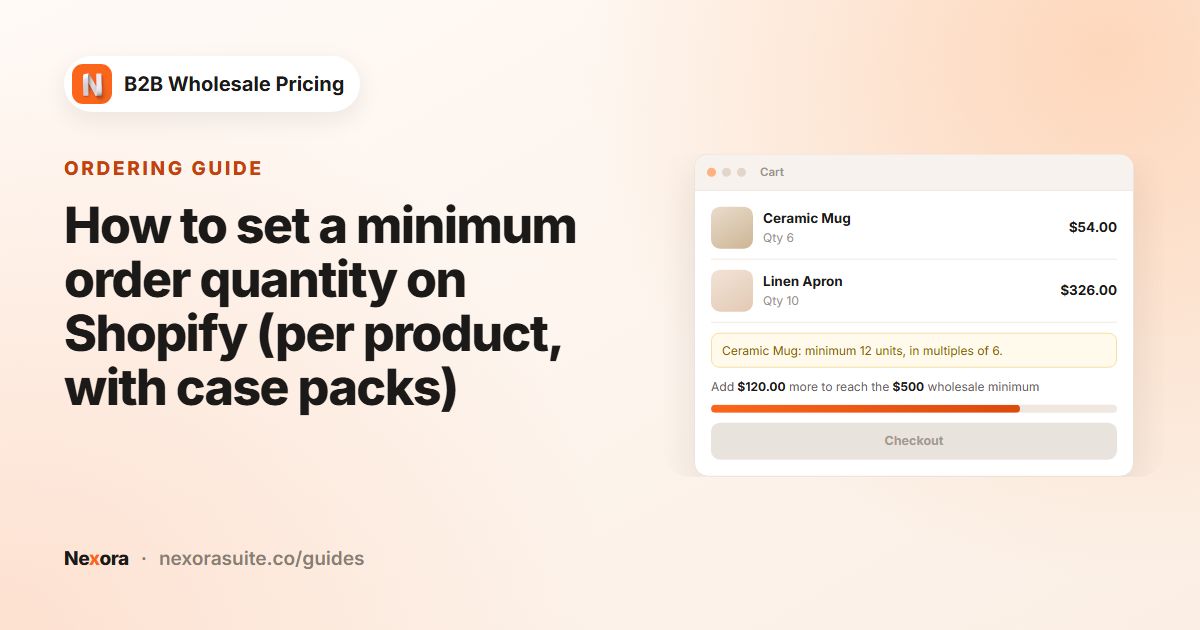
| Retail bags in cases | Order limits, MOQ — Order quantity (per product) with Step (optional) | Minimum 6, step 6 on retail bags |
| Café price list | Wholesale pricing, Fixed amount off or Flat price per bag | 1 kg house espresso at a flat café price |
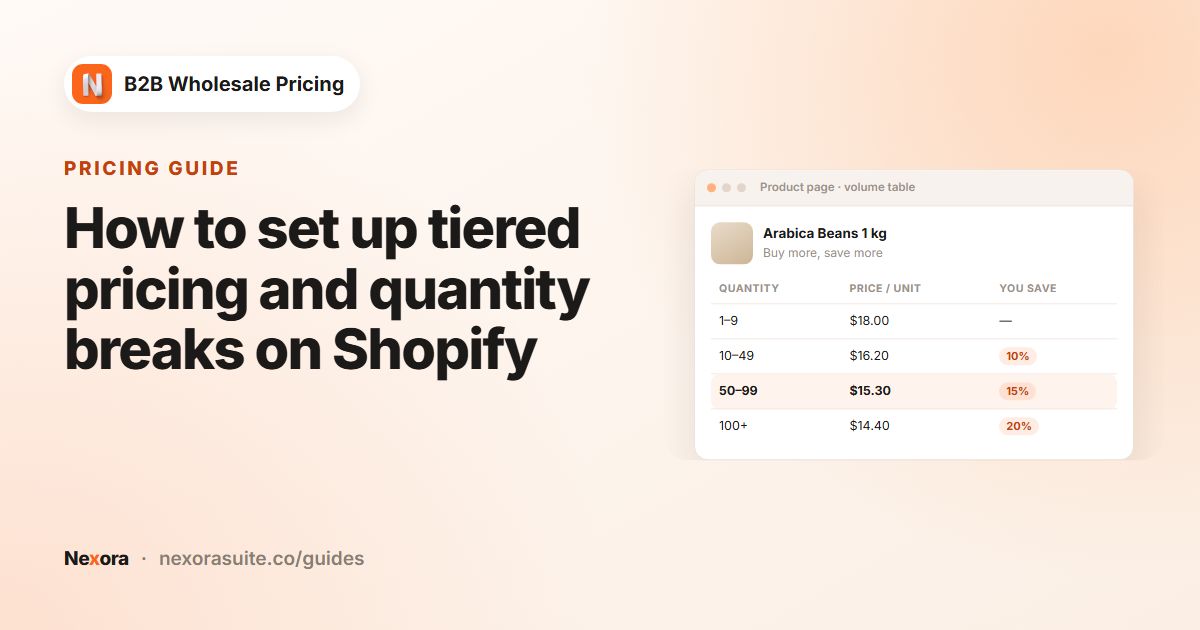
| Discount by spend | Volume pricing, Tier basis = Cart amount, Mix across all products | $300+: 5% off; $600+: 8% off |
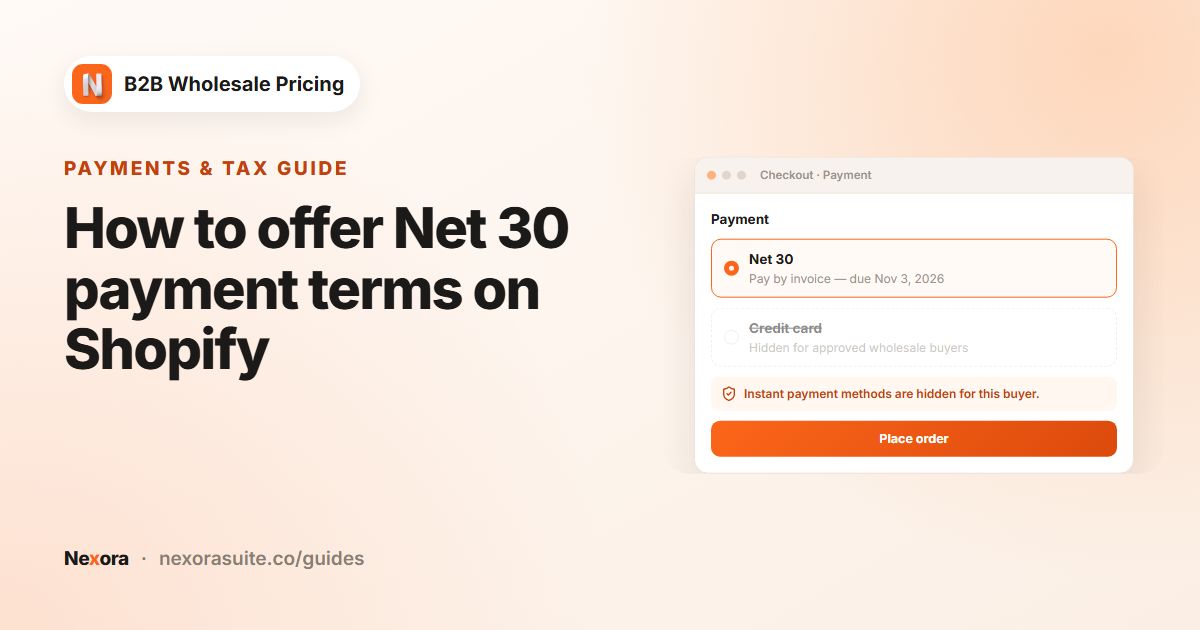
| Pay on account | Add-ons → Payment terms, Net days | Net 15 for cafe-account |
| Reminder before due date | Invoice reminder, Lead time | 3 days |
Weight limits use the weight saved on each product variant in Shopify. Check that every bag and pouch has a weight before you switch the limit to Block checkout.
Step-by-step setup
- Tag your cafés
Give every café customer the tag
cafe. Give the ones you trust with credit a second tag,cafe-account. You can add tags in Shopify on the customer page, or with Add tags in Registration → Customer submissions if cafés apply through a registration form. - Set café prices
Go to Pricing → Wholesale pricing → Create new, target By customer tags
cafeand choose your wholesale coffee collection. Use Percentage off for a simple discount, or Flat price with Override for specific products to give each blend its own café price per bag. - Add the weight minimum
Go to Restrictions → Order limits → Create limit and choose MOW — Order weight (cart total). Set Minimum weight to 5 and the unit to kg (or 10 lb). Target
cafeand choose Block checkout. In Customize messages (optional), write a message such as Café orders start at {{min}} {{unit}}. Your cart is {{current}} {{unit}}. - Add the cart block
In the theme editor, add the Order weight — cart block to the cart template so cafés see their progress toward the minimum.
- Sell retail bags by the case
Create a second limit with MOQ — Order quantity (per product). Set Minimum quantity to 6 and Step (optional) to 6, scope it to your retail-bag collection and target
cafe. Use Override for specific products for tins that come in cases of 12. - Reward bigger orders
Go to Pricing → Volume pricing → Create new. Set Tier basis to Cart amount (you can't change it later) and Qualifying products to Mix across all products. Add tiers such as From 300 Value 5 and From 600 Value 8 with % off, then choose a design under Display → Change template.
- Create the pay-later method
In Shopify, go to Settings → Payments, and under Manual payment methods choose Create custom payment method. Name it, for example, Café account — Net 15, and activate it. See Shopify's guide to manual payment methods.
- Create the Net 15 term
Go to Add-ons → Payment terms → Create payment term. Choose Net days and Net 15, target
cafe-account, tick Enforce this payment term at checkout and hide the instant-pay methods. In the sidebar, turn on Email the customer before the due date with a Lead time of 3 days.
Example: a weekly café order
A café tagged cafe and cafe-account adds four 1 kg bags of the house espresso and one case of six 250 g retail bags of a seasonal filter coffee. Here is how the rules respond.
| Check | Cart value | Result |
|---|---|---|
| Order weight | 4 kg + 1.5 kg = 5.5 kg | Above the 5 kg minimum, so checkout is open. |
| Retail-bag case | 6 bags | Matches the minimum and the step of 6. |
| Spend tier | Example subtotal of $320 | The $300+ tier applies, so 5% comes off. |
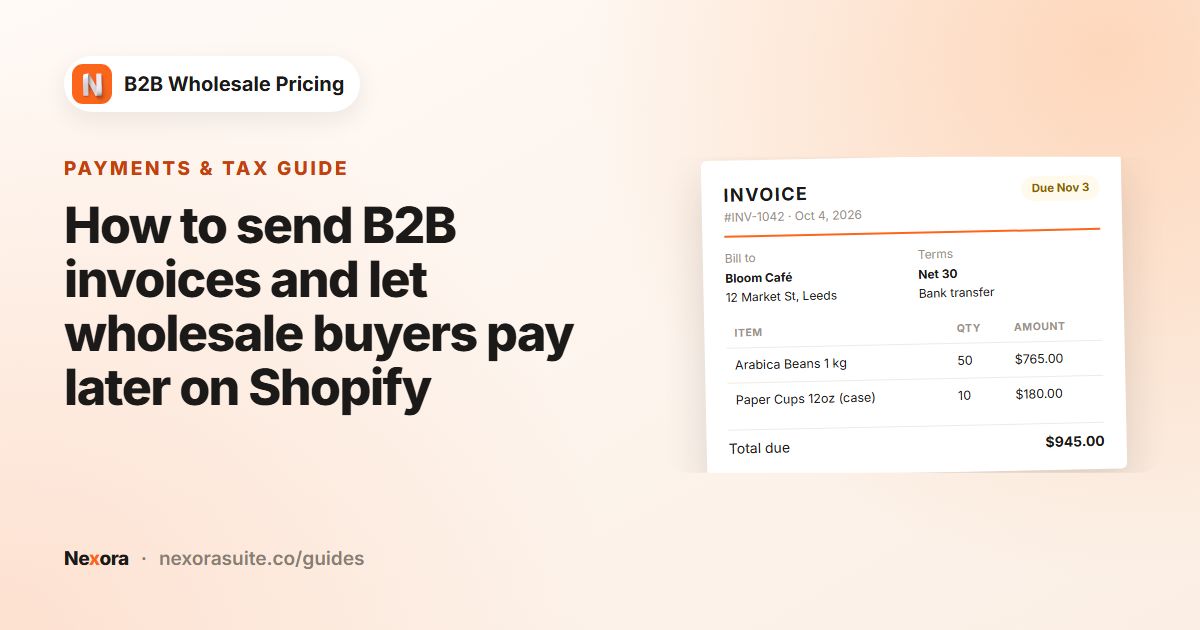
| Payment | Net 15 | The café checks out with the manual pay-later method. The app adds the payment terms to the order and emails an invoice. |
Three days before the invoice is due, the café receives the reminder email. When the bank transfer arrives, open Order forms → Invoices and click Mark as paid.
All values here are examples. If you sell tea by the gram, a minimum in g or oz may be easier to explain than kg.
Tips for coffee and tea wholesale
- Decide how tiers combine. If café prices are already low, keep Settings → Pricing → Combine Wholesale & Volume on Best price for customer so a spend tier doesn't stack on top. Choose Stack both discounts only if your margins allow it.
- Set a maximum weight if your courier has one. Maximum weight (optional) can stop orders that would exceed a parcel limit, for example 30 kg.
- Limit Net terms by order value. In the payment term's Order value card, a maximum keeps very large first orders on immediate payment.
- Brand the invoice. Under Order forms → Invoices → Edit invoice template, add your logo and turn on the payment instructions section with your bank details.
- Watch new products. A new blend without a weight adds 0 kg toward the minimum, so add weights when you create products.
Payment terms target customers only, not Shopify Markets. If you sell to cafés in several countries, use tags such as cafe-account-uk to control who gets terms.
Frequently asked questions
Can I set a minimum order in kilograms instead of dollars?
Yes. Create an order limit with MOW — Order weight (cart total) and choose kg, g, lb or oz. Each product variant needs a weight in Shopify.
Can cafés mix blends to reach a volume discount?
Yes. With Tier basis set to Cart amount and Mix across all products, every matching product counts toward the spend tier.
How do cafés pay on Net 15?
Create a manual payment method in Shopify, then a Net days payment term in the app with Enforce this payment term at checkout. Cafés check out without paying, and the app emails an invoice.
Can I send a reminder before the invoice is due?
Yes. Turn on Email the customer before the due date on the payment term and pick a Lead time of 3, 7 or 14 days. The email text is in Settings → Payment reminders.
Do retail shoppers have to meet the café minimum?
No. Target the limit at customers tagged cafe, and shoppers without the tag aren't affected.