Why B2B orders need proper invoices
When a business buys on terms, the invoice is the document that matters. Their accounts team needs it to approve payment, match it to a purchase order and file it for tax. A checkout confirmation email isn't enough: they look for an invoice number, your company details, a due date, payment instructions and often their PO number.
Two kinds of document come up in wholesale:
- Invoice: a request for payment for an order that exists, for example an order placed on Net 30.
- Proforma: a preliminary invoice sent before the order is final, for example for a quote or a draft order the buyer must pay before you ship.
Your options on Shopify
Shopify can email a draft order invoice: a message with a secure checkout link the buyer uses to pay online (see draft orders and invoices). If you use Shopify's native B2B features with B2B companies, the plan features page lists draft orders and invoicing, net terms and payment reminders on all plans.
If your wholesale buyers are tagged customers rather than B2B companies, or you want a branded PDF your buyer's accounts team can file, what's often missing is the document and the tracking: which invoices are sent, which are overdue, and which are paid. Nexora B2B Wholesale Pricing adds numbered PDF invoices and proformas, sends them by email, and keeps a status list you can filter. It's free.
How to set up invoices
- Set numbering and payment instructions
Open Settings → Invoices. Enter an Invoice number prefix (for example
INV-, giving INV-0001, INV-0002). Numbers are sequential with no gaps. Add Payment instructions such as bank account, remit-to address and reference format; they print on every PDF. - Write the invoice email
In the same section, set the Email subject and Email body (HTML). Tokens include
{{invoice_number}},{{customer_name}},{{total}},{{due_date}}and{{shop_name}}. The PDF is attached. - Design the PDF
Go to Order forms → Invoices and click Edit invoice template. Upload your logo, set the layout, choose which sections show and adjust labels and typography with a live preview.
- Connect a source of invoices
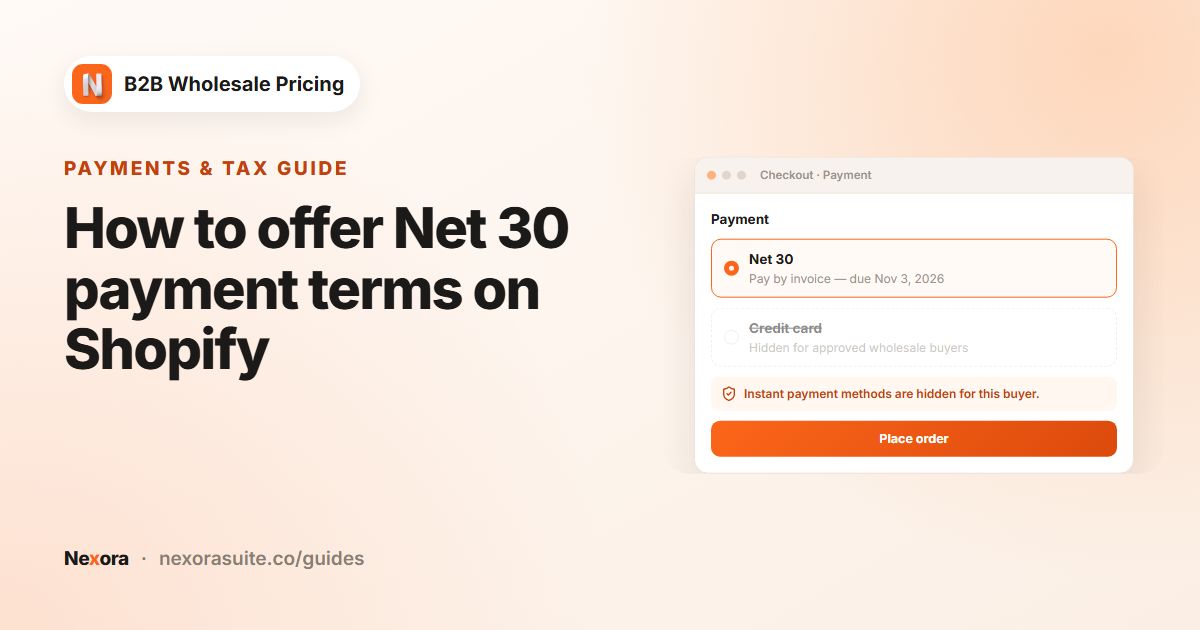
Invoices are created automatically when a payment term is applied at checkout. You can also create them from a quote (Create & send invoice) or a draft order (Send proforma invoice).
- Send from your own domain (optional)
In Settings → Email, turn on Use a custom email provider to send invoices from your own address through SMTP or a provider such as SendGrid, Mailgun or Amazon SES.
Invoice statuses and actions
| Status | Meaning |
|---|---|
| Draft | Created but not sent yet. |
| Sent | Emailed to the buyer and waiting for payment. |
| Overdue | The due date has passed and the invoice isn't paid. |
| Paid | Payment received. Set by Mark as paid, or automatically when the linked Shopify order is marked as paid. |
| Void | Cancelled. A void invoice takes no further actions. |
The list has tabs for each status, a type filter (Invoice or Proforma) and search by invoice number, email or PO. Open an invoice to see the bill-to and ship-to details, PO number, payment terms, issue, sent, due and paid dates, the linked order or quote, and the items. Actions: Download PDF, Resend, Mark as paid and Void.
Invoice template settings
| Section | Settings |
|---|---|
| Logo & shop identity | Show logo, logo upload (PNG or JPEG, max 200 KB), Logo max width, Shop name on the invoice, Shop address (one line per row), Show shop address in the header, Shop email. |
| Layout | Header alignment, Title alignment (INVOICE / PROFORMA), Accent color (rule lines) and Font family. Roboto supports Vietnamese and other Unicode text; Helvetica, Times and Courier are Latin-only. |
| Sections | Show ship-to section, Show PO number, Show payment instructions section, Show footer, Footer text and Footer alignment. |
| Labels | Rename printed labels such as Bill to, Ship to, the SKU, quantity, unit price and amount columns, Subtotal, Shipping, Tax and Total, for example into another language. |
| Typography | Size (pt), bold and colour for body text, the table header and rows, totals, the emphasised total, and the invoice number and dates. |
Example: a supplier invoicing in two ways
A cleaning supplies distributor has two kinds of buyers: approved accounts on Net 30 who order online, and facilities managers who ask for quotes on large contracts.
- Settings → Invoices: prefix
CSD-, payment instructions with bank details and "Reference: your invoice number". - Template: logo, Accent color (rule lines) in the brand colour, Show PO number on, footer text "Thank you for your business. Payment terms as stated above."
- Net 30 orders: an account orders online, the Net 30 term applies at checkout, and invoice CSD-0142 is emailed with the due date. When the bank transfer arrives, the team marks the Shopify order as paid and the invoice changes to Paid.
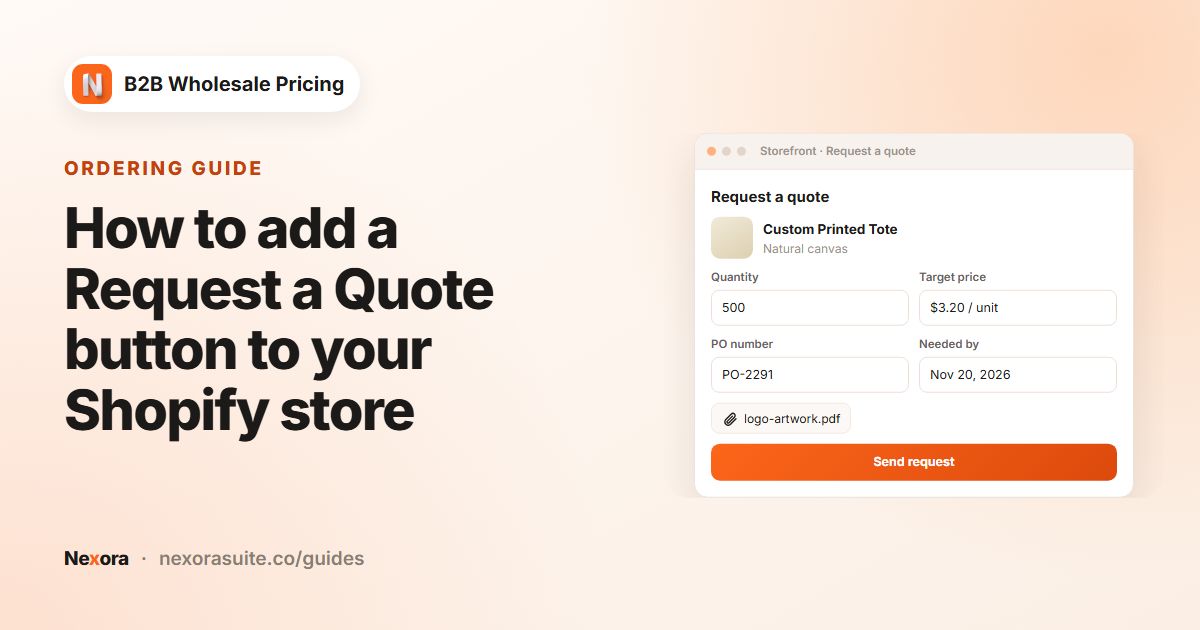
- Quotes: a facilities manager requests 400 cases. The team approves the quote in Quotes & orders and clicks Create & send invoice. The buyer receives a proforma to approve internally before paying.
Each week the team opens the Overdue tab, clicks Resend on anything past due and follows up by phone where needed.
Tips and common mistakes
- Choose the prefix before you start. Numbers are sequential per shop, so pick a prefix you'll keep.
- Put payment instructions in one place. Use Settings → Invoices → Payment instructions and keep your Shopify manual payment method text consistent with it.
- Use Roboto for non-Latin text. Helvetica, Times and Courier can't print characters such as Vietnamese diacritics.
- Void instead of deleting. A void invoice keeps the number sequence and the history intact.
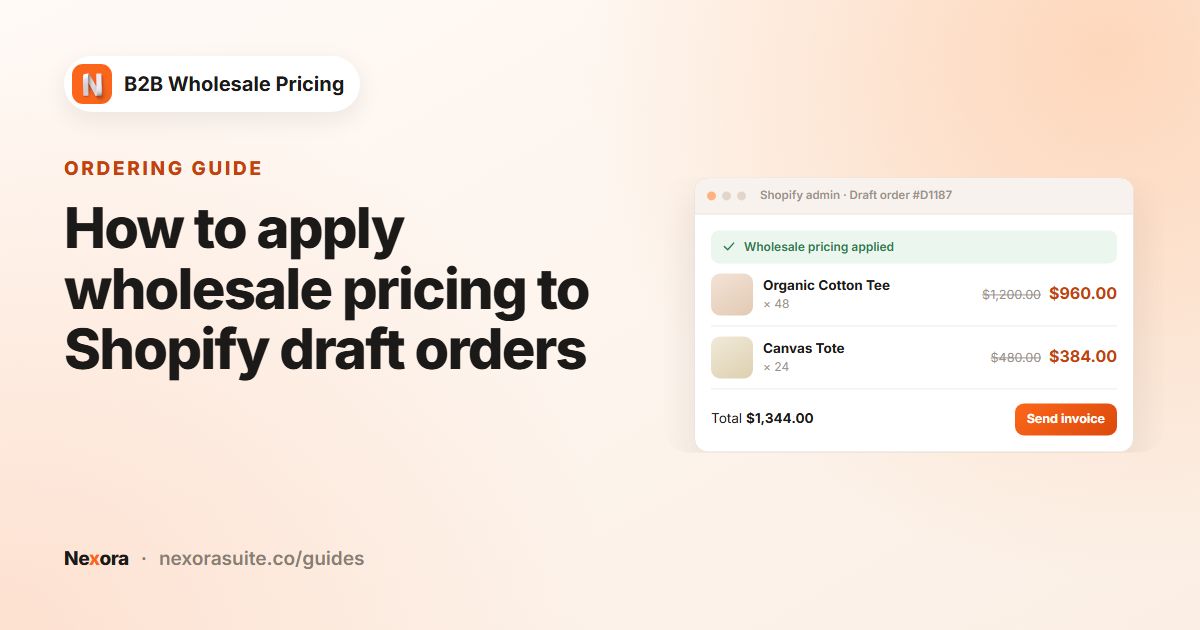
- Add a customer to draft orders. A proforma goes to the draft order's customer, so add the customer first.
- Watch the email allowance. The built-in email service has a monthly allowance. Connect your own provider in Settings → Email if you send many invoices.
Check invoice wording, tax lines and legal details with your accountant, especially if you sell across borders.
Frequently asked questions
Are invoices created automatically?
Yes, when a payment term is applied to an order at checkout. You can also create them from a quote or a draft order.
What's the difference between an invoice and a proforma?
An invoice requests payment for an existing order. A proforma is sent before the order is final, for example from a quote or a draft order.
Do invoices get marked paid automatically?
Yes, when the linked Shopify order is marked as paid. You can also click Mark as paid on the invoice.
Can I put my logo and bank details on the PDF?
Yes. Upload your logo in Edit invoice template and add bank details under Settings → Invoices → Payment instructions.
Can I change the invoice number format?
You can set the Invoice number prefix, for example INV- or CSD-. Numbers after the prefix are sequential and gapless.