How parts buyers order
Buyers of components, replacement parts and accessories rarely browse. A repair shop, installer or reseller usually arrives with a list of part numbers from a bill of materials, a service manual or their own stock system. A store built around product pages makes them search for each SKU one by one, which is slow and error-prone.
- Ordering by part number. Buyers know the SKU, not the product name, and often order dozens of SKUs at once.
- Price breaks per part. Connectors, cables and small components are often priced by quantity, for example 10+, 50+ and 100+.
- Stock awareness. Buyers want to know straight away if a part is out of stock rather than find out after ordering.
- VAT for business buyers. EU resellers buying across borders usually expect reverse-charge invoices, and business buyers often compare prices excluding VAT.
- Proper invoices. Most trade buyers need a numbered invoice for their accounts.
Recommended setup for a parts distributor
| Need | Feature | Example value |
|---|---|---|
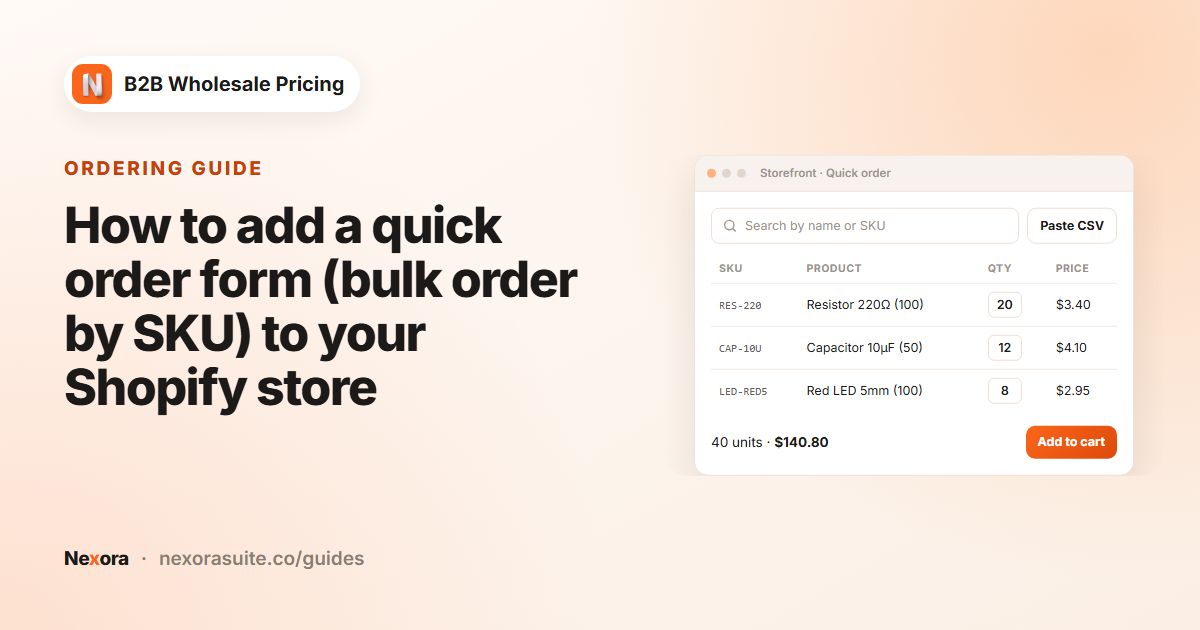
| Order from a SKU list | Order forms → Forms, Customer tools → Paste from CSV | Buyers paste lines such as CAB-USB-C-1M,50 |
| Prices on every row | Show B2B pricing on the form | Wholesale and tier prices per SKU |
| Stock check | Respect product stock | On |
| Trade price for selected SKUs | Wholesale pricing, Bulk import by SKU | Up to 50 SKUs at a time, 25% off for reseller |
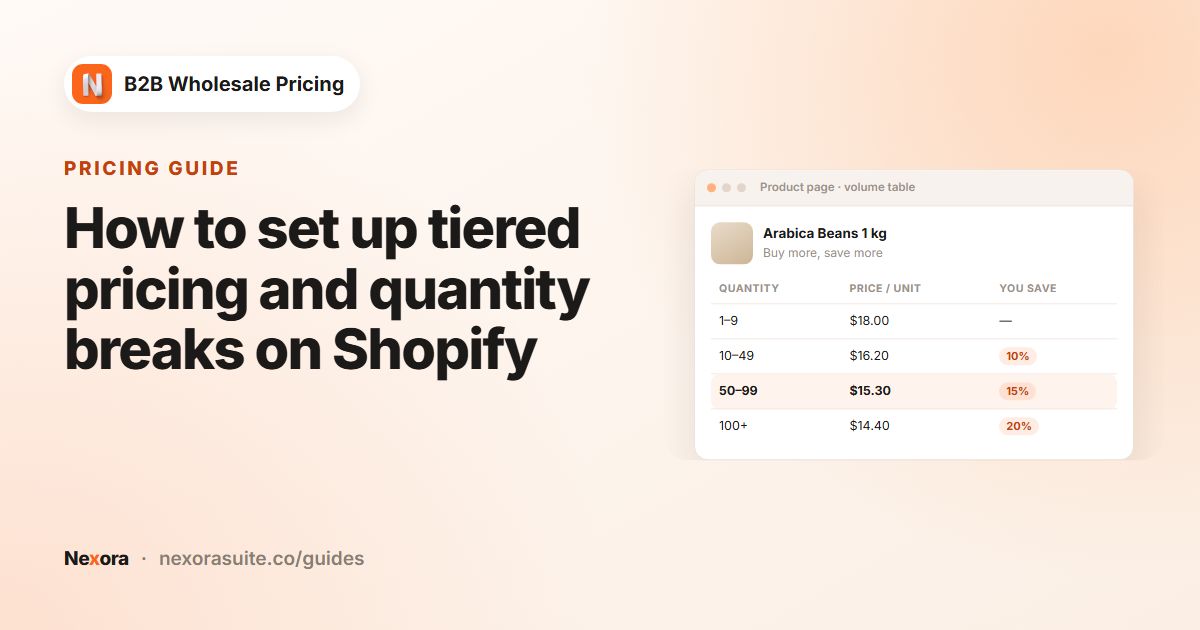
| Price breaks per part | Volume pricing, Qualifying products = Same variant | 10+: 5%; 50+: 10%; 100+: 15% |
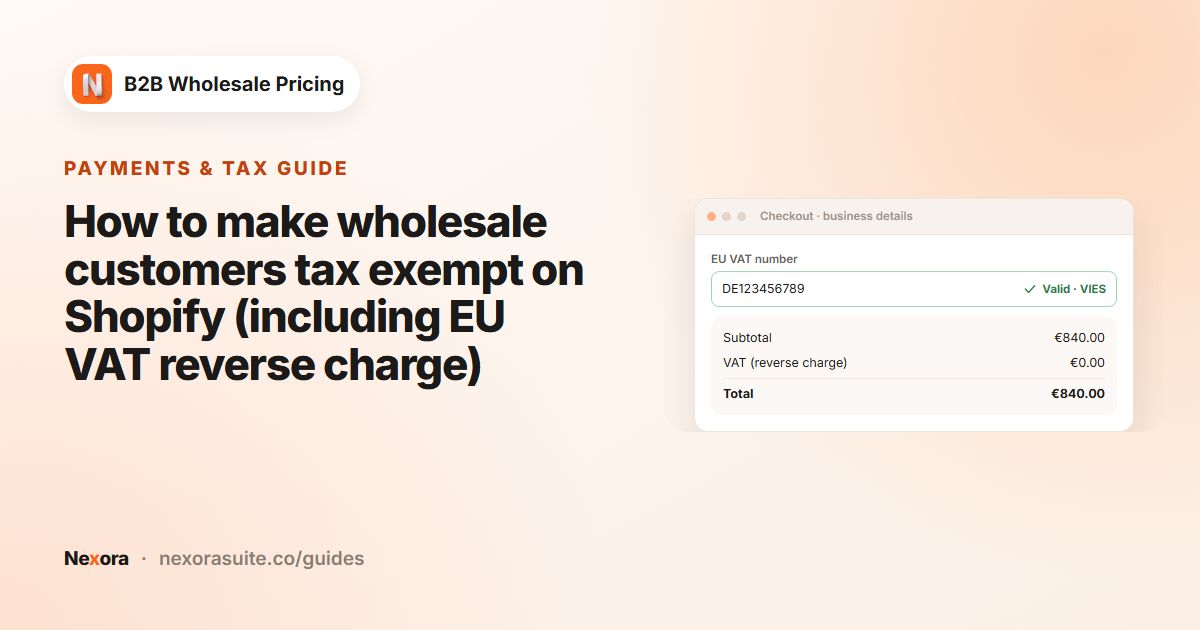
| EU reverse charge | Add-ons → Tax exempt, Reverse charge — EU cross-border only | VAT ID checked against VIES |
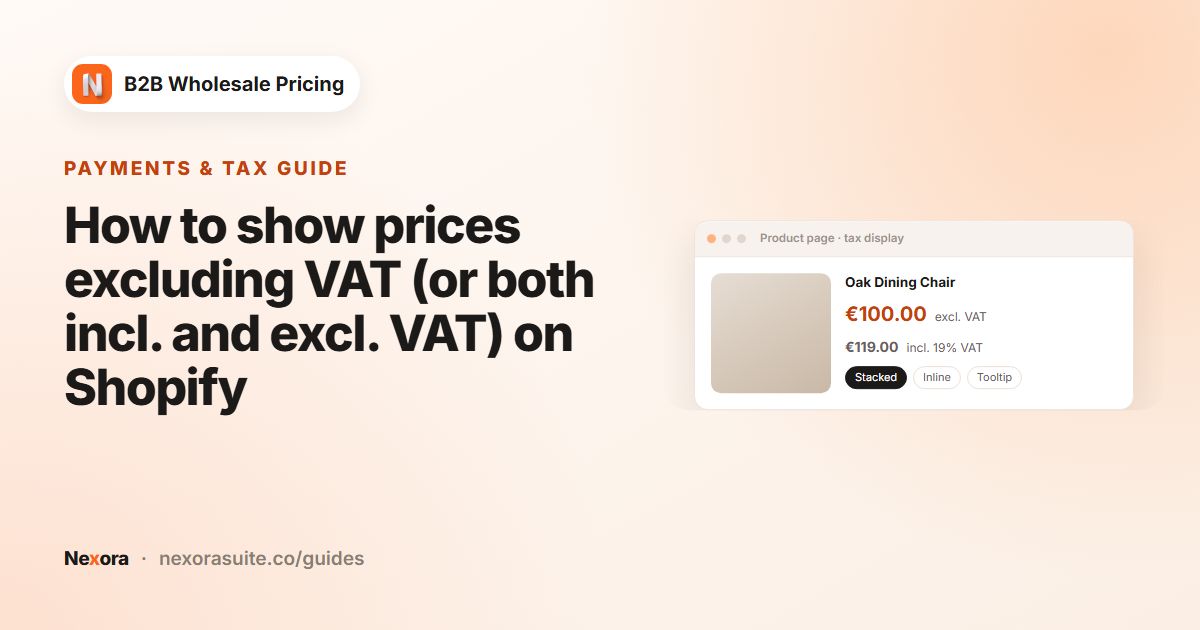
| Prices without VAT | Add-ons → Tax display, Excl. VAT only | For customers tagged reseller |
| Invoices | Settings → Invoices, Invoice number prefix | PRT- |
Step-by-step setup
- Collect VAT IDs at sign-up
Go to Registration → Registration forms → Add registration form. Add Name, Email, Password, a Text field for Company, a Country element and a Tax ID element. Approve resellers with the tag
reseller. - Create the trade price
Go to Pricing → Wholesale pricing → Create new and target
reseller. Under Products, choose Specific products and use Bulk import by SKU to paste up to 50 SKUs at a time, or choose a Vendor or Product type for whole product lines. Set Percentage off to 25. - Add price breaks per part
Go to Pricing → Volume pricing → Create new. Keep Tier basis on Quantity and Qualifying products on Same variant, so each SKU reaches its own breakpoint. Add tiers From 10 To 49 Value 5, From 50 To 99 Value 10, and From 100 Value 15.
- Build the quick order form
Go to Order forms → Forms → Create new and name it Parts order. On General, set Submit behavior to Add to cart and target
reseller. On Products & quantities, choose the catalog, turn on Respect product stock, and under Customer tools turn on Paste from CSV and Show B2B pricing. - Publish the form
Create a page called Quick order in Shopify. In the theme editor, add the Quick order form block to it. Leave Form slug blank so the app picks the right form for each customer and market.
- Set up reverse charge
Go to Add-ons → Tax exempt → Create tax exempt rule. Choose Reverse charge — EU cross-border only, select the EU countries you sell to, and add an Order tag such as
reverse-charge. If your prices include VAT, turn on Tax-inclusive discount. - Show prices excluding VAT
Go to Add-ons → Tax display, click Sync tax rates, then Create tax display rule. Choose Excl. VAT only or Both — side by side, keep Auto from Shopify Tax settings (recommended), and target
reseller. - Set invoice numbering
In Settings → Invoices, set the Invoice number prefix to PRT- and write your Payment instructions. Invoices are created when a payment term is applied at checkout, or from a quote or a draft order.
Example: a repair shop restocks 3 parts
A repair shop in Germany, tagged reseller, buys from your store in the Netherlands. Its VAT ID was validated through VIES when you applied the exemption on its customer page. On the Quick order page, the buyer pastes:
CAB-USB-C-1M,50, which reaches the 50+ tier, so 10% comes off the trade price.BAT-3000-LI,8, which is below the first tier, so only the trade price applies.SCR-T5-SET,120, which reaches the 100+ tier, so 15% comes off.
The form shows each row's price. With Respect product stock on, quantities are capped at the stock you have for each variant. The buyer adds everything to the cart. Because the order goes from the Netherlands to Germany and the VAT ID is valid, the reverse-charge rule removes VAT and tags the order reverse-charge. A domestic Dutch reseller would still be charged VAT under this mode.
The prices in this example depend on Settings → Pricing → Combine Wholesale & Volume. Stack both discounts applies the tier on top of the 25% trade price; Best price for customer applies only the lower of the two.
Tips for electronics and parts stores
- Keep SKUs unique and clean. Pasted lines are matched by SKU, so avoid duplicate or blank SKUs on variants.
- Sell multi-packs with a step. For parts sold in reels or bags of 10, set Step / case size on the form, or an order-limit Step (optional).
- Use Submit purchase order for larger accounts. If some buyers need approval before you ship, a second form with Submit behavior set to Submit purchase order sends the order to Quotes & orders instead of the cart.
- Exempt non-EU or special cases manually. On a customer page, the Tax exemption card has Exempt without Tax ID (supplier-exempted) for buyers you have verified another way.
- Check tax rules with your accountant. Reverse charge and resale exemptions depend on your country and your buyers.
VAT validation uses the EU VIES registry, so it covers EU VAT numbers. UK and other non-EU tax numbers are not validated automatically.
Frequently asked questions
Can buyers paste a list of SKUs and quantities?
Yes. Turn on Paste from CSV in the quick order form's Customer tools. Buyers paste one SKU,qty line per part.
Can each part have its own price breaks?
Yes. With Qualifying products set to Same variant, each SKU reaches its tiers on its own. Use Per-product & per-variant overrides to give a part custom tiers.
How are EU VAT numbers checked?
Against the EU VIES registry. You can validate a Tax ID on the customer's Tax exemption card, then apply the exemption.
Is VAT removed on domestic orders too?
Not with Reverse charge — EU cross-border only. That mode removes VAT only when the Tax ID is valid and the order crosses a border. Exempt all tax — resale removes VAT on every matching order.
Can I add many SKUs to a price rule at once?
Yes. In the rule's Products card, Bulk import by SKU takes up to 50 SKUs at a time.