Why wholesale buyers want a quick order form
Retail shoppers browse. Wholesale buyers usually know exactly what they need: a list of what they ordered last month, a spreadsheet from their stock system, or a list of SKUs from your price sheet. Making them open 40 product pages and click Add to cart 40 times is slow and leads to mistakes.
A quick order form puts your catalog in one table. Buyers search or scroll, type quantities, see their wholesale price on each row and submit once. With CSV paste, a buyer can copy two columns from a spreadsheet and fill the whole order in seconds.
Your options on Shopify
Shopify's native B2B features include a quick order list. The Shopify Help Center lists it among the B2B features on Basic, Grow, Advanced and Plus. It is built for buyers who belong to B2B companies and is added through supported themes.
If your wholesale buyers are tagged customers rather than B2B companies, or you want a dedicated order page with SKU paste and a choice of what happens on submit (cart, quote, draft order or purchase order), an app form is the more flexible option. Nexora B2B Wholesale Pricing includes quick order forms at no cost.
How to set up a quick order form
- Create the form
Go to Order forms → Forms and click Create new. On the General tab, enter a Name. The name sets the form slug.
- Pick the submit behavior
Under Submit behavior, choose Add to cart, Request a quote, Create draft order or Submit purchase order (see the table below). Set customer targeting, markets and active dates on the same tab.
- Choose the catalog
On Products & quantities, use Catalog to decide which products appear in the table. All products shows every active product and skips draft and archived ones. You can also choose specific products, collections, tags or vendors.
- Set quantity rules
Under Quantity, add Quantity presets (ready-made amounts such as 6, 12, 24), set Step / case size for case multiples, and turn on Respect product stock if buyers shouldn't order more than you have in stock. Turn on Inherit store-wide MOQ / MOV to apply your existing order limits inside the form.
- Turn on customer tools
Under Customer tools, switch on Paste from CSV so buyers can paste
SKU,qtylines, and Show B2B pricing so each row shows the buyer's wholesale and volume price. - Style and publish
On Appearance, set the layout, heading, colors and button label. Save, then in the theme editor add the Quick order form block to a page, for example a page called Trade order.
The four submit behaviors
| Submit behavior | What happens | Good for |
|---|---|---|
| Add to cart | Items go straight into the cart, and the buyer checks out as usual. | Self-service repeat orders at fixed wholesale prices. |
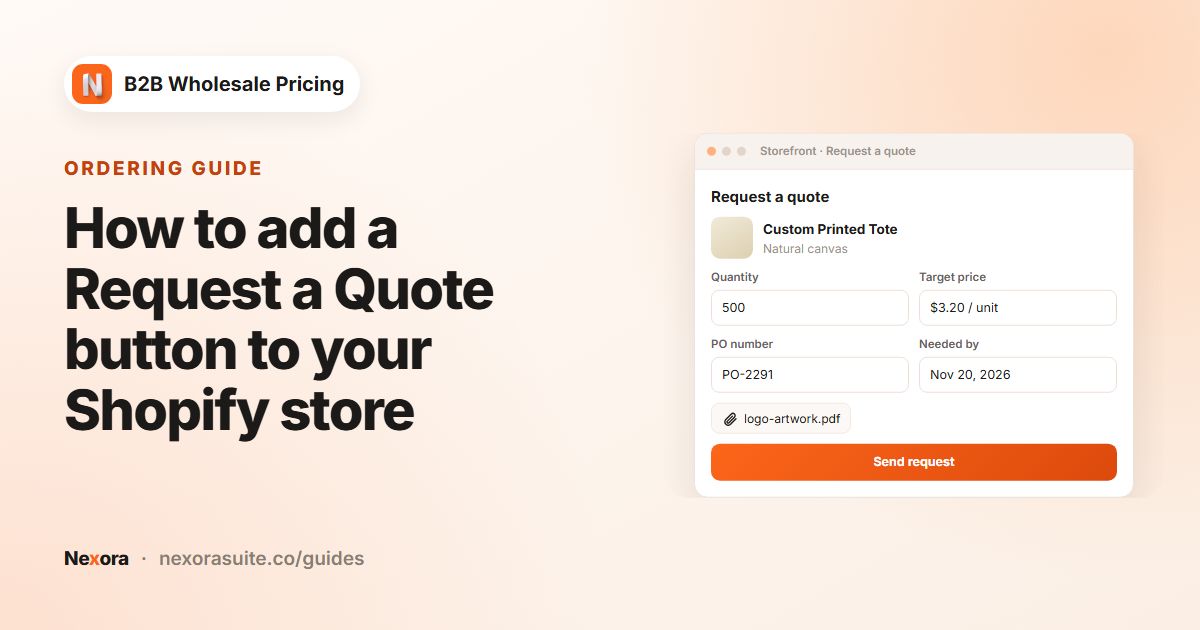
| Request a quote | Your team reviews and approves. No order is created until you convert the quote. | Large or custom orders where price or availability needs confirming. |
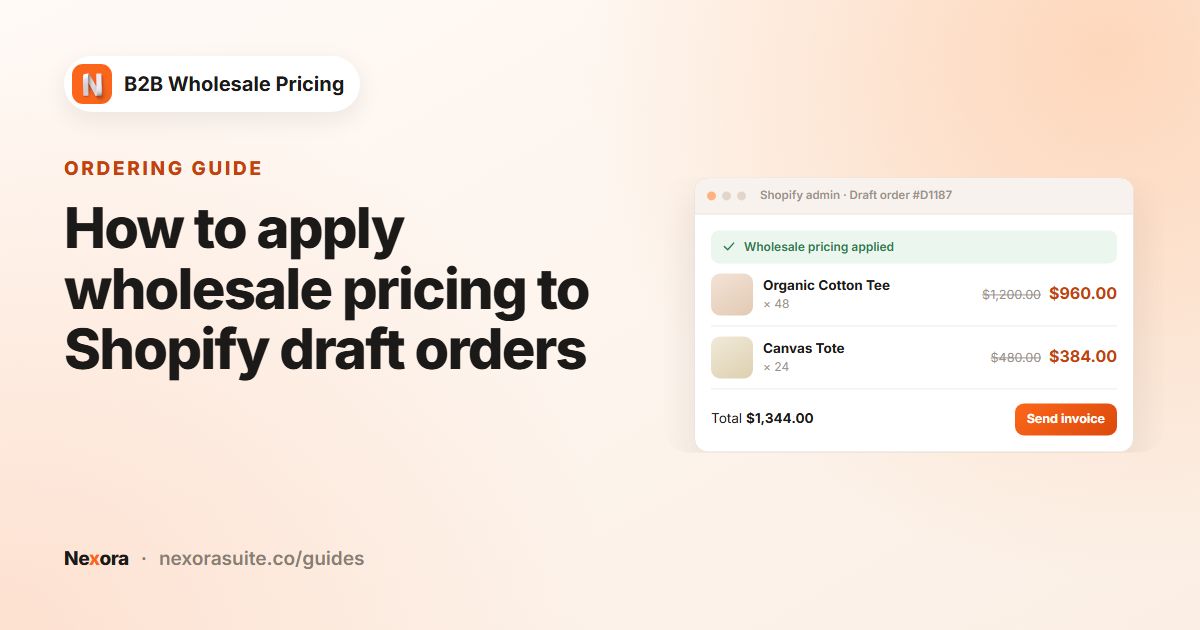
| Create draft order | A Shopify draft order is created automatically on submit. | Accounts you invoice manually, or that pay after you confirm stock. |
| Submit purchase order | Collects a PO number, ship-to and notes with the order. | Buyers with procurement processes who need their PO on the paperwork. |
Quotes and purchase orders appear under Order forms → Quotes & orders, and new submissions show in Order forms → Notifications. From a quote you can Convert to order, Convert to draft order or Create & send invoice.
Quantity and limit settings explained
| Setting | What it does |
|---|---|
| Quantity presets | Ready-made amounts for the quantity input on each row. Click Add preset to add one. |
| Step / case size | Quantities go up in multiples of this number, for example a case of 6 or 12. |
| Respect product stock | Caps the quantity at the variant's inventory. Leave it off to allow backorders and pre-orders. |
| Inherit store-wide MOQ / MOV | Applies the order limits you created under Restrictions → Order limits inside the form. |
| Minimum order subtotal / Maximum order subtotal | Form-level value limits, checked when the buyer submits the form. |
| Minimum per line / Maximum per line | Quantity limits for each row. |
| Minimum total units | Total units across every product, for example a pallet minimum. Different from a value minimum. |
| Quantity overrides | Per-product Min, Max and Step values that replace the form defaults. |
| Paste from CSV | Buyers paste SKU,qty lines and the form fills the rows. |
| Show B2B pricing | Applies wholesale and volume prices on each row. |
The form's own limits are checked at the form. For limits that must also be enforced at checkout, create them under Restrictions → Order limits and turn on Inherit store-wide MOQ / MOV.
Example: a trade order page for salons
A haircare brand sells to salons tagged salon. Salons order the same 15–20 SKUs every month from their stock spreadsheet. Products ship in boxes of 6.
| Setting | Value |
|---|---|
| Name | Salon restock |
| Submit behavior | Add to cart |
| Customer targeting | Customers tagged salon |
| Catalog | Collection: Professional range |
| Step / case size | 6 |
| Quantity presets | 6, 12, 24 |
| Inherit store-wide MOQ / MOV | On (the store has a $300 minimum for salon) |
| Paste from CSV | On |
| Show B2B pricing | On |
A salon manager copies two columns from their spreadsheet and pastes:
SH-ARGAN-1L,12CO-ARGAN-1L,12MASK-REPAIR-500,6
The rows fill in with wholesale prices. Because the form inherits the store minimum, an order under $300 is flagged before it reaches checkout; above it, one click adds everything to the cart.
Tips and common mistakes
- Give every variant a SKU. CSV paste matches on SKU, so products without one can only be added by search.
- Keep the catalog focused. A form with your 60 trade lines is easier to use than one with all 3,000 products. You can create several forms for different customer groups.
- Leave Form slug blank on the block to let the app pick the right form by customer and market. Paste a slug only when a page must always show one form.
- Match the step to your packaging. Use the same case size as your MOQ limit so the form and cart agree.
- Use Request a quote for custom work. If prices vary per order, a quote form avoids promising a price in the cart. See the Request a Quote guide.
Put the form page in your account menu or navigation for tagged customers, so buyers can find it on every visit.
Frequently asked questions
Can buyers upload a CSV file?
Buyers paste SKU,qty lines into the form when Paste from CSV is on, for example copied from a spreadsheet. The form fills the matching rows.
Do wholesale prices show in the form?
Yes, when Show B2B pricing is on. Each row applies the buyer's wholesale and volume pricing.
Can the form create a draft order instead of adding to cart?
Yes. Set Submit behavior to Create draft order. The app creates a Shopify draft order when the buyer submits.
Can I have different forms for different customer groups?
Yes. Create several forms with their own targeting. Leave Form slug blank on the theme block and the right form is picked by customer and market.
Does the form respect my minimum order rules?
Turn on Inherit store-wide MOQ / MOV to apply your order limits. You can also set form-only limits such as Minimum total units.