Why wholesale orders need different shipping rates
Retail shipping rates are built for small parcels: a flat $6.95, or free over $75. Wholesale orders are different. A stockist's order might be eight cartons or a pallet, shipped by freight, with a delivery appointment. Offering retail rates to trade buyers can mean losing money on every heavy order, or confusing buyers with options like Express envelope that make no sense for a pallet.
Typical wholesale shipping setups:
- Trade buyers see only freight or pallet rates, while consumers keep parcel rates.
- Free shipping for wholesale above a threshold, for example over $750, which is a common line on trade terms.
- Hide a rate from wholesale, for example local pickup or a consumer promo rate.
Your options on Shopify
In Shopify, shipping rates are set up in shipping profiles and zones, and are available to all customers by default. Shopify's B2B shipping methods page explains that you can change which methods specific customers see with the Checkout Blocks app, a third-party app, or a custom app using delivery customization Functions, and notes that Shopify Functions are available on all plans.
Nexora B2B Wholesale Pricing is one such app. You keep creating rates in Shopify as usual, then add rules that hide, show only or reveal rates by name for the customers you choose. It targets customers by tag, so it works with regular customer accounts rather than B2B companies, and it's free.
How to set up wholesale shipping rates
- Create the rates in Shopify
In Shopify, go to Settings → Shipping and create every rate you need, for example Wholesale freight, Pallet delivery and a $0 rate called Free wholesale shipping. Note the exact names as they appear at checkout.
- Create a rule
In the app, go to Add-ons → Shipping rates and click Create rule. Give it a Name, for example Wholesale: freight only.
- Choose the action
In What should this rule do?, choose Hide matching rates, Show only matching rates or Free shipping (reveal only the named free rate).
- Enter the rate names
Add one or more rate names. For each, choose Exact name or Name contains. Names must match what appears at checkout.
- Add a condition (optional)
In Apply when, keep Always (no condition) or choose Cart subtotal, Total quantity or Total weight, with a Minimum and/or Maximum.
- Choose customers and activate
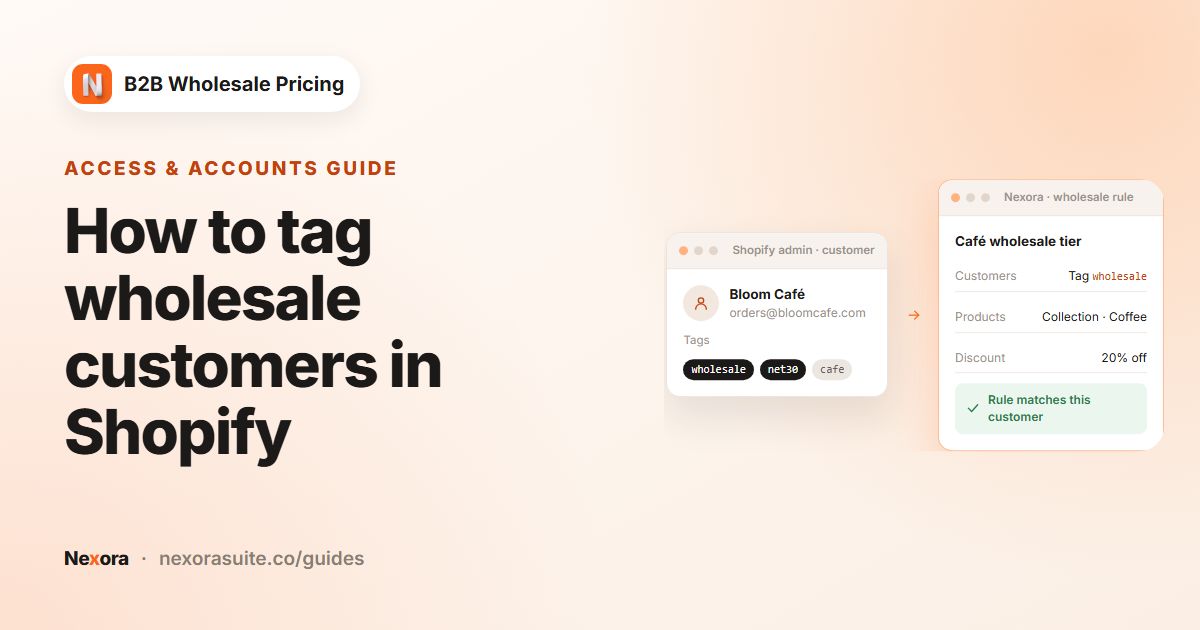
In Customers, target your wholesale tag. Set the rule to Active (draft rules don't apply), save, and test checkout as a tagged customer.
Settings explained
| Setting | What it does |
|---|---|
| Hide matching rates | The named rates disappear at checkout for matching customers. Every other rate stays. |
| Show only matching rates | Only the named rates show for matching customers. All others are hidden. |
| Free shipping (reveal only the named free rate) | When the condition is met, only the named free rate shows. Create it as a $0 flat rate in Shopify first. Below the threshold, all rates stay visible, including the free one. |
| Exact name / Name contains | How each rate name is matched. Name contains is handy for carrier rates whose names vary slightly. |
| Apply when | Always (no condition), Cart subtotal (in your store currency), Total quantity or Total weight (g, kg, lb or oz). |
| Minimum / Maximum | The condition range. Both are inclusive: at least the minimum, at most the maximum. |
| Customers | Who the rule applies to, with an option to exclude customers by tag. |
With Show only matching rates or Free shipping, if no live rate matches the names, matching customers see no shipping methods at checkout. Double-check the names against Settings → Shipping.
Shipping-rate rules target customers only, not Shopify Markets. There's no live checkout preview, so the rule editor shows a one-line summary of what the rule does. Test with a customer account that matches the rule.
Example setup: freight for trade, free over $750
A furniture-accessories brand has three rates in Shopify: Standard ($9), Wholesale freight ($45) and Free wholesale shipping ($0). Trade buyers are tagged trade. Trade orders of $750 or more ship free.
| Rule | Action | Rate names | Apply when | Customers |
|---|---|---|---|---|
| 1. Retail: hide trade rates | Hide matching rates | Wholesale freight, Free wholesale shipping (Exact name) | Always (no condition) | All customers, excluding tag trade |
| 2. Trade: freight below $750 | Show only matching rates | Wholesale freight | Cart subtotal, Maximum 749.99 | Tag trade |
| 3. Trade: free from $750 | Free shipping (reveal only the named free rate) | Free wholesale shipping | Cart subtotal, Minimum 750 | Tag trade |
A consumer sees only Standard. A trade buyer with a $520 cart sees only Wholesale freight. At $900, they see only Free wholesale shipping. Rule 2 matters: without it, the free rate would also be visible below $750, because the free-shipping action leaves all rates visible under the threshold.
Tips and common mistakes
- Copy rate names exactly. A rename in Shopify (Free Shipping to Free shipping) can break an Exact name rule. Name contains is more forgiving.
- Hide trade-only rates from retail. Every rate you create in Shopify is visible to everyone until a rule hides it, so add a Hide rule for customers without your trade tag.
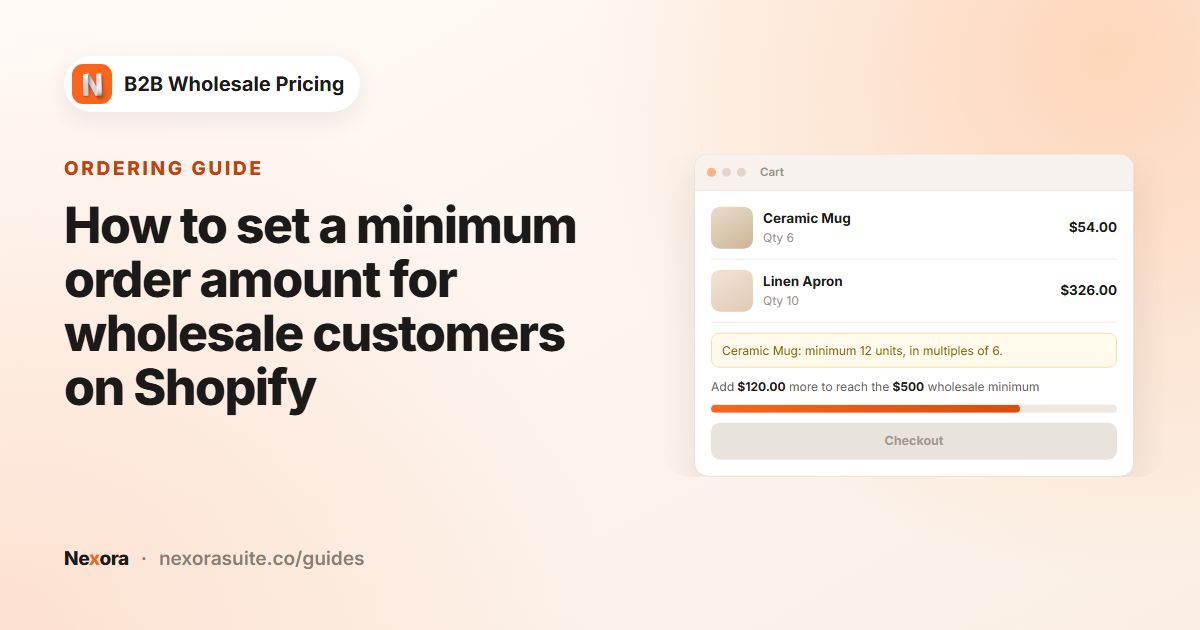
- Match the threshold to your minimum order. If trade orders need at least $500 (see minimum order value), a free threshold below that does nothing.
- Set product weights before using Total weight. Products without a weight don't add to the total.
- Test in a private window with a tagged test customer, and again signed out, after every change.
For trade buyers who arrange their own courier, create a $0 rate such as Collect / own courier in Shopify and add it to a Show only matching rates rule for those customers.
Frequently asked questions
Can wholesale customers have different shipping rates from retail customers?
Yes. Create all rates in Shopify, then use rules to hide or show rates by name for customers with your wholesale tag.
How do I offer free shipping only to wholesale buyers above an amount?
Create a $0 rate in Shopify, then a rule with Free shipping (reveal only the named free rate), Apply when set to Cart subtotal with a Minimum, targeted at your wholesale tag. Add a Hide rule so other customers don't see the $0 rate.
Can a rule depend on weight or number of items?
Yes. In Apply when, choose Total quantity or Total weight (g, kg, lb or oz) and set a Minimum and/or Maximum.
Can I target shipping rules by market?
No. Shipping-rate rules target customers only. Use rate names and Shopify's shipping zones to handle different countries.
Why do my wholesale buyers see no shipping methods?
A Show only or Free shipping rule found no rate with a matching name. Check the names in Settings → Shipping and the match type.