Why wholesale stores set a minimum order amount
A minimum order value (MOV) is the lowest cart total a buyer must reach before checking out. For wholesale, it protects your margin: a trade price that works on a $600 order may lose money on a $60 order once picking, packaging and shipping are counted. Many suppliers state it plainly on their trade terms, for example "minimum opening order $500, repeat orders $250".
A cart-total minimum is different from a per-product minimum. It lets buyers mix any products they like, as long as the order is big enough. If you need each product ordered in cases, use a minimum order quantity instead, or both together.
Some stores also need the opposite: a maximum order value (for example, orders above a set amount must go through your sales team), or a weight limit because freight is priced by the pallet.
Your options on Shopify
Shopify does not have a store-wide minimum order setting in the regular admin. Shopify's Checkout Blocks app offers order value limits that can apply to all customers or only to B2B companies. Check that page for the current requirements on your plan. If your wholesale buyers are regular customer accounts with tags rather than B2B companies, that targeting won't fit.
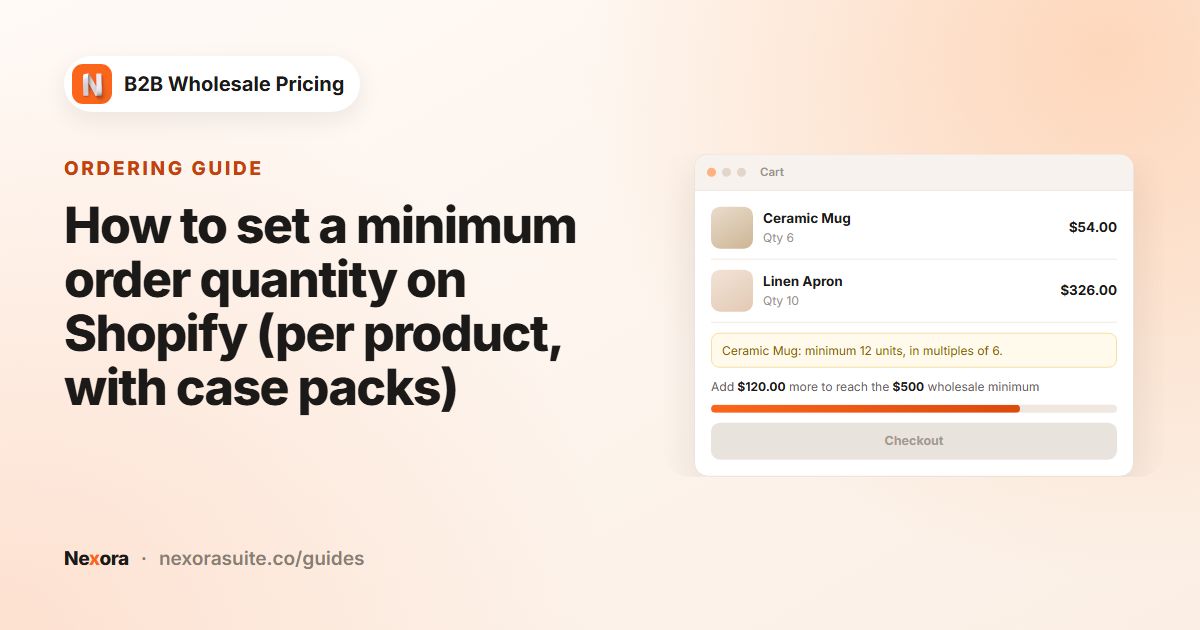
Nexora B2B Wholesale Pricing targets customers by tag, so retail shoppers keep checking out with no minimum. It also shows buyers how far they are from the minimum with a progress bar, which reduces the surprise of being blocked at the last step.
How to set it up with Nexora B2B Wholesale Pricing
- Create the limit
Go to Restrictions → Order limits and click Create limit. In Basics, set Type to MOV — Order value (cart total). For a weight limit, choose MOW — Order weight (cart total) instead. The type can't be changed later.
- Enter the amounts
Enter the Minimum cart value in your store currency. Add a Maximum cart value (optional) if you need a cap.
- Set amounts for other currencies (optional)
If you sell in several currencies, open Per-currency minimums (optional), click Add currency and enter a round number for each, for example EUR 450 and GBP 400. Currencies you don't list are converted by exchange rate.
- Target wholesale customers
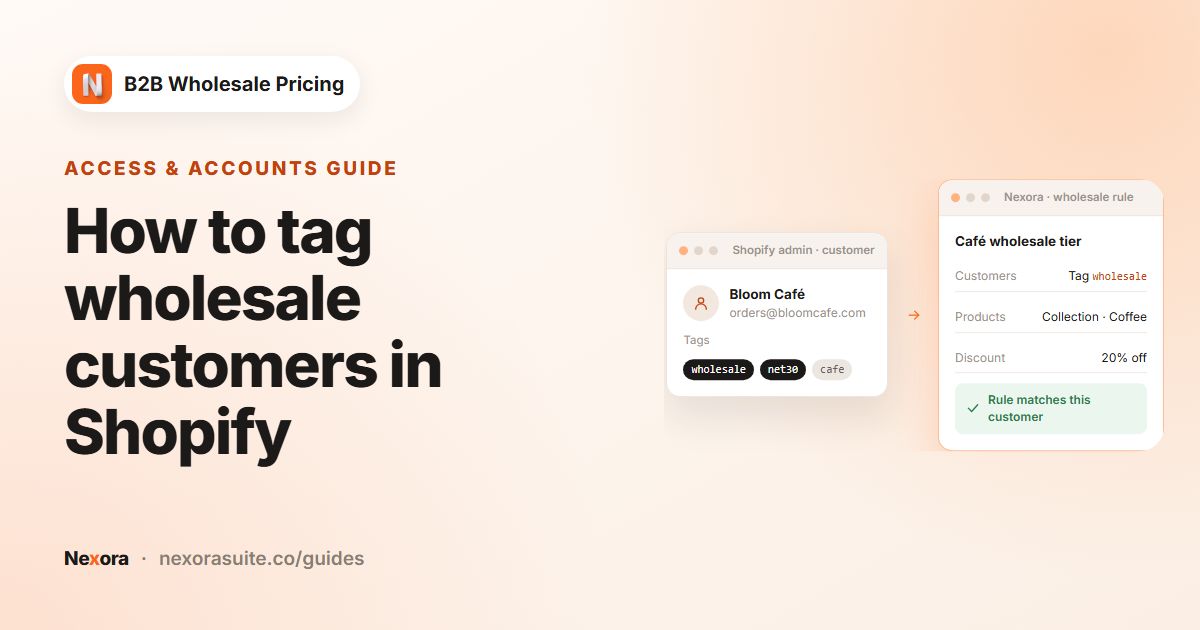
In Customers, choose By customer tags and add your wholesale tag. Use the exclusions if a group of tagged customers should be exempt.
- Choose enforcement and the progress bar
Under Enforcement & messages, choose Block checkout. Tick Show in cart drawer, choose the Position in the drawer and pick a Progress bar style.
- Add the cart block and activate
In the theme editor, add Order minimums (cart) to the cart template (or Order weight — cart for a weight limit). Switch the limit to Active, save, and test with a tagged customer and a small cart.
Settings explained
| Setting | What it does |
|---|---|
| Minimum cart value | The cart subtotal needed before checkout, in your store currency. The storefront shows it in the buyer's currency. |
| Maximum cart value (optional) | The highest cart subtotal allowed at checkout. Leave blank for no cap. It converts to other currencies by exchange rate. |
| Per-currency minimums (optional) | Exact minimums for specific currencies, so a euro buyer sees €450 rather than a converted €463.27. |
| Minimum weight / Maximum weight (optional) (MOW) | Cart weight limits in kg, g, lb or oz. Products need a weight set in Shopify to count. |
| Block checkout / Warn only | Block disables checkout until the limit is met (in the cart, the drawer and at checkout). Warn shows the message only. |
| Show in cart drawer | Adds the progress bar to your theme's slide-out cart. With Block checkout, the drawer's checkout button stays disabled until the minimum is reached. |
| Position in the drawer | Above the checkout button or Above the product list. |
| Progress bar style | Classic: your cart message with the bar and percentage. Milestone: one short line and an icon at the end of the bar, like a rewards bar. |
| Milestone name, Icon, Milestone name color | Milestone style only. The icon can be Checkmark, Truck, Gift or Lock. |
| Message below the minimum / Message when the minimum is reached | Milestone texts. Use {{remaining}}, {{min}} or {{currency}}. |
| Cart warning text / Checkout block error text | Your own wording. MOV tokens include {{remaining}}, {{min}}, {{max}} and {{currency}}. Weight tokens include {{min}}, {{max}}, {{current}} and {{unit}}. |
If two value limits match the same buyer, the higher minimum applies. Keep one limit per customer group to keep things simple.
Example setup: opening orders vs repeat orders
A homeware brand wants new stockists to place a larger first order. New accounts are tagged stockist-new, and after their first order the team swaps the tag to stockist.
| Limit 1: Opening order | Limit 2: Repeat order | |
|---|---|---|
| Type | MOV — Order value (cart total) | MOV — Order value (cart total) |
| Minimum cart value | USD 500 | USD 250 |
| Per-currency minimums (optional) | EUR 450, GBP 400 | EUR 225, GBP 200 |
| Customers | stockist-new | stockist |
| Enforcement | Block checkout | Block checkout |
| Progress bar style | Milestone, icon Truck | Classic |
| Milestone name | Opening order | — |
| Message below the minimum | Add {{remaining}} to reach your opening order of {{min}} | — |
A new stockist with $320 in the cart sees the bar about two-thirds full, the message "Add $180 to reach your opening order of $500", and a disabled checkout button in the cart drawer. A retail shopper with no tag sees nothing.
Tips and common mistakes
- Add the cart block. The drawer bar is set in the limit, but the cart page needs the Order minimums (cart) block (or Order weight — cart).
- Use round per-currency amounts. Converted minimums change with exchange rates and look odd on trade terms.
- Set product weights before a MOW limit. Products without a weight count as zero.
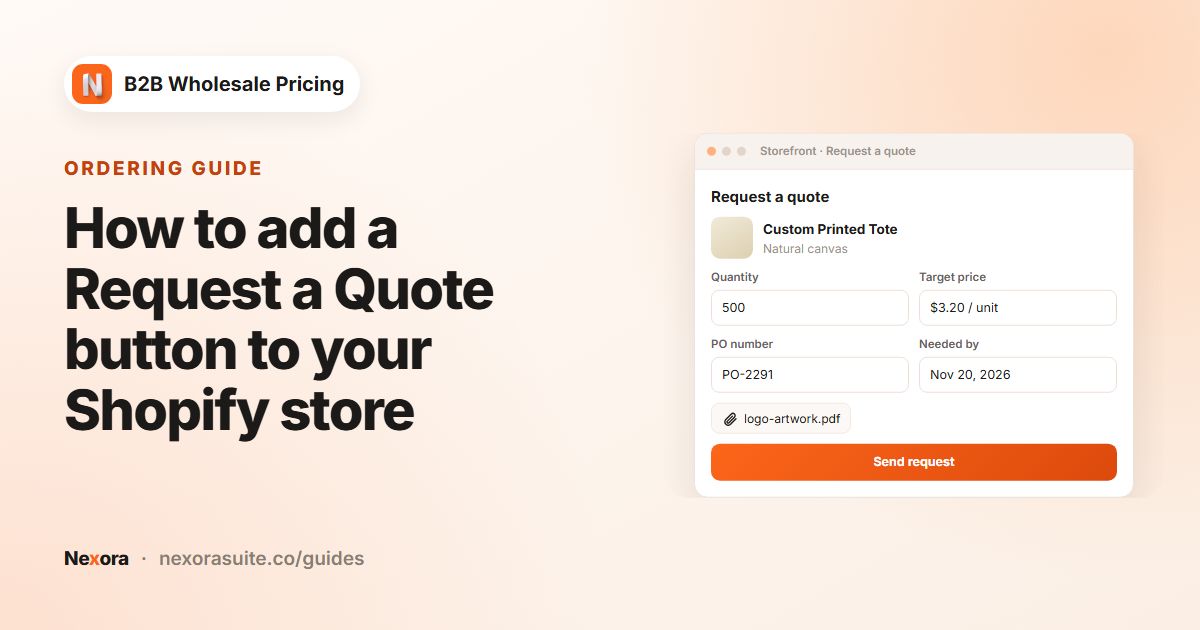
- Pair a maximum with a quote option. If orders above a cap need review, add a Request a Quote button so large buyers still have a way forward.
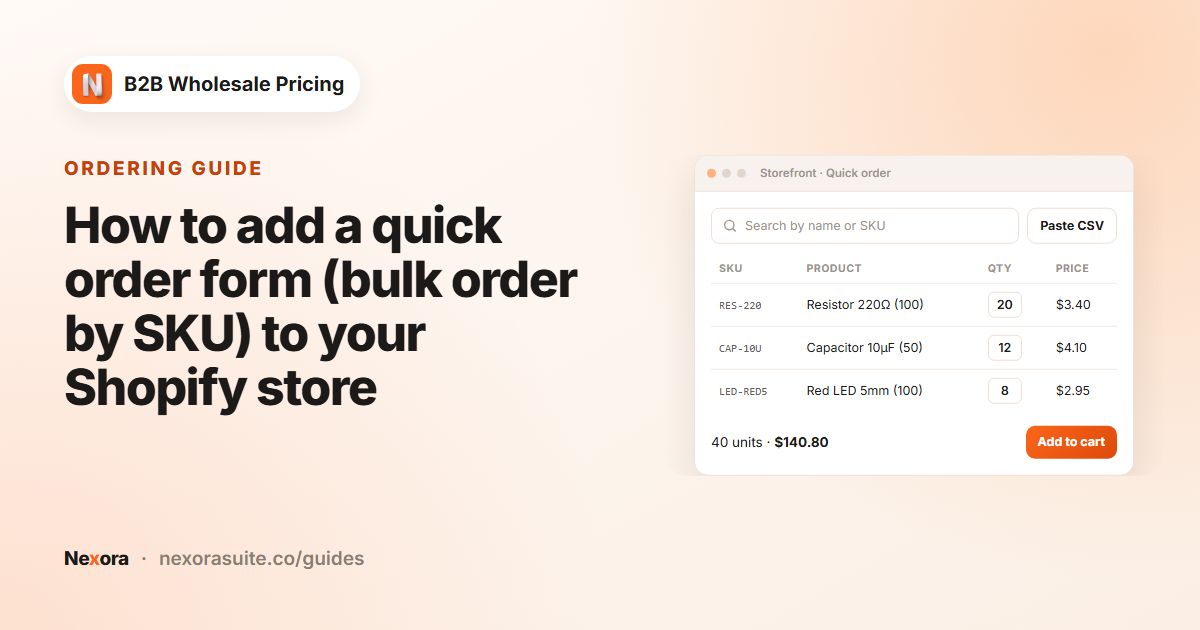
- Quick order forms: turn on Inherit store-wide MOQ / MOV in the form's Products & quantities tab so the form shows the same rule.
- Target by customer tags. Checkout validation checks limits for customers targeted by tag, logged-in status or all customers. For Specific customers, the limit is shown and checked in the storefront cart.
Start with Warn only for a few days if you're changing an existing store, so regular buyers see the new minimum before it blocks them.
Frequently asked questions
Can I set a minimum order amount only for wholesale customers?
Yes. In the limit's Customers card, choose By customer tags and add your wholesale tag. Customers without the tag have no minimum.
How does the minimum work with multiple currencies?
The Minimum cart value is in your store currency and converts by exchange rate. Add Per-currency minimums (optional) to set exact amounts for specific currencies.
Can I set a minimum by weight instead of value?
Yes. Choose MOW — Order weight (cart total) and enter a Minimum weight in kg, g, lb or oz. Your products need weights in Shopify.
What is the Milestone progress bar?
A Progress bar style that shows one short line and an icon (checkmark, truck, gift or lock) at the end of the bar, like a rewards bar. Classic shows your message with the bar and percentage.
Can I also cap the order value?
Yes. Enter a Maximum cart value (optional). Orders above it can't check out while enforcement is Block checkout.