How trade programs differ from ordinary wholesale
Furniture, lighting and home decor brands often sell to the trade (interior designers, architects, stagers and boutique retailers) instead of, or as well as, classic wholesale. A designer may buy one sofa for one client, so case packs and big minimums don't fit. What the trade does need is a trusted account, a private price, and a way to discuss fabrics, finishes and lead times before committing.
- Who qualifies. Trade programs usually ask for a business name, a portfolio or website and sometimes a business card or trade registration document.
- Different trade groups. Designers, architects and retailers may each get a different trade price.
- Made-to-order pieces. Custom upholstery, dimensions or finishes can't be priced by a simple add-to-cart, so buyers need to ask for a quote.
- Freight and lead times. Large items need a delivery quote and a realistic ship date, which is easier to handle on a draft order.
- Price privacy. Many brands keep trade prices private so they don't undercut their own retail partners.
Recommended setup for a trade program
| Need | Feature | Example value |
|---|---|---|
| Trade application | Registration forms with URL, File and a Dropdown | Portfolio link, business card or trade document |
| Tag by trade type | Customer tag per option | Designer → trade-designer; Retailer → trade-retail |
| Trade prices | Wholesale pricing, Percentage off, one rule per tag | Designers 20% off; retailers 35% off |
| Private trade prices | Catalog locks, Hide price | Trade collection, visible to trade tags |
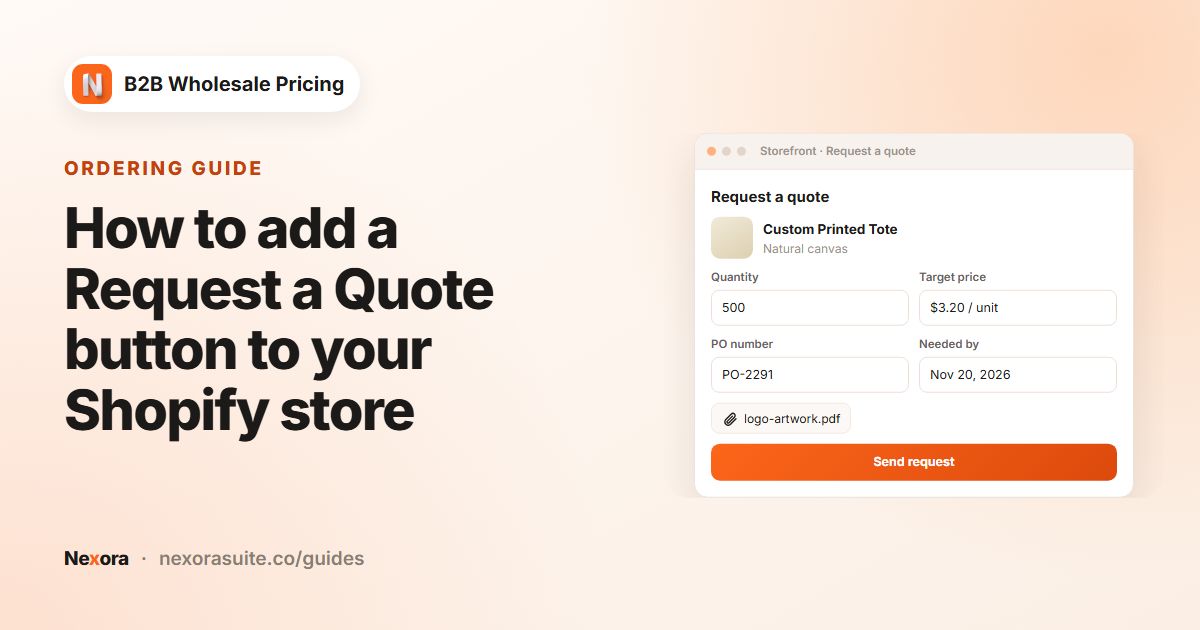
| Quotes for custom pieces | Add-ons → Request a Quote with Quote-only (replace Add to cart) | Products tagged made-to-order |
| Ship date and specs | Quote Modal optional fields | Needed by (ship date) and Message to the seller on |
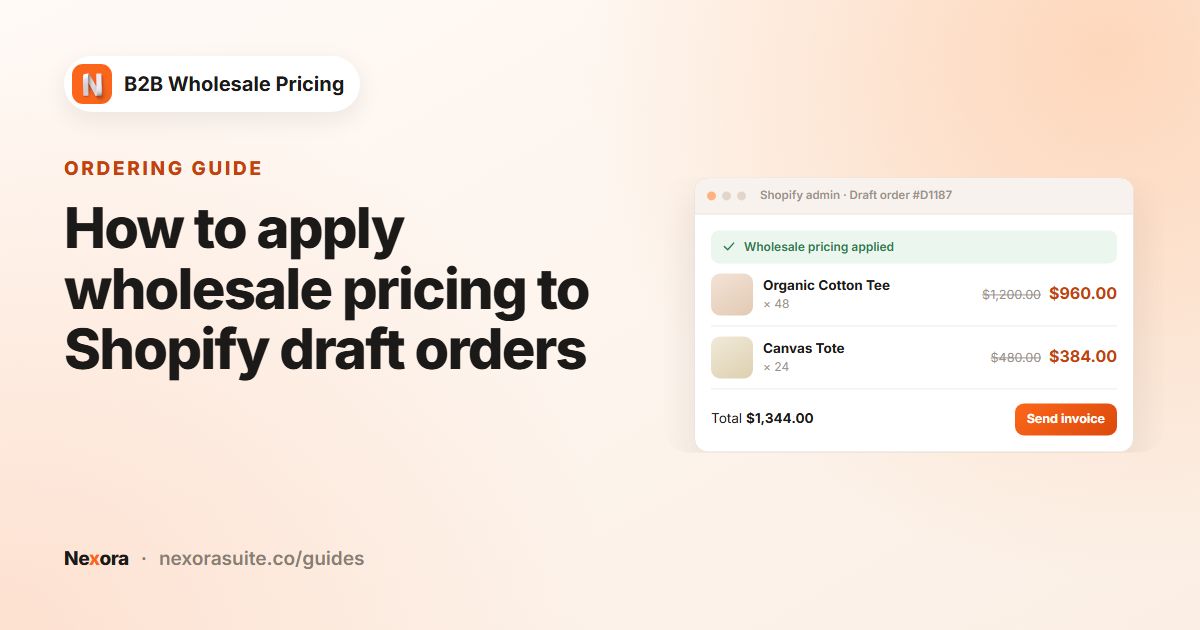
| Final order | Convert to draft order, then Apply wholesale pricing | Add freight to the draft, then Send proforma invoice |
Step-by-step setup
- Build the trade application
Go to Registration → Registration forms → Add registration form and name it Trade program. Add Name, Email, Password, Phone, a Text field for Studio or company name, a URL field for Portfolio or website, and a File element for a business card or trade document. Add an Accept terms element that links to your trade terms.
- Tag by trade type
Add a Radio buttons or Dropdown element called Trade type with Interior designer, Architect and Retailer. Set Customer tag per option to
trade-designer,trade-architectandtrade-retail. Keep Settings → Registration → Approval mode on Manual. - Set trade prices
Go to Pricing → Wholesale pricing → Create new. Create a rule for
trade-designerandtrade-architect(match any of) at 20% off, and a second rule fortrade-retailat 35% off. Turn on Show a label under the price with a Label text such as Trade price. - Keep trade prices private
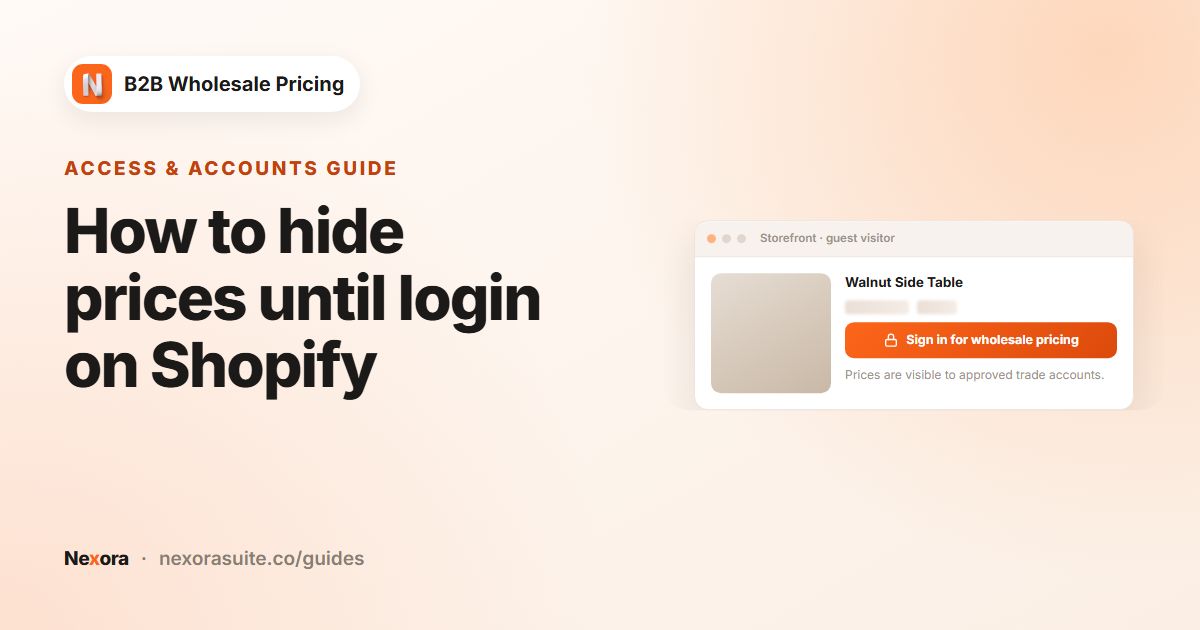
Go to Restrictions → Catalog locks → Create lock, choose Hide price and scope it to your trade collection. Under Who can see, choose By customer tags with all three trade tags. Set Price replacement text to Sign in for trade pricing and Sign-in link URL to your trade application page.
- Turn on quotes for custom pieces
Tag made-to-order products
made-to-orderin Shopify. Go to Add-ons → Request a Quote → Create new. On General, choose those products and the trade tags, and turn on Quote-only (replace Add to cart). On Modal, enable Message to the seller and Needed by (ship date), and change the Subtitle to Tell us the fabric, finish and dimensions you need. - Add the quote blocks
In the theme editor, add the Request a Quote block to the product template. If designers collect several pieces for one project, turn on the RaQ Quote List app embed so they can build a list and send one request.
- Review and convert quotes
Open Order forms → Quotes & orders, open a request and read the message and ship date. Click Mark as reviewed while you check lead times, then Convert to draft order.
- Price the draft and invoice
Open the draft under Order forms → Draft orders, check the line-by-line preview and click Apply wholesale pricing. Add the freight charge to the draft in Shopify, then click Send proforma invoice. If the designer has a payment term, click Apply payment terms first.
Example: a designer buys two lamps and asks for a custom sofa
An interior designer tagged trade-designer browses the trade collection. Lamps show the trade price with the Trade price label, because they are standard stock. The sofa is tagged made-to-order, so its product page shows a Request a Quote button instead of Add to cart.
- The designer buys the two lamps through normal checkout at the trade price. For the sofa, they click Request a Quote, write the fabric code and seat depth in Message to the seller, and sets Needed by to the client's install date.
- You receive the request in Quotes & orders and a new item in Order forms → Notifications.
- After confirming the lead time with your workshop, you convert the quote to a draft order, apply trade pricing, add white-glove delivery, and send the proforma invoice.
- A retail shopper who opens the same sofa while signed out sees the price replaced by Sign in for trade pricing.
Tips for furniture and decor trade programs
- Use auto-created drafts for simple custom items. On a quote rule, Auto-create draft order (pay later) creates the Shopify draft straight away, emails a proforma invoice and shows the shopper a payment link. This suits items that don't need a freight quote.
- Group trade quotes. Use a custom tag for submitted quotes, for example
trade-quote, so trade requests are easy to find. - Add the customer to admin-made drafts. If you build a draft from a phone call, add the designer to it first. Tag-based rules can't match a draft without a customer.
- Keep stock items buyable. Use Quote-only only for made-to-order products, so designers can still check out standard pieces quickly.
- Write a useful rejection email. In the form's Email tab, explain in Customer — Rejected what proof of trade you accept.
Invoices created from quotes and draft orders appear under Order forms → Invoices, where you can Download PDF, Resend or Mark as paid.
Frequently asked questions
Can interior designers apply for a trade account?
Yes. Build a registration form with a portfolio link and an optional file upload, then approve each application under Registration → Customer submissions.
Can I replace Add to cart with a quote button for custom furniture?
Yes. Turn on Quote-only (replace Add to cart) in a Request a Quote rule. It hides Add to cart and Buy it now on the matching products.
Can buyers give a delivery date in their quote request?
Yes. Enable the Needed by (ship date) field in the quote rule's Modal tab. You see the date when you open the quote.
How do I add trade pricing to a draft order?
Open the draft in Order forms → Draft orders, check the preview and click Apply wholesale pricing. The draft needs the trade customer for tag-based rules to match.
Can different trade groups get different prices?
Yes. Tag each group, for example trade-designer and trade-retail, and create one wholesale rule per group.