The three ways to build pages on Shopify
- Native theme editor — on an Online Store 2.0 theme, add, reorder and edit your theme's sections on almost any page, and create extra page templates. Free and built in.
- Page-builder apps — a separate drag-and-drop editor, usually with its own elements and layout controls, for building pages that go beyond what your theme offers.
- Installing native sections — add new section files (for example comparison tables, hotspots or countdown timers) to your theme, then keep using the normal theme editor. This is how Section Cloud works.
None of these is right for every store. The best choice depends on how far you want to move from your theme's design, who edits the pages, and how much you want to learn.
Side-by-side comparison
| Native theme editor | Page-builder app | Native sections from an app | |
|---|---|---|---|
| Where you edit | Shopify theme editor | The app's own editor | Shopify theme editor |
| Building blocks | Your theme's sections only | The builder's own elements | Your theme's sections plus the installed ones |
| Layout freedom | Within each section's settings | Usually the most freedom, down to individual elements | Within each section's settings |
| Learning curve | Lowest, if you already use the theme editor | A new tool to learn | Low, same editor you already use |
| Uses your header, footer and cart | Yes | Usually, depending on the app | Yes |
| Works on product and collection templates | Yes (Online Store 2.0) | Depends on the app | Yes (Online Store 2.0) |
| Ready-made full pages | No; you build from sections | Usually offers templates | Section Cloud page templates create a new page |
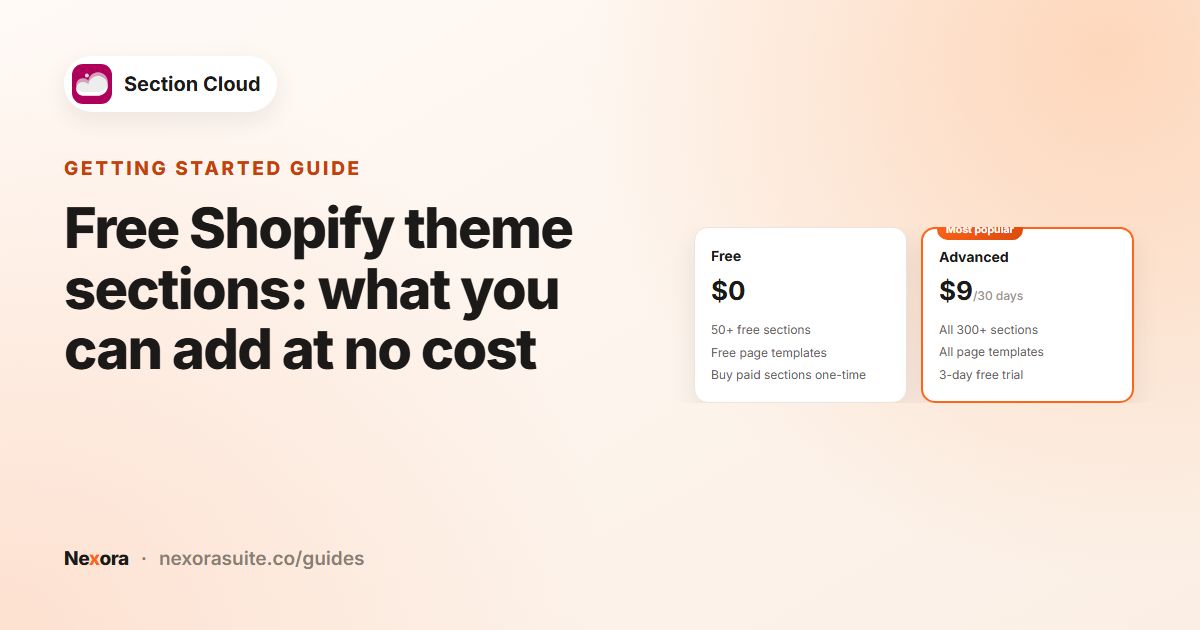
| Cost | Free | Varies by app and plan | Section Cloud: Free plan, one-time section purchases, or Advanced at $9 / 30 days or $90 / year |
| If you stop using the app | Not applicable | Check the app's documentation; pages may depend on it | Section Cloud: section files stay in the theme; app embed styling is removed |
Page-builder apps differ a lot from one another, so check the specific app's listing and documentation for how it handles templates, theme changes and uninstalling.
When the native theme editor is enough
If your theme already has the sections you need, you may not need any app. You can create a new page template in the theme editor, add sections and assign it to a page in Online Store → Pages. See Templates.
When a page builder fits better
- You want layouts that don't fit a section-by-section structure, such as freely positioned elements.
- You want to design many pages visually from scratch rather than starting from sections.
- You're on a theme that doesn't support sections on all pages, and switching theme isn't an option yet.
- Your team already knows a particular builder and is comfortable maintaining pages there.
When installing native sections fits better
- You like your theme and just need a few more kinds of sections, like FAQs, comparison tables, before/after sliders or store locations.
- You want everyone on the team to keep working in the Shopify theme editor.
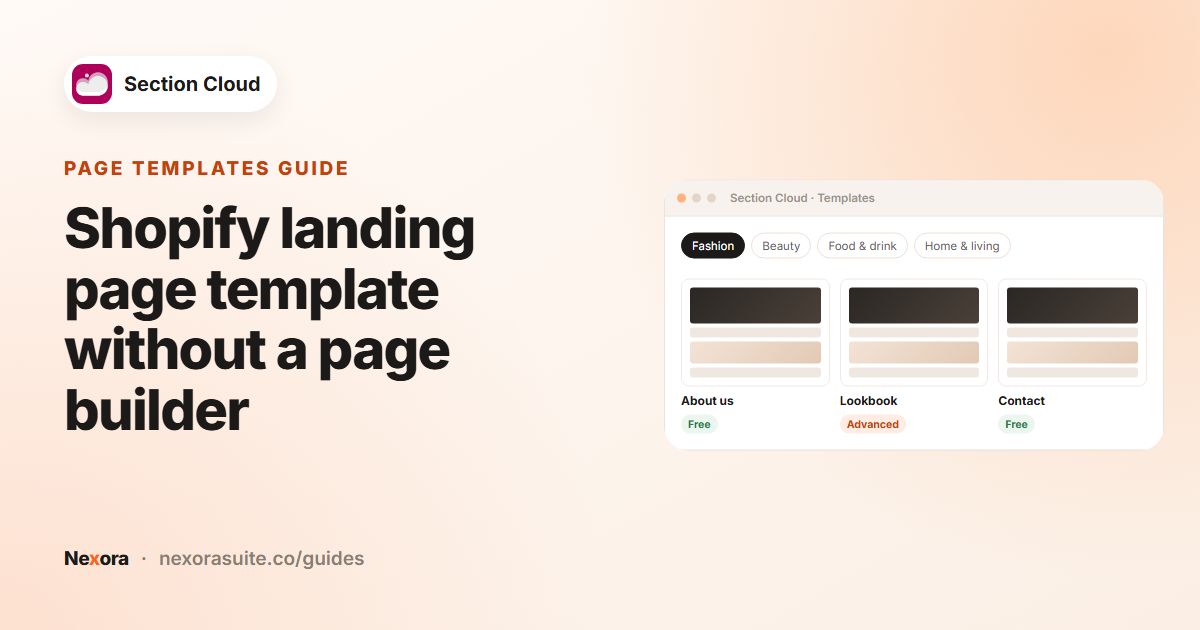
- You want new pages (About, Contact, FAQ, Lookbook, landing pages) quickly, starting from a template, while keeping your theme's header, footer and cart.
- You prefer a one-time purchase per section, or a low-cost plan, over a larger tool.
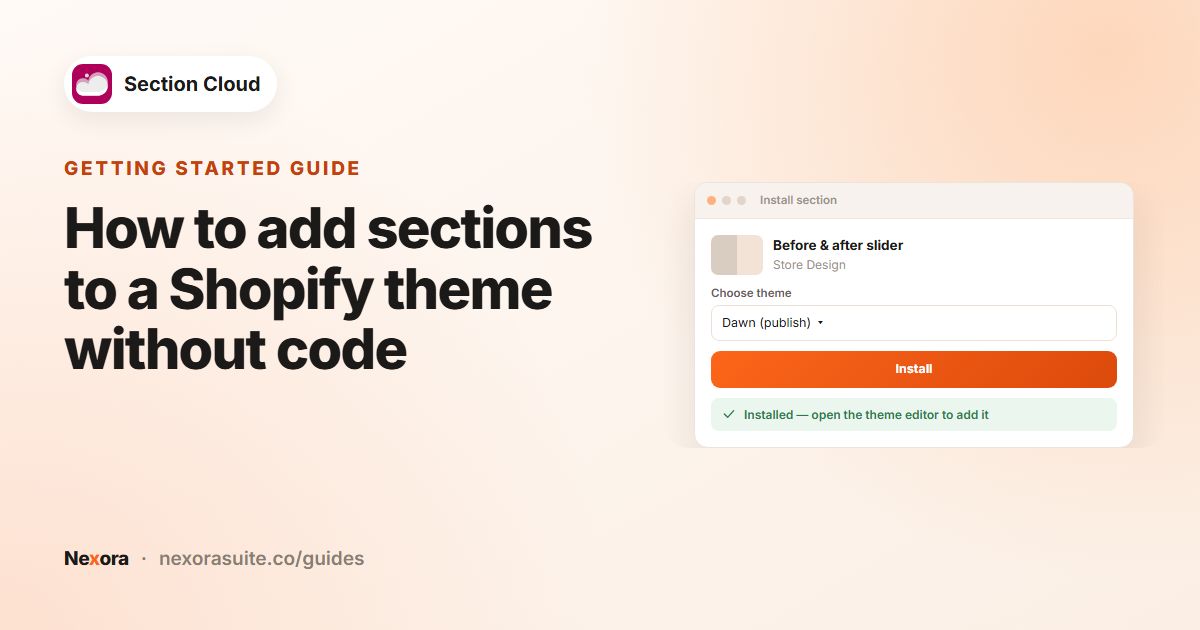
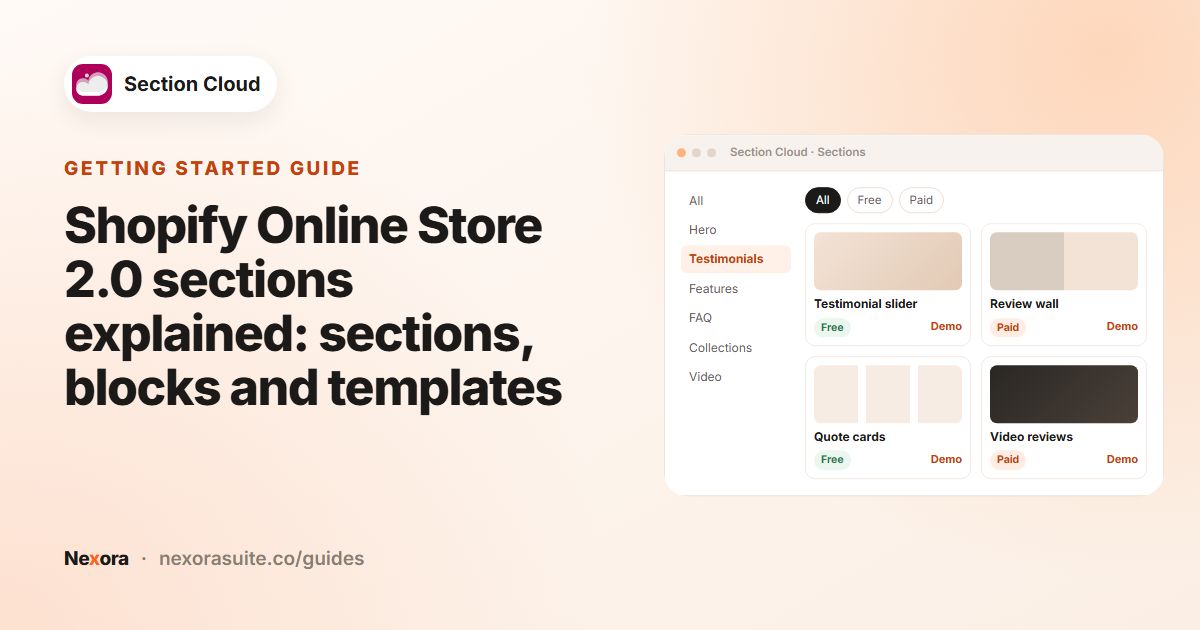
With Section Cloud you browse Sections, check each section's Demo, click Install, choose a theme, and add it with Add section in the theme editor. Page templates install as a new page at /pages/sco-<template-name> and never replace your homepage. See how to add sections.
Example: choosing for a growing apparel store
A store on a free Online Store 2.0 theme wants a sale landing page, an About page and a lookbook. Its homepage already looks good. Here, installing a lookbook and an About template, plus a countdown section for the sale page, keeps everything in the theme editor. If the same store later wanted a completely different, free-form campaign microsite, a page builder might be worth evaluating for that one project.
Tips before you decide
- Try on a duplicate theme. Whatever you choose, test on a copy before changing your live store.
- Check your theme first. Open Add section on a few page types; you may already have what you need.
- Think about who maintains pages. A single familiar editor is easier for a small team.
- Read uninstall behaviour for any app you try, so you know what stays in your theme.
Frequently asked questions
Do I need a page builder to make custom pages on Shopify?
Not necessarily. On an Online Store 2.0 theme you can create custom page templates from sections in the theme editor, and add more sections from an app when your theme lacks one.
Is Section Cloud a page builder?
No. It installs native sections and page templates into your theme. You edit them in the Shopify theme editor rather than in a separate builder.
Can I use Section Cloud alongside a page builder?
Section Cloud sections are standard theme sections, so they appear in your theme editor regardless of other apps. Check your page builder's documentation for whether it can show theme sections inside its own pages.
What happens to my pages if I uninstall Section Cloud?
The section files stay in your theme, so pages keep showing, but the app embed's styling (custom fonts and layout settings) is removed.
Which option is cheapest?
The native theme editor is free. Section Cloud has a Free plan with 50+ free sections; paid sections can be bought once, or all 300+ sections unlocked with Advanced.