Where free sections come from
Before installing anything, check what you already have. Your theme's own sections are free to use, and Shopify's free themes include a solid set of basics such as image banners, featured collections, rich text, image with text and collapsible content. Open the theme editor, click Add section on any page and browse the list.
When your theme doesn't include the kind of section you need, such as a comparison table, before/after slider, countdown timer, shop-the-look or store locations section, you can add one from an app. Section Cloud's Free plan is a good place to start because free sections install as native theme sections at no cost.
| You need | Look first in |
|---|---|
| Image banner, rich text, image with text, featured collection | Your theme's Add section list. Most Online Store 2.0 themes include these. |
| FAQ or accordion | Your theme, which often has a collapsible content section. Use an app section if you want grouped questions or a different design. |
| Comparison table, before/after slider, countdown timer, shop-the-look, store locations | An app library, since many themes don't include them. Browse the matching category in Sections. |
Free plan, one-time purchase or Advanced?
| Free plan | One-time purchase | Advanced plan | |
|---|---|---|---|
| Price | $0 | Each paid section is priced individually, paid once | $9 / 30 days or $90 / year |
| Sections | 50+ free sections | Free sections plus any paid sections you buy | All 300+ sections |
| Page templates | Free templates | Free templates (templates are not sold individually) | All page templates |
| New releases | — | Buy new paid sections as you need them | New sections and templates as they launch |
| Trial | — | — | 3-day free trial |
| Keeps working after you stop paying? | Yes | Yes, bought sections stay in My library → Purchased | After downgrading, you can't install paid sections or Advanced templates you haven't bought |
All charges, both subscriptions and one-time purchases, are billed through Shopify and appear on your Shopify invoice in US dollars.
How to find and install free sections
- Open Sections
In the app, open Sections and click the Free chip. The chip shows how many free sections there are.
- Narrow it down
Pick a category in the Categories sidebar, or type in Search your section....
- Check the badge
Cards marked Free install on any plan. Cards with a price are paid sections; Purchased means you already own it.
- Preview
Click the preview image (marked DEMO) to open a live demo in a new tab.
- Install
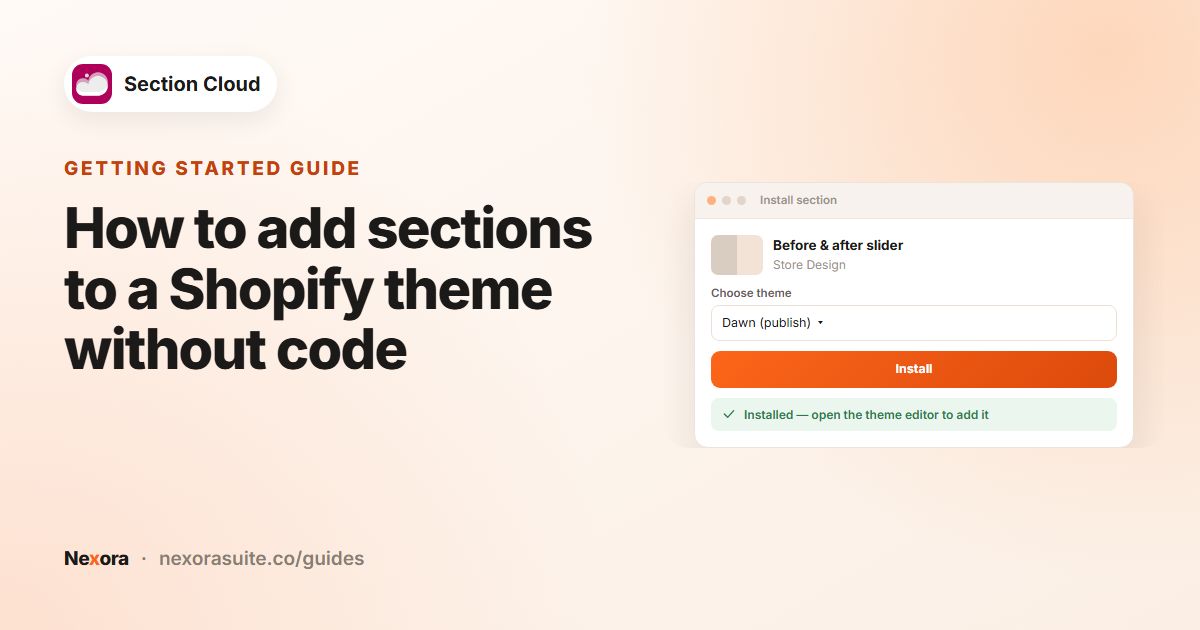
Click Install, choose a theme in Choose theme and click Install. Then click Customize and add it to a page with Add section.
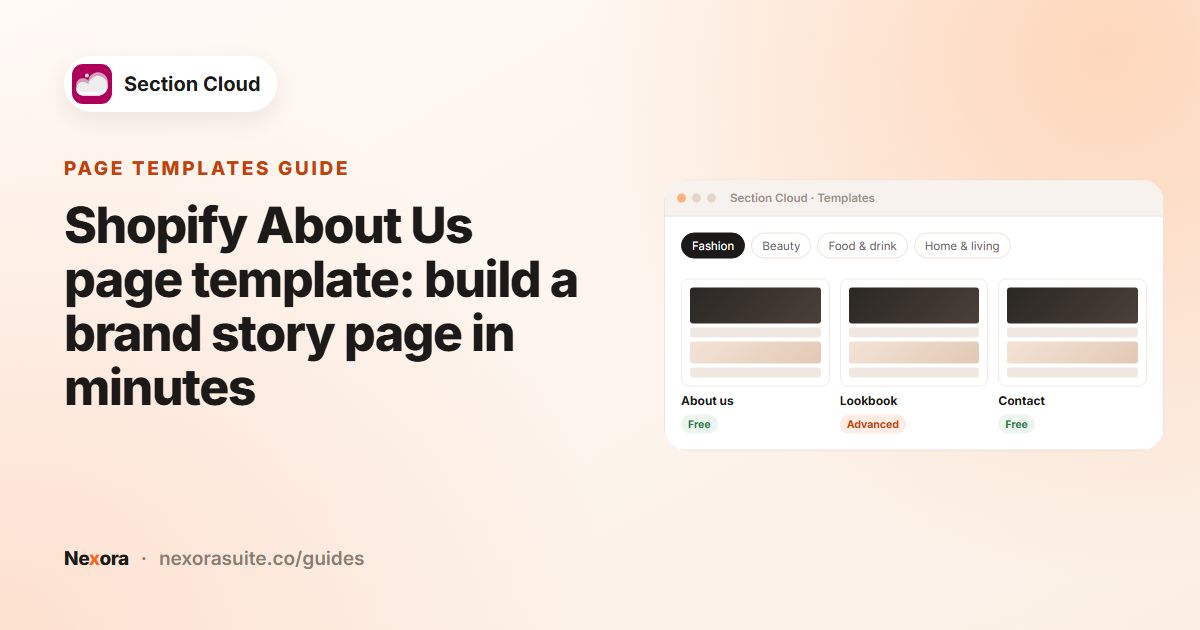
For free page templates, open Templates and click the Free chip. Installing one creates a new page in your store with its sections already arranged.
What happens after you install a free section
- It is added to one theme. The section goes into the theme you chose in Choose theme. To use it on another theme, click Install again in My library → Sections and pick that theme.
- It isn't on any page yet. Installing only adds it to the theme's list. Open the theme editor, go to a page and click Add section; most Section Cloud names start with a ✨ sparkle.
- Each placement has its own content. Add the same section to your homepage and an About page with different text and images, without installing it twice.
- It follows the app embed. With the Sections Cloud app embed on, the section uses your chosen fonts, Page width and Space between sections.
Buying a single paid section
If only one paid section is missing from your store, a one-time purchase is often the simplest choice. There's no subscription to remember.
- Click Purchase
On the paid section's card, click Purchase.
- Compare
The Get more value with Advanced window compares a One-time purchase with the Advanced plan. Click Buy for $… to buy just this section.
- Approve
Approve the one-time charge on Shopify's approval page.
- Install
You return to My library → Purchased. Click Install and choose a theme.
Which option fits your store
- Free plan — you need a handful of extra sections (for example a testimonial slider and an FAQ) and the free options cover them.
- One-time purchase — you need one or two specific paid sections and don't plan to keep redesigning.
- Advanced — you're redesigning several pages, want paid page templates, or prefer to try many sections. The 3-day free trial lets you test it; cancelling during the trial means you aren't charged.
A practical approach: start on Free, build your pages with free sections, and only pay when a specific section or template would clearly improve a page.
Troubleshooting free sections
- The section isn't in the Add section list. Check that you are editing the theme you installed it on; your live theme is marked (publish) in Choose theme. The theme must also be an Online Store 2.0 theme.
- You can't add another section to a page. Shopify allows up to 25 sections per template. Remove a section you no longer use, or build a second page template.
- Fonts or width look different from the demo. Turn on the Sections Cloud app embed and set Use custom font, Heading font and Page width.
- Delete doesn't remove it. If the section is still placed on a page, remove it from that page in the theme editor first, then use Delete in My library.
Tips
- Install on a duplicate theme while you experiment, so your live store stays unchanged.
- Turn on the Sections Cloud app embed so free sections pick up your fonts and page width. See customizing sections.
- Reuse one free section on several pages with different content instead of installing many similar ones.
- Bought sections stay yours: reinstall them from My library → Purchased whenever you change themes.
Frequently asked questions
Is Section Cloud really free?
Yes. The Free plan costs $0 and includes 50+ free sections and free page templates. Paid sections are optional.
Do free sections stop working if I never upgrade?
No. Free sections and sections you bought individually keep working on the Free plan.
Can I use one free section on several pages?
Yes. Install it once per theme, then add it to as many pages as you like with Add section, each with its own content.
Can I buy a page template individually?
No. Templates aren't sold individually. Free templates work on any plan; Advanced templates need the Advanced plan.
What happens if I cancel Advanced?
You move to Free and can no longer install paid sections or Advanced templates that you haven't bought individually.
Do I need an Online Store 2.0 theme for free sections?
Yes. Section Cloud sections, free or paid, need an Online Store 2.0 theme.