What makes apparel wholesale different
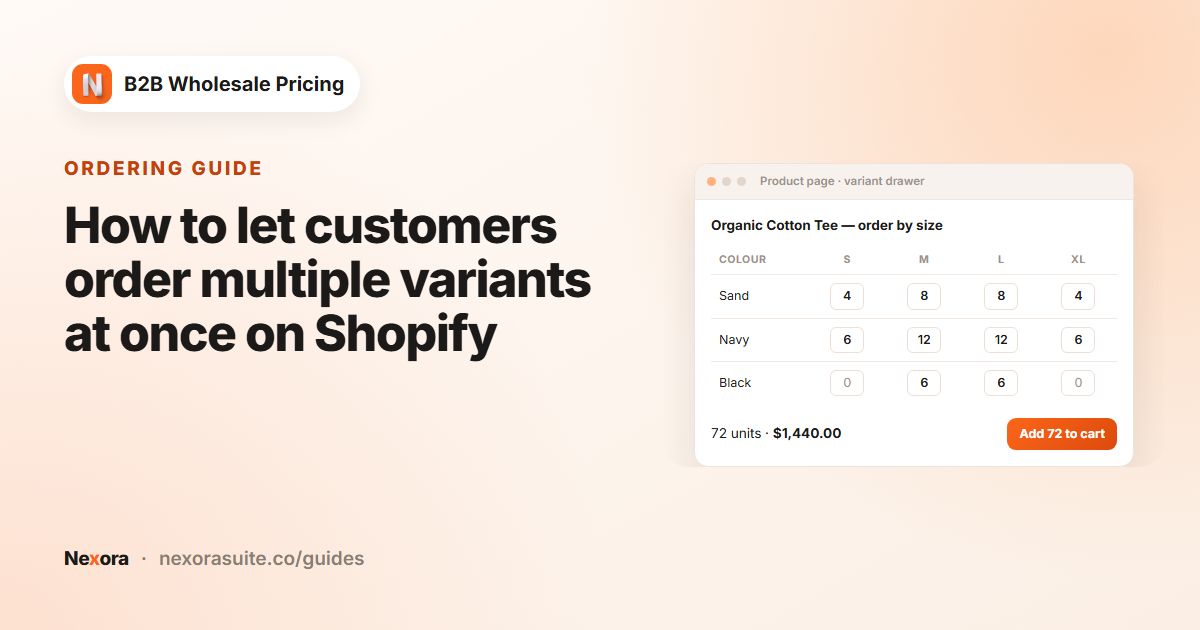
Clothing is one of the hardest catalogs to sell wholesale through a normal storefront, because a single style is rarely one product. A boutique buying a T-shirt usually wants a size run, say two each of S, M, L and XL, in two or three colours. On a standard Shopify product page that means picking a variant, typing a quantity, adding to cart, and repeating eight or twelve times.
- Size and colour matrices. Buyers think in size runs, not single variants, so ordering must work across many variants at once.
- Pack and prepack rules. Many brands only sell in multiples per size (for example 2 or 3 units) to keep size ratios healthy.
- Discounts that ignore size. A buyer ordering 6 S and 6 M of one style expects the 12-unit price, not two separate 6-unit prices.
- Retail and wholesale on one store. Most apparel brands also sell direct to consumers, so wholesale prices must only appear to approved stockists.
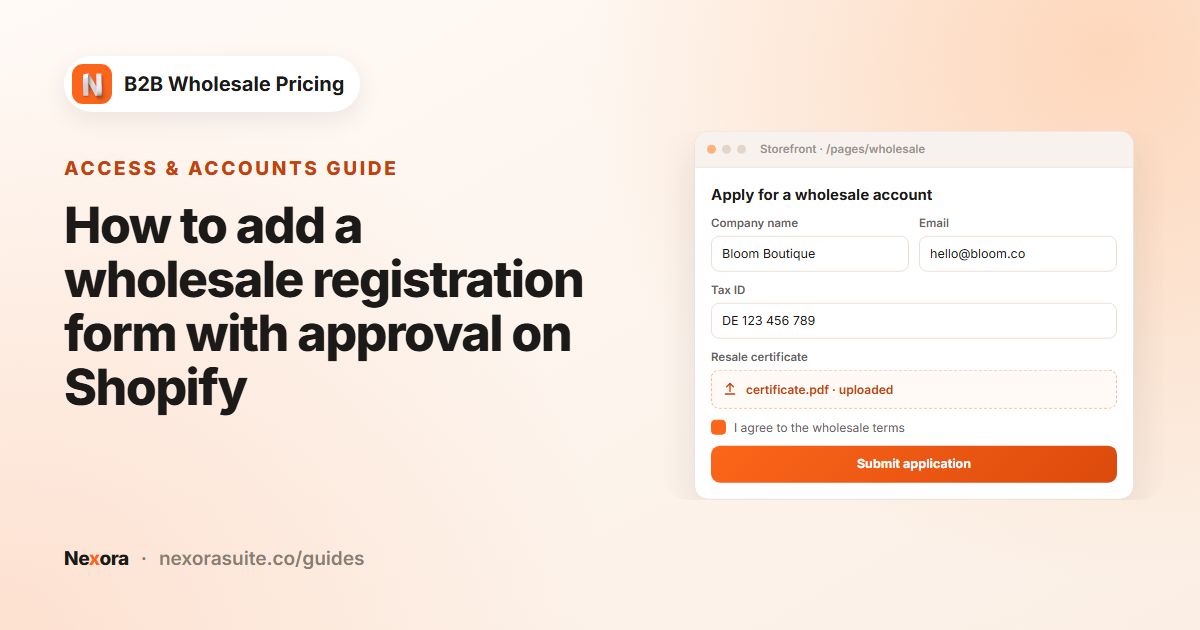
- Vetting stockists. Brands often ask for a resale certificate or business registration before opening an account, and want to see the shop's website or Instagram.
The setup below covers each of these with features from Nexora B2B Wholesale Pricing. The app is free, with every feature included, and works on any Shopify plan with regular customer accounts.
Recommended setup for an apparel brand
| Need | Feature | Example value |
|---|---|---|
| Order a size run in one go | Add-ons → Variant Drawer, Display mode set to Inline | A variant table under the product description |
| Minimum per size and per style | Variant Drawer Min qty per variant (MOQ) and Min qty per product (MOQ) | 2 per variant, 12 per product |
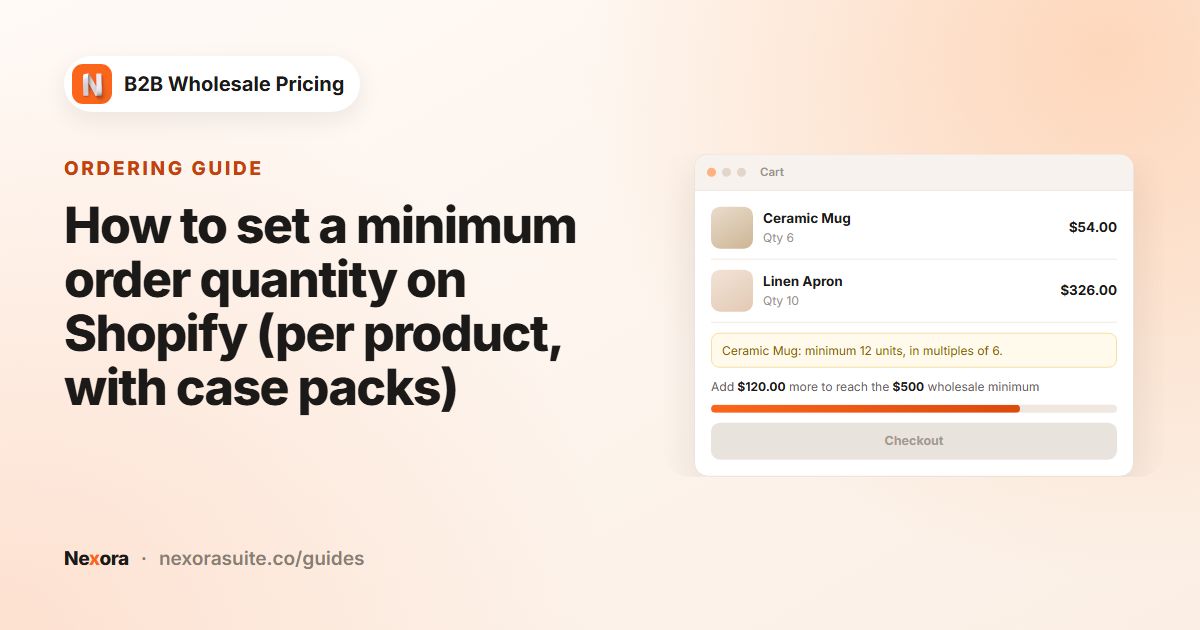
| Order in prepacks | Restrictions → Order limits, MOQ — Order quantity (per product) with a Step (optional) | Minimum 2, step 2 |
| Base wholesale price | Pricing → Wholesale pricing, Percentage off | 50% off retail for wholesale-apparel |
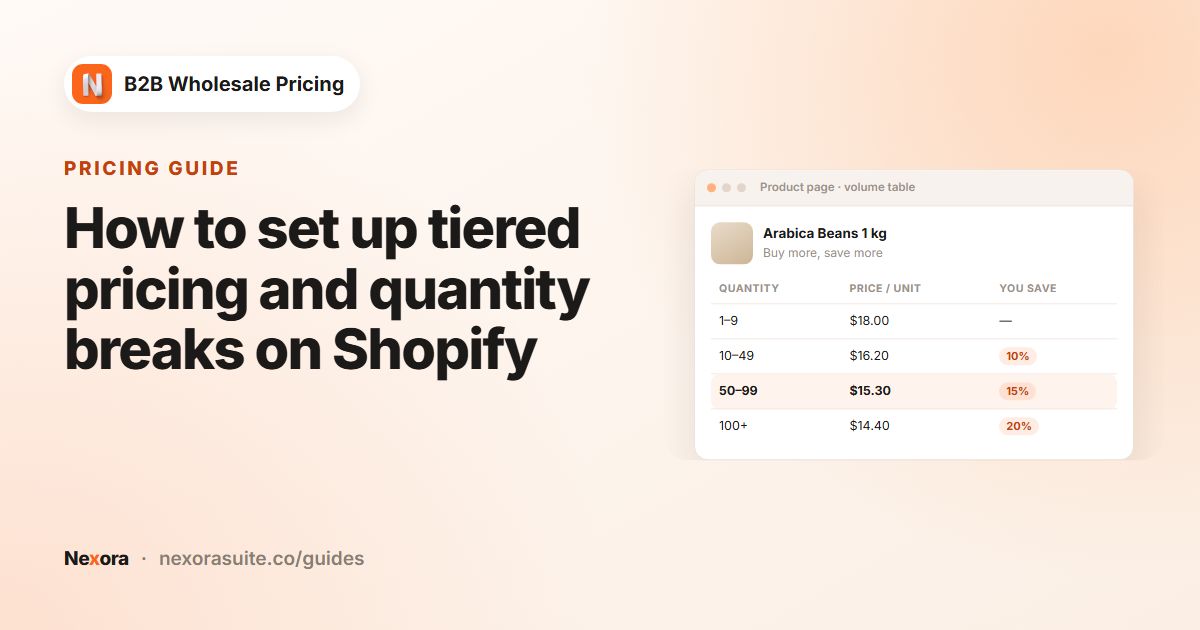
| Tier discount that counts all sizes | Pricing → Volume pricing, Qualifying products = Mix variants (same product) | 24+ units: extra 5% off; 48+ units: extra 10% off |
| Vet new stockists | Registration → Registration forms with a File element | Resale certificate upload, required |
| Keep prices private | Restrictions → Catalog locks, Hide price | Wholesale-only collection, visible to wholesale-apparel |
The order-limit minimum is checked on each cart line, which means each size and colour variant. The Variant Drawer's Min qty per product (MOQ) covers the total across all sizes of a style: the drawer shows a message until the total is reached, but it is a storefront guide rather than a checkout block. Use the order-limit Minimum quantity for a per-size minimum that is also enforced at checkout.
Step-by-step setup
- Turn on the app embed
On Home, use Storefront status to switch on the Wholesale B2B app embed, then click Save in the theme editor. Turning on Zero-flicker (head) as well stops retail prices from flashing on collection pages with many products.
- Build the stockist application form
Go to Registration → Registration forms → Add registration form. Add Name, Email, Password, Phone, a Text field for Store name, a URL field for the shop's website or Instagram, a Country element and a File element labelled Resale certificate. In the File element, set Allowed extensions (for example PDF, JPG, PNG) and tick Required.
- Tag stockists by type
Add a Dropdown called Store type with options such as Boutique and Online retailer. Use Customer tag per option so approved boutiques get
wholesale-apparelplusboutique. Set Settings → Registration → Approval mode to Manual so you can check each certificate. - Create the wholesale price
Go to Pricing → Wholesale pricing → Create new. Title it Wholesale price. Under Customers, choose By customer tags and add
wholesale-apparel. Under Products, pick your wholesale Collections and set Discount type to Percentage off, for example 50. Turn on Show a label under the price so stockists see that the price is their wholesale price. - Add size-run volume tiers
Go to Pricing → Volume pricing → Create new. Keep Tier basis on Quantity and set Qualifying products to Mix variants (same product). Add tiers, for example From 24 To 47 Value 5 and From 48 Value 10 with % off. In Settings → Pricing, choose Stack both discounts if the tier should come on top of the 50% wholesale price.
- Set up the Variant Drawer
Go to Add-ons → Variant Drawer → Create new. Choose the products and target
wholesale-apparel. Under Quantity constraints, set Min qty per variant (MOQ) to 2 and Min qty per product (MOQ) to 12. Under Display & Actions, choose Inline, then add the Variant Drawer block to your product template. - Enforce prepacks
Go to Restrictions → Order limits → Create limit and choose MOQ — Order quantity (per product). Set Minimum quantity to 2 and Step (optional) to 2, target
wholesale-appareland choose Block checkout. Add the MOQ Badge block to the product template and MOQ Cart Enforce to the cart. - Hide prices from guests
Go to Restrictions → Catalog locks → Create lock, choose Hide price, scope it to the wholesale collection, and under Who can see choose By customer tags with
wholesale-apparel. Set Sign-in link URL to the page that holds your application form.
Example: a T-shirt with 4 sizes and 3 colours
Say a style retails at $30 and comes in S, M, L and XL in black, white and sand, which is 12 variants. A boutique opens the product page and sees the variant table inline, with the wholesale price of $15 per unit and the Wholesale price label. They enter 2 in each of the 12 cells, which is 24 units.
- The Variant Drawer shows no minimum messages, because every variant has at least 2 units and the style has at least 12.
- The volume rule counts all 24 units together because Mix variants (same product) is on, so the 24+ tier applies.
- With Stack both discounts, the 5% tier applies after the 50% wholesale price: $15.00 becomes $14.25 per unit.
- If the buyer later changes one size to 3 units in the cart, the cart shows the wrong-multiple warning so they can fix it before checkout.
These numbers are only an example. Pick tiers that match your own margins and minimums.
Tips for apparel wholesale
- Keep variant names consistent. Buyers scan the variant table quickly, so S / M / L / XL is easier to read than mixed labels such as Small and Med.
- Use Best price for customer if you already run deep discounts. If your wholesale price is already 50% off, a stacked tier may cut too far into margin. Best price for customer gives the buyer whichever is lower instead.
- Check the step message. The step helps buyers order in multiples on the product page and in the cart, while the minimum blocks checkout. Write a clear Cart warning text (wrong multiple / step) such as Please order {{title}} in packs of {{step}}.
- Run seasonal pricing with dates. For pre-season ordering windows, set a Start date and End date in a separate wholesale rule.
- Refresh after big imports. New-season imports can add hundreds of variants. Click Refresh pricing data on Pricing afterwards.
A catalog lock with Hide price keeps prices out of the page for guests. If you also want to hide the whole wholesale line sheet from the public, add a Hide collection lock for that collection.
Frequently asked questions
Can buyers order every size of a style at once?
Yes. The Variant Drawer shows every variant of the product in one table, as a button, a floating button or inline on the page. Quantities are added to the cart as buyers enter them.
Do different sizes count toward the same volume tier?
They do when the volume rule's Qualifying products is set to Mix variants (same product). With Same variant, each size has to reach the tier on its own.
Can I require a resale certificate before approving a boutique?
Yes. Add a File element to the registration form and tick Required. With Approval mode set to Manual, you review the file before approving the account.
Is a minimum per style enforced at checkout?
Order-limit minimums are checked per cart line, meaning per variant. The per-style minimum is the Variant Drawer's Min qty per product (MOQ), which the drawer shows as a message while buyers order. It is not checked at checkout.
Will retail shoppers see wholesale prices?
No. Wholesale and volume rules only apply to the customers they target, for example customers tagged wholesale-apparel. A Hide price catalog lock also hides prices from signed-out visitors.