What food and drink distributors need
Food and beverage wholesale runs on delivery economics. A delivery run to a deli, restaurant or independent grocer costs roughly the same whether the van carries two cases or twenty, so distributors set a minimum drop value and use different delivery options for trade accounts than for consumers.
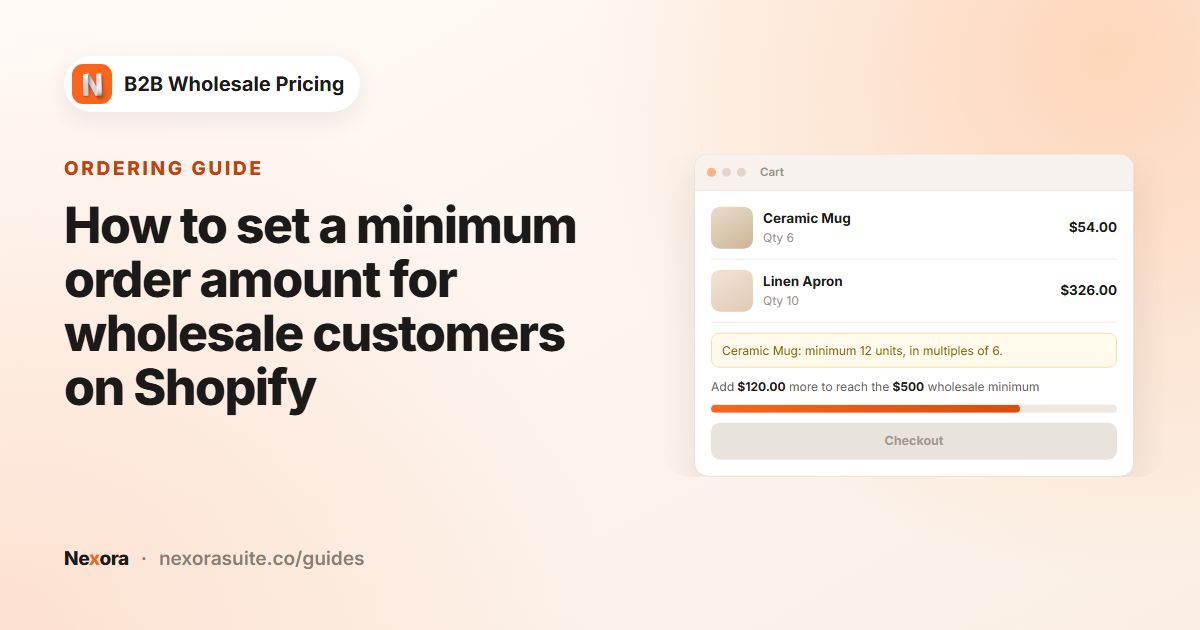
- Minimum drop value. Small trade orders often cost more to deliver than they earn, so most distributors set a minimum order value.
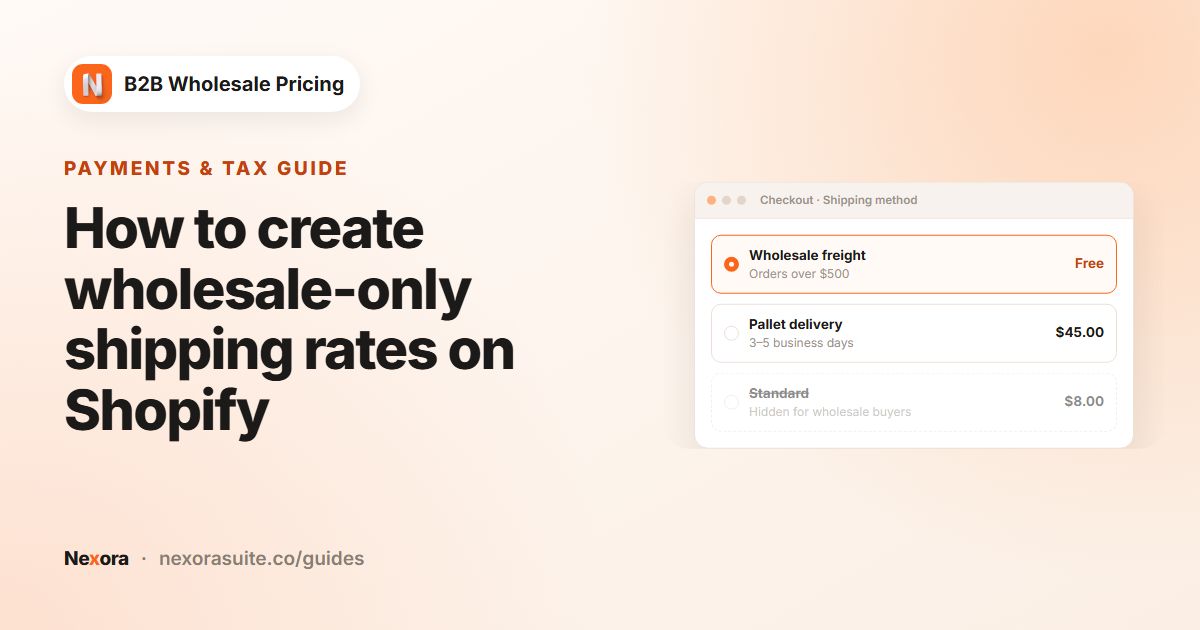
- Trade delivery options. Trade buyers may need pallet freight or a scheduled route, while retail shoppers see standard parcel rates.
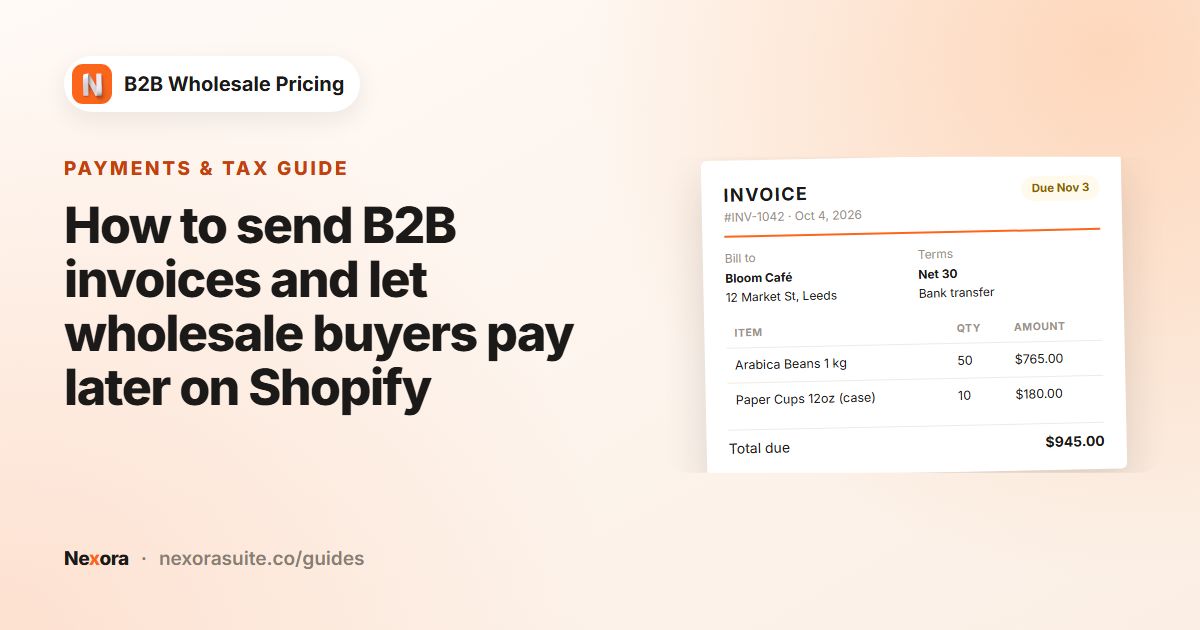
- Paperwork. Shops and restaurants usually need an invoice with their purchase-order (PO) number for their own accounts.
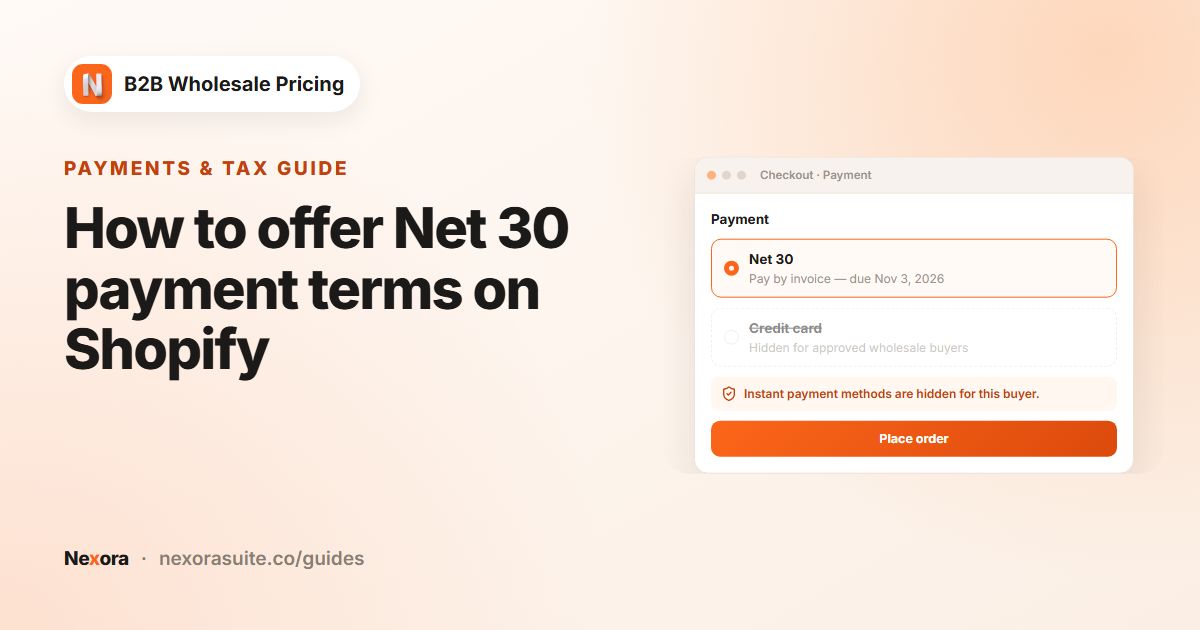
- Paying after delivery. Many trade customers pay on Net 30, or once their goods have been delivered.
- Several currencies. Distributors who ship across borders want round minimums in each currency, not a converted amount such as 371.48.
Food safety, labelling and alcohol licensing rules are outside the scope of this guide. Check what applies to your products and markets.
Recommended setup for a food or beverage distributor
| Need | Feature | Example value |
|---|---|---|
| Minimum drop value | Order limits, MOV — Order value (cart total) | $400 for trade |
| Round minimums abroad | Per-currency minimums (optional) | CAD 550 |
| Show progress in the cart | Show in cart drawer with the Milestone style | Above the checkout button |
| Trade-only freight rates | Shipping rates, Show only matching rates | Rates whose name contains Trade |
| Free delivery for big drops | Shipping rates, Hide matching rates with a Cart subtotal condition | Hide Trade free delivery up to $1,499.99 |
| Pay later | Payment terms, Net days and Due on fulfillment | Net 30 for trade-net30; due on fulfillment for trade-cod |
| Invoices with PO number | Edit invoice template, Sections | PO number and payment instructions on |
Step-by-step setup
1. Minimum order value
- Create the limit
Go to Restrictions → Order limits → Create limit, choose MOV — Order value (cart total) and set Minimum cart value to 400. Under Per-currency minimums (optional), add exact amounts for other currencies you sell in.
- Target trade accounts
Under Customers, choose By customer tags and add
trade. Choose Block checkout. - Show progress
Tick Show in cart drawer, set Position in the drawer to Above the checkout button and pick the Milestone style. Write Message below the minimum, for example Add {{remaining}} to reach the minimum drop. Add the Order minimums (cart) block to the cart template too.
2. Trade shipping rates
- Create the rates in Shopify first
In Shopify → Settings → Shipping, create the rates trade buyers should see, for example Trade freight — next route and Trade freight — pallet, plus a $0 rate called Trade free delivery.
- Show only trade rates
In the app, go to Add-ons → Shipping rates → Create rule. Choose Show only matching rates, add Trade with Name contains, set Apply when to Always (no condition) and target
trade. Trade buyers now see the two freight rates and the free rate, and no parcel rates. - Keep free delivery for big drops
Create a second rule with Hide matching rates, enter Trade free delivery with Exact name, set Apply when to Cart subtotal with a Maximum of 1499.99, and target
trade. Below $1,500 the free rate is hidden; from $1,500 it appears next to the freight rates. - Hide trade rates from consumers
Create a third rule with Hide matching rates for Trade with Name contains, targeting everyone except trade buyers, for example All customers with
tradeexcluded by tag.
3. Payment terms and invoices
- Create manual payment methods
In Shopify, create custom manual payment methods such as Trade account — Net 30 and Pay on delivery. See manual payment methods.
- Create the terms
Go to Add-ons → Payment terms → Create payment term. Create a Net days term with Net 30 for
trade-net30, and a Due on fulfillment term fortrade-cod. Tick Enforce this payment term at checkout on both and hide the instant-pay methods. - Set up invoices
In Settings → Invoices, set an Invoice number prefix such as TR- and fill in Payment instructions with your bank details. Then open Order forms → Invoices → Edit invoice template, add your logo, and under Sections turn on ship-to, PO number and payment instructions.
Example: a deli's weekly order
A deli tagged trade and trade-net30 fills its cart with olive oil, crackers and soft drinks worth $360. The cart drawer shows the Milestone bar with $40 to go, and the checkout button stays disabled. The buyer adds a case of sparkling water and reaches $410.
- At checkout, the deli sees only Trade freight — next route and Trade freight — pallet. Standard parcel rates are hidden.
- Because the subtotal is below $1,500, the free delivery rate stays hidden.
- The deli chooses Trade account — Net 30. The app adds Net 30 terms to the order and emails a PDF invoice numbered with the TR- prefix.
- The invoice appears under Order forms → Invoices as Sent. If it isn't paid by the due date, it moves to Overdue.
There is no live checkout preview for shipping rules. Test each rule while signed in as a customer with the matching tags.
Tips for food and beverage wholesale
- Match rate names exactly. Shipping rules find rates by name, so a renamed rate in Shopify stops matching. Name contains with a shared word such as Trade is easier to maintain.
- Use weight for heavy drinks. If bottled drinks make freight expensive, a shipping rule with Apply when = Total weight can reveal the pallet rate only above a weight.
- Keep a maximum for new accounts. A Maximum cart value (optional) on an MOV limit for a
trade-newtag can cap first orders until you know the buyer. - Limit terms by order size. Use the payment term's Order value card so very small or very large orders pay immediately.
- Remind before due dates. Turn on Email the customer before the due date with a 7-day Lead time for Net 30 accounts.
Payment terms and shipping-rate rules target customers, not Shopify Markets. Use tags such as trade-ca if rules should differ by country.
Frequently asked questions
Can I set a minimum order value only for trade customers?
Yes. Create an MOV — Order value (cart total) limit and target By customer tags, for example trade. Retail shoppers aren't affected.
Can trade buyers see different shipping rates from consumers?
Yes. Create the rates in Shopify, then use Add-ons → Shipping rates to show only the trade rates to tagged customers and hide them from everyone else.
Can I offer free delivery above a certain order value?
Yes. Create a $0 rate in Shopify and hide it below your threshold with a Hide matching rates rule and a Cart subtotal maximum. If the free rate should be the only option above the threshold, use Free shipping (reveal only the named free rate) with a Minimum instead, and make sure no other rule hides that rate.
Can buyers pay when the goods are delivered?
Yes. Use the Due on fulfillment term type with a manual payment method, and enforce it at checkout for the customers you choose.
Can the invoice show the buyer's PO number?
Yes. In the invoice template, turn on the PO number section under Sections. Invoices are created when a payment term is applied at checkout, or from a quote or draft order.