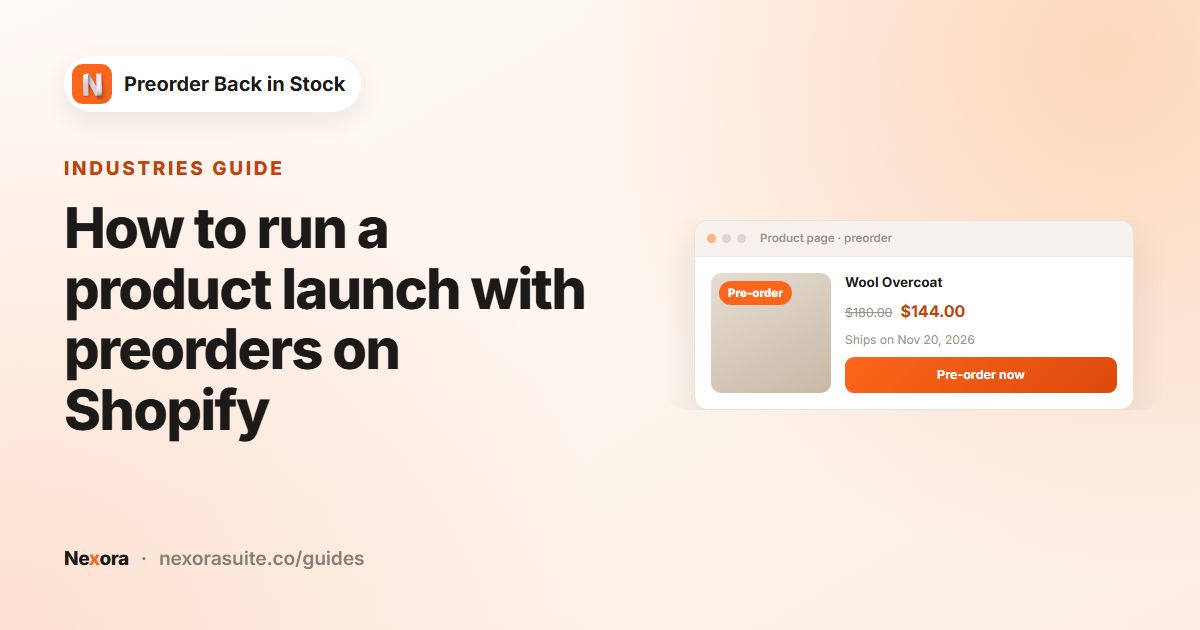
How to take preorders with deposits and ship dates, and send back-in-stock alerts on Shopify — with exact settings for Nexora Preorder Back in Stock, a free app.
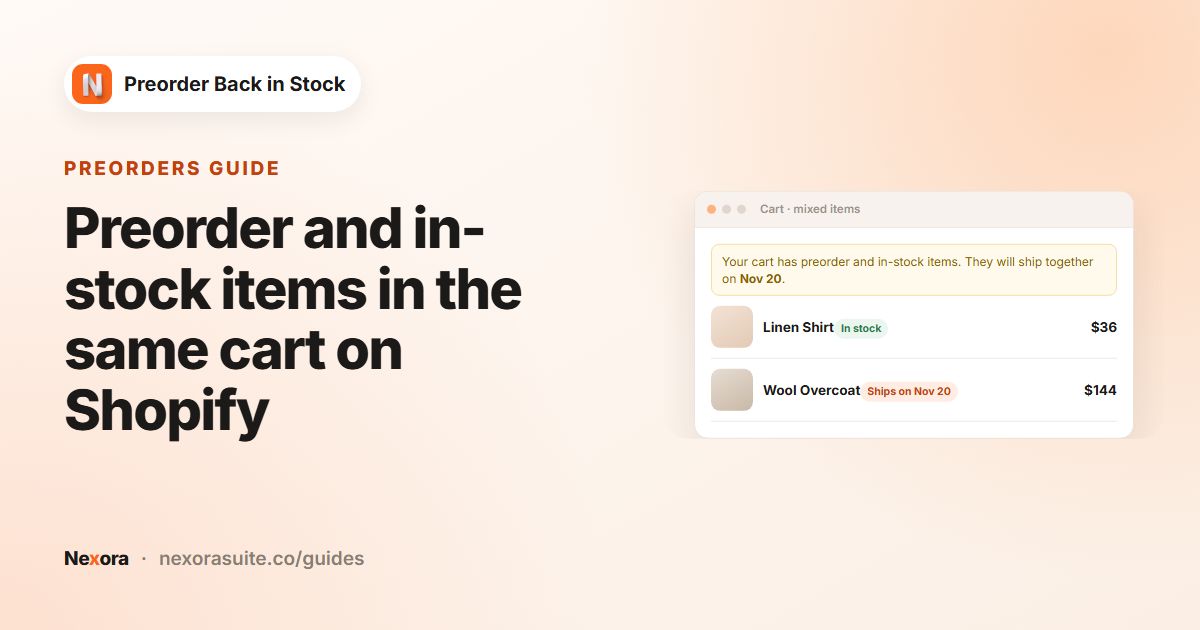 PreordersPreorder and in-stock items in the same cart on Shopify
When a Shopify cart contains both preorder and in-stock items, decide how you will ship it and say so in the cart. In Nexora…
Read guide →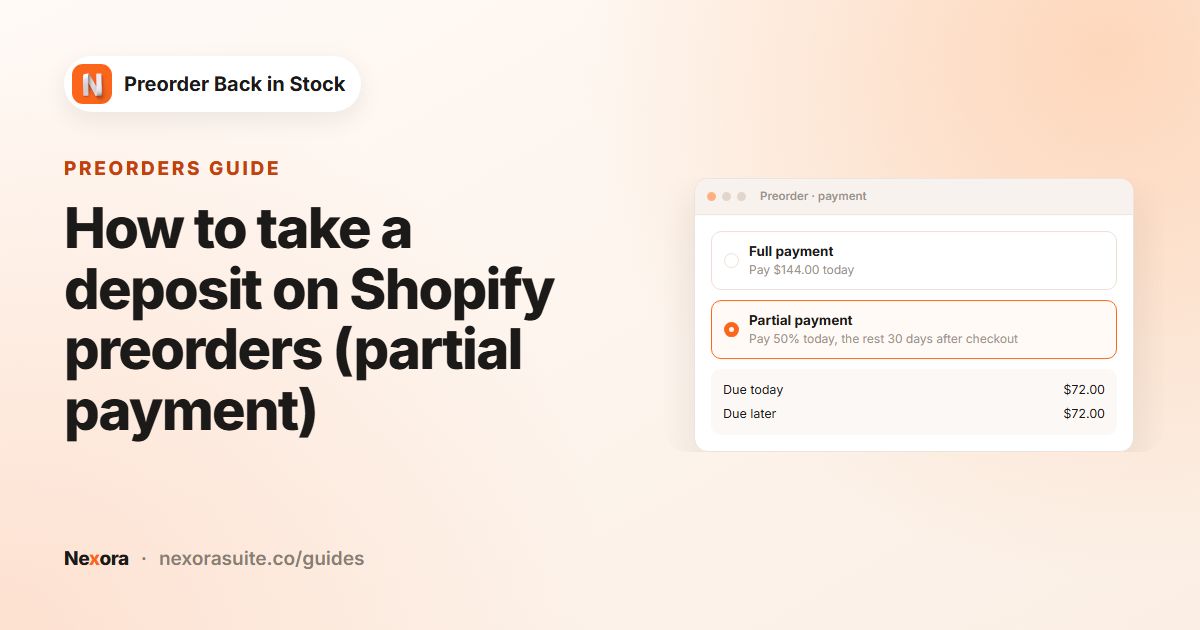 PreordersHow to take a deposit on Shopify preorders (partial payment)
To take a deposit on a Shopify preorder, use a preorder app that creates a pre-order selling plan with a checkout charge. In…
Read guide →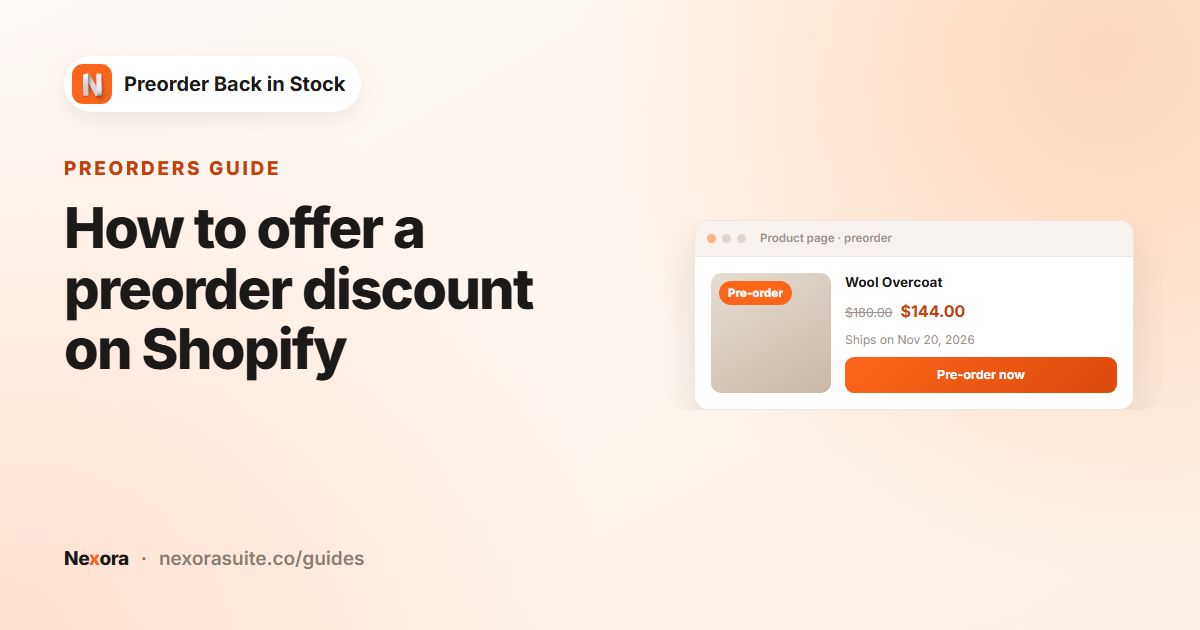 PreordersHow to offer a preorder discount on Shopify
To offer a preorder discount on Shopify, apply the discount to the preorder purchase option rather than the product itself. In…
Read guide → PreordersHow to limit preorder quantities on Shopify
To limit preorders on Shopify, cap how far inventory can go below zero. In Nexora Preorder Back in Stock, tick Limit inventory for…
Read guide → PreordersHow to show an expected ship date on Shopify preorders
To show an expected ship date on Shopify preorders, put it in the preorder message and set a scheduled fulfillment date on the…
Read guide → PreordersHow to add preorder countdowns and urgency messages on Shopify
To add urgency to Shopify preorders, show one short message above the Preorder button that is based on real data. In Nexora…
Read guide → PreordersHow to set up preorders on Shopify
To set up preorders on Shopify, turn on Continue selling when out of stock for the products, then add a preorder app so the button…
Read guide →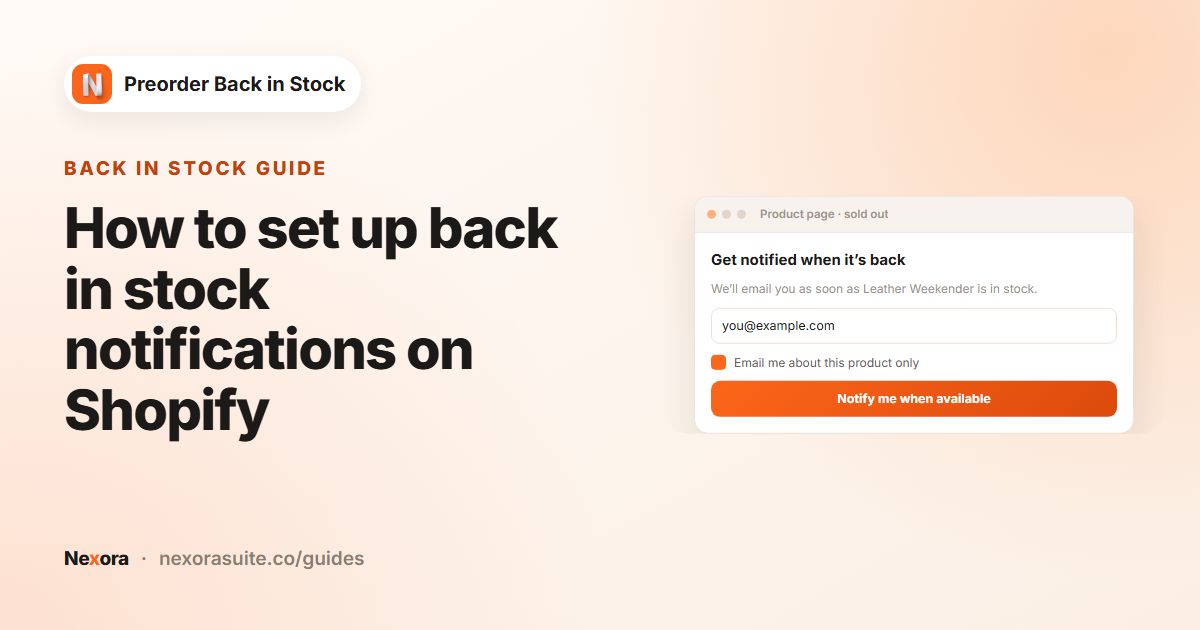 Back in stockHow to set up back in stock notifications on Shopify
To set up back in stock notifications on Shopify, add a Notify me when available button to sold-out products, collect email…
Read guide →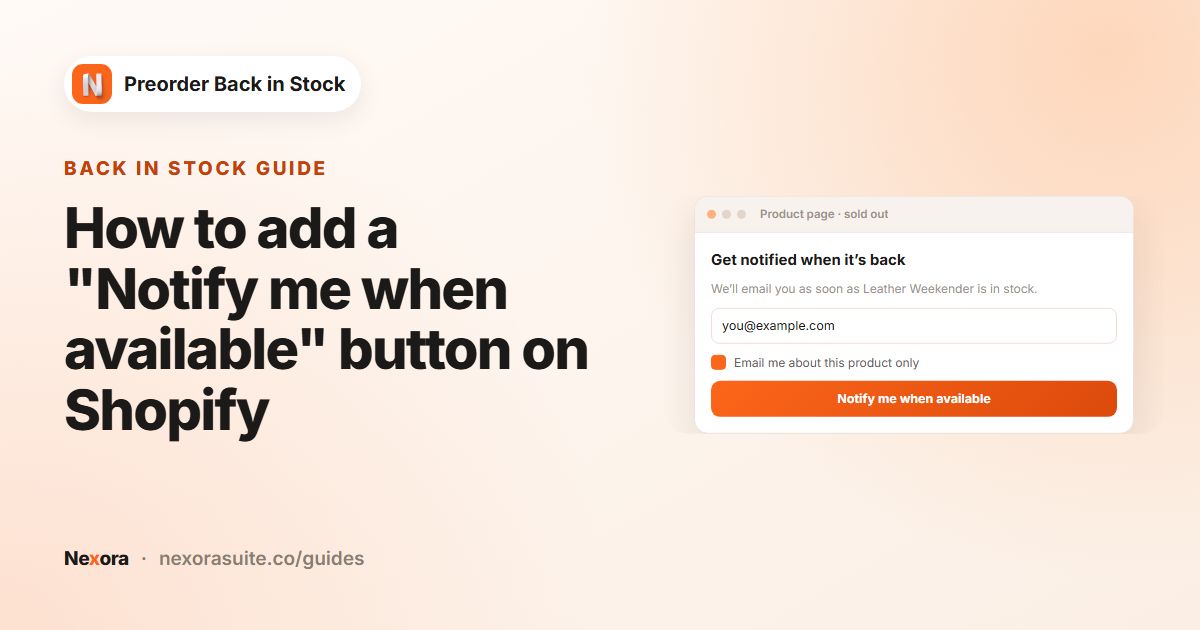 Back in stockHow to add a "Notify me when available" button on Shopify
To add a Notify me when available button on Shopify, use a back in stock app that shows the button on sold-out variants and opens…
Read guide →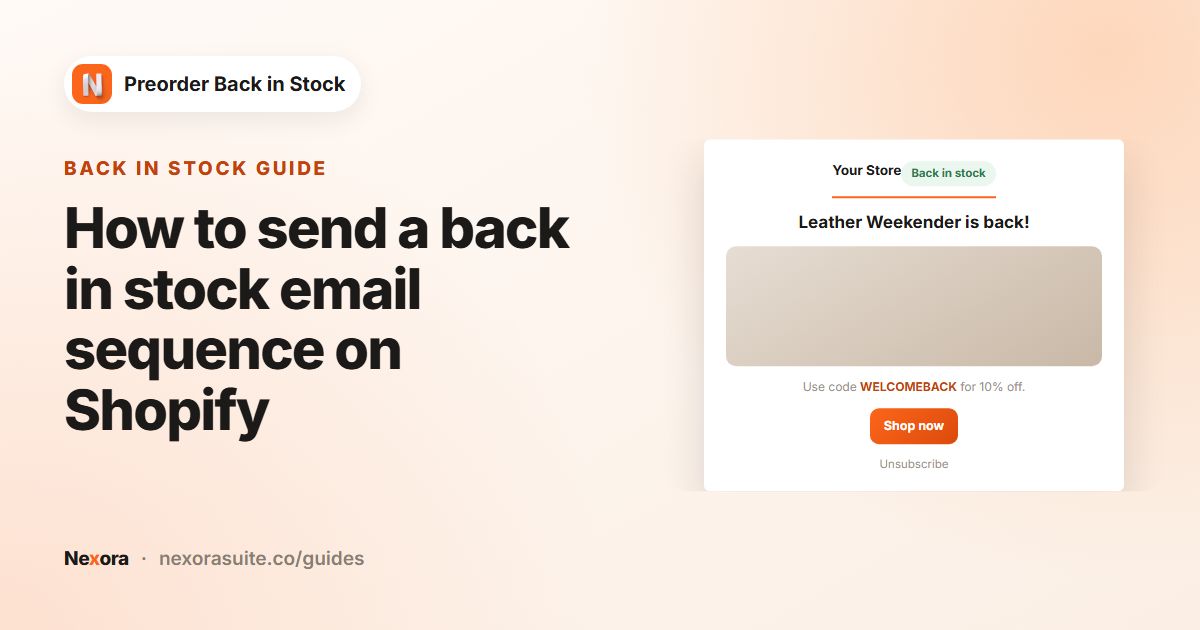 Back in stockHow to send a back in stock email sequence on Shopify
A back in stock email sequence sends an instant restock alert, then timed reminders. In Nexora Preorder Back in Stock, turn on…
Read guide →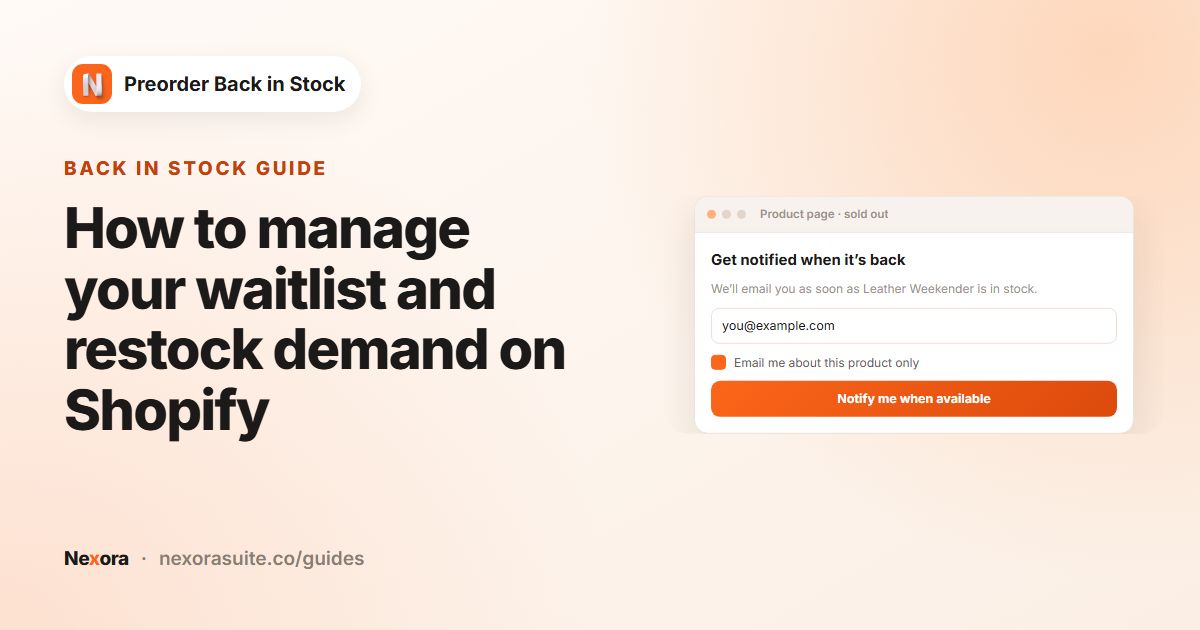 Back in stockHow to manage your waitlist and restock demand on Shopify
To manage a Shopify waitlist, track who signed up for each sold-out variant, how many are still waiting and how many bought after…
Read guide →Every feature in these guides is included — free, on any Shopify plan.