
Before you start
- Install Nexora B2B Wholesale Pricing from the Shopify App Store. The app is free, with every feature included.
- Decide how you'll recognise wholesale buyers. A customer tag such as
wholesaleis the simplest option, and every rule in the app can target tags. - Have a test customer account with that tag, so you can check prices on the storefront.
- If you plan to offer Net terms, create a manual payment method in Shopify → Settings → Payments first.
Getting started: your first wholesale price
- Turn on the app embed
Open the app. On Home, the setup guide's first step is Enable the app embed. Click Enable. The theme editor opens with the Wholesale B2B embed switched on. Click Save in the theme editor.
- Optional: turn on zero-flicker
In Storefront status, click Enable on theme next to Zero-flicker app embed and save. This stops retail prices from flashing before the wholesale price appears.
- Create a wholesale rule
Go to Pricing → Wholesale pricing and click Create new. Give it a Title (customers see it in the cart). Under Customers, choose By customer tags and add
wholesale. - Choose products and the discount
Under Products, keep All products or pick collections, tags or specific products. Under Discount, set Discount type to Percentage off and enter, for example, 20.
- Activate and save
Click the switch next to Basics so the badge reads Active, then click Save in the save bar. The app creates the Nexora Wholesale Discount automatic discount in Shopify for you.
- Add a volume table (optional)
Go to Pricing → Volume pricing, create a rule with tiers (for example 10+ units at 5% off), and pick a table design under Display → Change template. On Home, click Add to theme next to Volume table app block to place it on the product page.
- Check it on your storefront
Sign in to your store as the tagged test customer. Collection cards and product pages should show the wholesale price, with the retail price crossed out if Settings → Display → Show original price with strikethrough is on. Add a product to the cart and go to checkout to confirm the discount line.
Signed out, you should see normal retail prices. If a price looks wrong, open Pricing and click Refresh pricing data, or check Settings → Display → Theme & selectors.
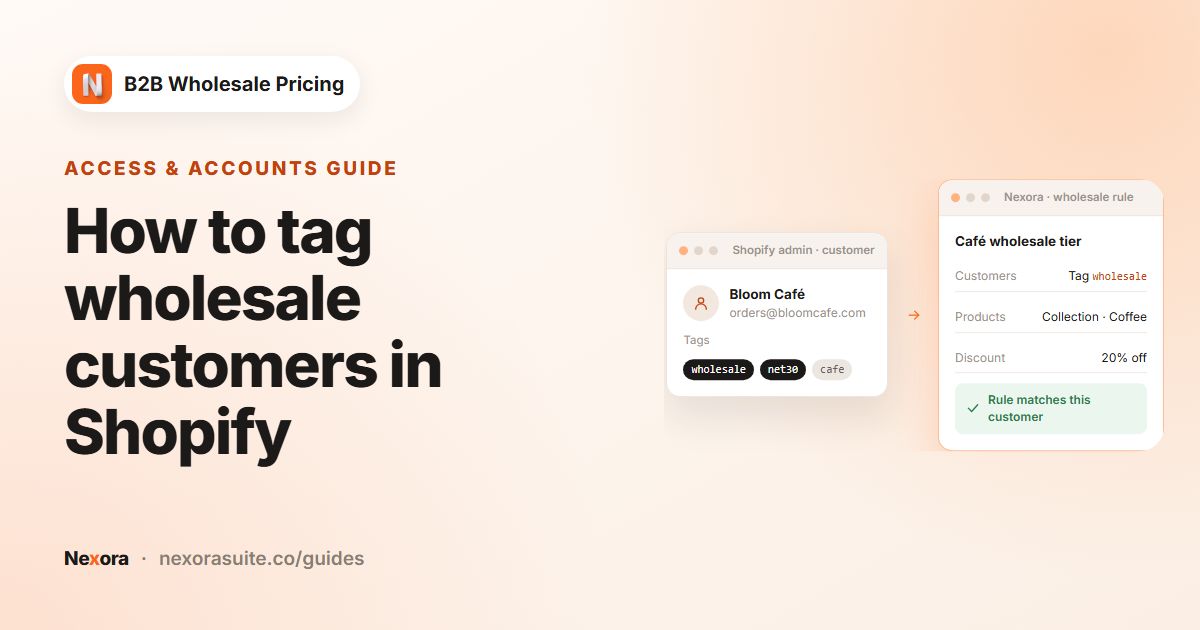 Related guideHow to tag wholesale customers in Shopify→
Recipe: let buyers apply for a wholesale account
- Build the form
Go to Registration → Registration forms → Add registration form. Add Name, Email, Password, Phone and a Text field for the company name. Optionally add a Dropdown such as Business type, and use Customer tag per option to tag each choice.
- Set the emails
On the Email tab, review Customer — Submitted, Customer — Approved and Admin — Received, and add your team's email as a recipient.
- Publish the form
Save, copy the Form ID, then create a page in Shopify (for example Wholesale application). In the theme editor, add the Registration form block to that page and paste the ID.
- Approve applicants
New applications appear in Registration → Customer submissions. Open one, add the
wholesaletag, choose Approve request and save. The customer account is created with that tag, so your wholesale rule applies straight away.
To approve everyone automatically, set Settings → Registration → Approval mode to Automatic.
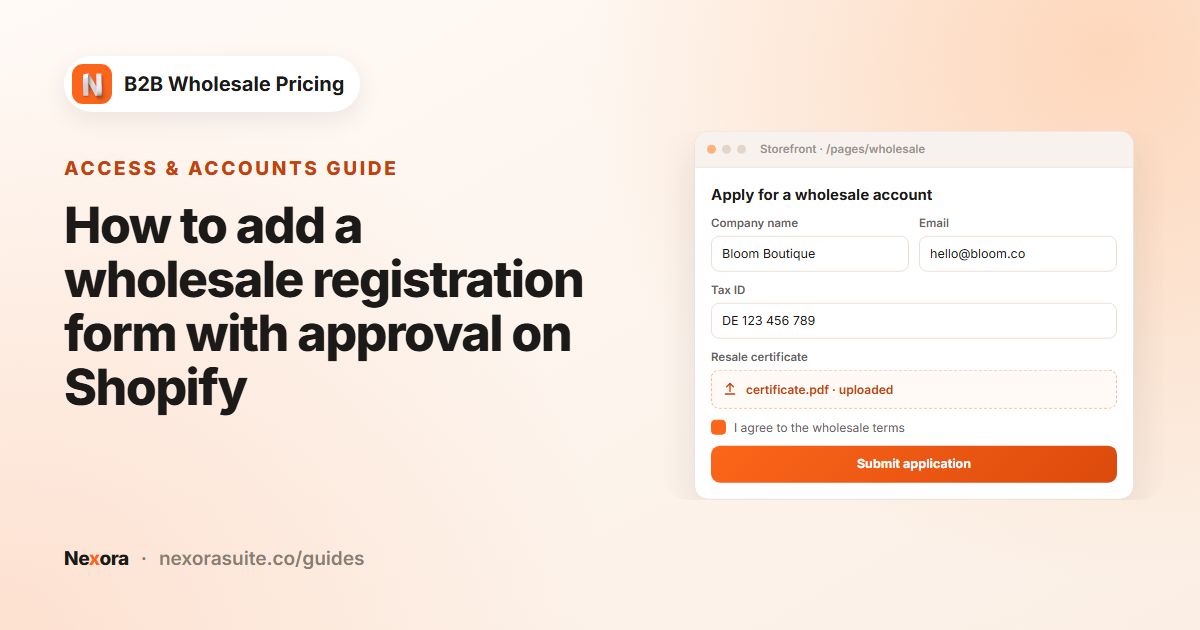 Related guideHow to add a wholesale registration form with approval on Shopify→
Recipe: require a minimum wholesale order
- Create the limit
Go to Restrictions → Order limits → Create limit. Choose MOV — Order value (cart total) and enter a Minimum cart value, for example 500.
- Target wholesale buyers
Under Customers, choose By customer tags and add
wholesale, so retail shoppers aren't affected. - Block or warn
Under Enforcement & messages, choose Block checkout. Optionally tick Show in cart drawer and pick the Milestone progress bar style.
- Add the cart block
In the theme editor, add Order minimums (cart) to the cart template, activate the limit and save. Then test with a small cart as your wholesale test customer.
For case packs, create an MOQ limit instead, with a Minimum quantity and a Step such as 6.
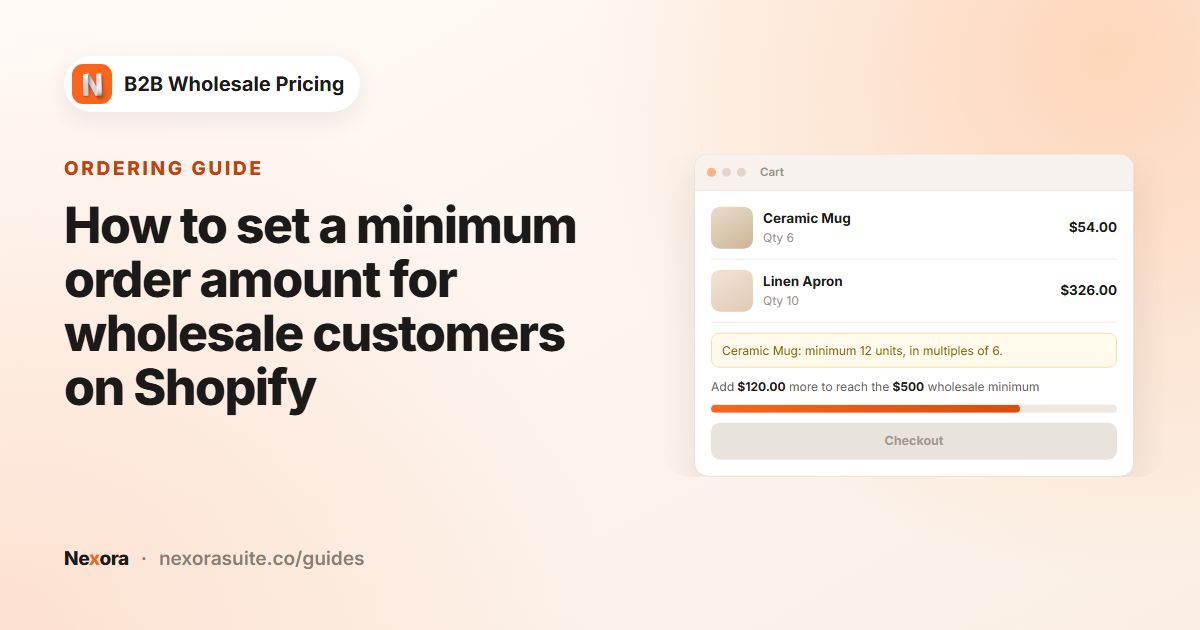 Related guideHow to set a minimum order amount for wholesale customers on Shopify→
Recipe: offer Net 30 to approved accounts
- Create the manual payment method
In Shopify, go to Settings → Payments → Manual payment methods, choose Create custom payment method, name it NET 30 — Pay later and activate it.
- Create the term
In the app, go to Add-ons → Payment terms → Create payment term. Set Term type to Net days and Net days to Net 30. Target customers tagged
net30. - Enforce at checkout
Tick Enforce this payment term at checkout, then tick the instant-pay methods to hide (for example Shopify Payments and PayPal). Leave your NET 30 method unticked.
- Invoice and remind
Turn on Email the customer before the due date in the sidebar. When a matching customer places an order, the app adds the payment terms to the order and emails an invoice. You can track it under Order forms → Invoices and click Mark as paid when the money arrives.
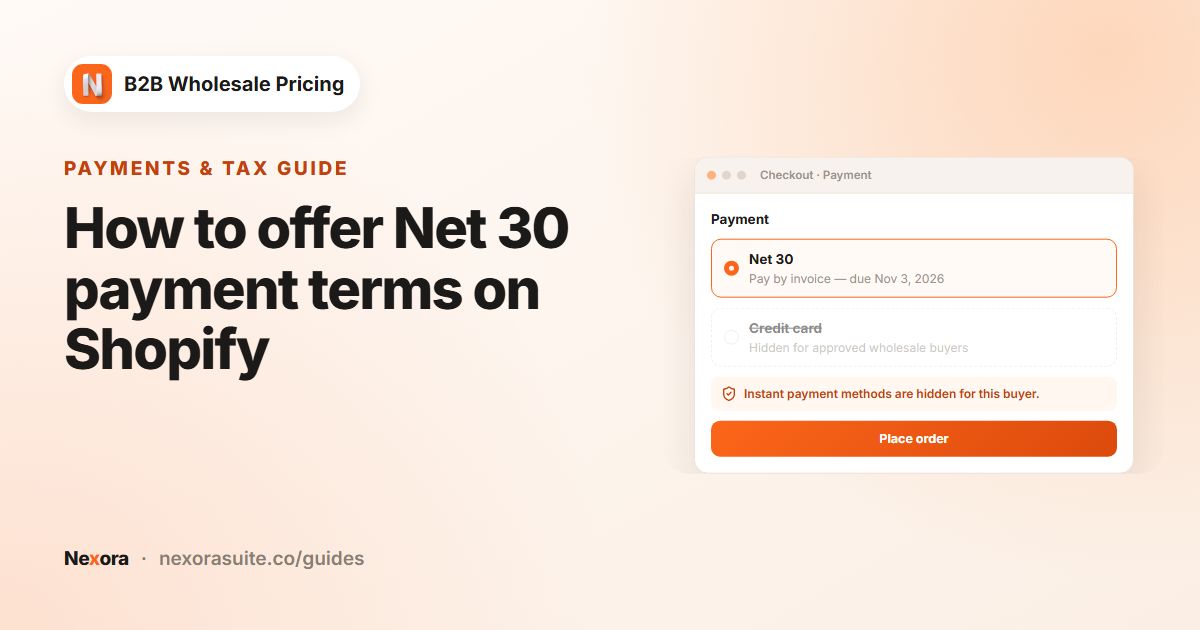 Related guideHow to offer Net 30 payment terms on Shopify→
Recipe: hide prices from guests
- Create a catalog lock
Go to Restrictions → Catalog locks → Create lock and choose Hide price.
- Choose what to lock
Under Scope, choose a collection or tag for your wholesale-only products. Choose All products only if your whole catalog is wholesale.
- Choose who can see
Under Who can see, choose Logged in only or By customer tags. Everyone else sees the price replaced by a sign-in button.
- Style and test
Pick a Button appearance preset, activate the lock and save. Open a locked product while signed out to check it.
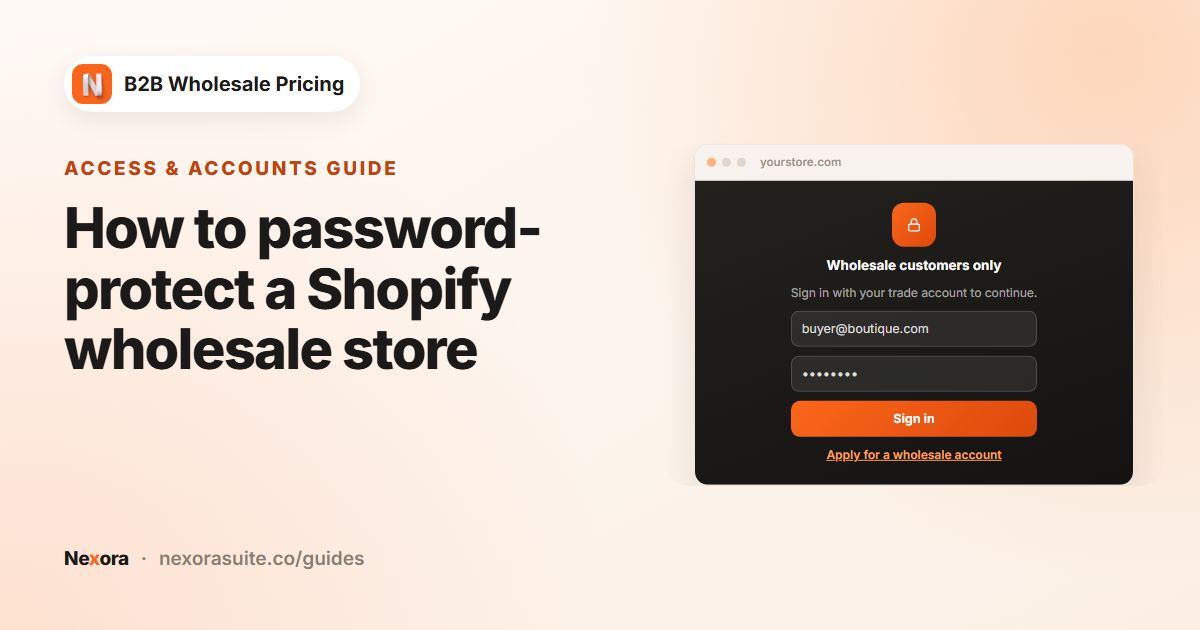
To lock the whole store behind sign-in, use Restrictions → Storefront lock as well. Keep the catalog lock with Hide price, so prices stay out of the page source.
 Related guideHow to password-protect a Shopify wholesale store→