
Getting started
How do I make the cart drawer appear on my store?
Turn on the Nexora Cart Drawer app embed in your theme editor and save. The quickest way is Activate app embed in the Setup guide on Home.
How do I turn the drawer off?
Switch off the Nexora Cart Drawer app embed in your theme editor and save. Your settings are kept, so you can turn it back on at any time.
Do I need to edit my theme code?
No. The drawer is added through an app embed. If something doesn't work with your theme, the Advanced settings or our team on live chat can usually fix it without code changes.
Will my changes show on the store right away?
Yes, after you click Save in the Cart editor. Refresh your store page to see them.
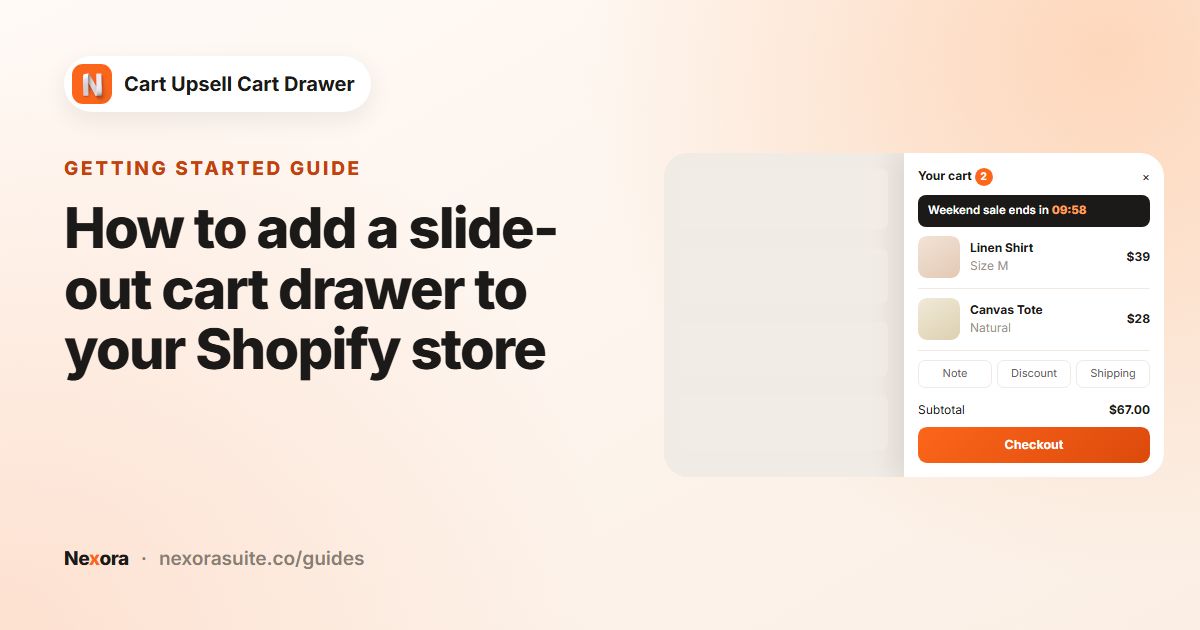 Related guideHow to add a slide-out cart drawer to your Shopify store→
Setup
Can I change the order of blocks?
Yes. In the Cart editor, drag a block by its handle to move it within its group (Main, Extra or Footer).
What happens to my settings if I apply a template?
A template replaces your design settings (colours, fonts, borders, shadows, padding). Block content such as product lists, labels and conditions stays as it is.
Does the Reward bar apply free shipping or discounts?
No. The Reward bar only shows progress toward a goal. To actually give the reward, create a matching discount or free shipping rate in Shopify with the same minimum.
Where do Complementary products come from?
With AI recommendations, they come from Shopify's product recommendations for the items in the cart. With Manual, you choose exactly which products show for which items, with optional conditions and a percentage discount.
Why are no products showing with the Complementary algorithm?
The Complementary algorithm only shows products you've set up in the Shopify Search & Discovery app. Set them up there, or use Related instead.
How do customers get their free gift?
When the cart meets your offer's condition, the gift appears in the drawer and the customer clicks Add item to cart. At checkout, one unit of the gift is made free while the cart still qualifies.
How do gift wrapping and shipping protection charge the customer?
Each adds a product you choose to the cart, at that product's price. Create the product in Shopify first, then select it in the block.
Can I translate the drawer?
Yes. Use the Translations page to translate the drawer's text for each language published on your store.
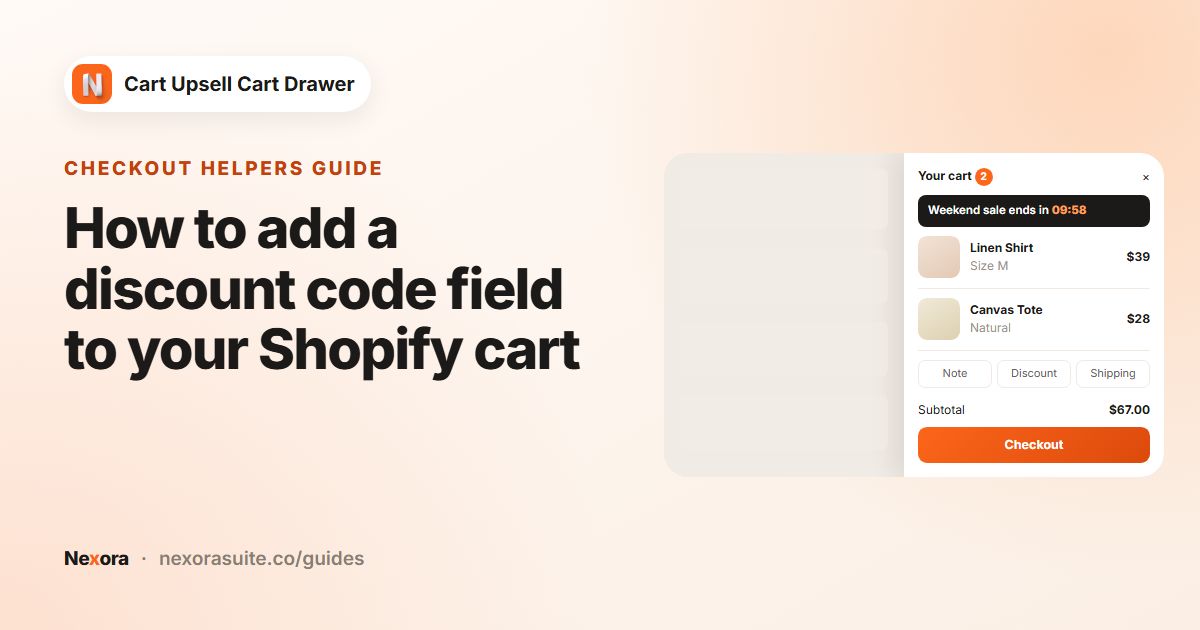 Related guideHow to add a discount code field to your Shopify cart→
Storefront & theme
My theme's own cart still opens. What should I do?
Enter your theme cart's CSS selector in Advanced > Hide default drawer, and your cart icon's selector in Cart button selector. If you're not sure what to enter, message us on live chat.
The cart count in my header doesn't update.
Add the count bubble's selector in Advanced > Cart count selector, then save.
Does the drawer work on mobile?
Yes. The drawer is responsive, and the Sticky cart can be shown on all devices, desktop only or mobile only, with separate sizes and positions.
Can I add my own content or styling?
Yes. Use the HTML code block (in the Main or Footer group) for custom content, and Advanced > Custom CSS/JS for your own styles or scripts.
Is the countdown timer the same for everyone?
No. Each visitor gets their own countdown, starting when they first see it. When it ends, it restarts, hides or shows your expired message, depending on Action ends.
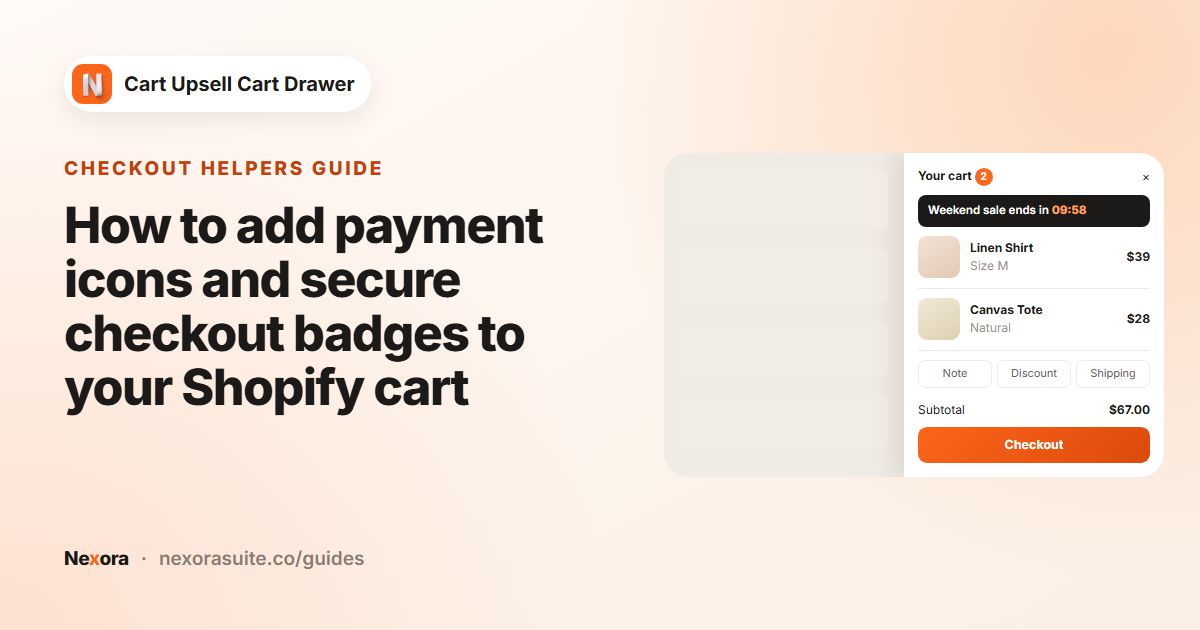 Related guideHow to add payment icons and secure checkout badges to your Shopify cart→
Pricing & billing
How much does the app cost?
Nothing. The app is completely free and every block and page is unlocked.
Will I be charged for upsells or free gifts?
No. We don't charge any fees or commission on sales made through the drawer.
Troubleshooting
The free gift isn't free at checkout.
Check that the cart still meets the offer's condition and that the gift was added from the drawer. If the app's discount was deleted in Shopify, click Sync Free Gift in the Discount Functions card on Home.
The Complementary products discount isn't applied.
The discount only applies to offered products added from the drawer while the cart still contains the trigger product. Make sure you clicked Save after editing the rule.
Analytics shows no data.
Data appears within 24 hours of the first cart open. Make sure the app embed is turned on and that shoppers have opened the drawer.
The preview looks different from my store.
The preview uses sample products. Your theme's fonts and any custom CSS can also change how the drawer looks on your store. Contact us on live chat if something looks wrong.
How do I get help?
Use live chat inside the app (Need help? on Home) or email [email protected].
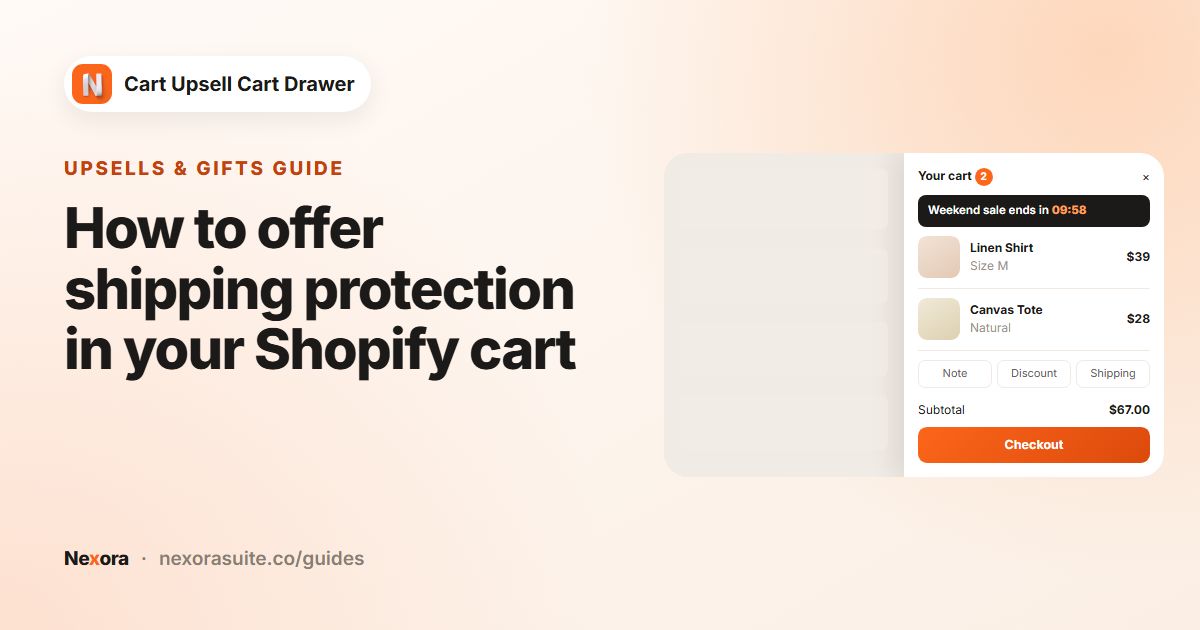 Related guideHow to offer shipping protection in your Shopify cart→